 GameWiki
GET YOUR BEARINGS
About Need for Speed
Need for Speed™ drops players into Ventura Bay, a sprawling urban playground where iconic cars race through city streets, harbor roads, and canyon passes. The game blends action, adventure, and simulation, offering single‑player and multiplayer modes with full controller and steering‑wheel support on PC. Players build reputation across five distinct play styles, customize their rides, and engage with live updates that keep the world feeling fresh.
01 / THE GUIDE
Five Distinct Play Modes
The title introduces Speed, Style, Build, Crew and Outlaw as separate ways to earn reputation and win. Each mode focuses on a different aspect of street racing, from pure velocity to crew‑based challenges.
These modes coexist within the same open world, letting players switch goals while exploring Ventura Bay and competing against other racers.
- Try a mode that matches your preferred play style first.
- Switch modes to keep the experience varied.
02 / THE GUIDE
Visual and Performance Customization
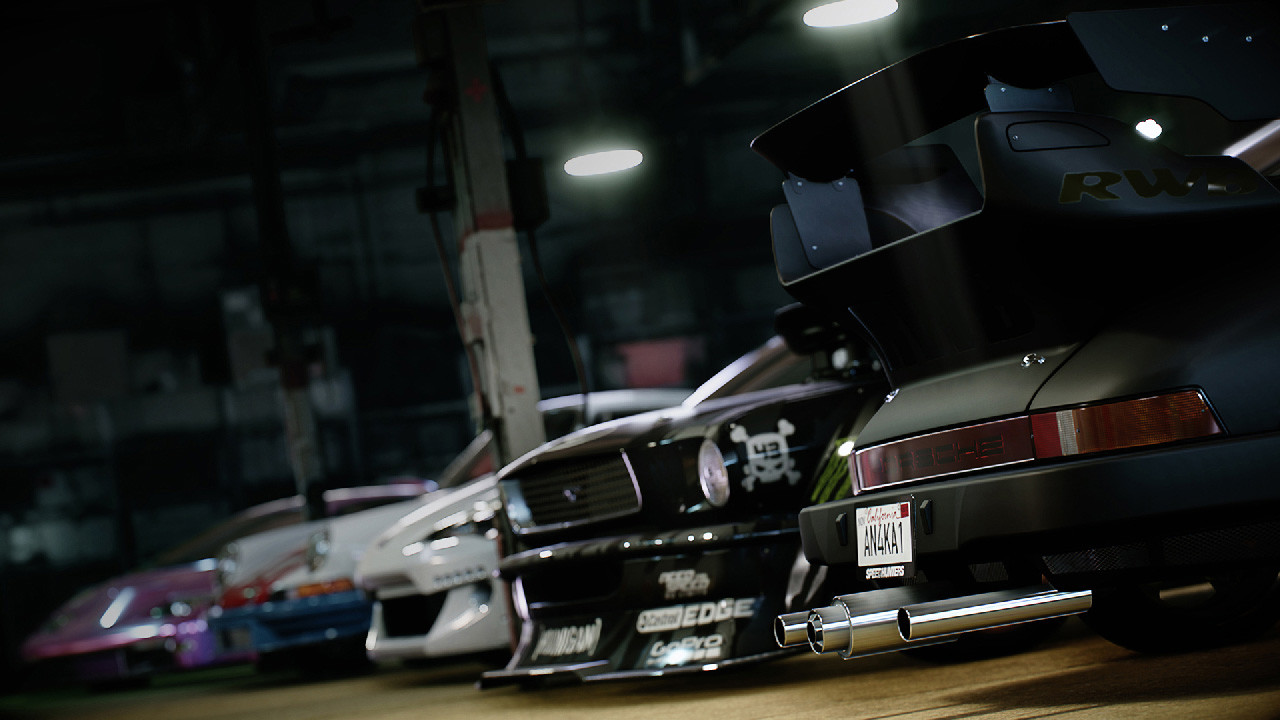
Customization lets you shape a car’s look and handling. The system offers extensive visual options and performance upgrades, ensuring each vehicle reflects the player’s personality and racing needs.
Both aesthetic and mechanical changes are available, allowing you to balance style with speed for any chosen mode.
- Balance visual upgrades with performance parts.
- Save favorite setups for quick swaps.

03 / THE GUIDE
Ventura Bay Playground
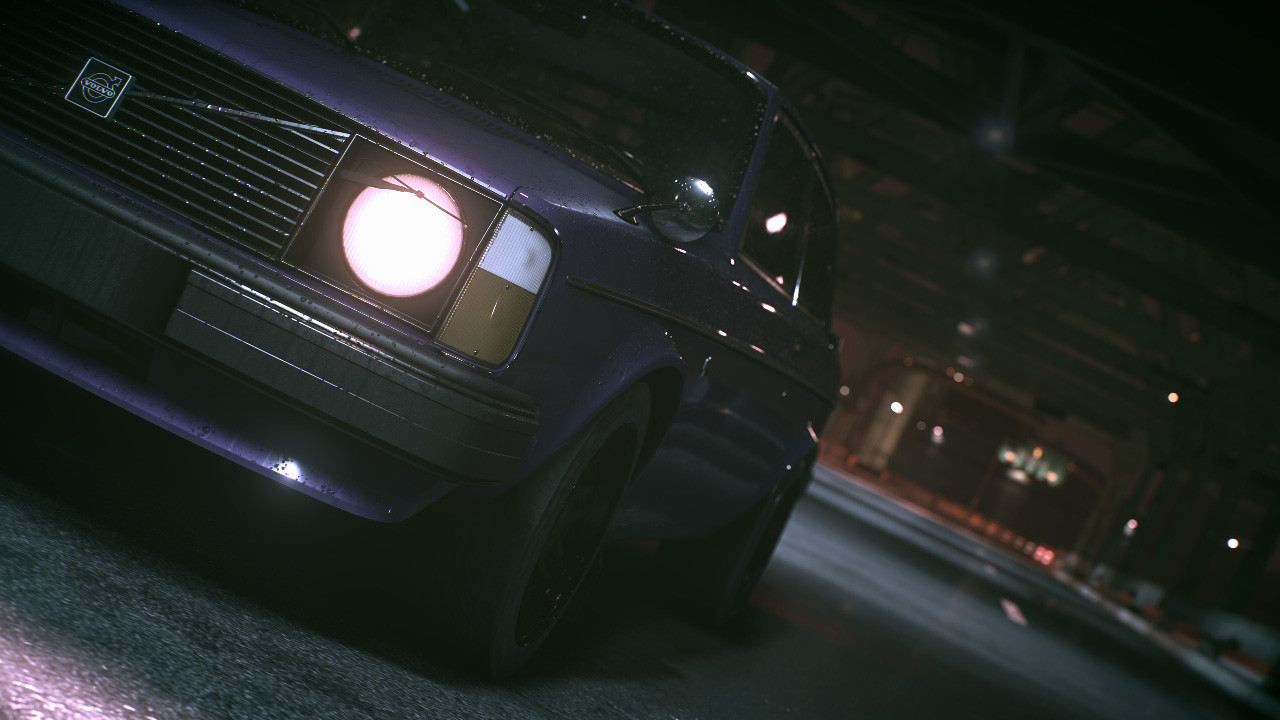
Ventura Bay serves as the game’s open‑world map, featuring dense city streets, winding harbor routes, and canyon passages. The environment acts as the backdrop for races, challenges, and story moments.
The varied terrain supports all five play modes, giving each a unique set of routes and shortcuts to discover.
- Explore off‑road for hidden shortcuts.
- Use landmarks to navigate quickly.
04 / THE GUIDE
PC‑Only Optimizations
The PC version runs at an unlocked frame rate and supports 4K resolution, delivering a high‑fidelity visual experience. It also integrates steering‑wheel and peripheral support from manufacturers like Logitech, Thrustmaster, and Fanatec.
These technical features aim to provide a smooth, immersive racing feel for players with compatible hardware.
- Enable 4K for sharper visuals.
- Connect a supported wheel for realism.
05 / THE GUIDE
Live Updates and Snapshot Pro
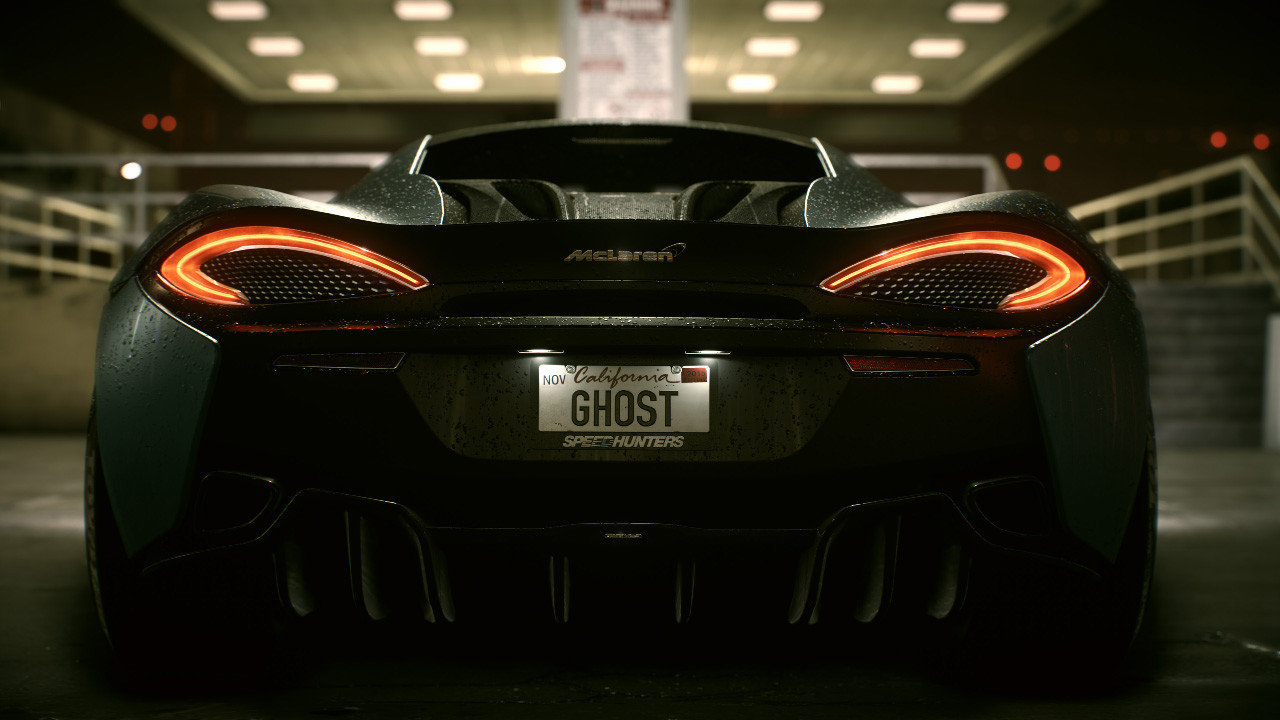
Free updates add new challenges, such as Eddie’s challenge, and introduce Snapshot Pro, a photography mode that lets players capture in‑game moments. These updates also bring reward cars like Ken Block’s Hoonicorn.
The live content keeps the world evolving, encouraging players to revisit the map for fresh objectives.
- Check updates regularly for new challenges.
- Use Snapshot Pro to document wins.

COMMUNITY
Player discussion