 GameWiki
GET YOUR BEARINGS
About Neat!
Neat! puts you in the role of Molly, a startup founder who tidies spaces to help clients feel calmer. Each client’s clutter hides a personal story, and your task is to sort, place, and understand the objects they keep.
The game offers eight handcrafted locations—from a grandmother’s garden to a VTuber’s streaming room—each with its own narrative. Play at your own pace, guided by a chill soundtrack, with mouse‑only input and partial controller support.
01 / THE GUIDE
Client Stories
Every location is linked to a distinct client whose life is reflected in the mess they leave behind. By organizing their belongings you uncover why the space feels chaotic and learn the emotional weight behind each item.
The narrative is delivered through dialogue and the objects themselves, allowing you to piece together personal histories without any timed pressure.
- Observe object placement for hints about daily routines.
- Notice recurring emotional themes across clients.
02 / THE GUIDE
Handcrafted Locations
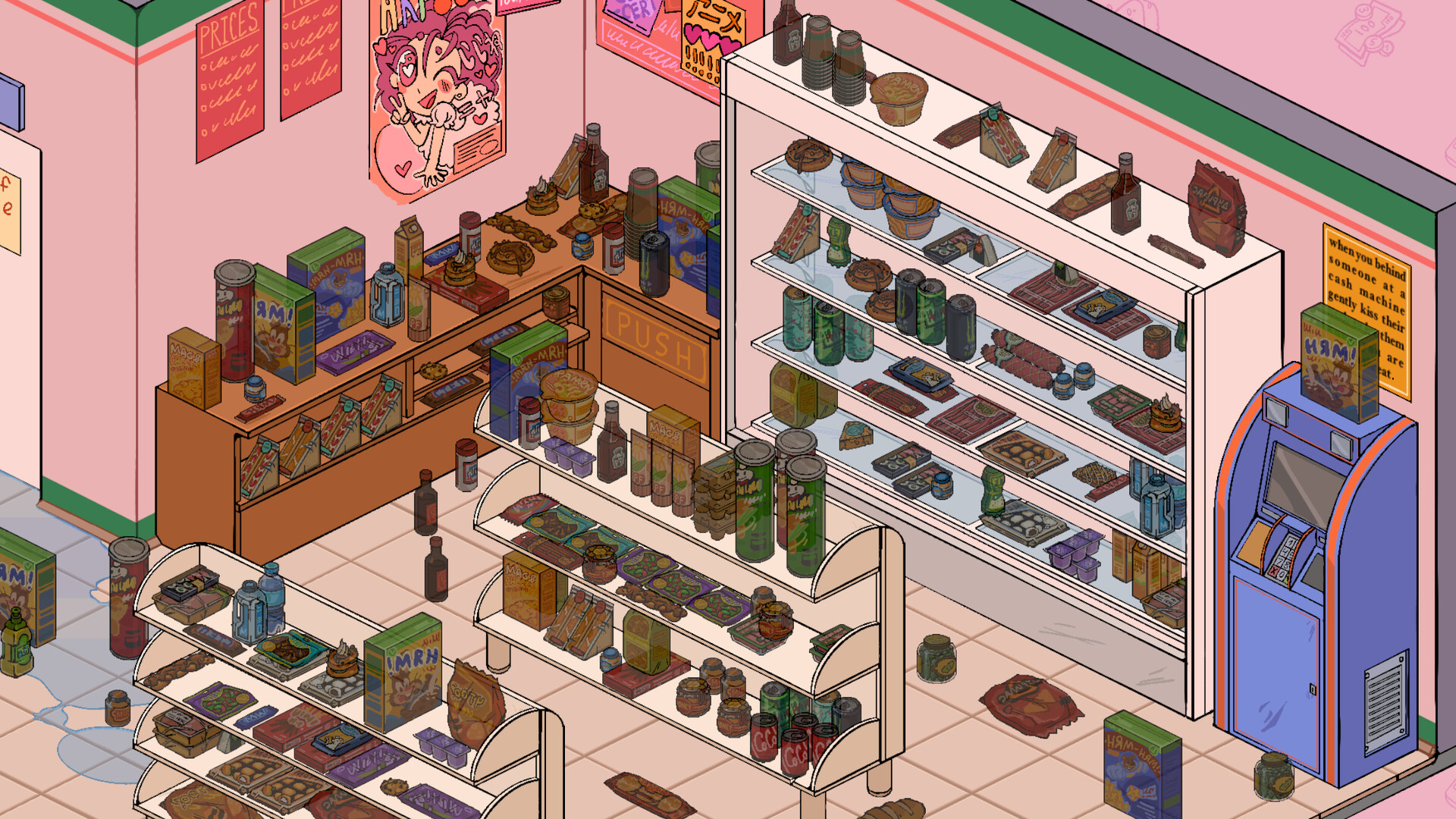
Neat! features eight unique spaces, ranging from a quiet garden to a Japanese konbini on the night shift. Each environment has its own visual style and set of interactive items.
The variety ensures that no two rooms feel the same, encouraging you to adapt your organizing approach to each layout and story.
- Explore each corner before sorting begins.
- Compare similar spaces to spot efficient patterns.

03 / THE GUIDE
Object Interaction
Players can sort and place a wide variety of unique, interactive objects. Each item can be picked up, moved, and set where it belongs, revealing narrative details through the items you handle.
Interaction is simple and direct, letting you focus on arranging objects in ways that make sense for the client’s life.
- Group similar items to speed sorting.
- Pay attention to objects that trigger dialogue.
04 / THE GUIDE
Audio & Atmosphere
A chill, carefully curated soundtrack plays throughout the game, reinforcing the calming theme of tidying. The music subtly adapts to each location, enhancing immersion without distracting from core gameplay.
Audio cues work alongside visual design to create a soothing environment, making the act of organizing feel meditative.
- Adjust volume to match your focus level.
- Listen for musical changes when entering new areas.
05 / THE GUIDE
Accessibility & Controls
Neat! offers Mouse Only input, Partial Controller Support, Adjustable Text Size, Camera Comfort, and Color Alternatives. These options let players tailor the experience to comfort and accessibility needs.
Custom Volume Controls and Steam Cloud support ensure settings persist across sessions, providing a consistent experience.
- Enable larger text if dialogue feels cramped.
- Try color alternatives for higher contrast.


COMMUNITY
Player discussion