 GameWiki
GET YOUR BEARINGS
About Near Death
After a plane crash leaves you stranded in Antarctica, you awaken in the abandoned Sutro Station. The game thrusts you into a dark, sub‑zero world where the environment itself is the enemy, demanding quick action to avoid freezing.
Near Death offers a fully explorable research facility and an open‑world polar landscape. You must use light trails, a personal heater, and other tools to reclaim the station, manage temperature, and survive long enough to find a way home.
01 / THE GUIDE
Fully Explorable Sutro Station
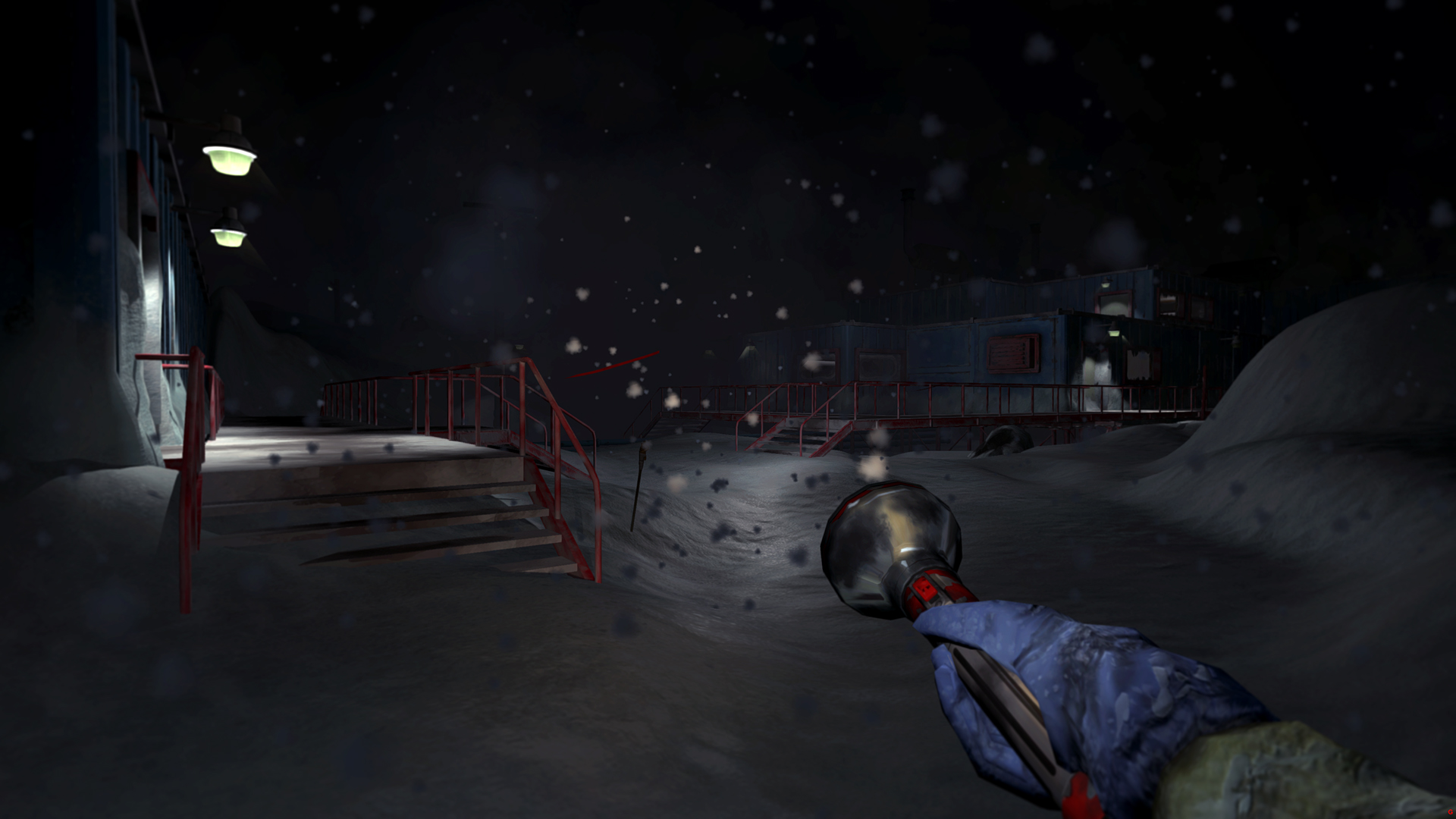
The research station is presented as a seamless open world that you can navigate room by room. Its layout reacts to the harsh Antarctic conditions, letting you move between areas as the environment changes.
Exploration is central; you can wander through corridors, labs, and external decks while the weather outside influences visibility and temperature inside. The design encourages thorough searching for supplies and clues.
- Take note of how each room’s temperature shifts when you move between heated and unheated zones.
- Compare interior lighting with exterior storms to gauge how visibility changes.
02 / THE GUIDE
Dynamic Weather System
Snow, wind, temperature, and lighting combine to create varied Antarctic conditions. Storms can become blinding whiteouts, while brief lulls offer moments of calm. The weather directly affects how you see and move.
The system is designed to be unpredictable, forcing you to adapt your strategy as storms intensify or ease. Light trails become essential during low‑visibility periods.
- Observe how wind intensity alters the spread of your light trails.
- Use calm periods to plan routes before a whiteout returns.
03 / THE GUIDE
Real‑Time Temperature Simulation
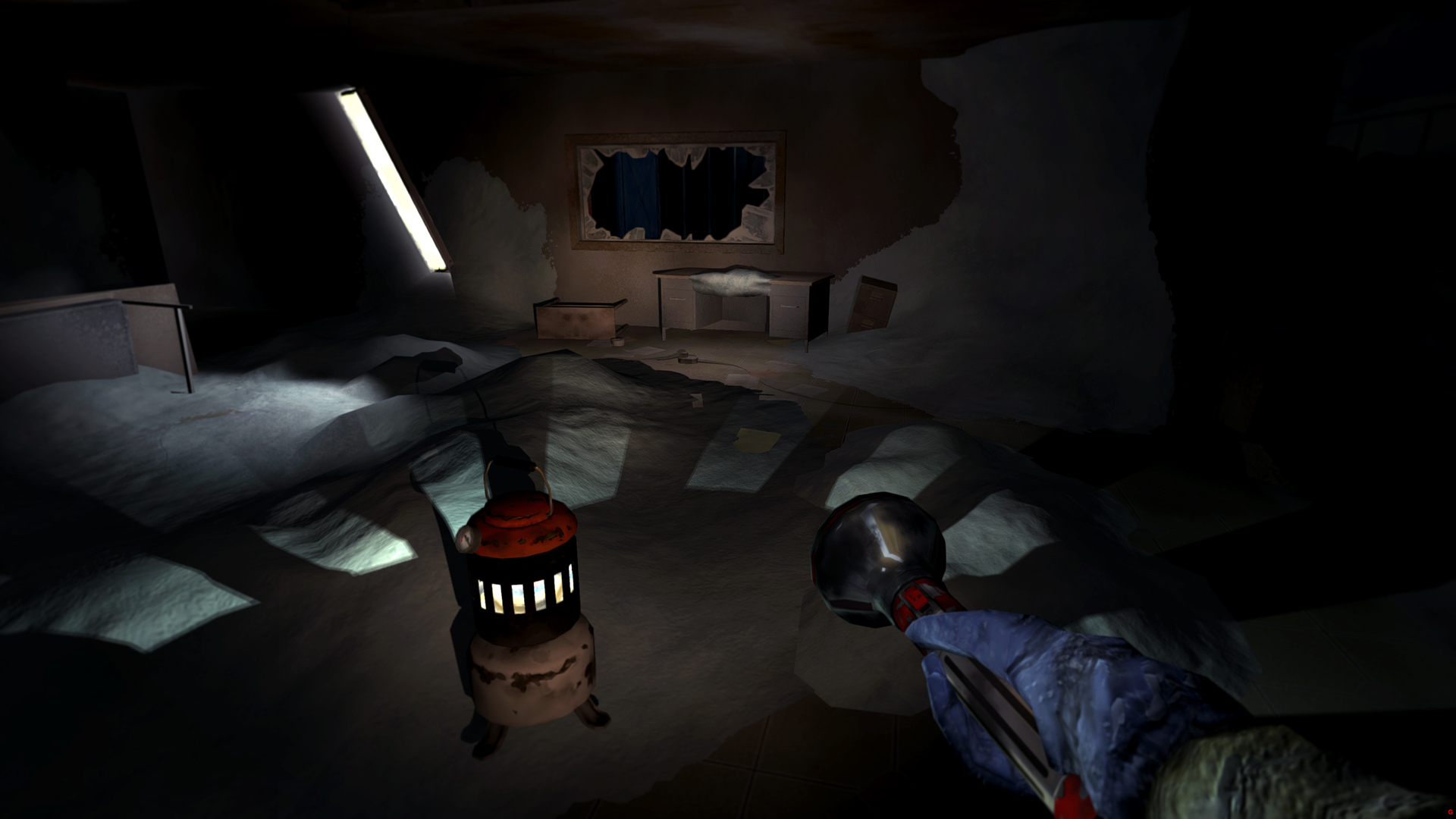
Each room’s temperature is simulated in real time, freezing or thawing based on exposure, building layout, power availability, and your repairs. Cold spreads from the outside inward, making some areas hazardous.
Your ability to create safe zones with makeshift repairs and personal heating devices influences how long you can stay in a given space before the cold becomes lethal.
- Track which sections stay warm longer after you restore power.
- Compare the rate of freezing in open corridors versus enclosed rooms.
04 / THE GUIDE
Innovative Player Tools
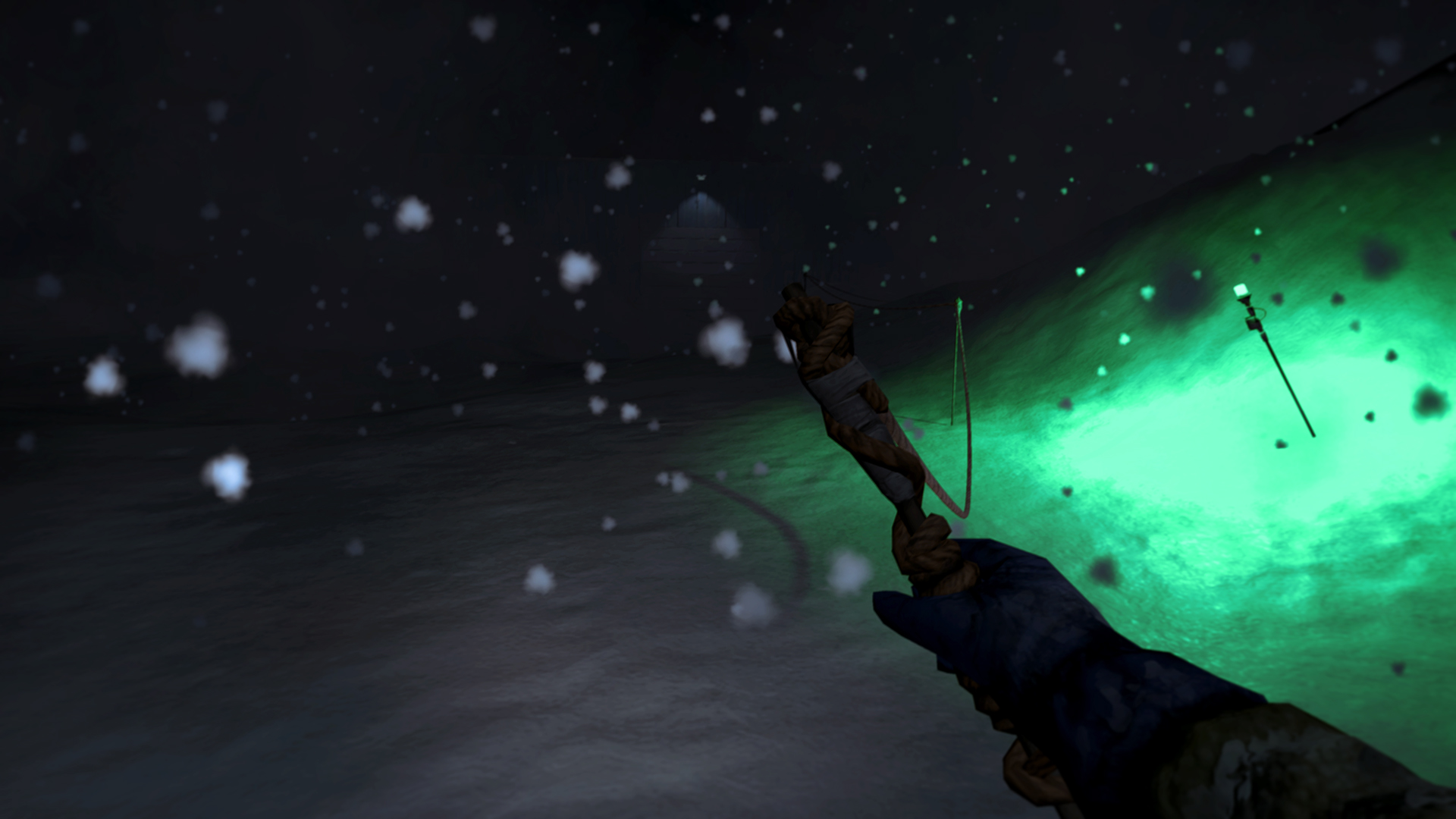
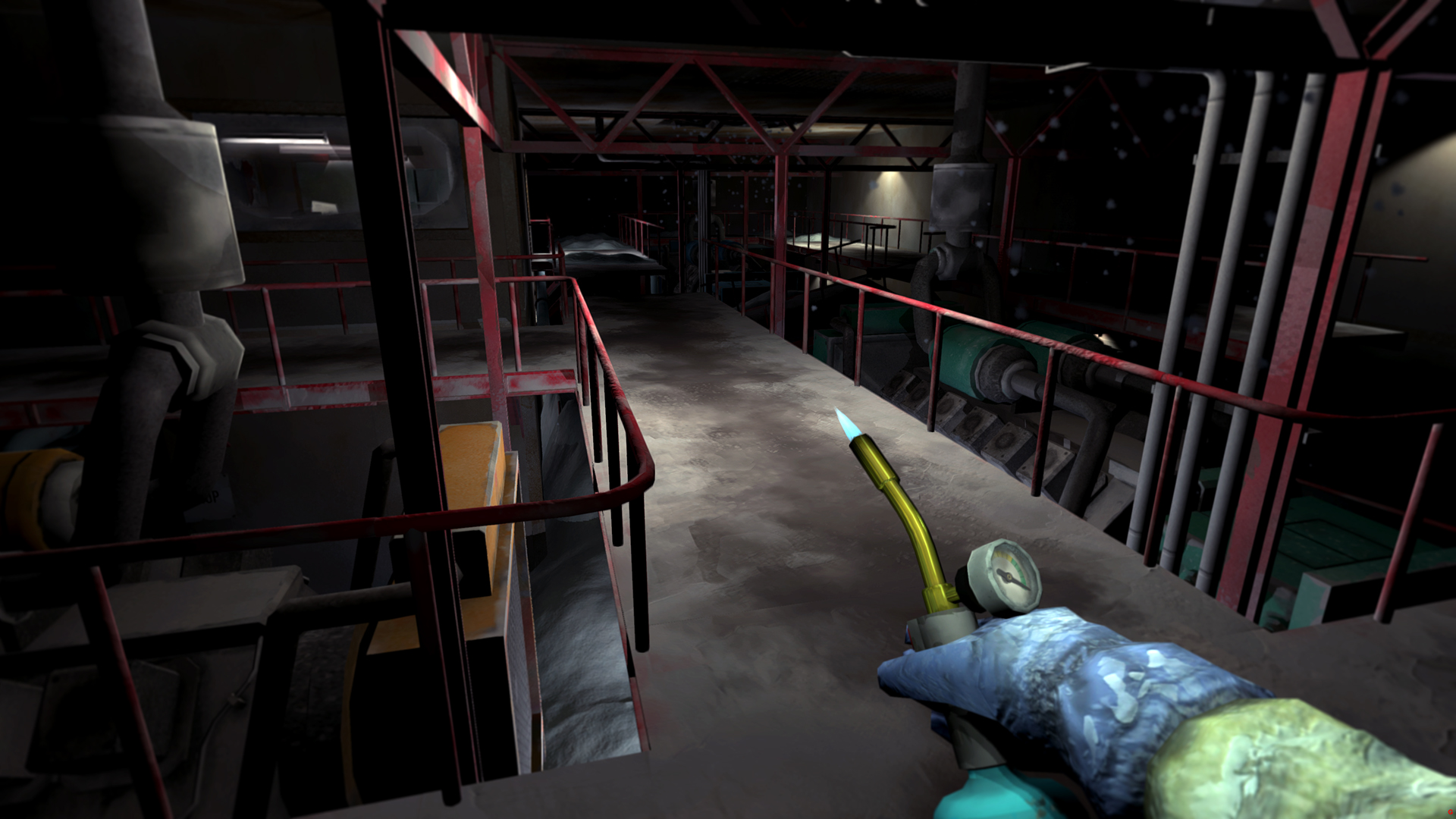
You can mark paths with light trails during zero‑visibility storms, melt frozen obstacles to access new areas, and generate warmth with a personal heater. These tools are designed to counter the extreme cold and darkness.
Each tool serves a specific purpose: light trails guide navigation, melting clears blocked passages, and the heater creates temporary safe zones, allowing you to explore deeper into the station.
- Test how long a heater’s warmth lasts in different rooms.
- Experiment with melting ice near power sources for quicker access.
05 / THE GUIDE
Discoverable Blueprints and Upgrades
Scattered throughout Sutro Station are blueprints that unlock upgrades, enhancing your ability to withstand the cold. These upgrades enhance your capabilities and increase your ability to withstand the cold, improving survivability.
Finding and applying upgrades is optional but can make temperature management and navigation more efficient, giving you a better chance to survive longer periods in the storm.
- Map where you find blueprints to prioritize revisiting those zones.
- Compare the impact of each upgrade on tool effectiveness.
COMMUNITY
Player discussion