 GameWiki
GET YOUR BEARINGS
About Nancy Drew: Warnings at Waverly Academy
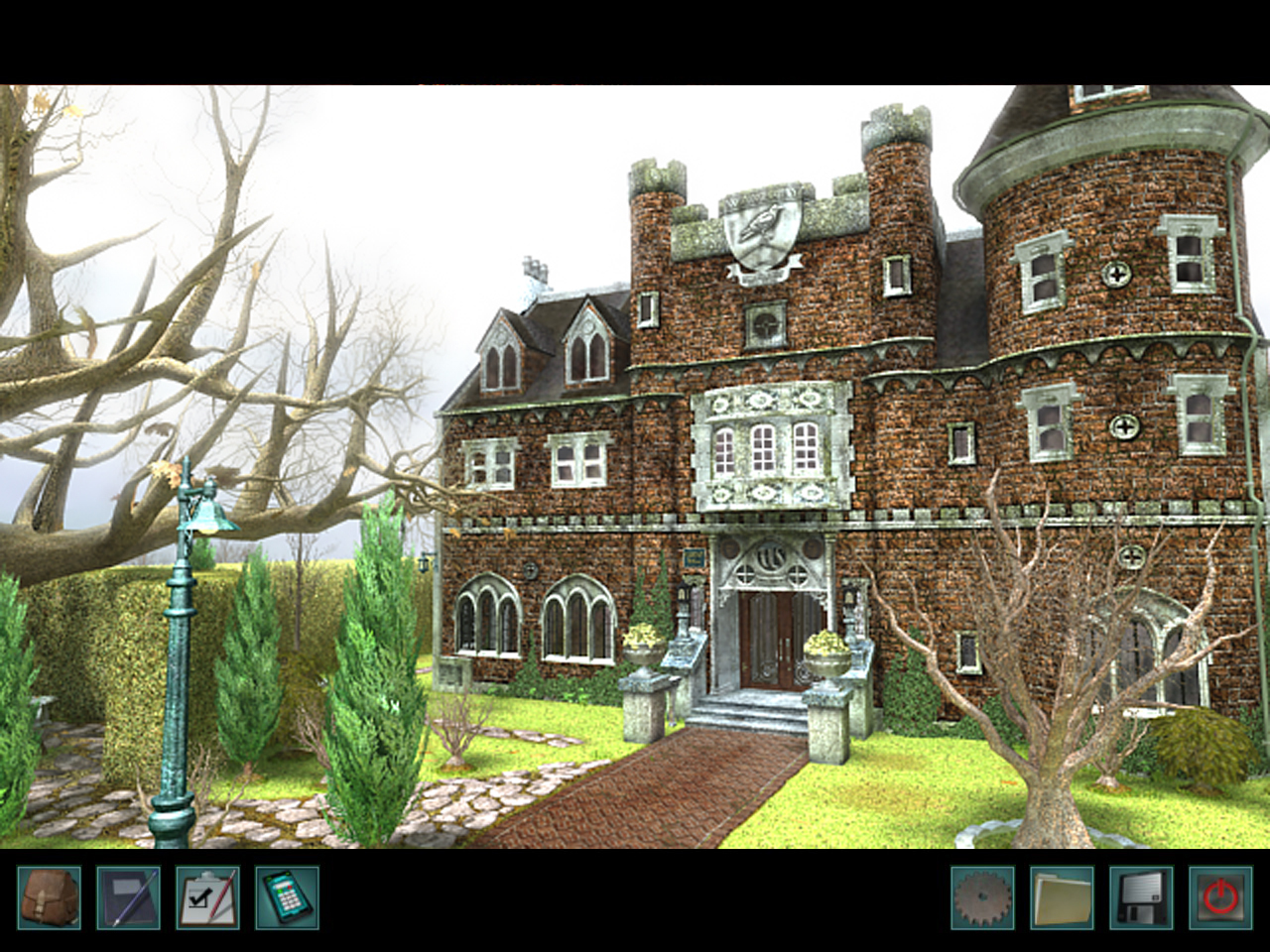
Nancy Drew®: Warnings at Waverly Academy is a first‑person point‑and‑click adventure where you play as Nancy Drew undercover at an exclusive girls’ boarding school. The core task is to uncover the source of threatening notes and dangerous accidents aimed at the valedictorian candidates.
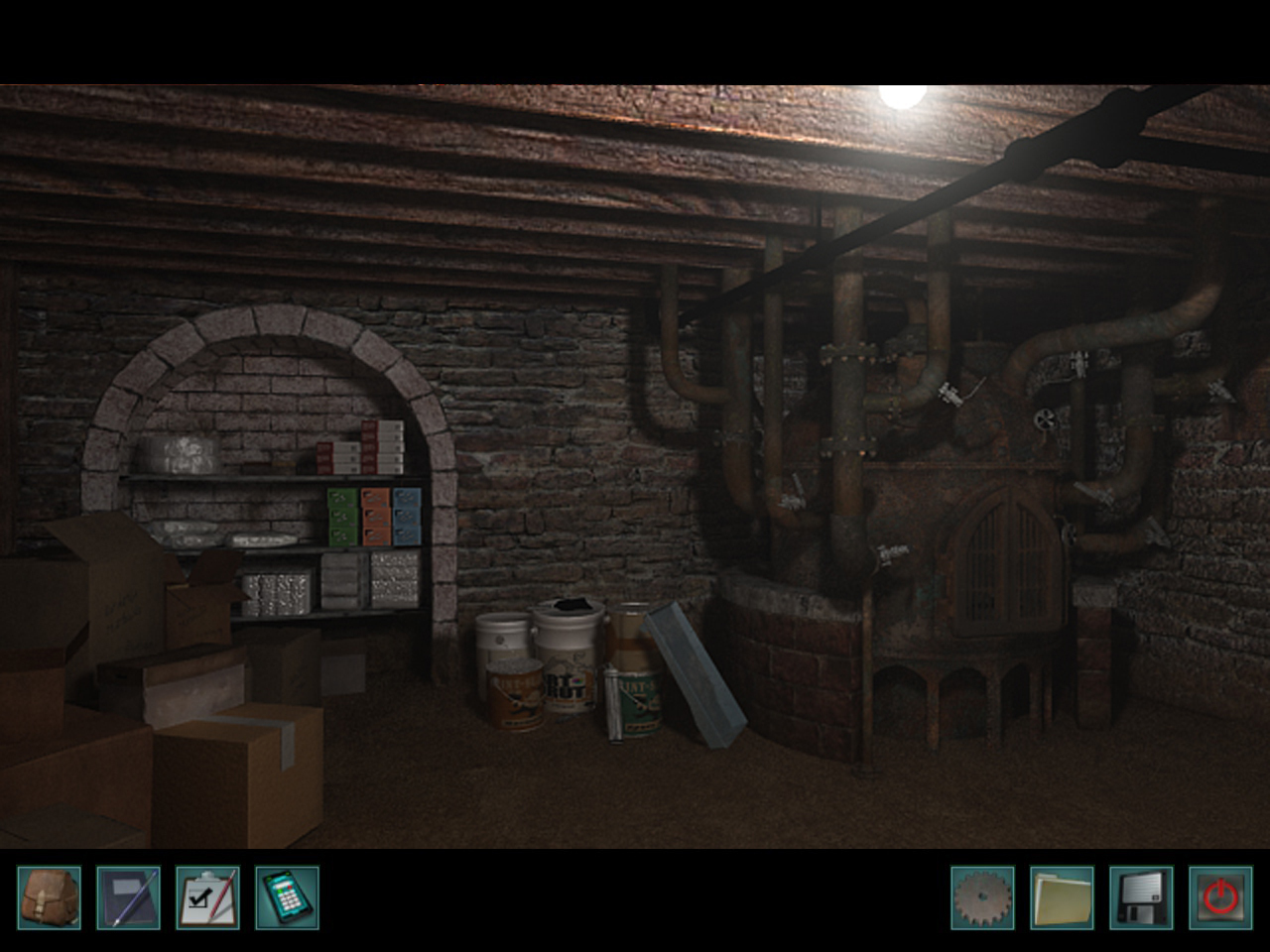
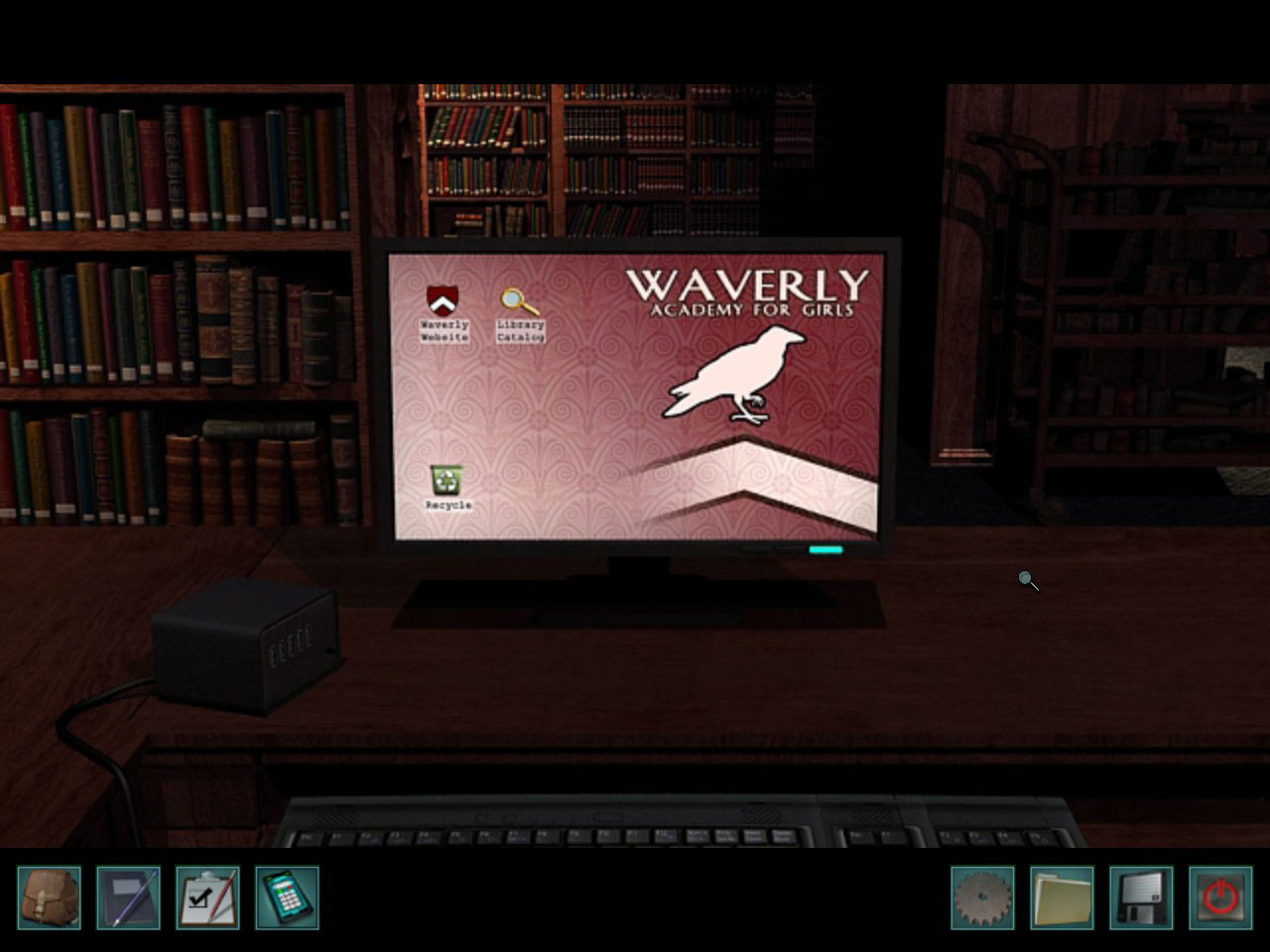
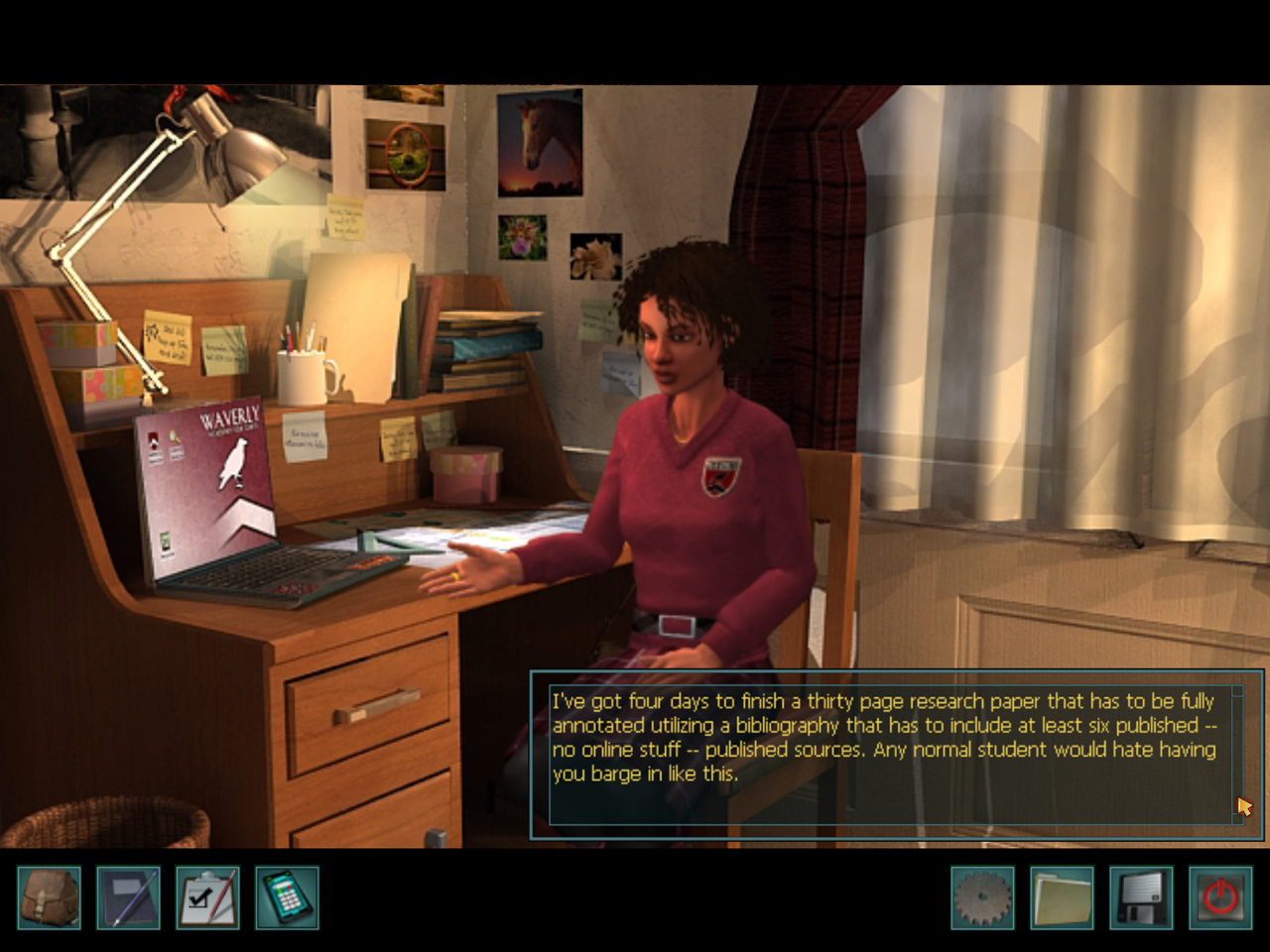
While investigating, you can explore detailed school locations, interrogate suspects, and complete puzzles and mini‑games. Additional school life elements such as texting classmates, studying projects, and using the student lounge for air‑hockey, darts, or a snack bar add context to the mystery.
02 / THE GUIDE
Investigation Tools
Nancy’s phone is available at any time during exploration. It can capture photographs of items you deem suspicious, creating a visual record that can be reviewed later.
The same phone also provides a hint function that can be called when you need assistance with a puzzle or clue, offering optional guidance without forcing its use.
- Take a photo of every object that seems out of place; the image may reveal details not obvious in text.
- Reserve the hint option for puzzles that stall your progress to keep the challenge intact.
03 / THE GUIDE
School Activities
Beyond the core mystery, the game lets you engage in typical high‑school pastimes. You can text classmates, work on projects, and navigate social cliques, which add context to the investigation.
Recreational options include playing air‑hockey, darts, and running a snack bar for credits. These activities provide a break from investigation while reinforcing the academy’s atmosphere.
- Participate in at least one social interaction; it may reveal motives or hidden information.
- Running the snack bar can earn credits.
04 / THE GUIDE
Difficulty Settings
Before starting, you can select Junior Detective or Senior Detective difficulty. The choice lets you tailor the challenge, allowing the game to suit both newcomers and veteran adventure players.
Both settings are part of the same mystery, differing in the level of challenge they present.
- If you are new to point‑and‑click adventures, begin with Junior Detective to become familiar with the logic.
- Experienced players may prefer Senior Detective for a more demanding puzzle experience.
05 / THE GUIDE
Platform and Features
The title is released for Windows via Steam and is listed as a single‑player experience. It supports Steam Achievements, allowing you to track specific milestones, and Family Sharing, which lets household members access the game under their own accounts.
No macOS or Linux support is mentioned, indicating the game is officially available only on Windows platforms.
- Check the Steam Achievements list to see optional goals that may encourage extra exploration.
- If you share the game with family, verify that Family Sharing is enabled in your Steam settings.
COMMUNITY
Player discussion