 GameWiki
GET YOUR BEARINGS
About NAMCO MUSEUM ARCHIVES Vol 2
Namco Museum Archives Vol 2 is a Windows‑only compilation that bundles eleven 8‑bit Namco titles, including ten classic games and a bonus 8‑bit version of Gaplus. The collection spans shooters, platformers and other genres from the 8-bit era.
Modern conveniences such as a save function and a replay function let players pause or restart at any moment. Steam integration adds achievements, cloud saves, Remote Play Together and Family Sharing, expanding how the titles can be enjoyed.
01 / THE GUIDE
Game Library
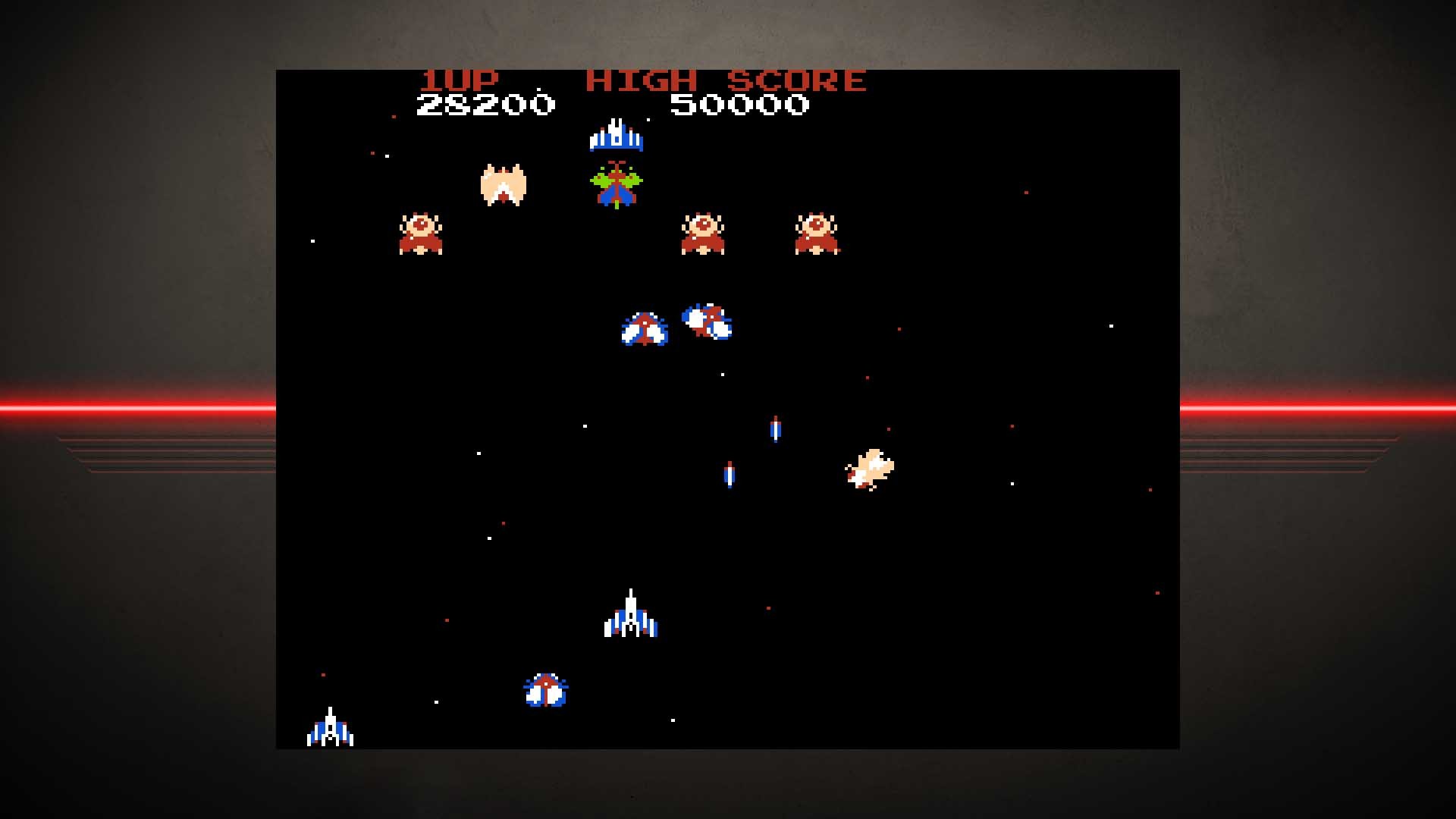
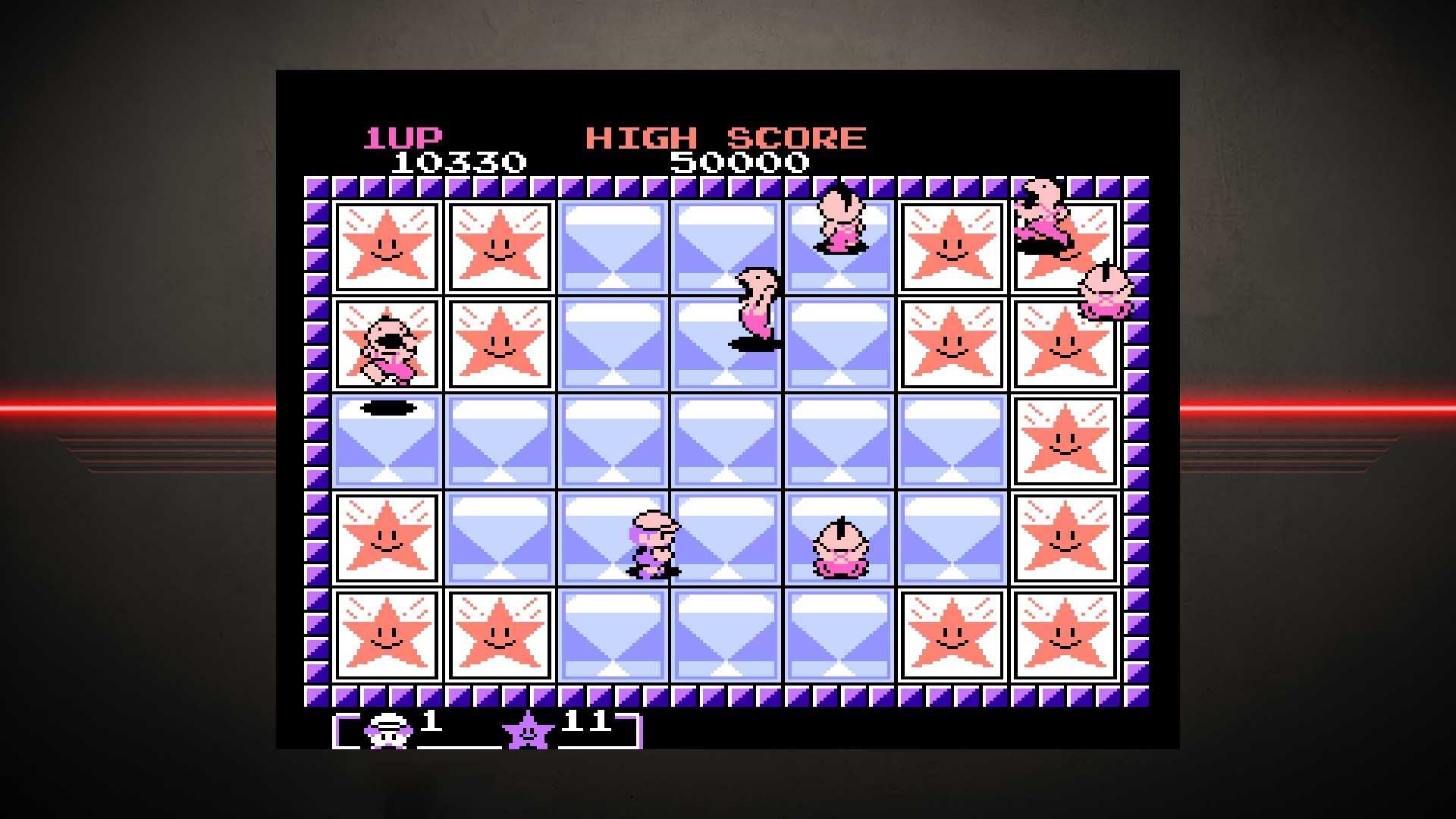
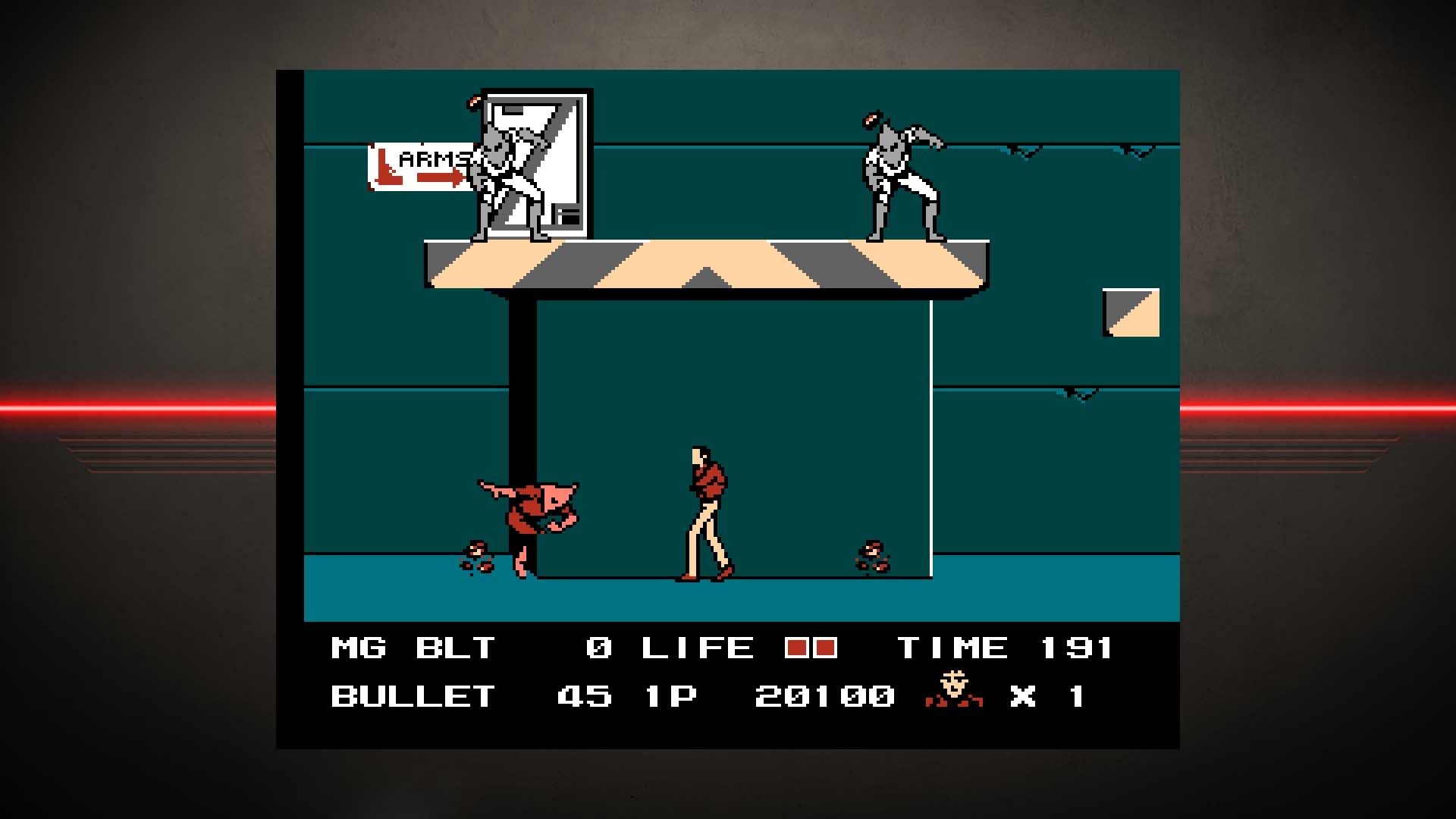
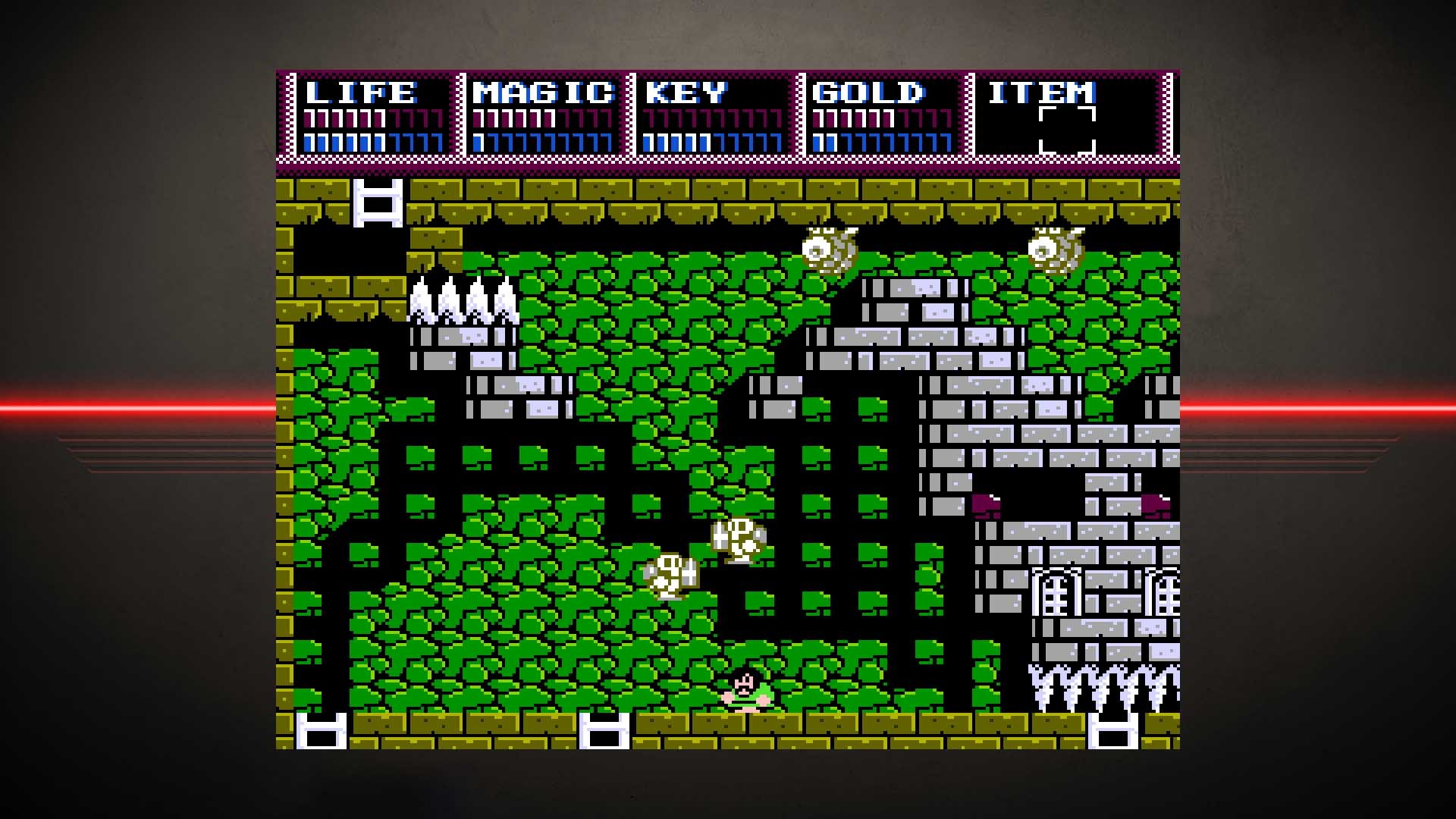
The compilation lists Galaga, Battle City, Pac‑Land, Dig Dug II, Super Xevious, Mappy‑Land, Legacy of the Wizard, Rolling Thunder, Dragon Buster II, Mendel Palace, and a bonus 8‑bit Gaplus. Several of these games were never localized for western markets before this release.
Each title runs in its original 8‑bit style, presenting the games in their original 8-bit style for modern Windows PCs.
- Try the lesser‑known titles such as Mendel Palace for a fresh challenge.
- Compare the bonus Gaplus version with its arcade counterpart to spot any visual differences.
02 / THE GUIDE
Save & Replay Functions
A built‑in save function lets you interrupt any game and resume later without losing progress, applying to all eleven titles in the collection.
The replay function lets you start over at the last minute, providing a quick way to retry a challenging segment without restarting the entire game.
- Use the save feature before a difficult boss to avoid long replays.
- If a level feels too hard, the replay function lets you retry instantly.
03 / THE GUIDE
Multiplayer Modes
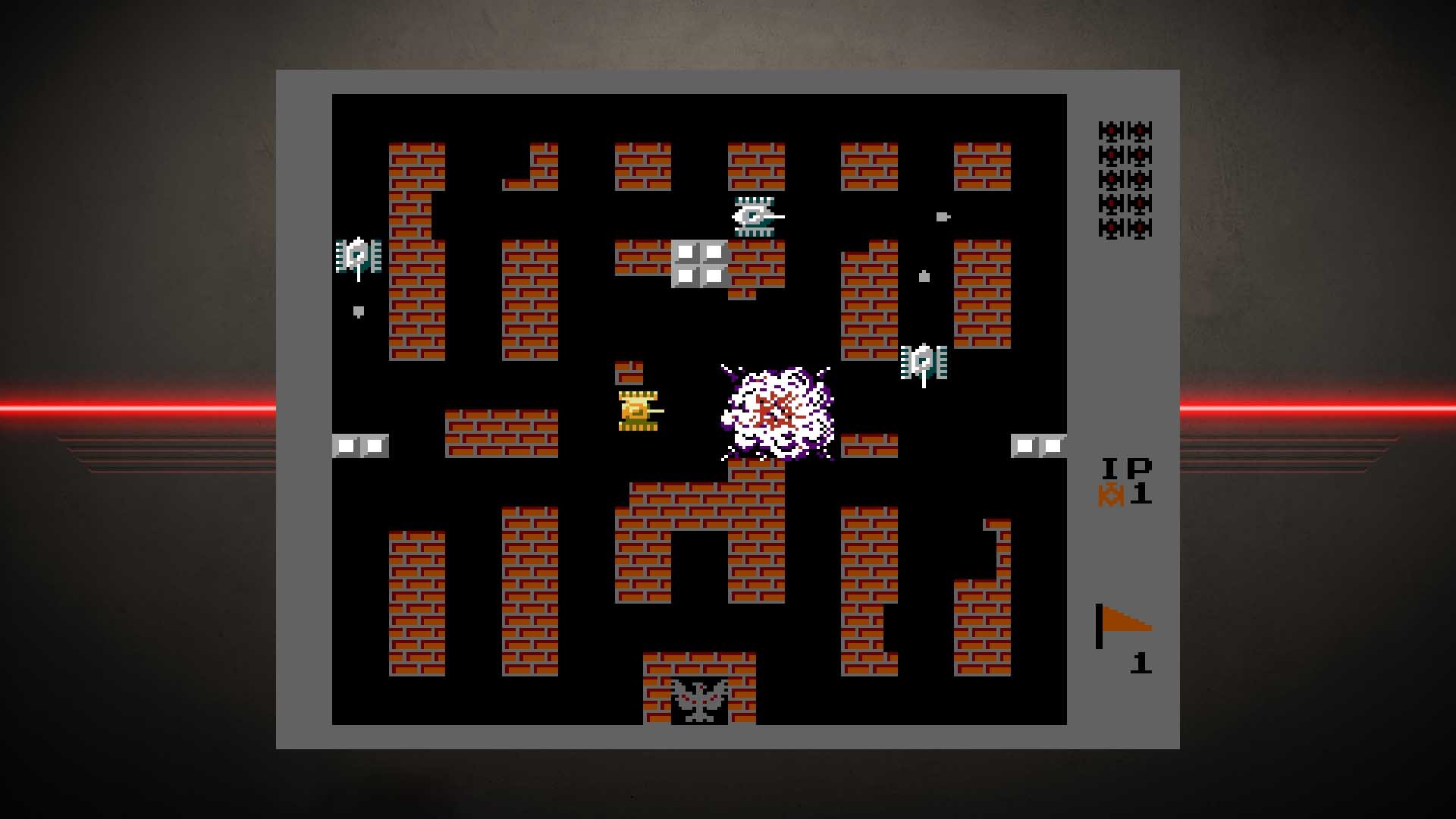
The collection supports single‑player and multiplayer experiences, including PvP, co‑op, and shared/split‑screen variations. Games that originally offered two‑player modes retain that capability on modern hardware.
Shared and split‑screen options let two players sit side‑by‑side, while Remote Play Together extends this to online friends without each needing a separate copy.
- Experiment with split‑screen co‑op in Battle City for cooperative fun.
- Use Remote Play Together to invite a friend who doesn’t own the compilation.
04 / THE GUIDE
Steam Integration
The collection supports Steam achievements, rewarding players as they play through the classics. Steam Cloud stores your save data, keeping progress across installations on the same account.
Family Sharing allows another Steam user on the same device to play the collection without purchasing a separate copy, and Remote Play Together enables online multiplayer without extra setup.
- Check the achievement list to set personal goals for each game.
- Enable Steam Cloud to keep saves safe if you reinstall Windows.
05 / THE GUIDE
Platform Support
Namco Museum Archives Vol 2 is released for Windows PCs, as indicated by the platform listing; no macOS or Linux versions are provided.
Partial controller support is included, meaning compatible gamepads can be used, though the feature label does not specify additional controller functions.
- Connect a standard Xbox or PlayStation controller for an arcade‑like feel.
- If you prefer a different input method, the games remain fully playable without a controller.
COMMUNITY
Player discussion