 GameWiki
GET YOUR BEARINGS
About MyVoiceZoo
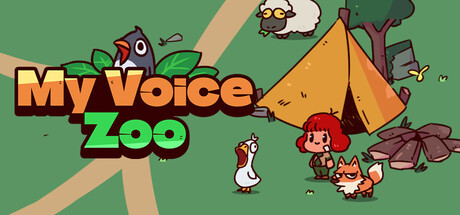
My Voice Zoo is an idle simulation where players record their own sounds to give each animal a unique cry. By speaking into a microphone, you generate animal noises that trigger income whenever they echo in the zoo. The earned money lets you adopt additional creatures, expanding the collection over time. The game emphasizes a relaxed, competition‑free environment, offering a gentle, stress‑free experience that focuses on personal creativity and gradual growth.
01 / THE GUIDE
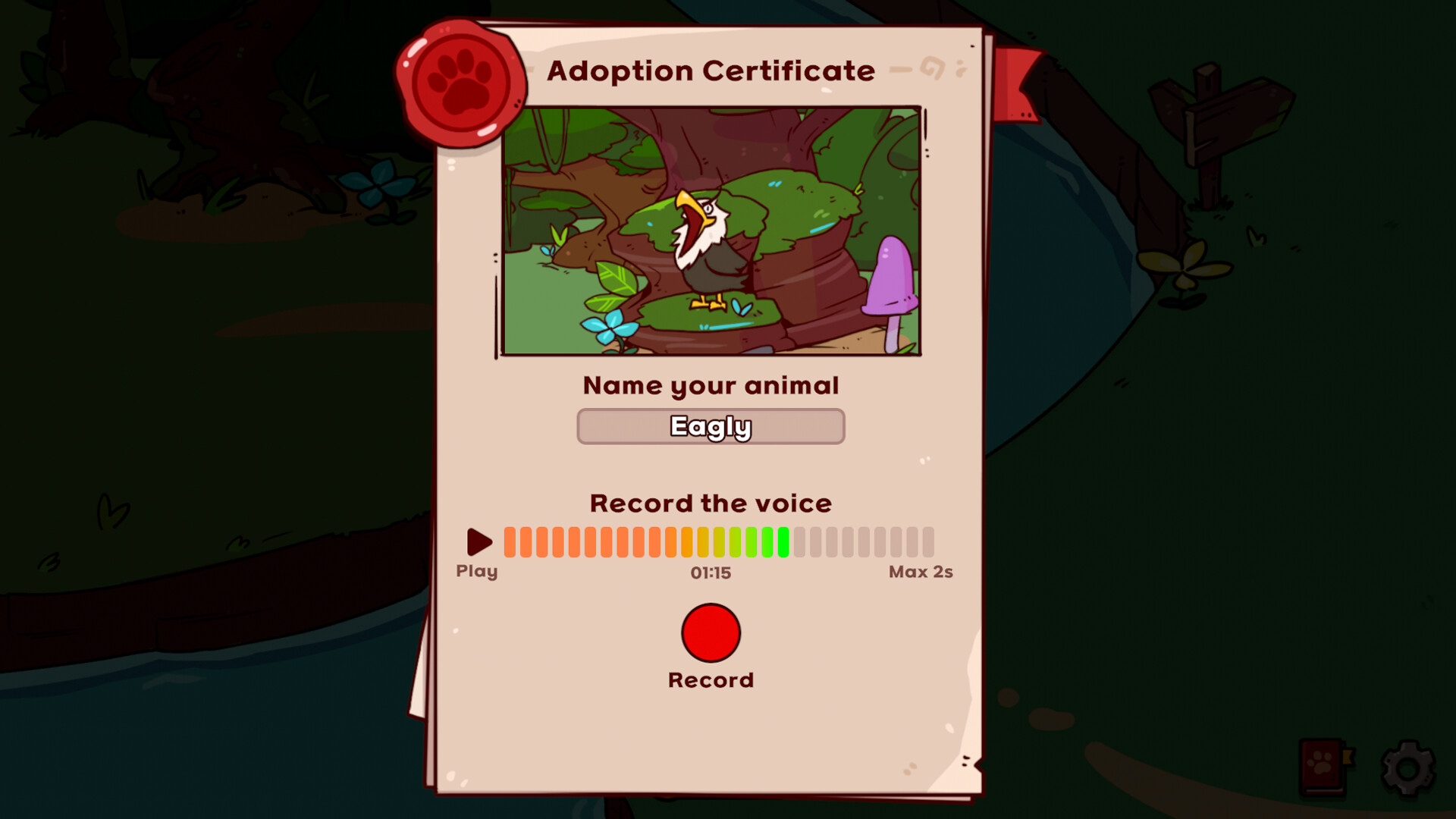
Create Animal Voices
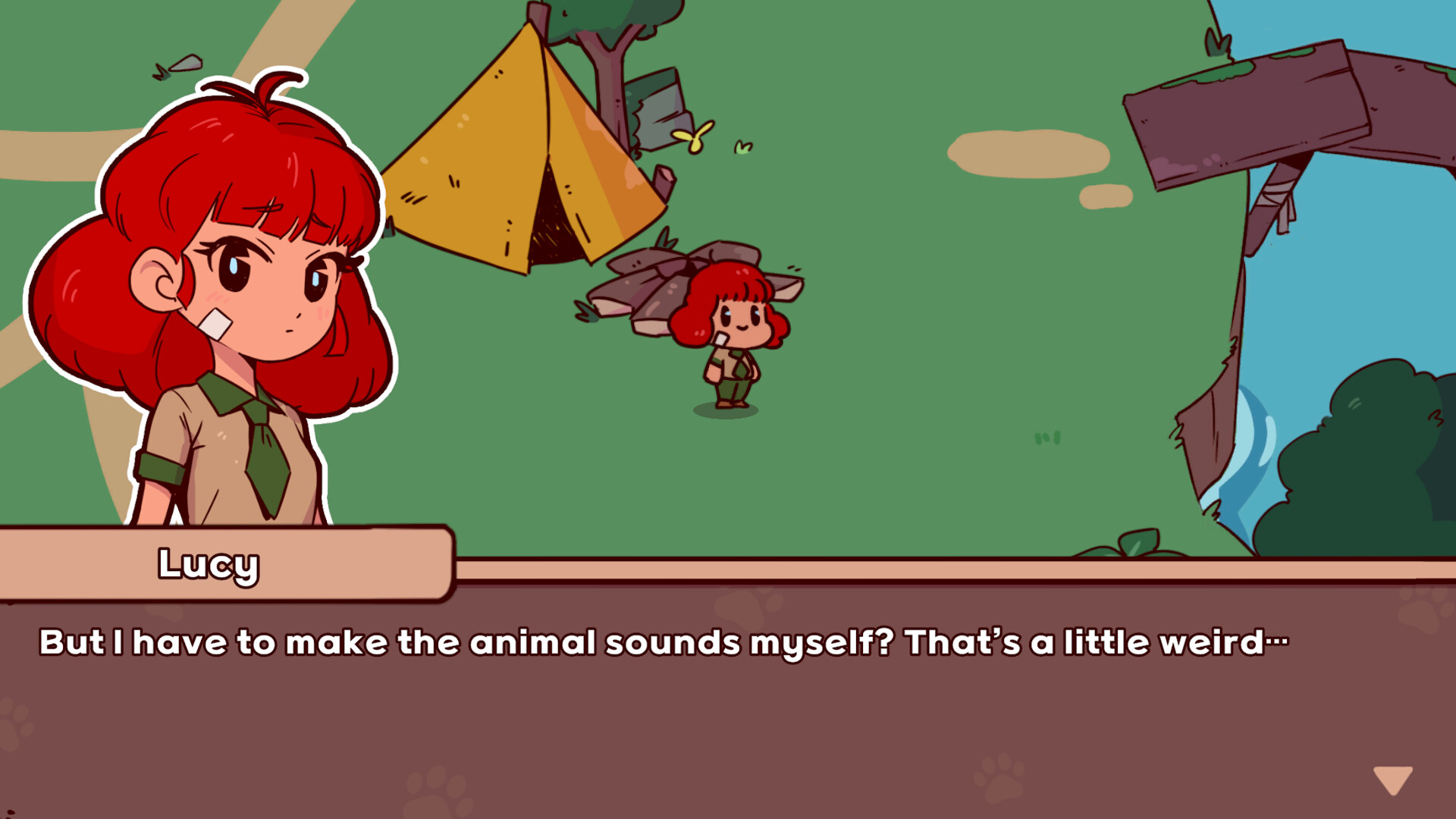
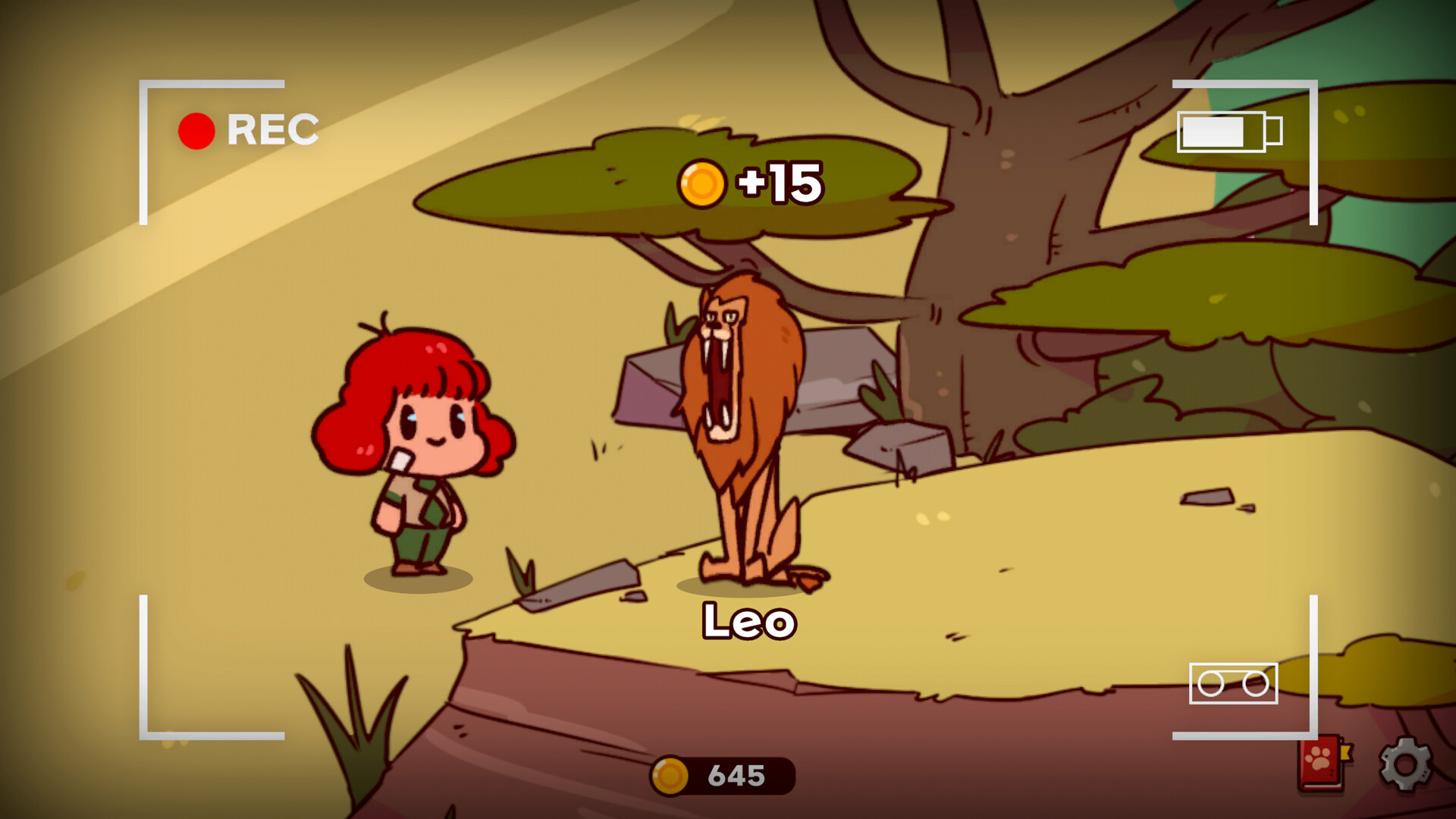
Players use a microphone to mimic animal sounds such as a lion’s roar or a duck’s quack, turning their voice into each creature’s cry.
These recordings become the only way to complete the zoo, making every animal’s call uniquely personal.
- Experiment with different pitches to match the animal you’re adopting.
- Record in a quiet room for clearer sound capture.
02 / THE GUIDE
Idle Income Loop
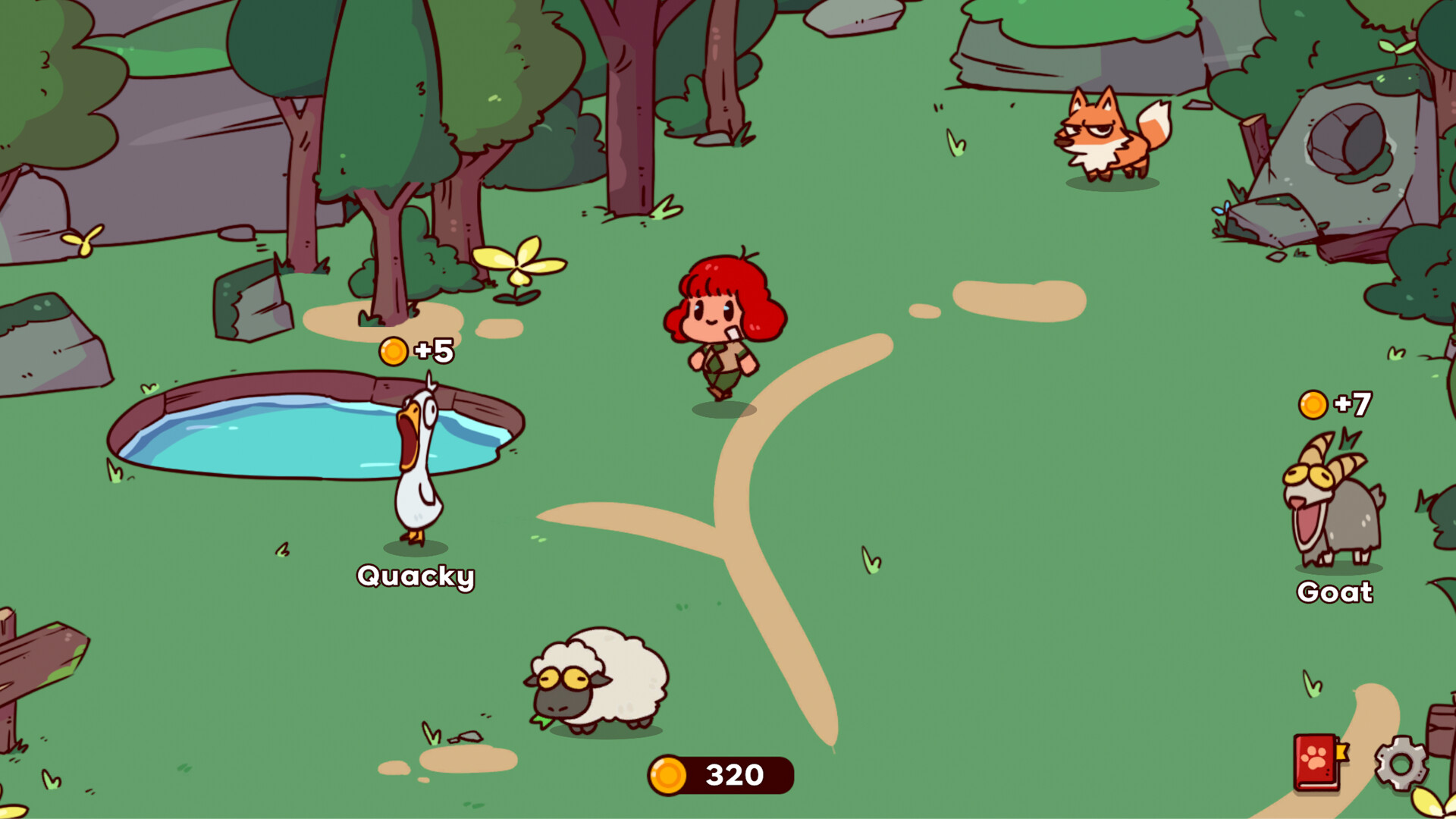
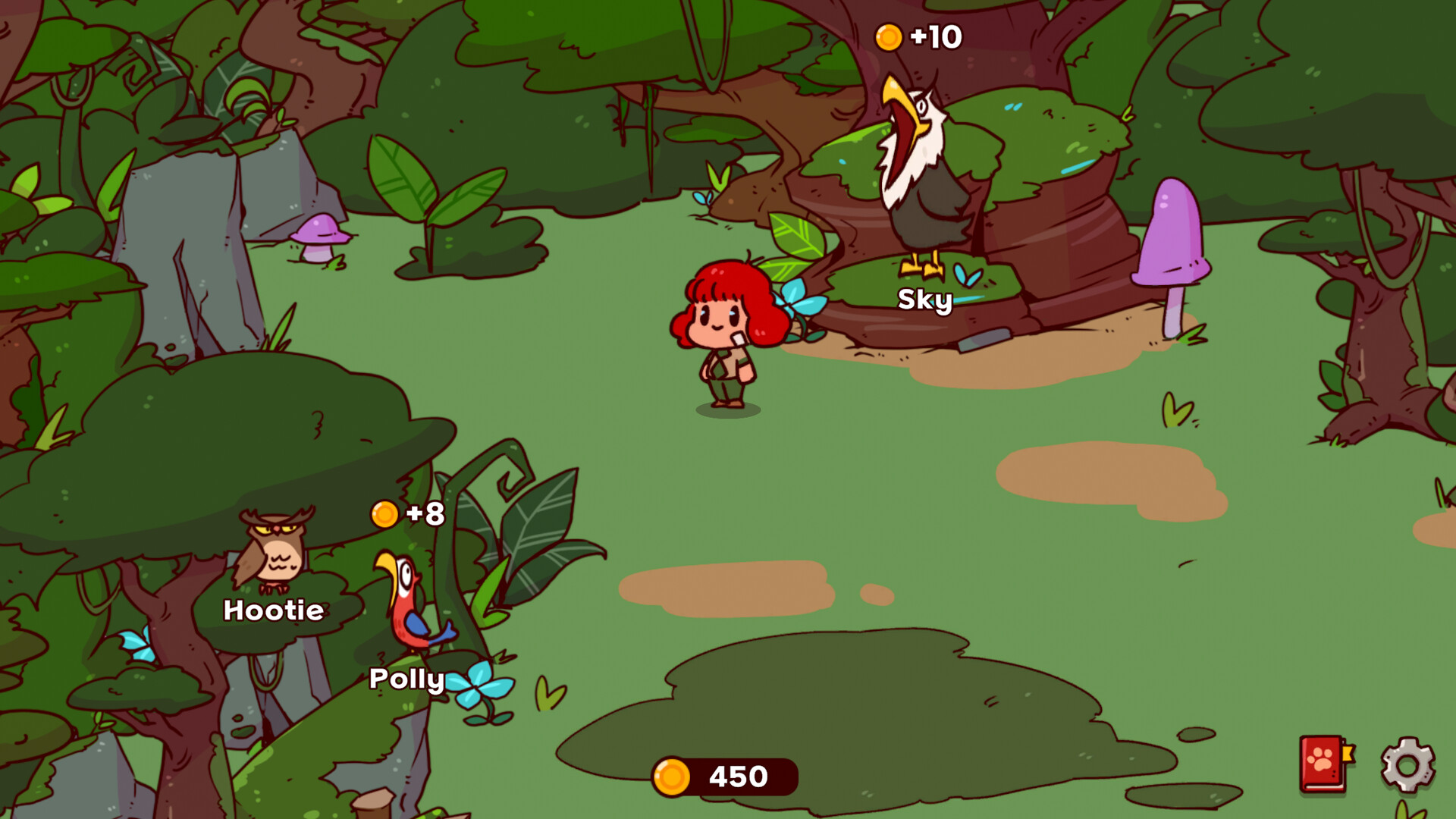
Each time an animal’s recorded cry plays, the game generates income automatically without further input.
The accumulated money can be spent to adopt more animals, feeding the cycle of growth.
- Leave the game running to maximize income generation.
- Check the income counter regularly to plan new adoptions.
03 / THE GUIDE
Build Your Own Zoo
Adopt animals using earned income and assign them names, gradually expanding the zoo’s size and variety.
Your recorded voices become the animals’ cries, ensuring the zoo’s uniqueness.
- Prioritize animals with lower adoption costs to grow quickly.
- Name each animal to personalize your collection.
04 / THE GUIDE
Cozy & Relaxing Experience
The game is designed without competition or pressure, allowing players to enjoy moments of laughter and surprise.
Its gentle pacing encourages stress‑free play and a soothing atmosphere.
- Play in a comfortable setting to enhance relaxation.
- Take short breaks to appreciate the animal sounds.
05 / THE GUIDE
Platform Features
My Voice Zoo runs on Windows and supports single‑player mode, Steam achievements, custom volume controls, and cloud saves.
Family Sharing is also available, letting multiple accounts enjoy the same progress.
- Enable Steam Cloud to keep your zoo safe across devices.
- Adjust volume controls for optimal listening comfort.
COMMUNITY
Player discussion