 GameWiki
GET YOUR BEARINGS
About Myst
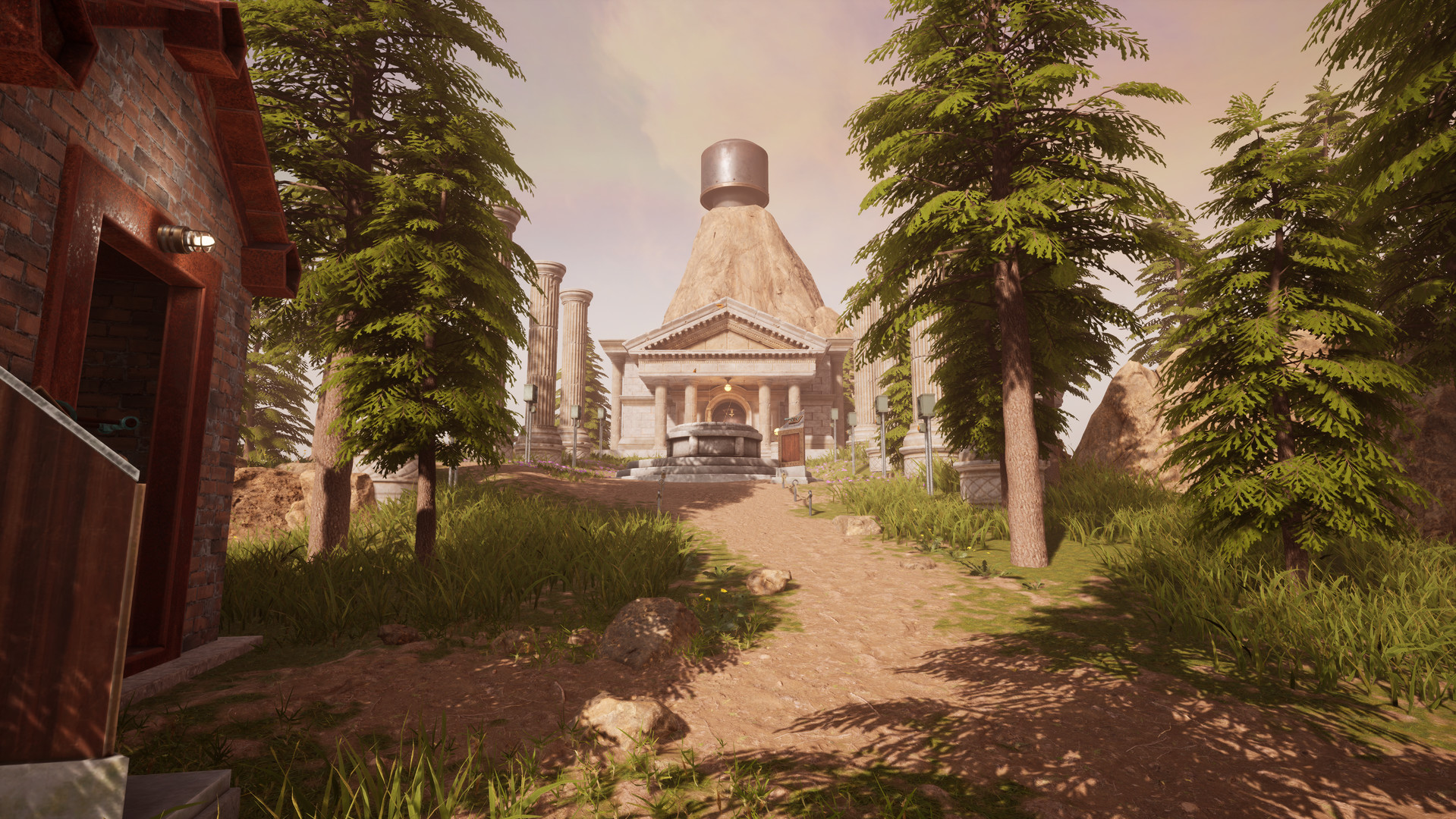
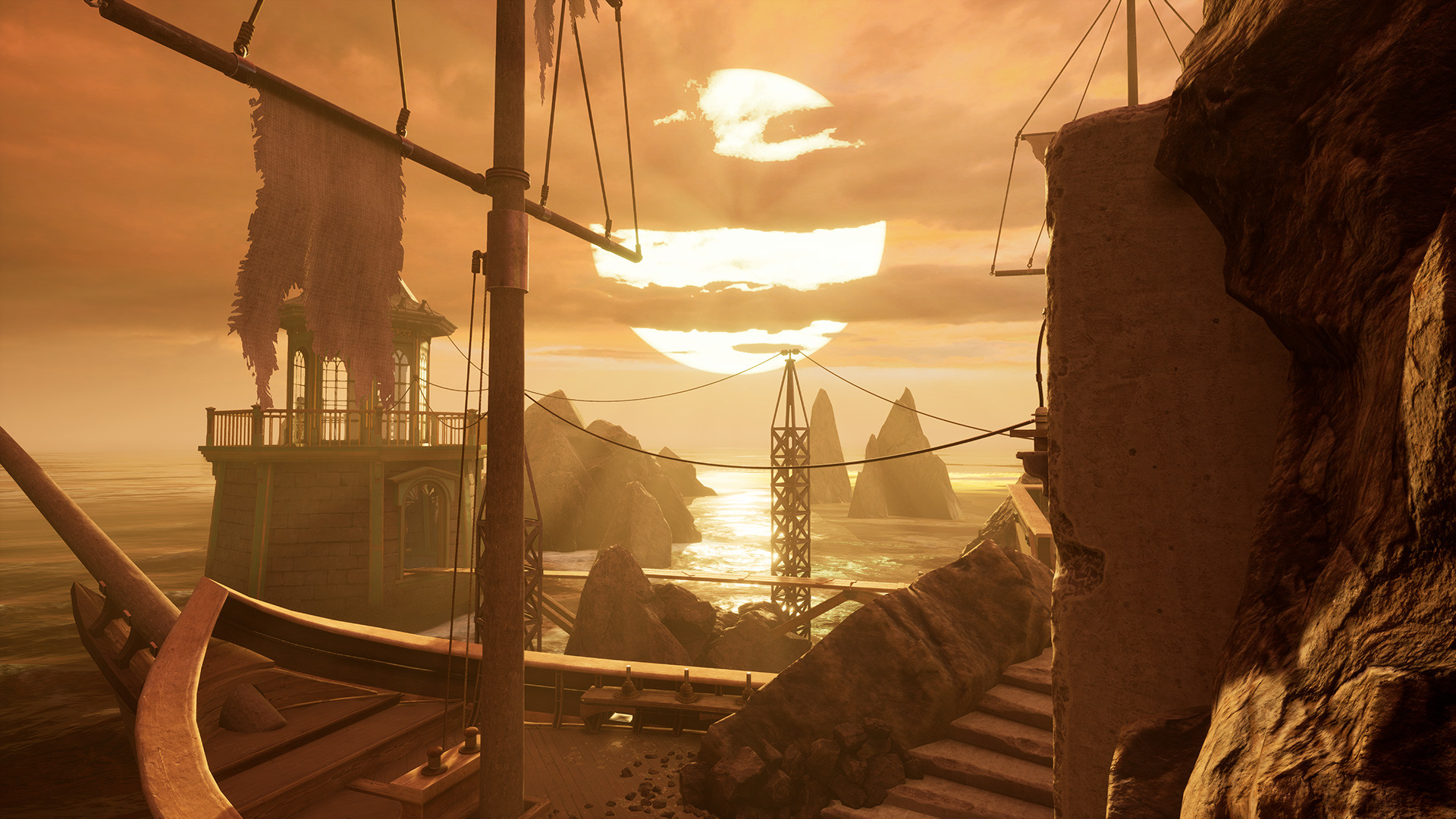
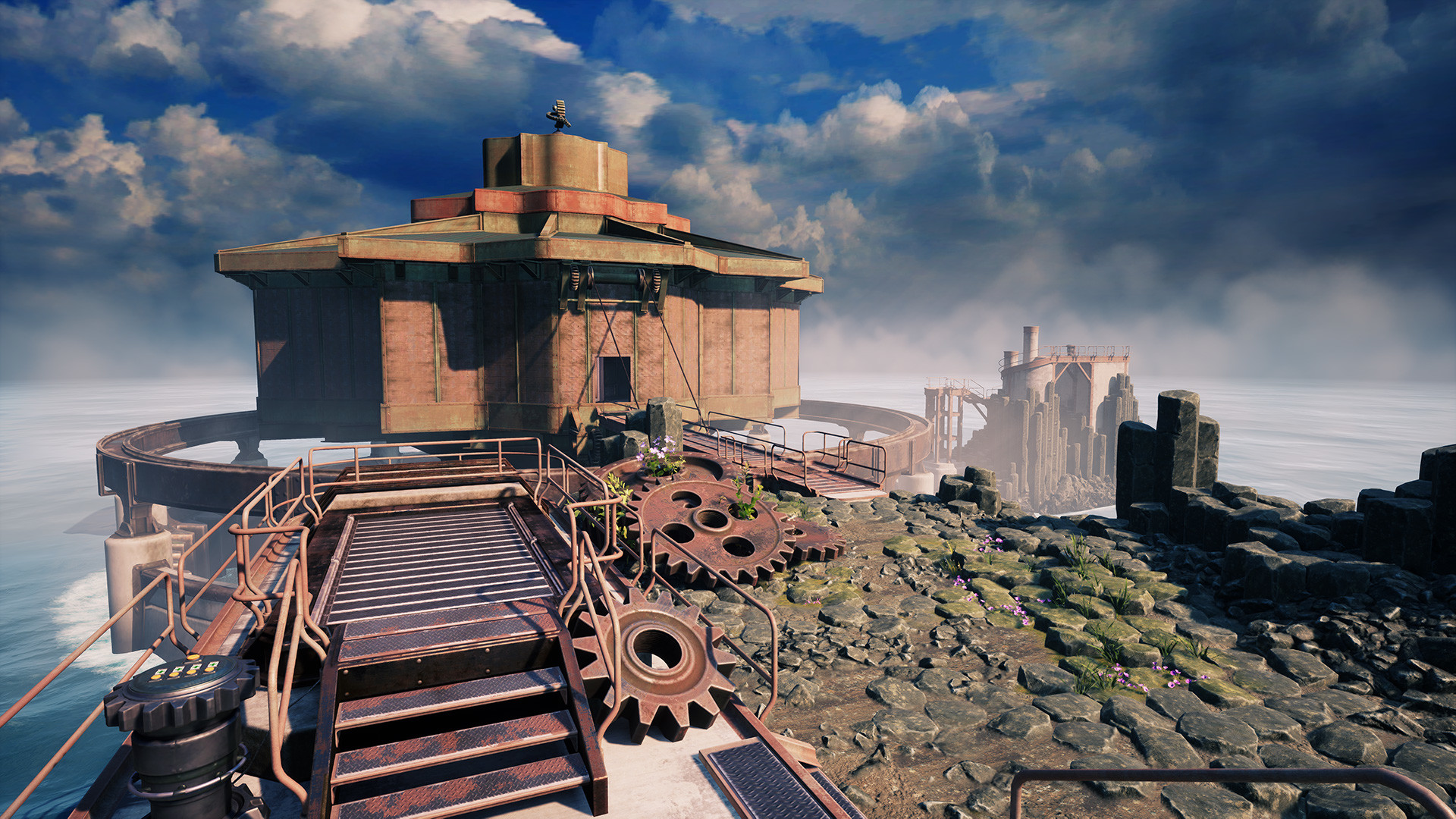
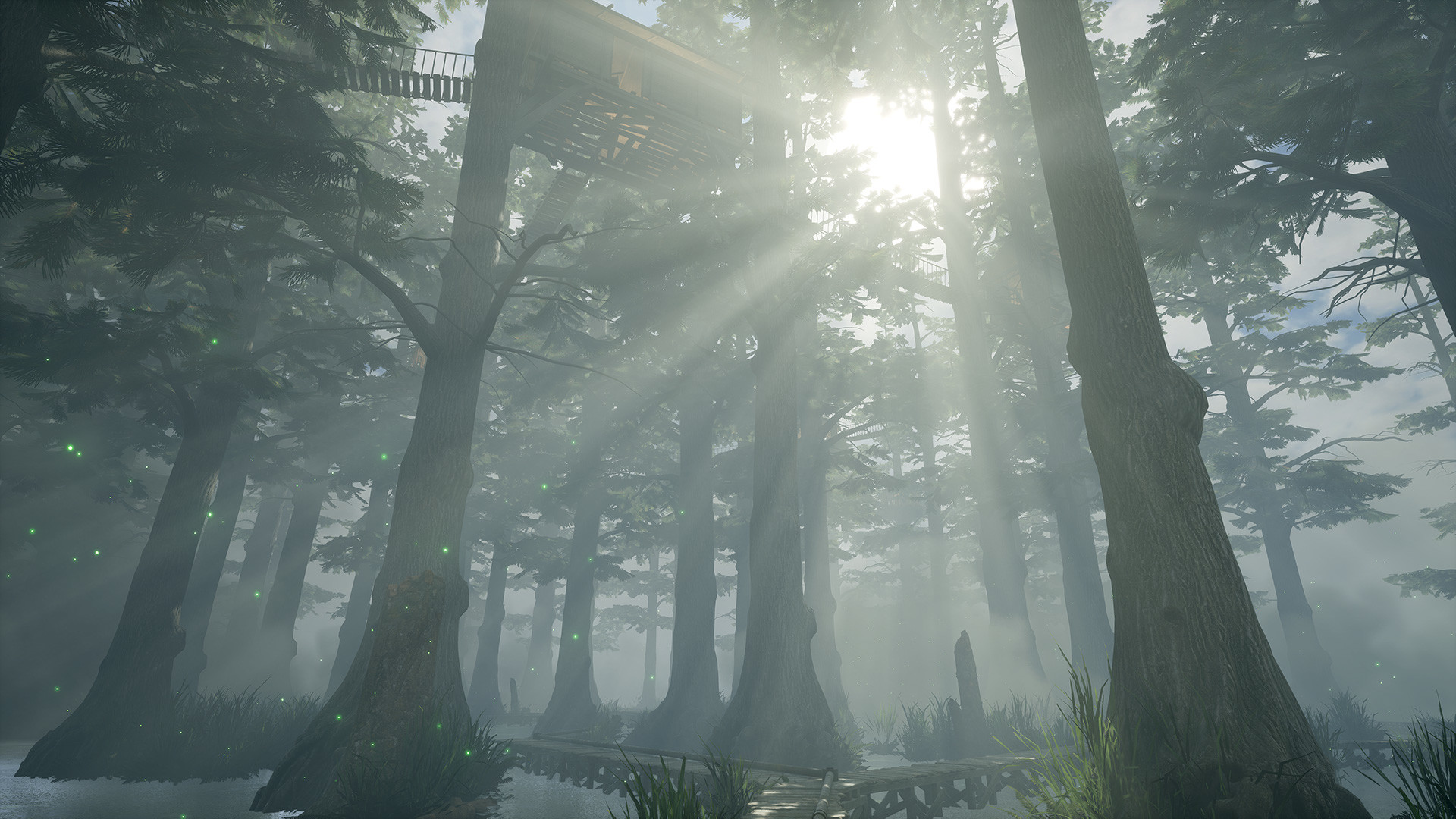
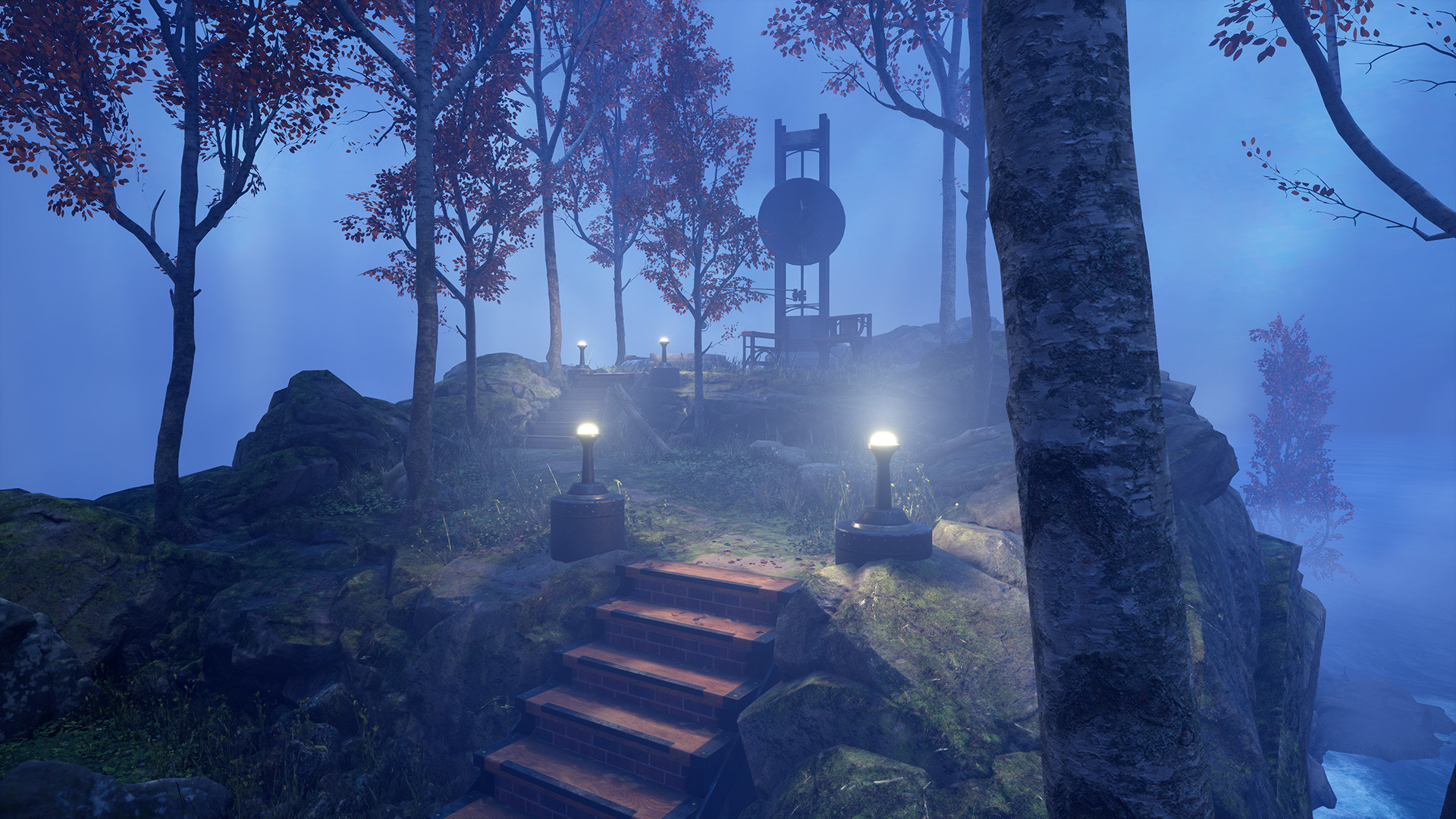
Myst invites players to wander a striking island and a series of dormant worlds called Ages, each filled with surreal scenery and a story of family betrayal. Your choices shape the unfolding narrative, and the ending remains unwritten as you uncover hidden connections.
Cyan Worlds rebuilt the classic in Unreal Engine for both flat‑screen and VR play, adding new art, sound, and optional puzzle randomisation. Comfort settings, multilingual UI and extensive graphics options let newcomers and veterans experience the adventure on their preferred hardware.
01 / THE GUIDE
Exploring the Ages
The game centres on travelling to Myst Island and other long‑dormant locations known as Ages. Each Age presents its own visual style and puzzles that contribute to the overall mystery. Players move freely through these environments, discovering clues that reveal the story of ruthless family betrayal.
Exploration is non‑linear; you may visit any Age when it becomes accessible, and the world reacts to the choices you make. The narrative evolves based on what you uncover in each location, keeping the ending open‑ended.
- Take time to observe environmental details; they often hint at puzzle solutions.
- Use the in‑game photo capture to record locations you may need to revisit later.
02 / THE GUIDE
VR and 2D Play Options
Myst is built from the ground up to support both virtual reality headsets and traditional flat‑screen displays. The same world can be experienced in immersive VR or on a monitor, with no requirement for a headset. This dual design lets players choose their preferred perspective.
Both modes share the same content, and the game includes comfort features such as smooth or snap turning and quick travel up stairs. These options help reduce motion discomfort for VR users while remaining irrelevant for 2D play.
- If you feel motion sickness in VR, switch to snap turning for steadier movement.
- When playing on a flat screen, you can still use a controller thanks to full controller support.
03 / THE GUIDE
Accessibility and Comfort Features
Myst includes a variety of accessibility options, such as subtitles, captions, colour alternatives and custom volume controls. Comfort settings for VR users include smooth or snap turning, vertical height quantisation, and quick travel up stairs and ladders, helping to reduce motion discomfort.
These features are optional and can be toggled in the settings menu, allowing players to tailor the experience to their needs without affecting core gameplay.
- Enable subtitles if you prefer reading dialogue alongside audio.
- Adjust the turning mode to suit your comfort level when using a headset.
04 / THE GUIDE
In‑Game Photo Capture
For players who dislike taking handwritten notes, Myst offers an in‑game photo capture tool. You can snap images of puzzles, symbols or scenery to reference later, keeping a visual log of discoveries without leaving the game.
Captured photos let you keep track of what you've encountered, so you can reference them later while playing. This feature streamlines puzzle solving and helps track progress across multiple Ages.
- Capture a photo of each puzzle element before attempting a solution.
- Review your photo album when you feel stuck to spot missed details.
05 / THE GUIDE
Graphics Options and Performance
Myst provides a broad range of graphics settings, including supersampling and ray tracing, to match your hardware capabilities. Players can adjust these options to improve visual fidelity or boost performance on lower‑end systems.
If the game runs slowly, the FAQ suggests enabling a supersampling option to potentially alleviate performance concerns, offering a practical way to balance quality and frame rate.
- Start with default settings and increase ray tracing only if your system handles it smoothly.
- Use supersampling adjustments as a first step when experiencing low frame rates.
COMMUNITY
Player discussion