 GameWiki
GET YOUR BEARINGS
About MySims
MySims™ lets you reshape a struggling town with fresh graphics and classic simulation charm. You’ll design homes, businesses, and public spaces, turning the community into a vibrant hub that reflects your personal style. The game blends building, socializing, and character creation, letting you befriend locals like Chef Gino Delicioso or DJ Candy Supergroove while uncovering hidden decorations and patterns throughout the expanding town.
01 / THE GUIDE
Town Transformation
You arrive in a town that has been struggling lately and can improve it to attract new characters. By building and customizing structures—from flower shops to laboratories—you directly influence the town’s prosperity. Each addition, from a hot tub to a jukebox, contributes to the town’s overall appeal. The town’s growth is tied to the needs and wants of its residents, encouraging you to discover what they desire and respond with appropriate constructions. This creates a feedback loop where successful upgrades draw more residents.
- Observe resident dialogues for clues about desired improvements.
- Start with public amenities that benefit multiple Sims to accelerate town growth.
02 / THE GUIDE
Resident Characters
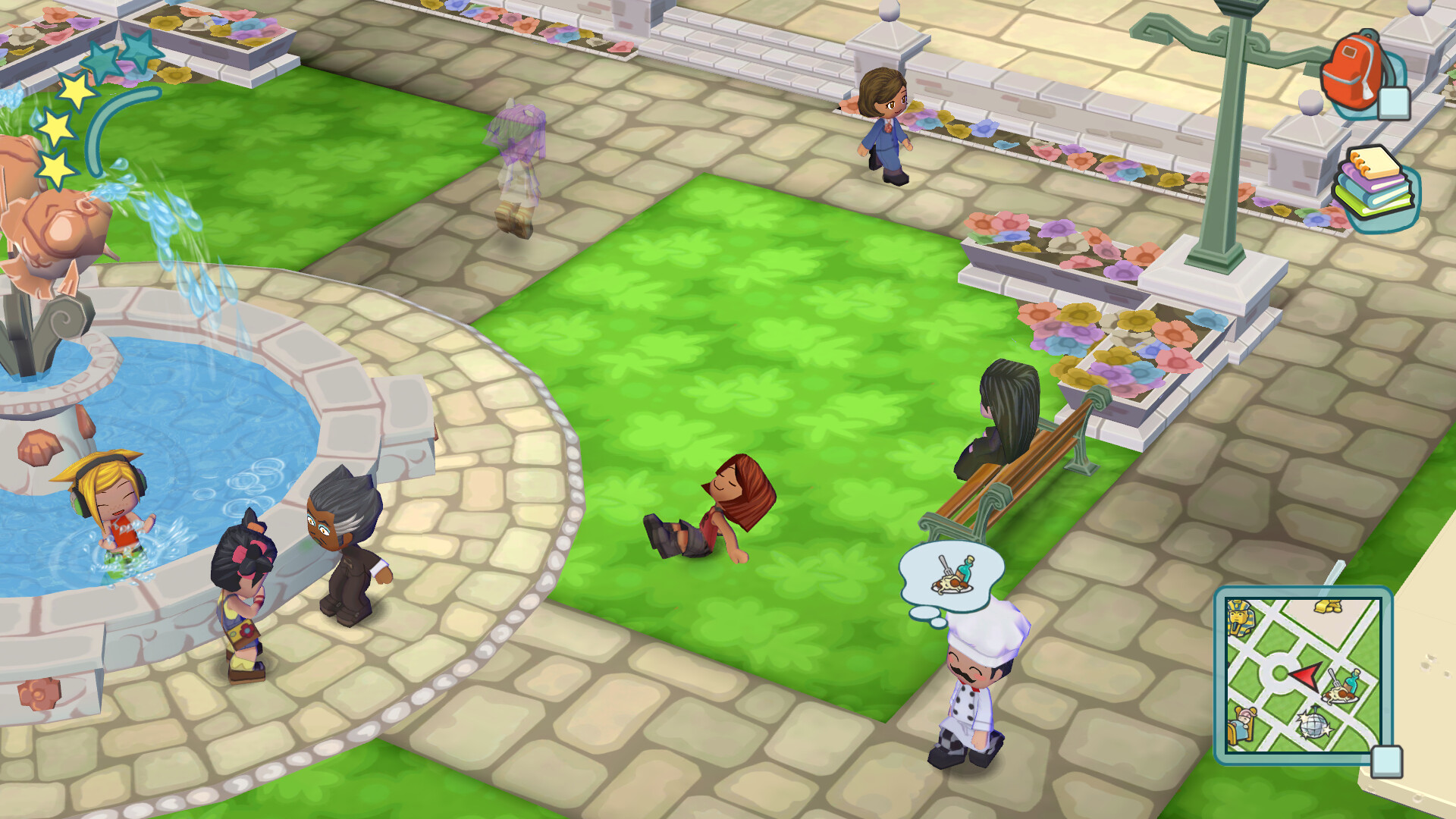
A variety of locals populate the town, including Chef Gino Delicioso, DJ Candy Supergroove, arcade owner Vic Vector, and pirate Cap'n Ginny. Interacting with them reveals their preferences and needs. Their presence adds personality and goals that guide your development choices. Friendship with residents also unlocks clothing options, allowing you to personalize your Sim’s appearance as you deepen relationships. The game encourages you to decide who to befriend and who to ignore, shaping the community’s composition.
- Spend time with each character to uncover unique building ideas.
- Balance friendships to keep a diverse set of unlocks available.
03 / THE GUIDE
Building & Customization
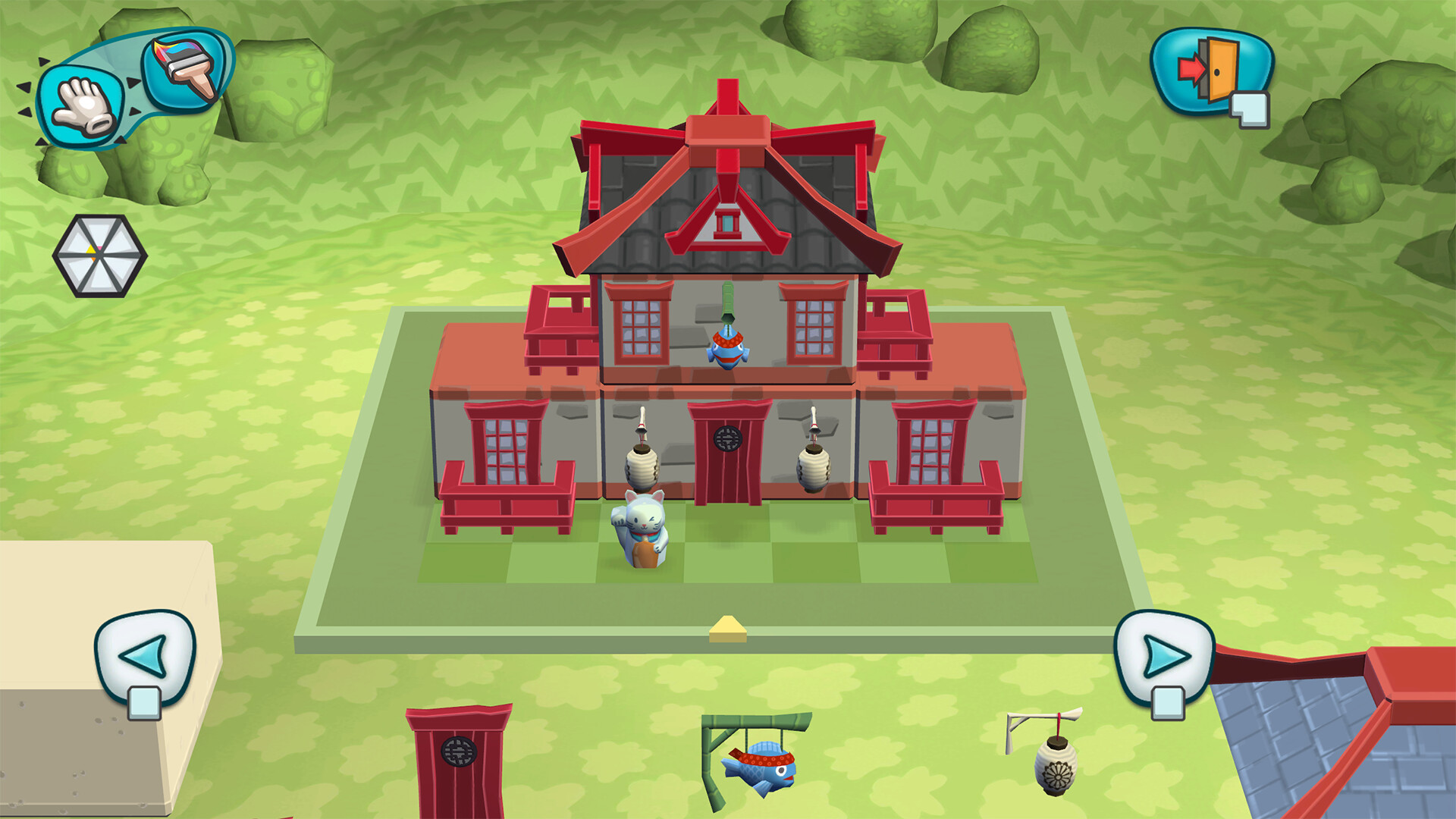
You can design structures from the roof to the front door, creating homes, businesses, and decorative pieces like hot tubs or jukeboxes. Each creation is unique, and special decorations and patterns can be uncovered as the town expands. The system supports full customization of furniture and objects. The game emphasizes that “what you make… makes all the difference,” meaning every design choice impacts the town’s look and functionality. Custom items can be grown, harvested, or discovered, adding layers to the building experience.
- Experiment with different furniture layouts to see how they affect resident satisfaction.
- Use harvested or discovered items to add unique flair to your builds.
04 / THE GUIDE
Sim Creation
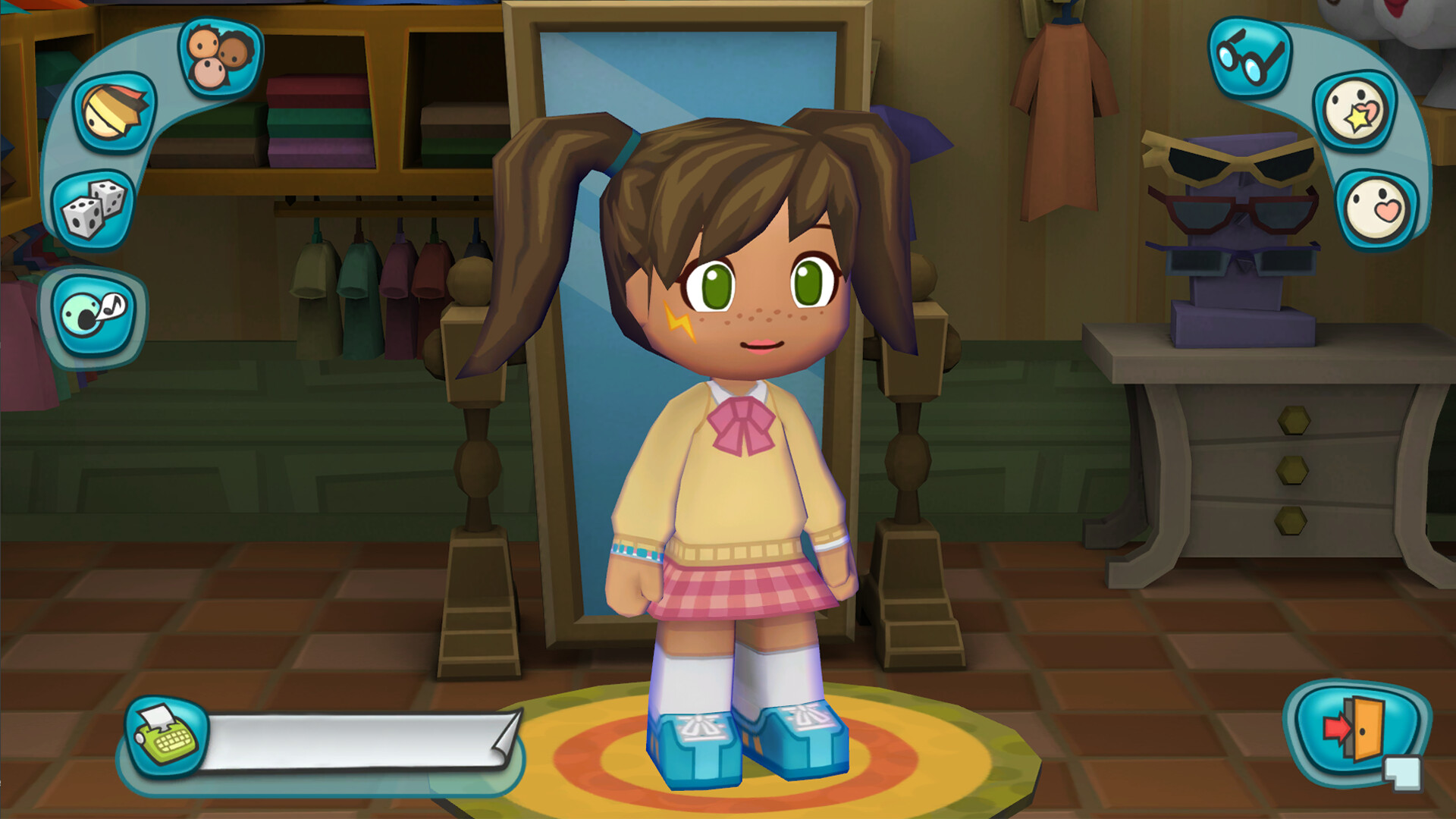
Players can personalize their Sim’s appearance from head to toe, selecting clothing and accessories that reflect their style. As you befriend neighbors, new clothing options become available, expanding your customization palette. This visual customization runs alongside the town‑building aspects. The Sim’s look provides a personal connection to the world you are shaping. Unlockable clothing serves as a visual reward for social interaction.
- Mix and match unlocked clothing to create distinct looks for each Sim.
- Track which neighbors provide which clothing items to plan social priorities.
05 / THE GUIDE
Controller & Cloud Features
MySims™ offers full controller support, including DualShock and DualSense compatibility, allowing you to play with a gamepad of your choice. The game also integrates Steam Cloud, preserving your progress across sessions on supported platforms. Family Sharing is supported, letting family members share access to the game. These features focus on accessibility and convenience rather than altering core gameplay.
- Test both DualShock and DualSense controllers to find the most comfortable layout.
- Enable Steam Cloud to safeguard your town’s development between devices.

COMMUNITY
Player discussion