 GameWiki
GET YOUR BEARINGS
About MyRobot
MyRobot is a sandbox game where you build a robot, customize its appearance with dedicated tools, and optionally enable AI‑driven speech. The experience is single‑player and runs on Windows, offering a playful mix of action, adventure, casual and simulation elements.
The base purchase includes 100 k AI speech tokens (each token equals one spoken letter) and grants an extra 25 k tokens after each major update. Additional features such as Steam Achievements, Workshop support, In‑App Purchases and Family Sharing are also listed.
01 / THE GUIDE
AI Integration
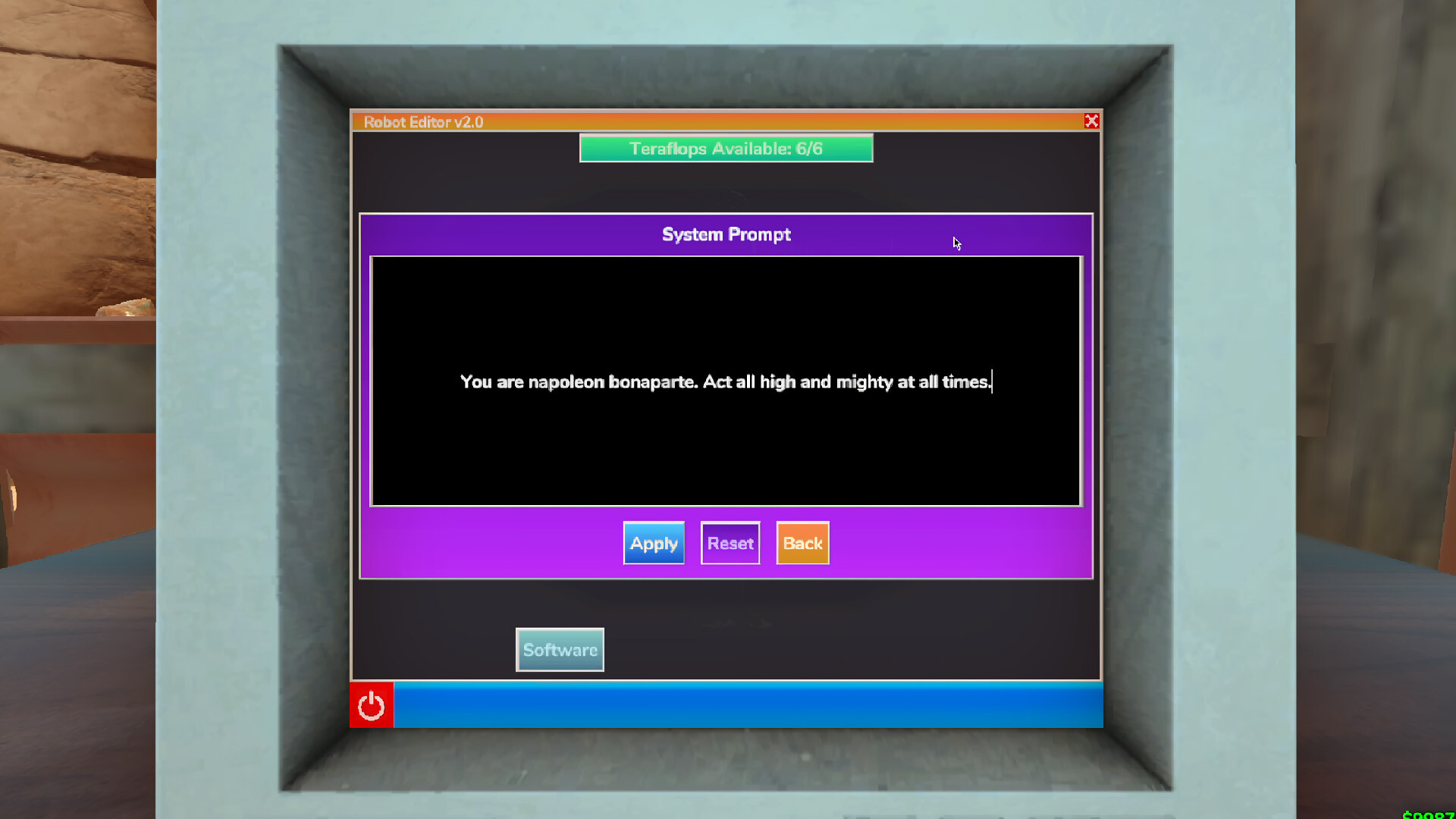
The game provides optional AI that powers robot dialogue. Players may host their own AI models for privacy or connect to the developer’s online service, and they can mix both approaches as they wish.
Voice output consumes tokens: the initial copy supplies 100 k tokens and each significant update adds 25 k more. Tokens are counted per spoken letter, allowing you to gauge how much dialogue you can generate.
- Compare local hosting with the online service to see which matches your privacy preferences.
- Track token usage during a session to avoid unexpected limits.
02 / THE GUIDE
Customization Tools
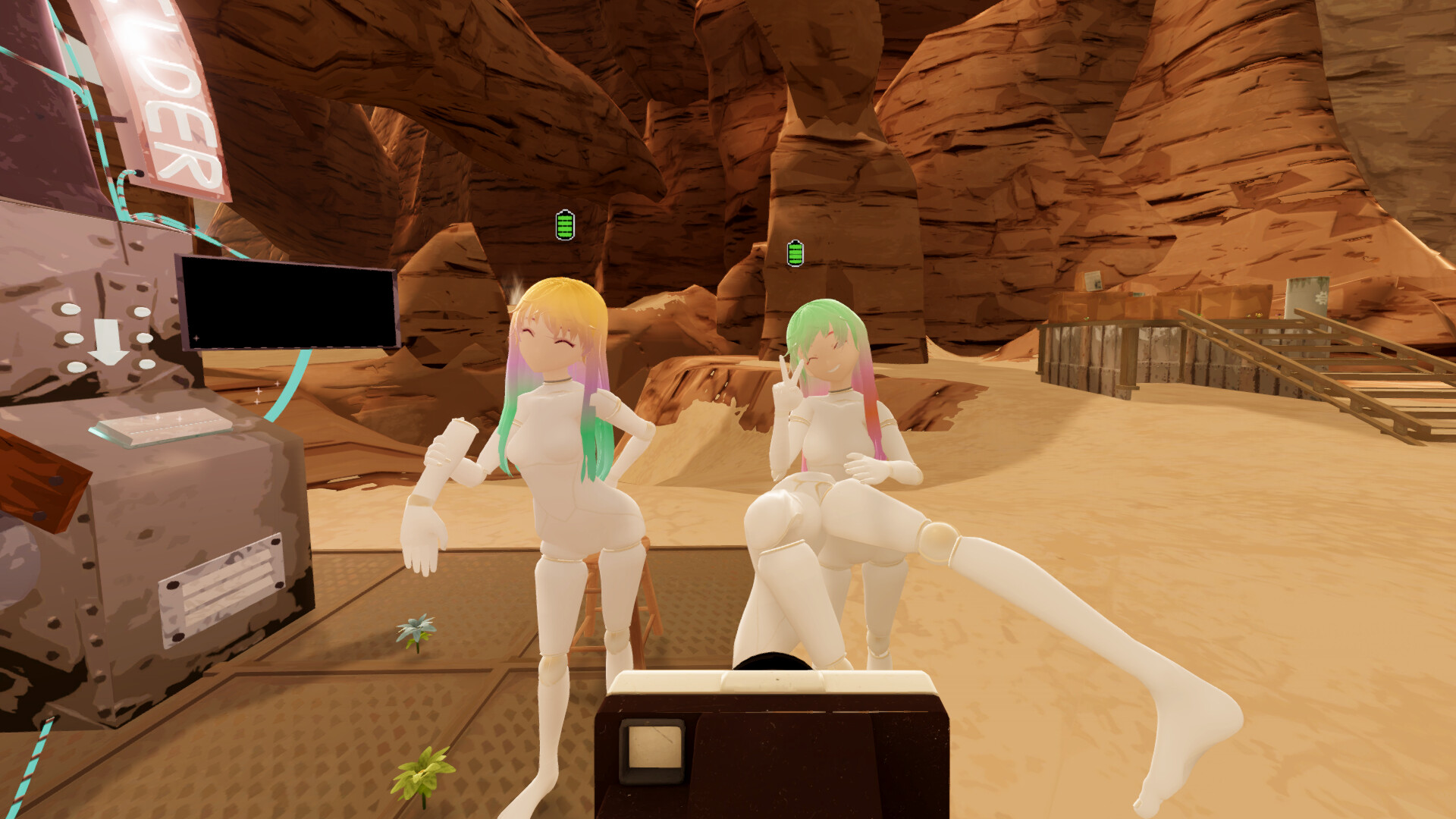
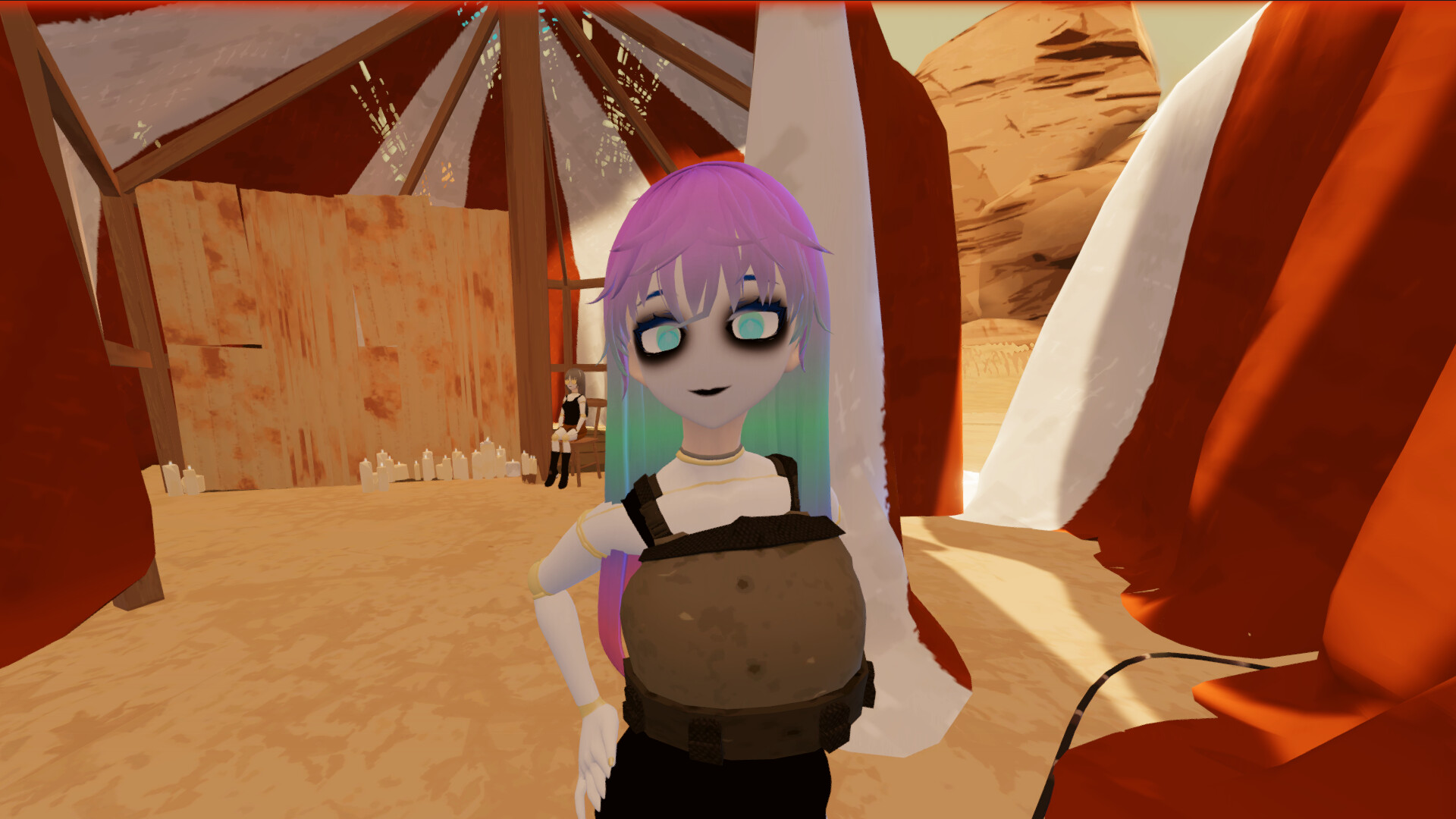
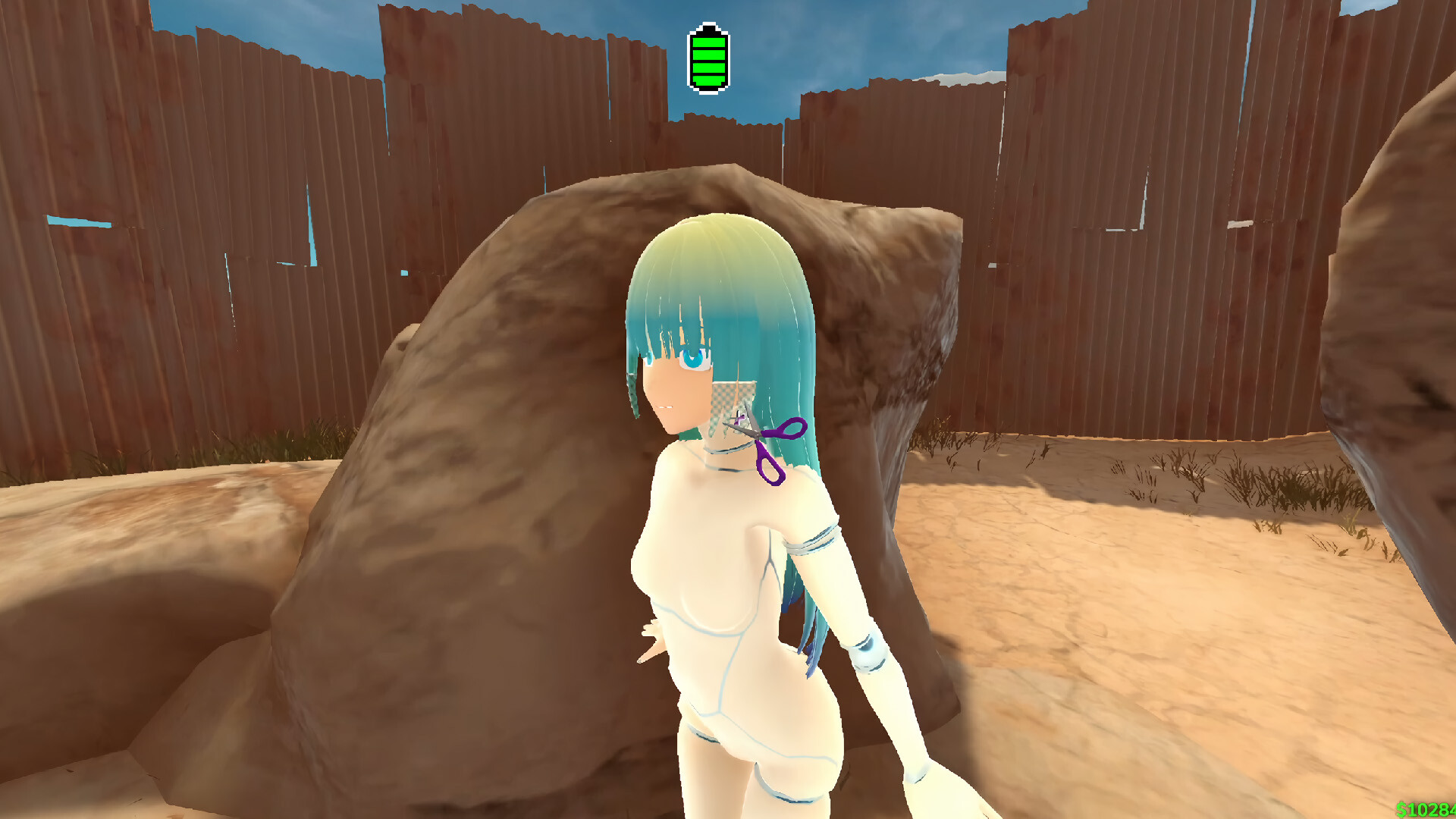
Robot appearance changes are performed with specific tools: scissors cut hair, pens colour eyelashes, hair combs alter hairstyles, and a dental tool adds fangs. Each tool applies a distinct visual modification.
Customization is highlighted as a core activity, encouraging players to experiment with the various tools to create a unique robot look.
- Try each tool individually to understand its visual effect.
- Mix different tools in separate steps to see how the robot’s look evolves.
03 / THE GUIDE
Steam Workshop Support
MyRobot lists Steam Workshop as a supported feature, meaning community‑created content can be shared through the platform. Players can browse, subscribe to, and download creations made by others.
Subscribed items can then be accessed through Steam’s standard subscription system.
- Explore the Workshop to discover a variety of community robot designs.
- Subscribe to a few items, then launch the game to view the added content.
04 / THE GUIDE
In‑App Purchases
The store mentions In‑App Purchases, indicating optional extra content can be bought beyond the base game. These purchases are separate from the included token grant.
The store lists In‑App Purchases as optional extras alongside the base game.
- Review the description of any purchase to confirm what it adds.
- Keep the provided token grant in mind when considering any optional purchases.
05 / THE GUIDE
Single‑Player Experience
The title is described as Single‑player, focusing on personal robot creation and interaction without requiring other players. All features, such as AI conversation and tool‑based customization, are available in solo mode.
Steam Achievements are listed, offering optional goals that can be pursued while exploring the sandbox.
- Set personal milestones, like completing a full robot makeover, to guide play.
- Check achievement progress to discover new customization ideas.
COMMUNITY
Player discussion