 GameWiki
GET YOUR BEARINGS
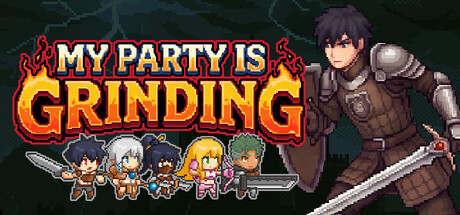
About My Party Is Grinding
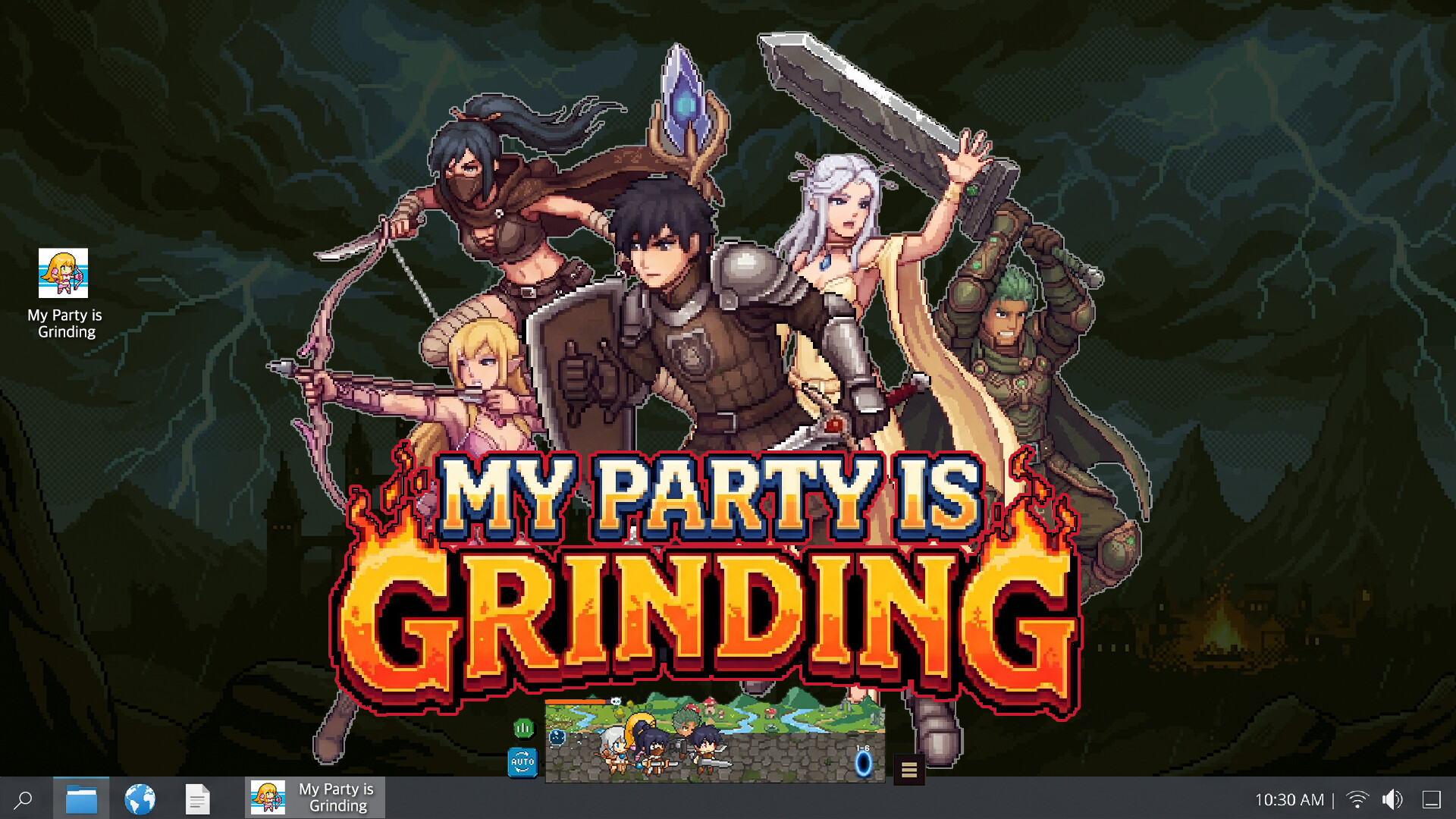
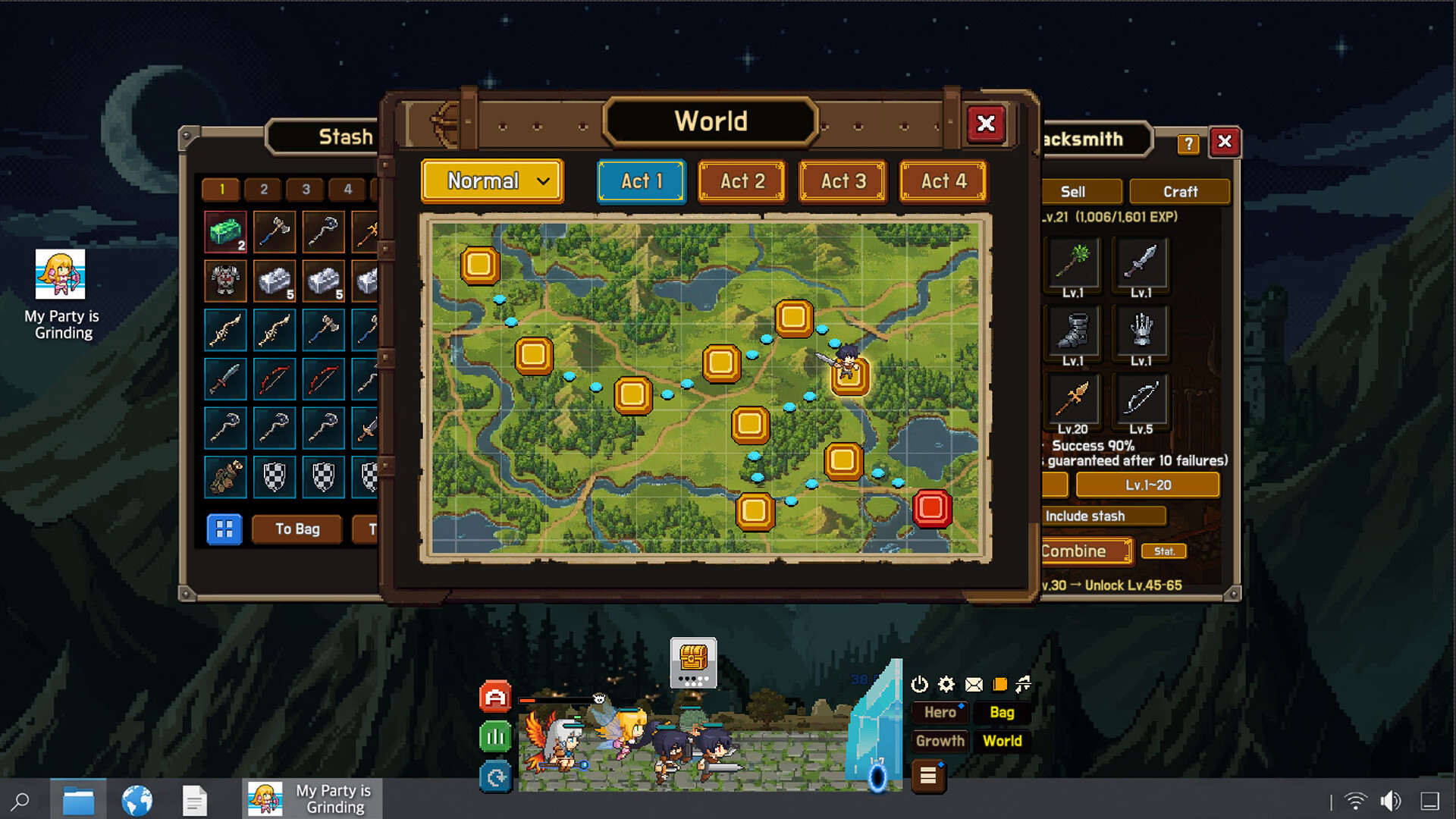
My Party Is Grinding places a semi‑transparent window on your desktop where a party of five heroes fights, loots, and levels automatically. The window can be moved, zoomed, pinned on‑top, or set to click‑through while you work on other tasks.
The game mixes idle‑style progression with classic hack‑and‑slash RPG depth, offering five distinct classes, a deep gear‑crafting system, offline auto‑challenge, league duels, and server‑side storage of all progress, items, and currencies.
01 / THE GUIDE
Desktop Window
A small transparent window runs alongside everything else on your screen and can be placed anywhere you like. You may zoom in or out, pin it always‑on‑top, or enable click‑through so other programs remain usable.
The window shows your party’s combat in real time; you can click a dropped chest to collect rewards without leaving your current application.
- Try pinning the window to a screen edge you glance at most often.
- Enable click‑through when you need uninterrupted keyboard input in another program.
02 / THE GUIDE
Hero Classes & Growth
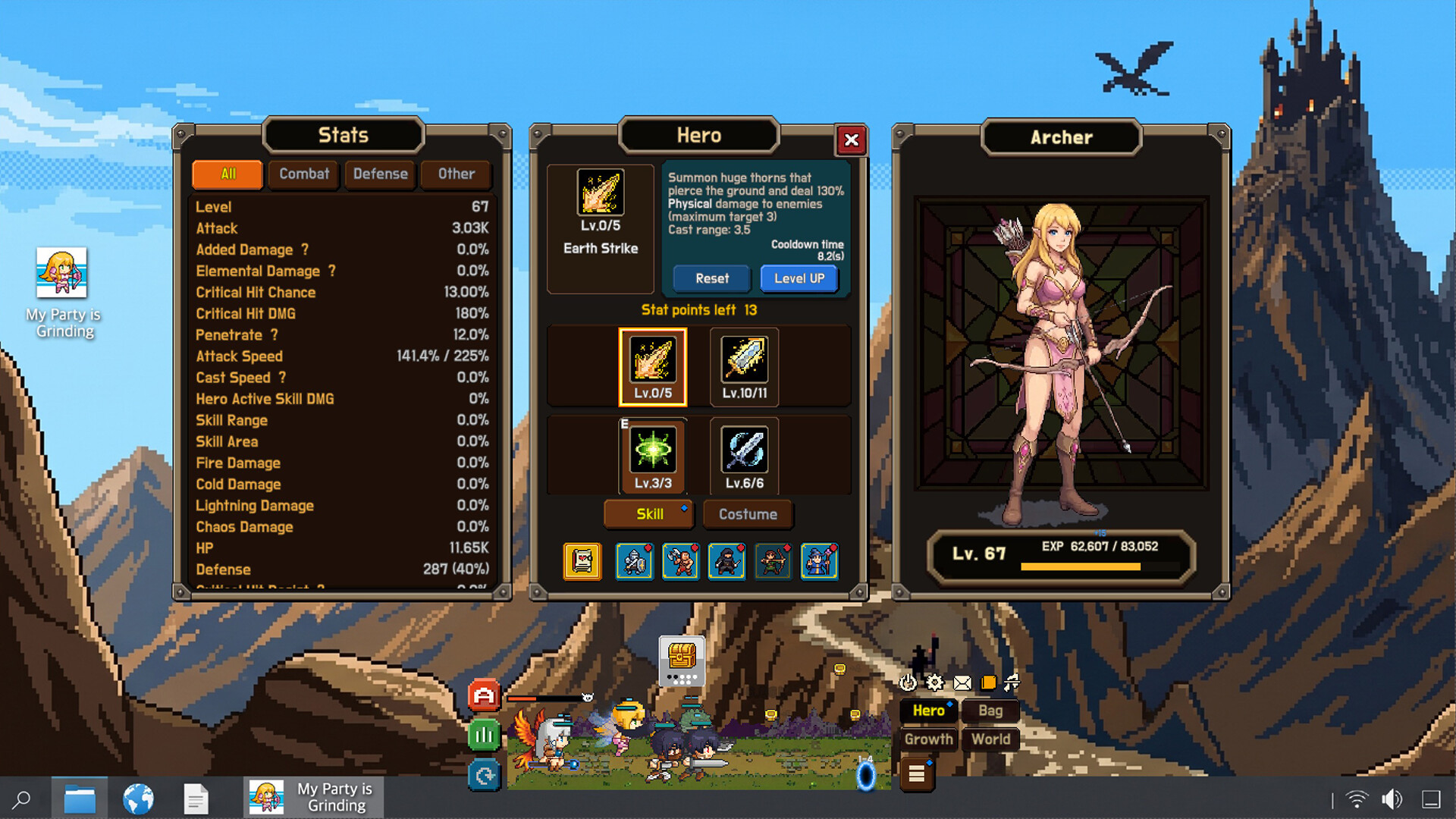
Your party consists of a Knight, Warrior, Assassin, Archer, and Mage, each providing a distinct role. Each hero can be leveled with stat points and equipped with up to four active skills plus passive abilities.
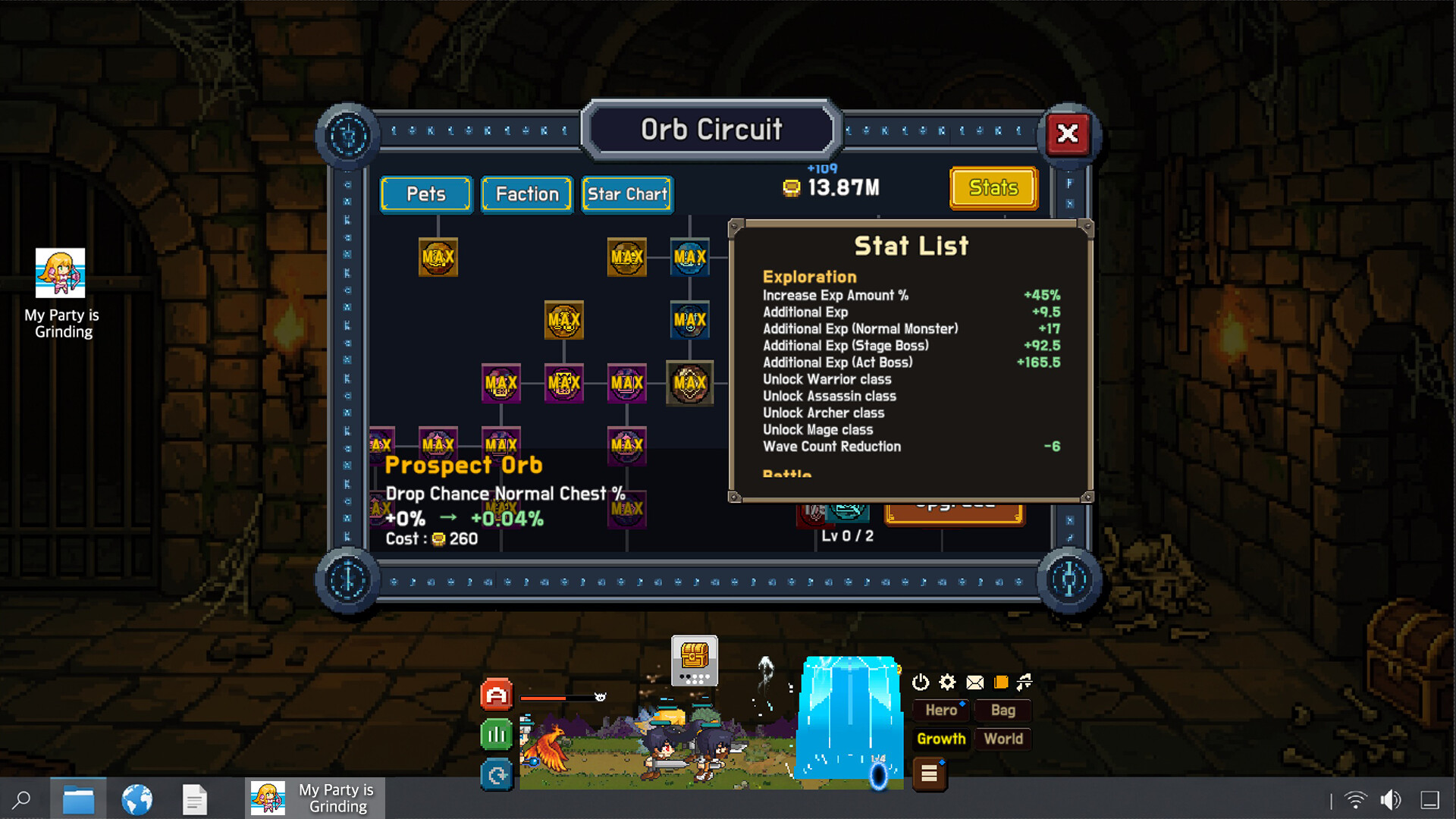
Progression is tracked through an Orb Circuit with over 200 nodes and a Constellation axis that grants keystone bonuses; completing costume collections also provides permanent party‑wide bonuses.
- Allocate stat points to match each hero’s primary role before adding secondary points.
- Collect costumes from the same faction to unlock the associated party bonus.
03 / THE GUIDE
Loot and Crafting
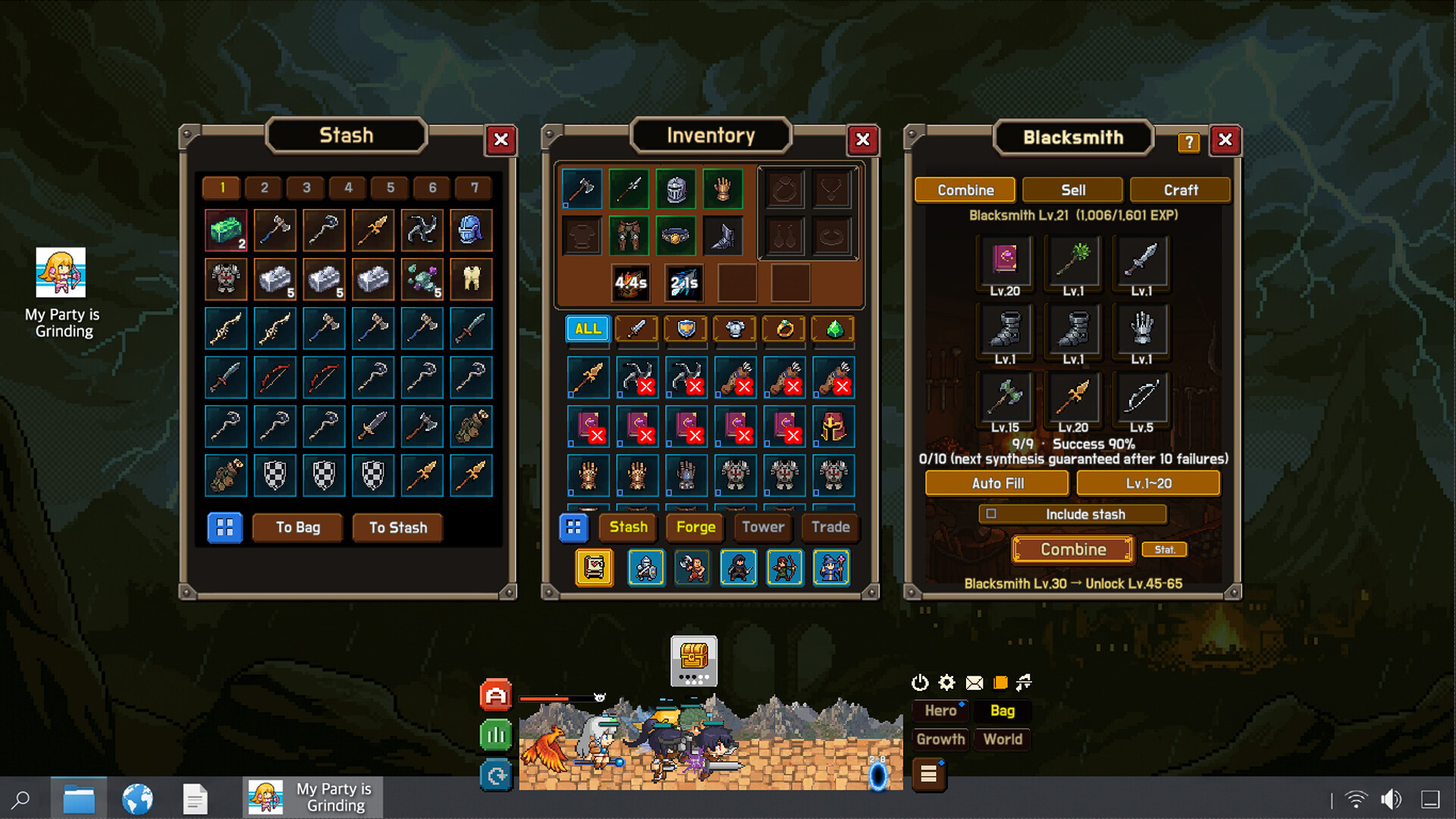
Battles drop over 400 pieces of gear across eight grades and twelve slots. You can enhance items with gems, engravings, and enchantments at the Blacksmith and Mage Tower.
Chests that drop are stored in a stockpile and can be opened at any time; the auto‑challenge mode continues earning gold and XP even while the game is closed (offline catch‑up up to 16 hours).
- Open stocked chests during breaks to keep inventory manageable.
- Visit the Blacksmith after gathering enough enhancement materials.
04 / THE GUIDE
Combat Elements
Combat features Physical, Fire, Cold, Lightning, and Chaos elements, each applying its own status effects. Heroes benefit from a mitigation pipeline that includes dodge, block, damage reduction, and armor.
Heroes can be downed and later revived; a live damage meter displays each hero’s contribution during a fight.
- Watch the damage meter to see which hero is dealing the most damage.
- Use the mitigation options (dodge, block, armor) to reduce incoming damage.
05 / THE GUIDE
League Battles & Rankings
You can duel other players’ parties for honor and climb through eight leagues as your rating rises. Daily rewards are granted based on your current ranking.
All progress, items, and currencies are stored and verified on the server, preventing client tampering and ensuring fair competition.
- Check your league rank regularly to claim the appropriate daily reward.
- Participate in duels to maintain or improve your rating.
COMMUNITY
Player discussion