 GameWiki
GET YOUR BEARINGS
About My Name is Mayo 3
My Name is Mayo 3 concludes the quirky Mayo trilogy with a click‑style adventure that mixes simple tapping and a gradually revealed narrative. Each tap adds points, expands the story, and nudges hidden surprises forward.
The Windows‑only title is single‑player, offers full controller support, Steam achievements, leaderboards, and Family Sharing. Green Lava Studios delivers an adventure‑simulation blend that keeps the focus on mayonnaise and its oddly emotional journey.
01 / THE GUIDE
Core Clicker Mechanic
The primary interaction is tapping the mayonnaise to generate points, a continuation of the series’ “real‑life tapping” description. Points accumulate directly from each tap and form the basic progression loop.
Point totals drive the unlocking of story fragments and other in‑game content. The mechanic remains unchanged from earlier entries, emphasizing steady tapping as the core method of advancement.
- Maintain a consistent tapping rhythm to keep points flowing.
- Watch how point spikes align with new story reveals.
02 / THE GUIDE
Story Revelation
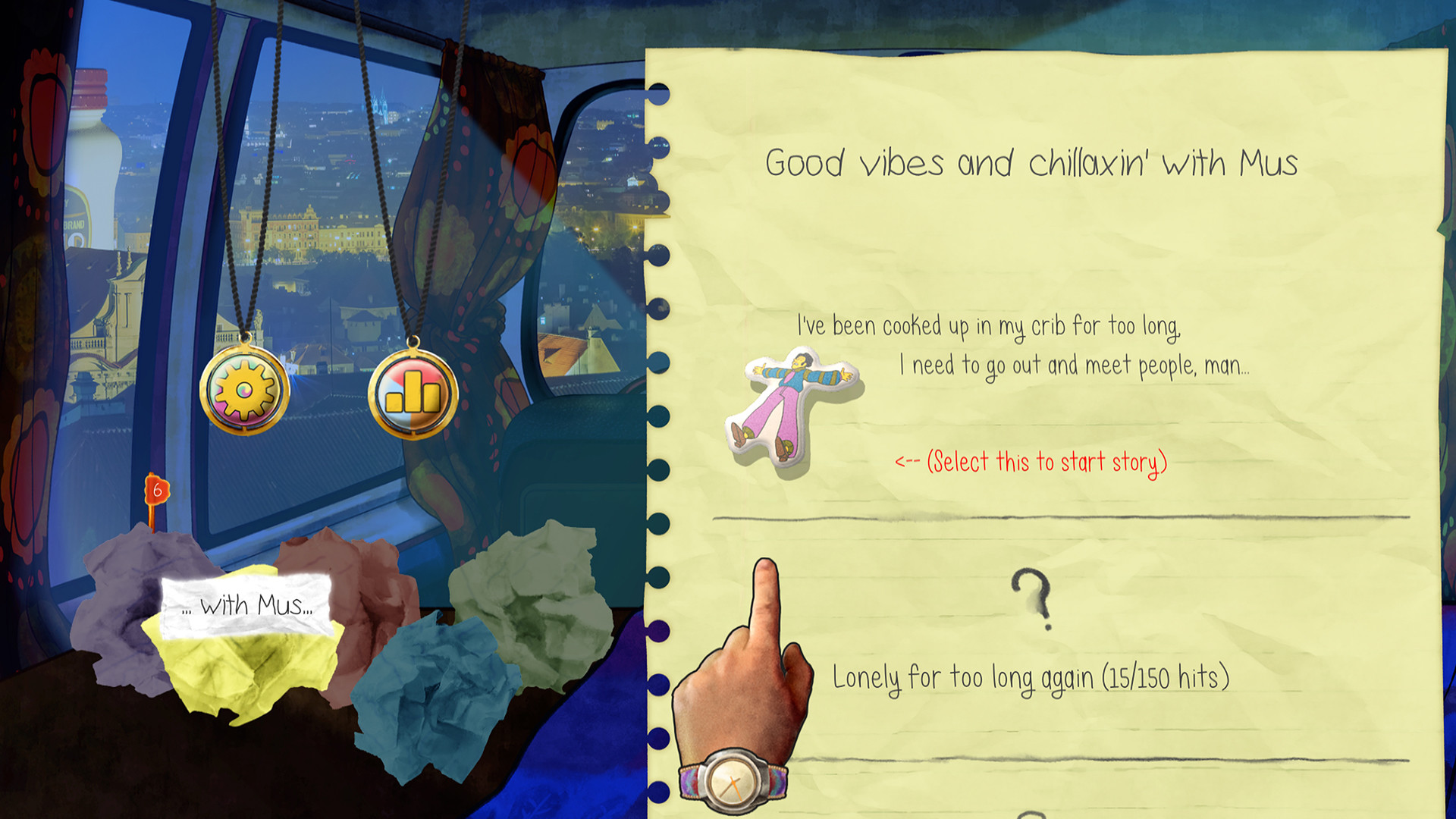
As points increase, bite‑size pieces of the hero’s “overwhelming and emotional” saga appear on screen. The narrative is delivered in fragments that correspond to the player’s tapping progress.
A single “surprise” is hinted at, encouraging continued tapping beyond the main storyline. The game does not specify what the surprise entails, only that it is hidden within the point‑driven flow.
- Read each fragment carefully; they build the overall plot.
- Note the point thresholds where new text appears.

03 / THE GUIDE
Steam Achievements
Steam Achievements are integrated and reward players for reaching defined milestones within the clicker loop. They are optional goals that sit alongside the core point system.
All achievements are visible on Steam and can be tracked at any time, giving players a sense of completion without affecting the main gameplay.
- Review the achievement list early to set personal targets.
- Use achievements as a guide for exploring hidden content.
04 / THE GUIDE
Full Controller Support
The game includes full controller support, allowing the tapping action and menu navigation to be performed with a gamepad. This support works alongside any standard input method.
Controller compatibility ensures that players can enjoy the clicker experience without being limited to keyboard or mouse, though the exact button layout is not detailed in the source.
- Try both controller and mouse to see which feels smoother.
- Observe any latency differences between input methods.
05 / THE GUIDE
Steam Leaderboards
Steam Leaderboards rank players based on their accumulated points, providing a competitive comparison across the community. Scores are submitted automatically as you play.
The leaderboard operates independently of the single‑player experience, offering an external benchmark for tapping efficiency without influencing in‑game progression.
- Aim for consistent high scores to climb the leaderboard.
- Check top scores for pacing ideas.


COMMUNITY
Player discussion