 GameWiki
GET YOUR BEARINGS
About My Little Spider
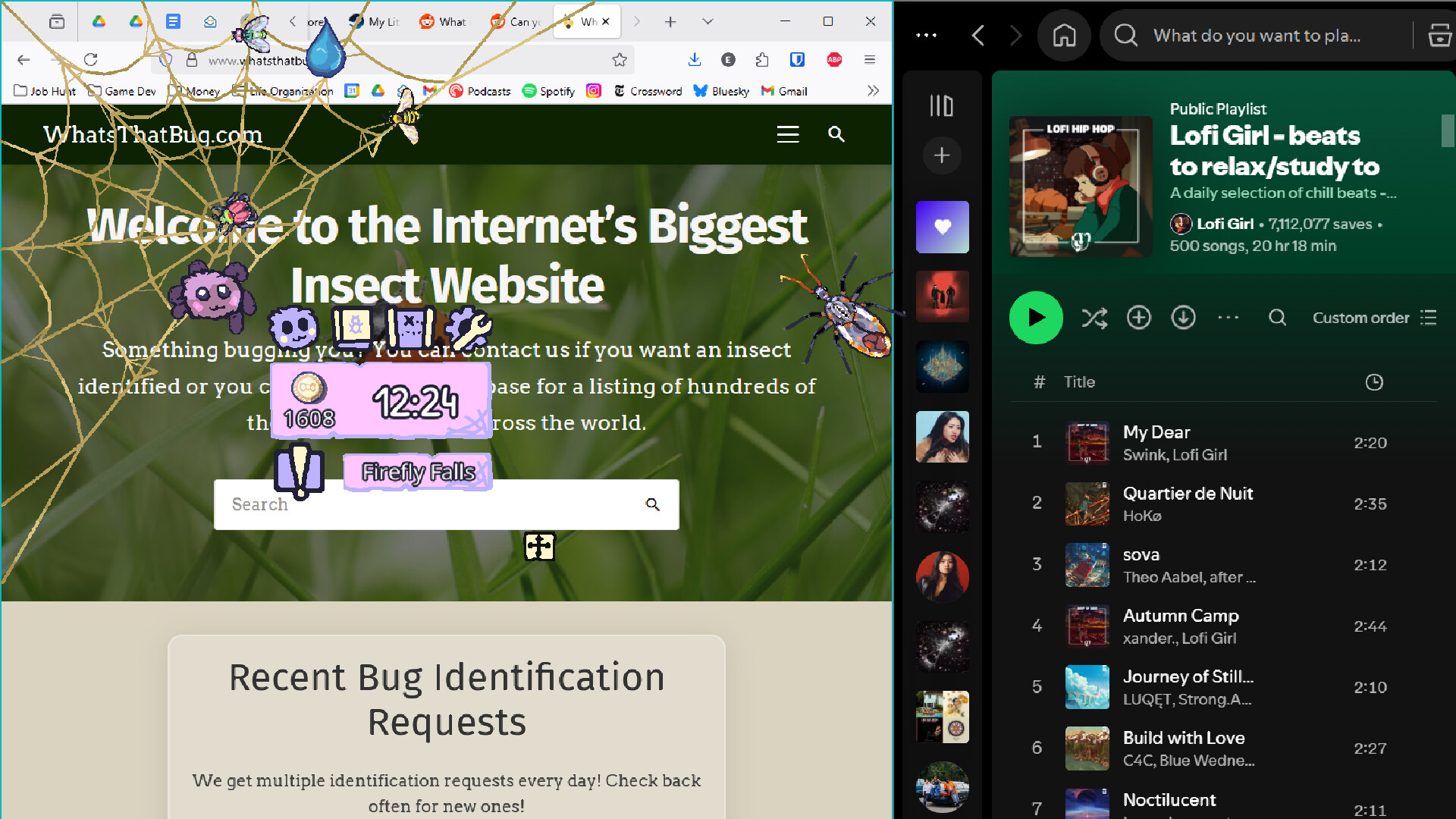
My Little Spider is a casual adventure where a digital spider companion gathers bugs while you focus on other tasks. The game tracks a clock, releasing different insects at specific times, encouraging occasional check‑ins.
You can collect over 50 bug species, unlock over five locations, and personalize your spider with hats, skins, and web trinkets. Progress is saved anytime and synced via Steam Cloud, and the game supports mouse‑only play and Steam achievements.
01 / THE GUIDE
Bugopedia Collection
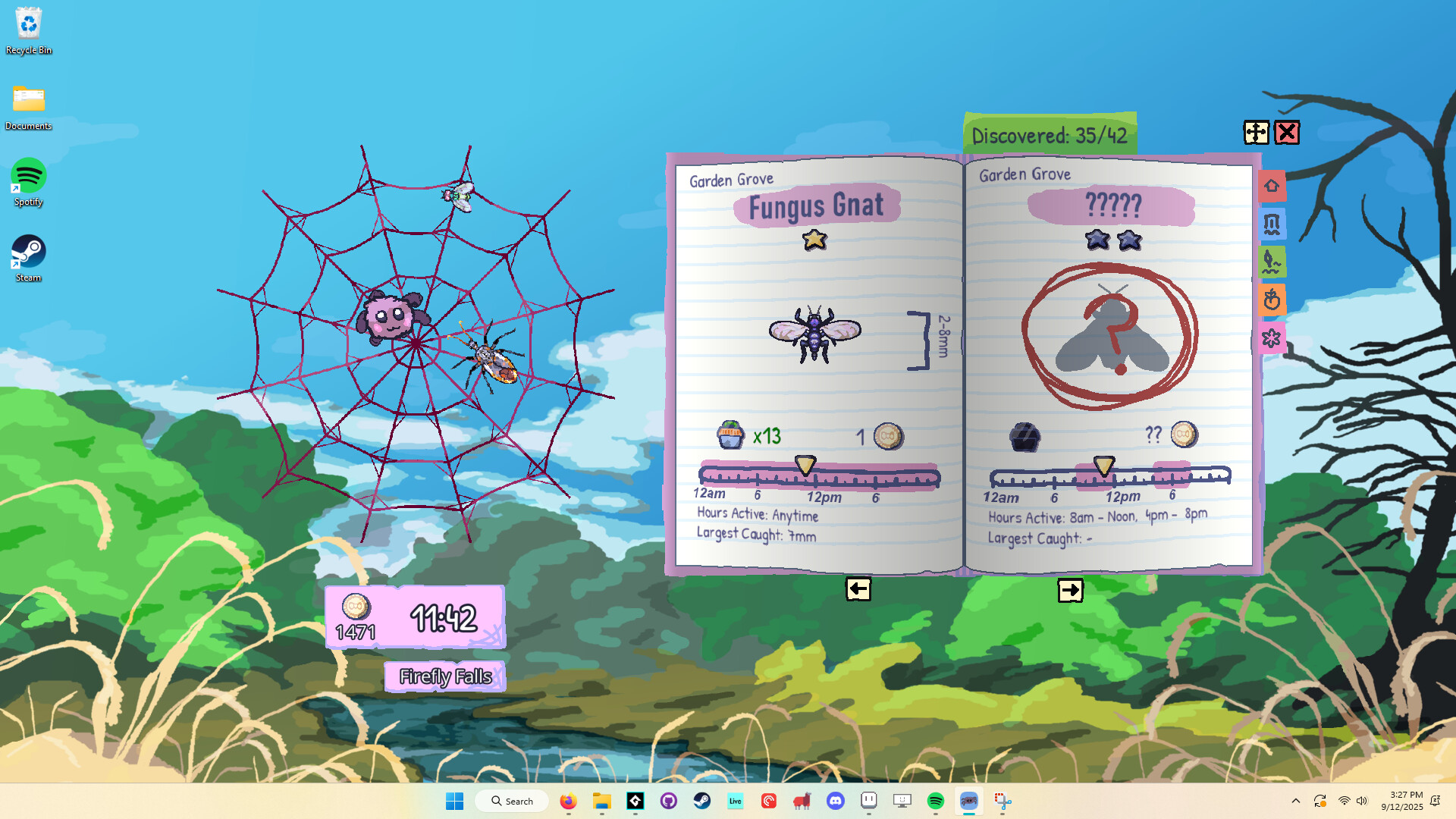
The core loop revolves around watching your spider capture insects that appear according to the in‑game clock. Over 50 distinct bugs, from the common Blue Bottle Fly to the Monarch Butterfly, are catalogued in the Bugopedia.
Each new discovery adds to your collection, and the variety encourages repeated glances at the clock to catch rarer types as they emerge.
- Note the time of day when rare bugs appear and set a reminder to check the game then.
- Compare the visual cues of common bugs to quickly identify new entries in the Bugopedia.
02 / THE GUIDE
Locations & Time
Over five unique locations become available as you progress, each offering its own set of insects. Bugs only emerge at certain times, so the in‑game clock directly influences which species you can see.
Exploring new areas expands the pool of possible catches, while paying attention to the clock maximizes your chances of spotting time‑specific insects.
- Visit each location at different times to see the full range of bugs.
- Use the clock display as a quick reference before switching locations.

03 / THE GUIDE
Shop & Customization
Bug coins earned from captures can be spent in the shop to obtain hats, skins, and web trinkets for your spider. These items let you personalize the companion’s appearance.
Customization provides a visual reward for continued play and collection progress.
- Prioritize items that you find visually appealing to keep the experience enjoyable.
- Track how many bug coins you have before opening the shop to plan purchases.
04 / THE GUIDE
Quests & Daily Challenges
A variety of quest types task you with finding bugs of specific sizes or types. Daily quests reset each day and present a shared challenge with other players, adding a light competitive element.
Completing quests contributes to overall progress and can guide you toward bugs you might otherwise miss during casual play.
- Check the daily quest list each morning to align your check‑ins with the required bugs.
- Use the quest descriptions to focus on particular bug categories you haven’t collected yet.
05 / THE GUIDE
Save & Cloud Features
The game allows you to save at any moment, ensuring that your collection and progress are never lost. Steam Cloud integration backs up this data, making it accessible across installations.
These features support a relaxed play style, letting you pause and resume without worrying about losing discoveries or customizations.
- Take advantage of the “Save Anytime” option before closing the game.
- Verify that Steam Cloud is enabled in your client settings for automatic backup.


COMMUNITY
Player discussion