 GameWiki
GET YOUR BEARINGS
About My Little Life
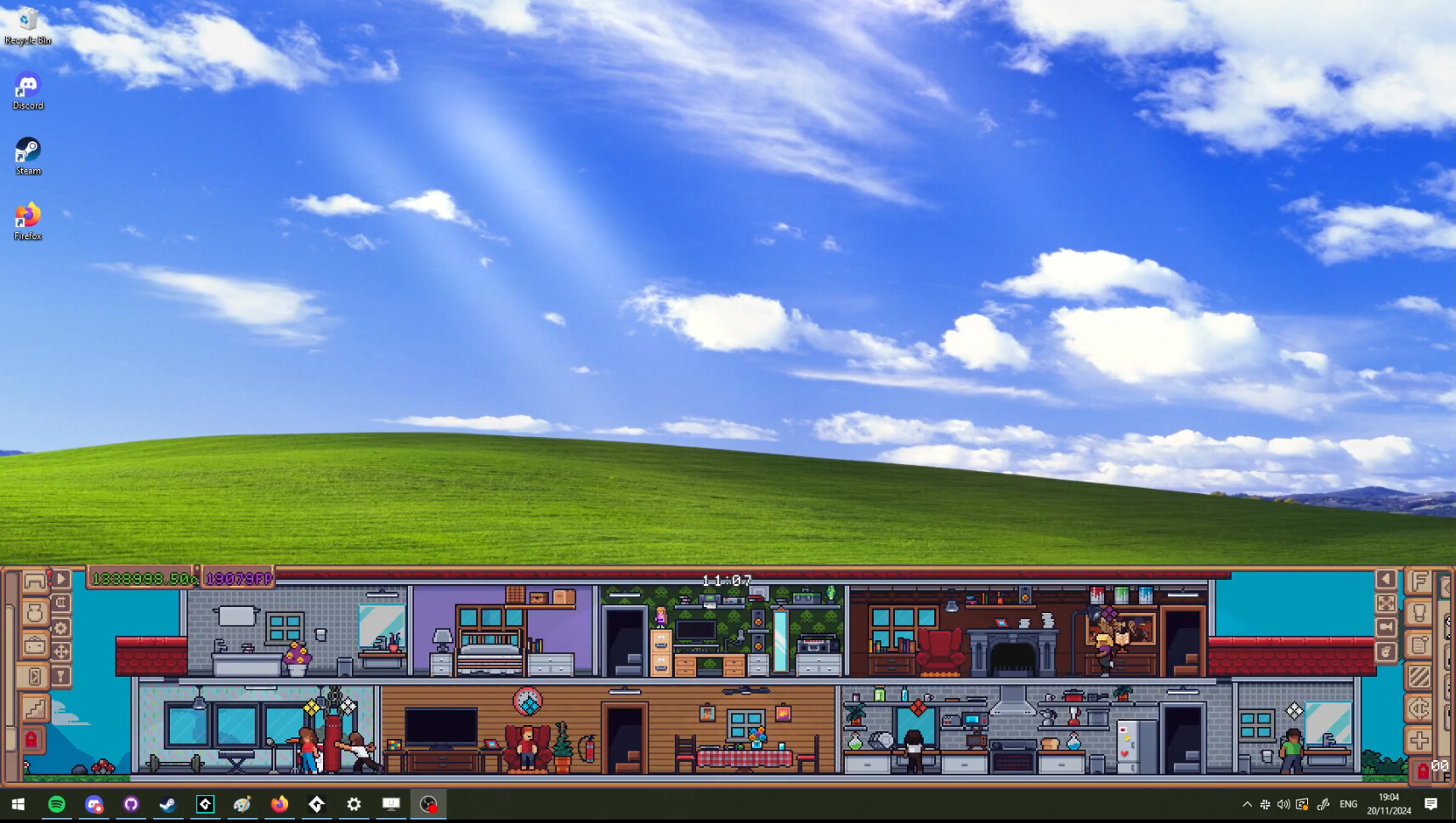
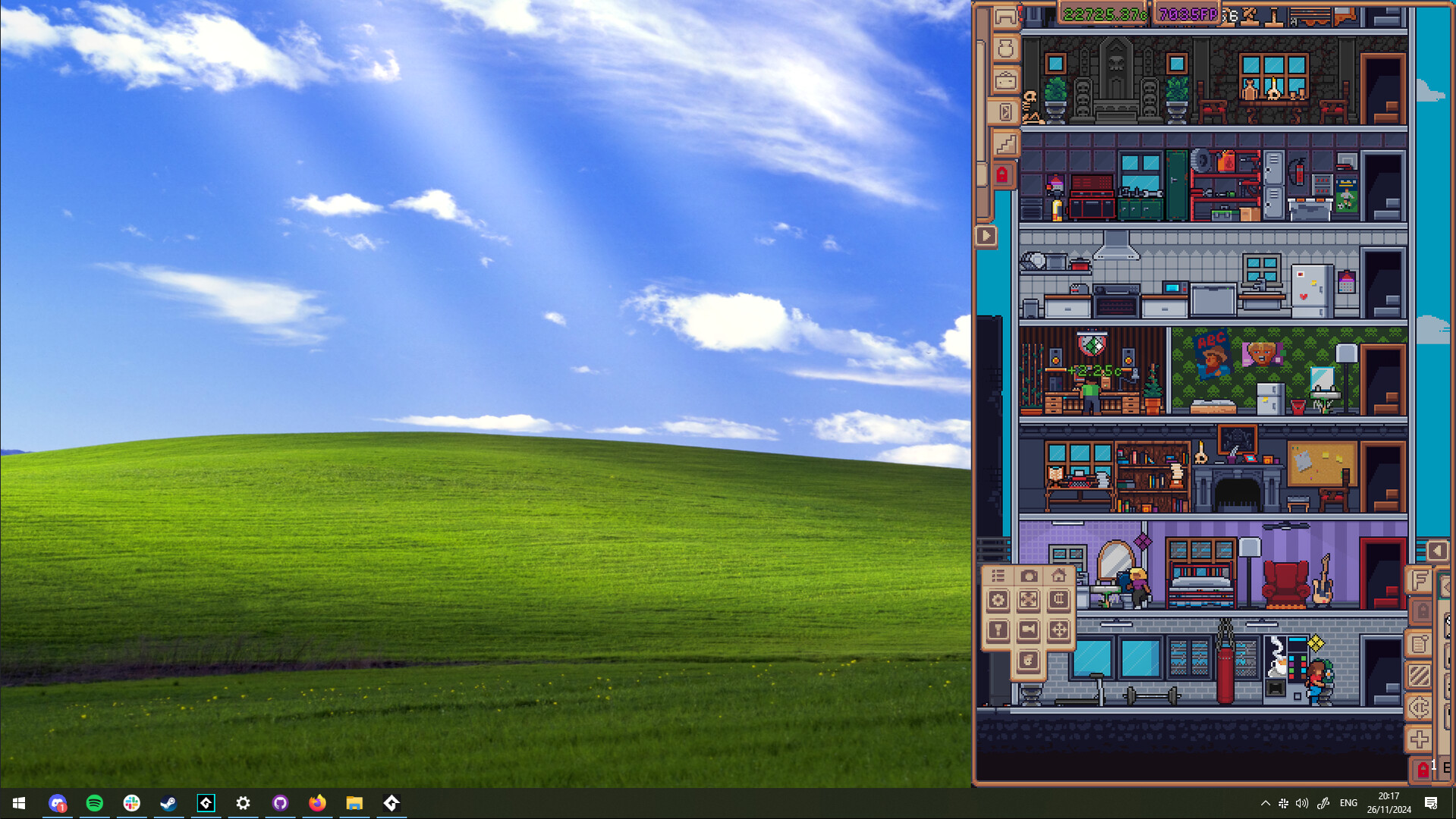
My Little Life is a casual indie simulation that runs at the bottom of the screen, letting you watch a tiny character live their daily routine while you work on other tasks. The game avoids loud pop‑ups or urgent prompts, so the experience stays background‑friendly.
You can grow the character from an unemployed resident in a messy house to a prosperous individual in a fully customized dream home. Progress is driven by career choices, home decoration, recruiting additional little people, and earning Fulfillment Points to unlock new items.
01 / THE GUIDE
Home Customization
You can order new items for your little person and watch deliveries appear at their doorstep. Hundreds of distinct items become unlockable as you advance, letting the house evolve from cluttered to fully furnished.
Home upgrades are funded by career earnings and Fulfillment Points, so each purchase reflects the character’s growing prosperity and personal taste.
- Order items when you have spare time to enjoy the delivery animation.
- Focus on items that cost fewer Fulfillment Points early on.
02 / THE GUIDE
Career Progression
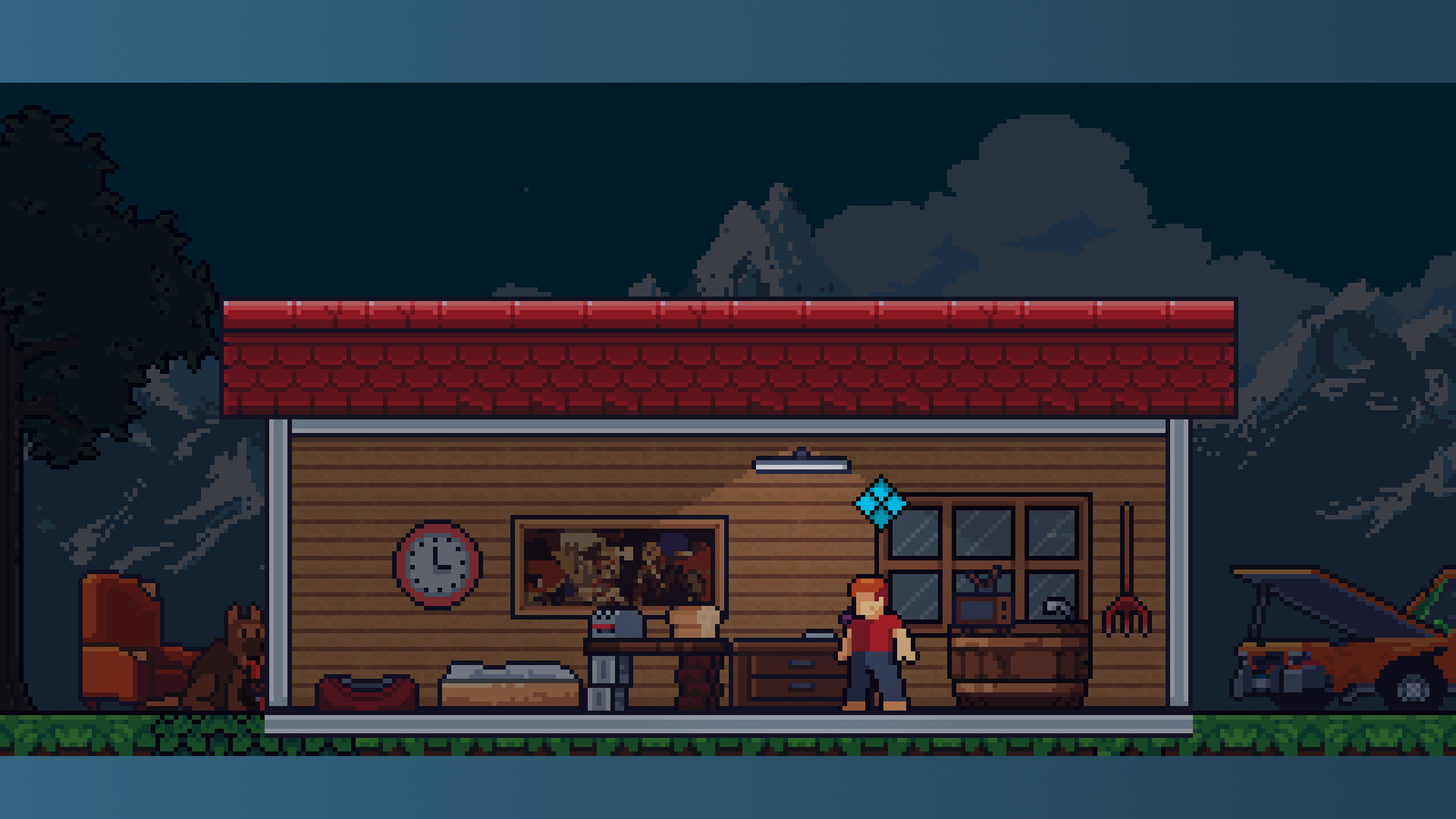
Select a career such as farmer, streamer, or hacker, and watch your little person receive promotions. Experience in the chosen field translates directly into larger paychecks.
Higher paychecks can be spent on home expansion, décor, or recruiting more characters, linking professional success to lifestyle upgrades.
- Stick with one career early to accelerate promotion speed.
- Reinvest earnings into items that boost Fulfillment Points.
03 / THE GUIDE
Recruiting Additional Little People
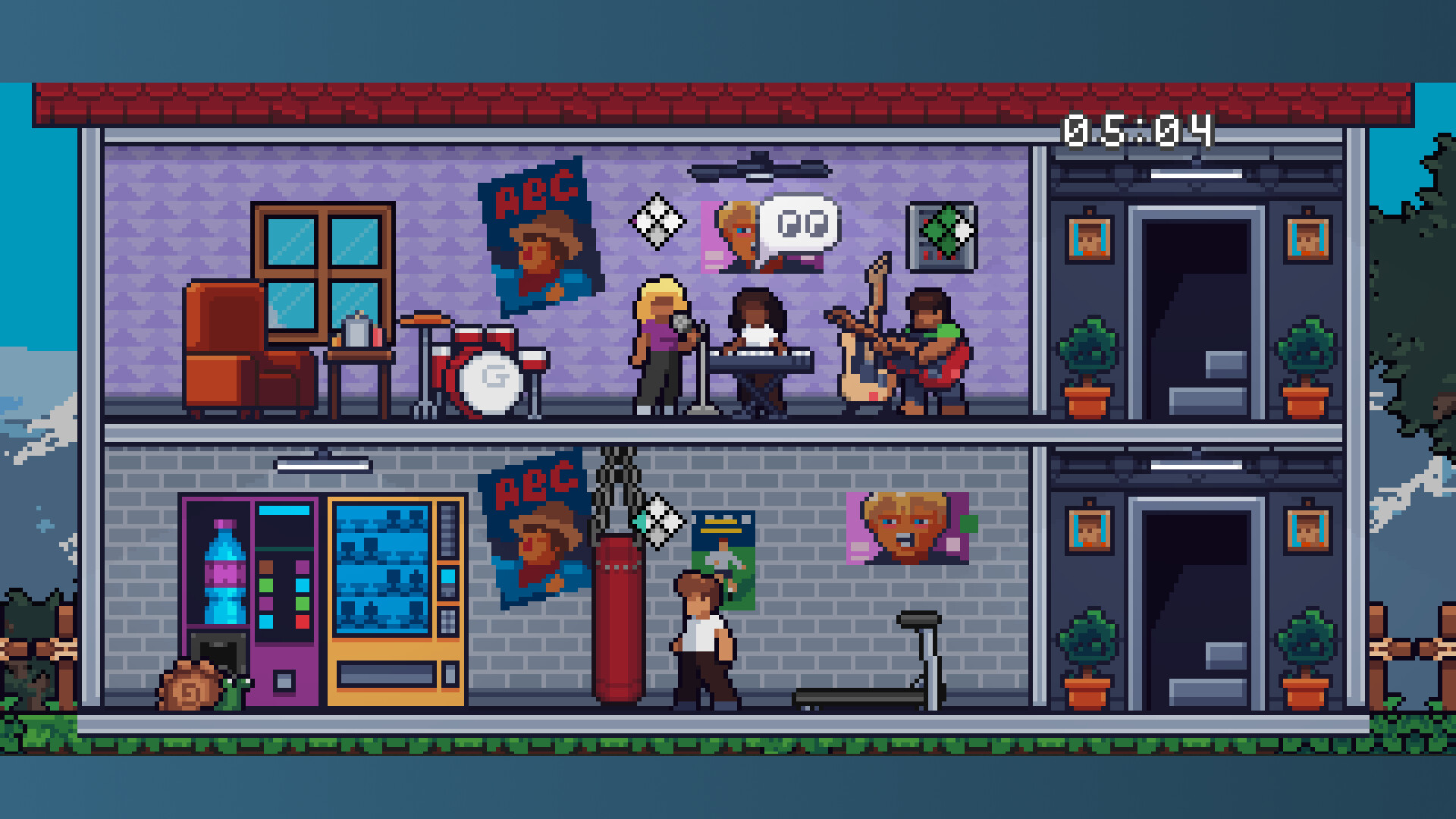
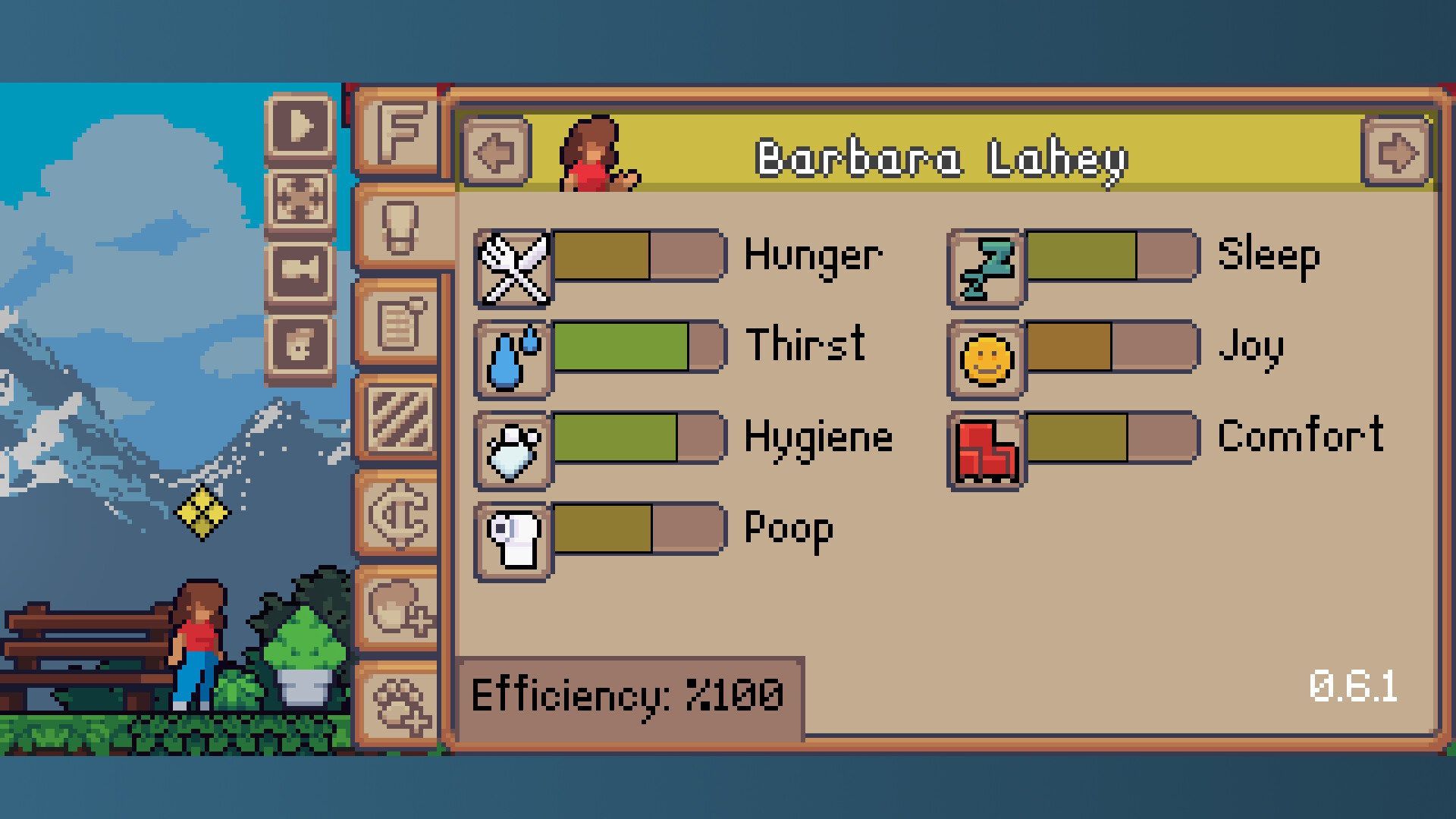
You may recruit extra little people, each with personal hopes and dreams. They can inhabit separate homes or share a single mansion, expanding the simulation’s scope.
Each new character adds opportunities for Fulfillment Points and further decoration, while also increasing the variety of dreams to fulfill.
- Start with one character to learn the basics before adding more.
- Group characters in one mansion to simplify item distribution.
04 / THE GUIDE
Fulfillment Points System
Completing a little person’s hopes and dreams awards Fulfillment Points. These points serve as currency for unlocking increasingly varied and expensive items.
The system directly ties personal achievements to tangible upgrades, encouraging players to prioritize dream completion.
- Target high‑value dreams first for larger point gains.
- Balance spending between décor and functional upgrades.
05 / THE GUIDE
Non‑Intrusive Play Style
The simulation runs at the bottom of the screen and avoids loud pop‑ups or urgent events, allowing you to keep focus on other tasks.
Important decisions remain player‑driven but never interrupt your workflow, making the game suitable for background play.
- Check the UI periodically to make key choices without feeling rushed.
- Use the low‑profile window to keep the game visible yet unobtrusive.
COMMUNITY
Player discussion