 GameWiki
GET YOUR BEARINGS
About My Little Farmies
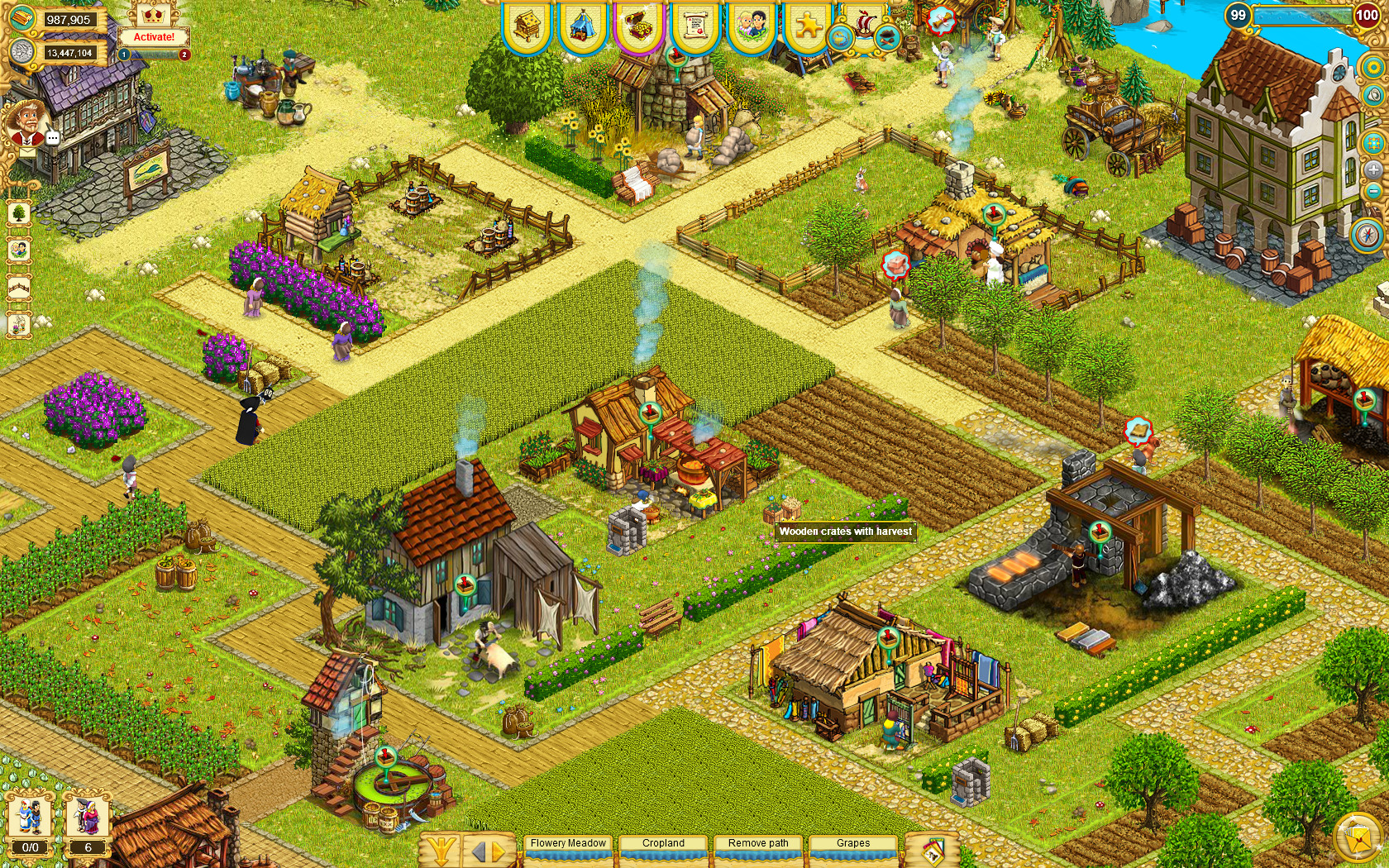
My Little Farmies lets you transform a plain green field into a medieval village. You can lay paths, erect buildings such as flour mills and artisan workshops, and cultivate crops that become sellable goods. The game mixes farm simulation with tycoon management, encouraging expansion through agriculture and trade.
Beyond farming, you can breed a range of animals, process their products, and join guilds for social interaction. Seasonal events add temporary objectives, while online co‑op lets you collaborate with other players. The title is free‑to‑play, supports single‑player and multiplayer modes, and runs on Windows via Steam.
01 / THE GUIDE
Village Building
You begin with a simple green field and can lay paths to shape the layout of your settlement. Constructing structures such as flour mills, artisan workshops, and decorative items expands production capacity and visual appeal, turning the plot into a bustling medieval village.
Upgrading existing buildings and adding new ones allows you to increase output, unlock new production options, and customize the appearance of your town. Each addition contributes to a growing economy and a more intricate layout for efficient resource flow.
- Plan path routes early to keep travel distances short between farms and processing sites.
- Balance functional buildings with decorative items for a cohesive visual theme.
02 / THE GUIDE
Production Chains
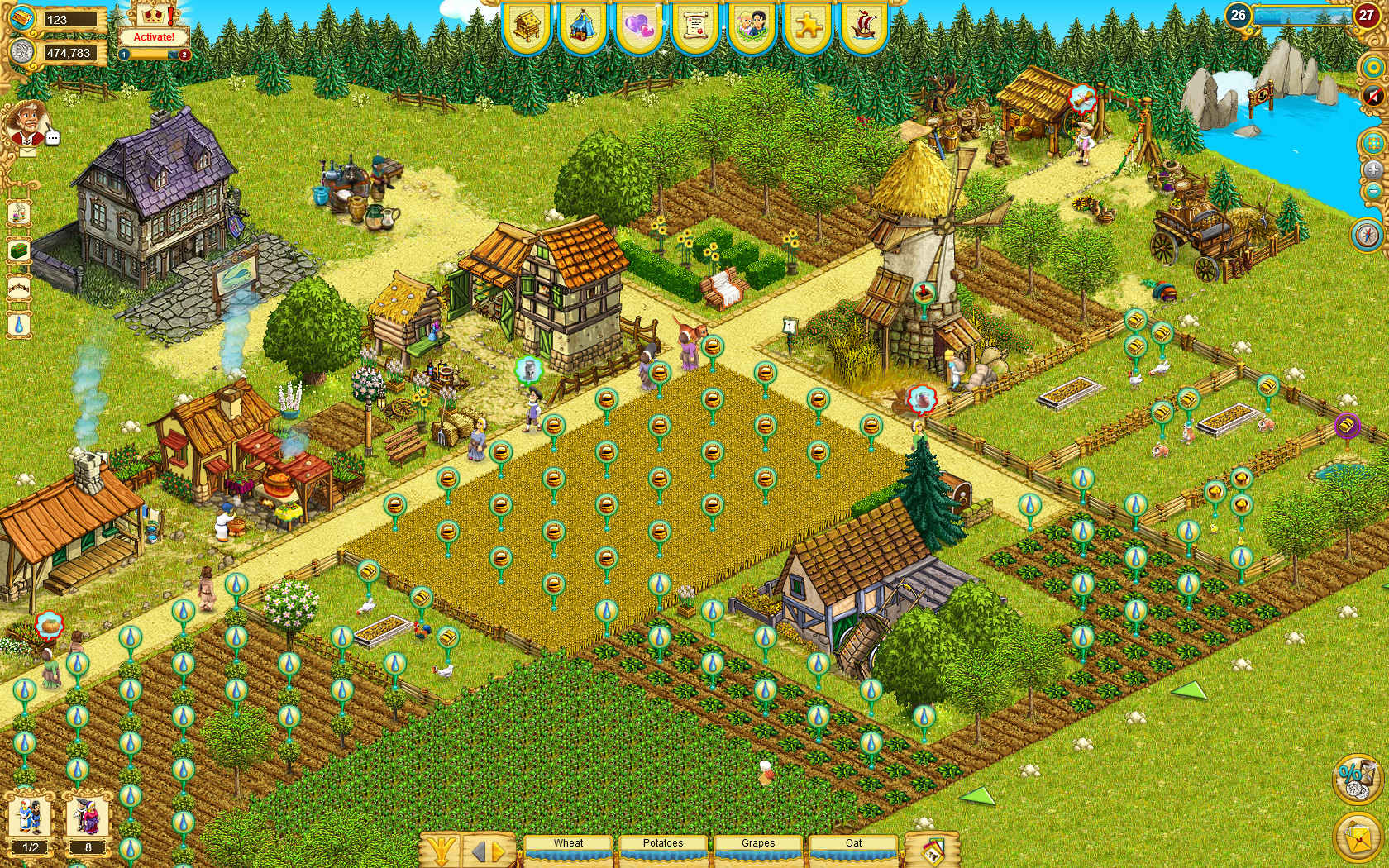
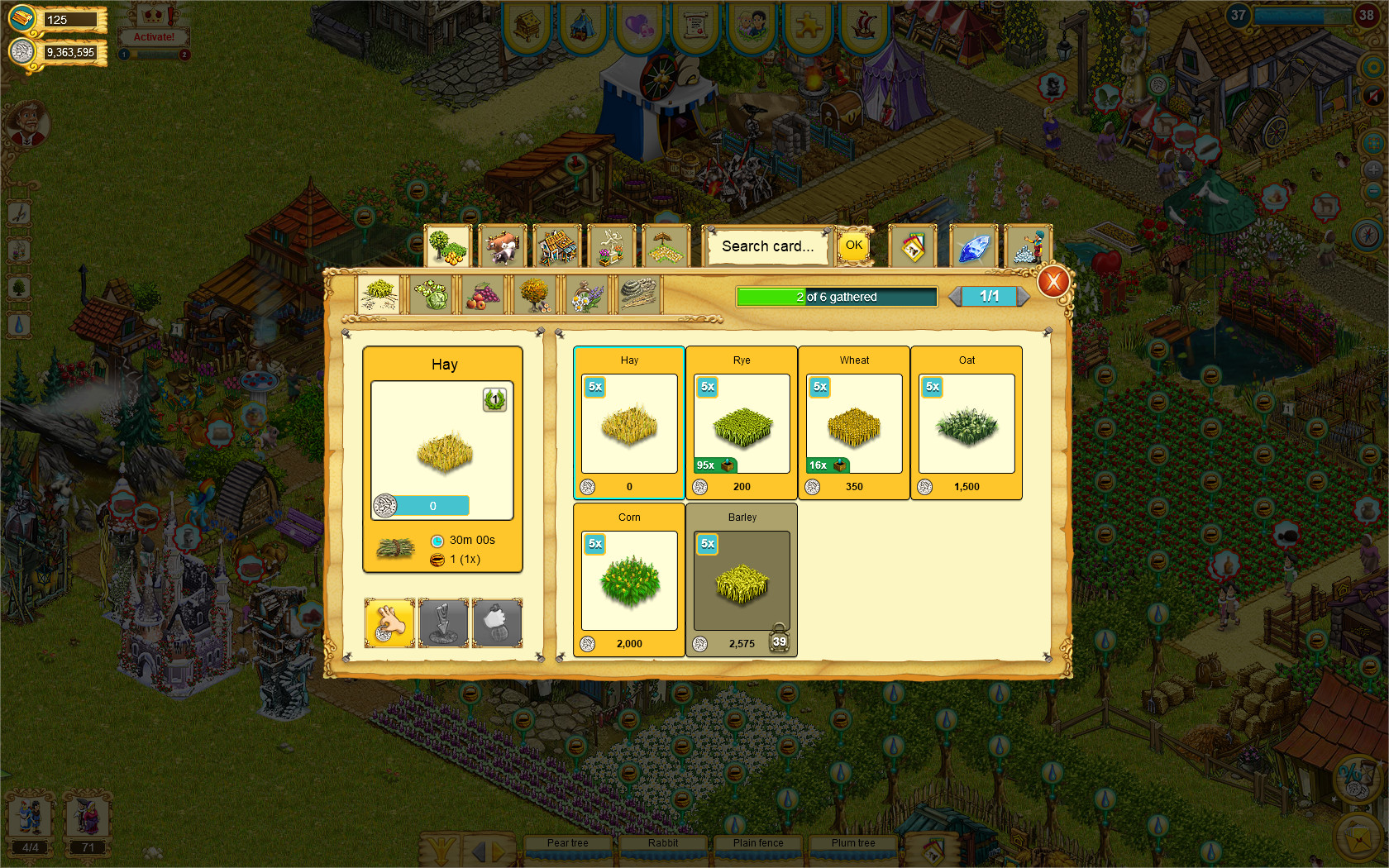
Crops such as grain, vegetables, and fruits can be harvested and turned into goods like flour, bread, juice, and brandy. Processed items are sold to eager customers, generating income that fuels further expansion.
The game features extensive production chains, allowing raw materials to pass through multiple processing steps. Connecting these steps strategically creates luxury goods and deepens the economic planning required for a thriving village.
- Map each step of a chain before investing to avoid bottlenecks.
- Diversify chains to keep a steady flow of sellable products.
03 / THE GUIDE
Animal Husbandry
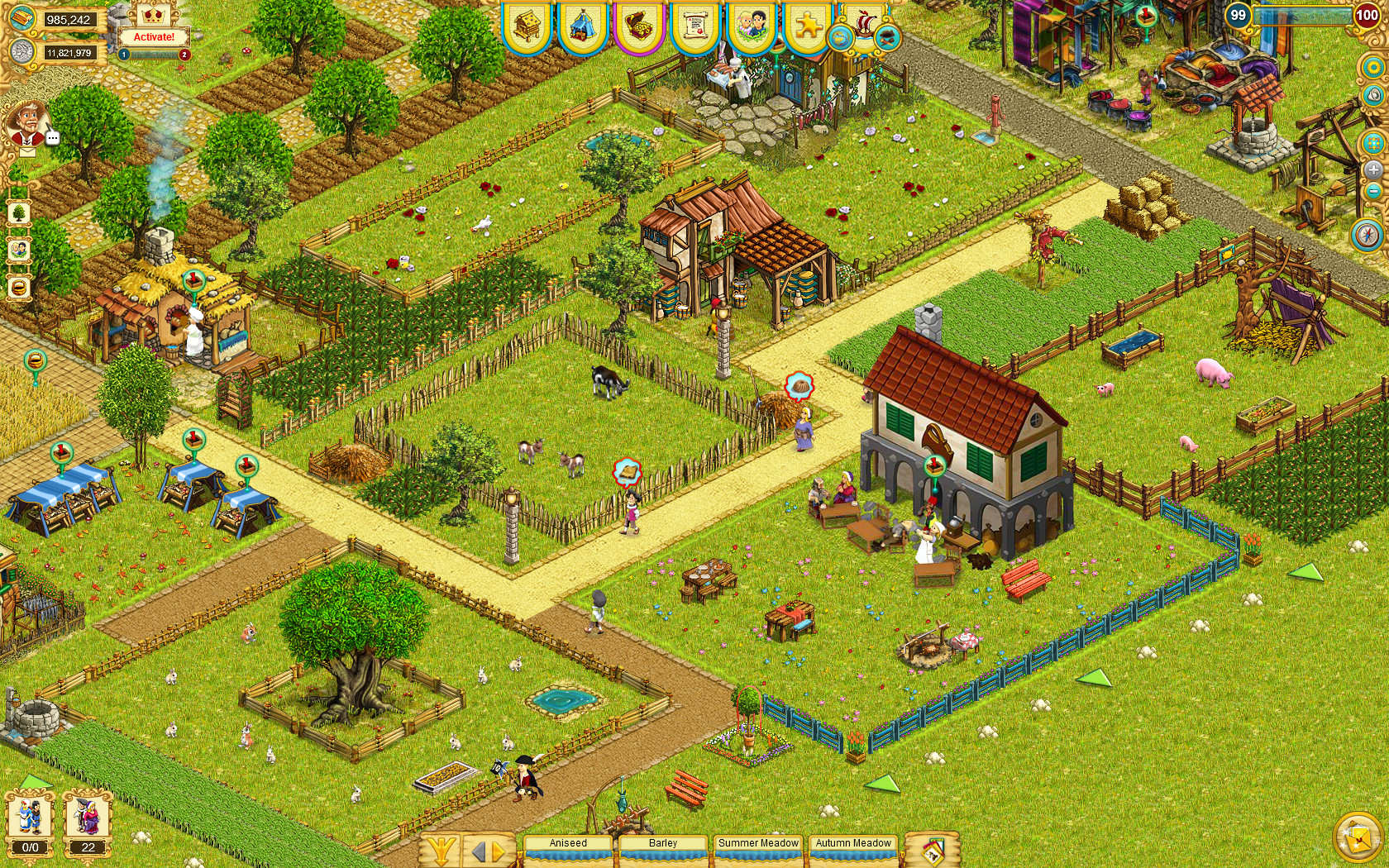
A variety of livestock—including rabbits, chickens, geese, sheep, swine, and cattle—can be bred. Their products such as eggs, milk, and meat become inputs for further production chains, adding depth to the economy.
Managing animal populations requires space and resources, but successful breeding expands your range of goods. Processed animal products can be turned into luxury items, increasing trade value and village prosperity.
- Maintain a balanced mix of animal types to diversify your product lineup.
- Monitor animal numbers to ensure sufficient space and feed.
04 / THE GUIDE
Guild and Social Features
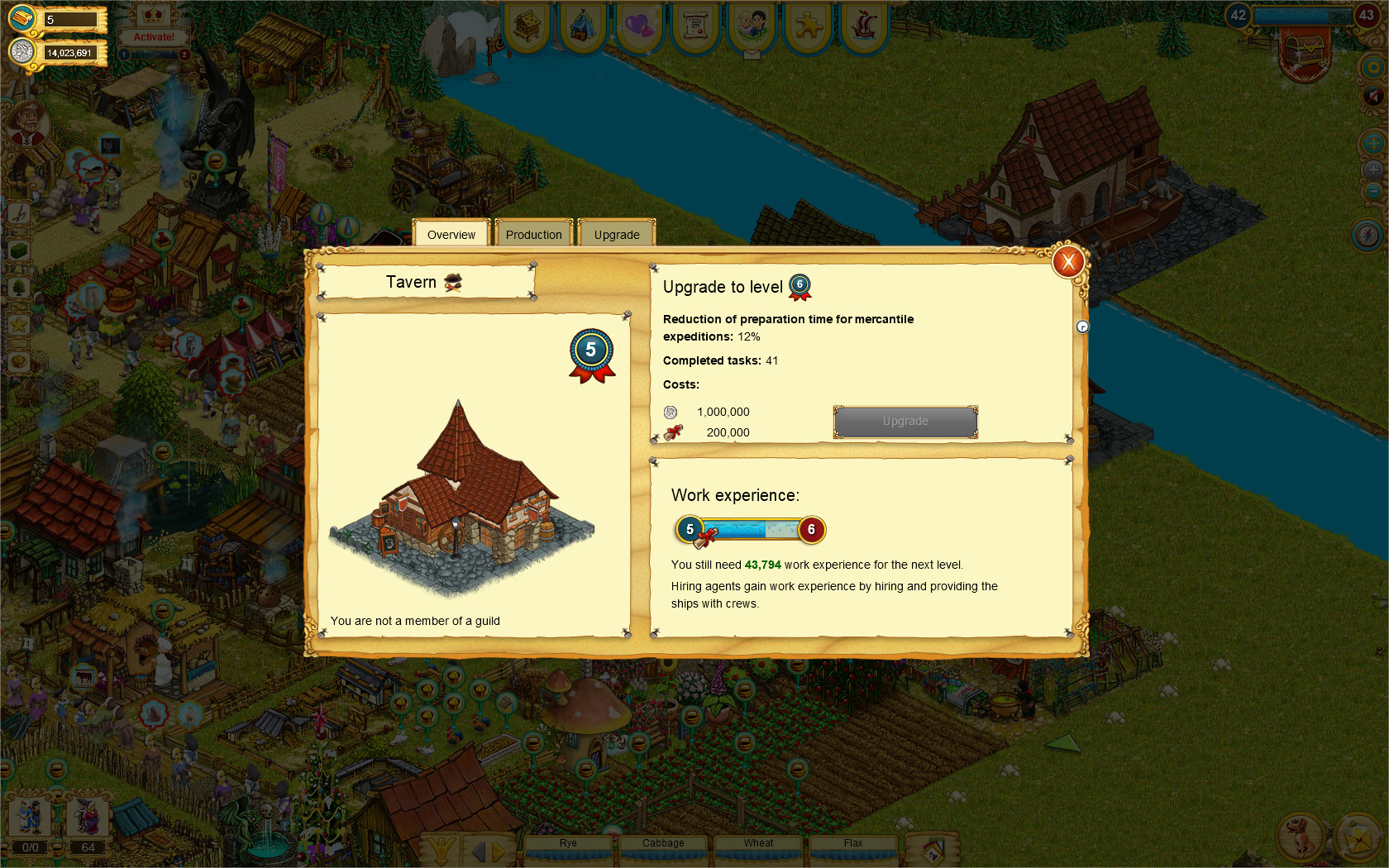
Players can join guilds, providing a platform for cooperation and competition. Social features let you interact with other villagers, and guilds provide a platform for cooperation and competition.
Online co‑op and multiplayer modes enable friends to work together on production goals or guild tasks. These interactions add a community dimension to the medieval setting, encouraging coordinated strategies.
- Participate in guild events to learn new strategies from other members.
- Coordinate co‑op sessions to align production efforts for mutual benefit.
05 / THE GUIDE
Seasonal Events
The game hosts exciting seasonal events that introduce temporary objectives and themed content. These events refresh the gameplay loop and require players to adapt farms to new conditions or goals.
During events, themed content appears, encouraging experimentation with your usual production setup. While the events are time‑limited, they provide variety and can influence overall village progress.
- Check the event calendar early to plan resource allocation.
- Try event‑specific recipes to discover which yield the best returns.
COMMUNITY
Player discussion