 GameWiki
GET YOUR BEARINGS
About My Koi
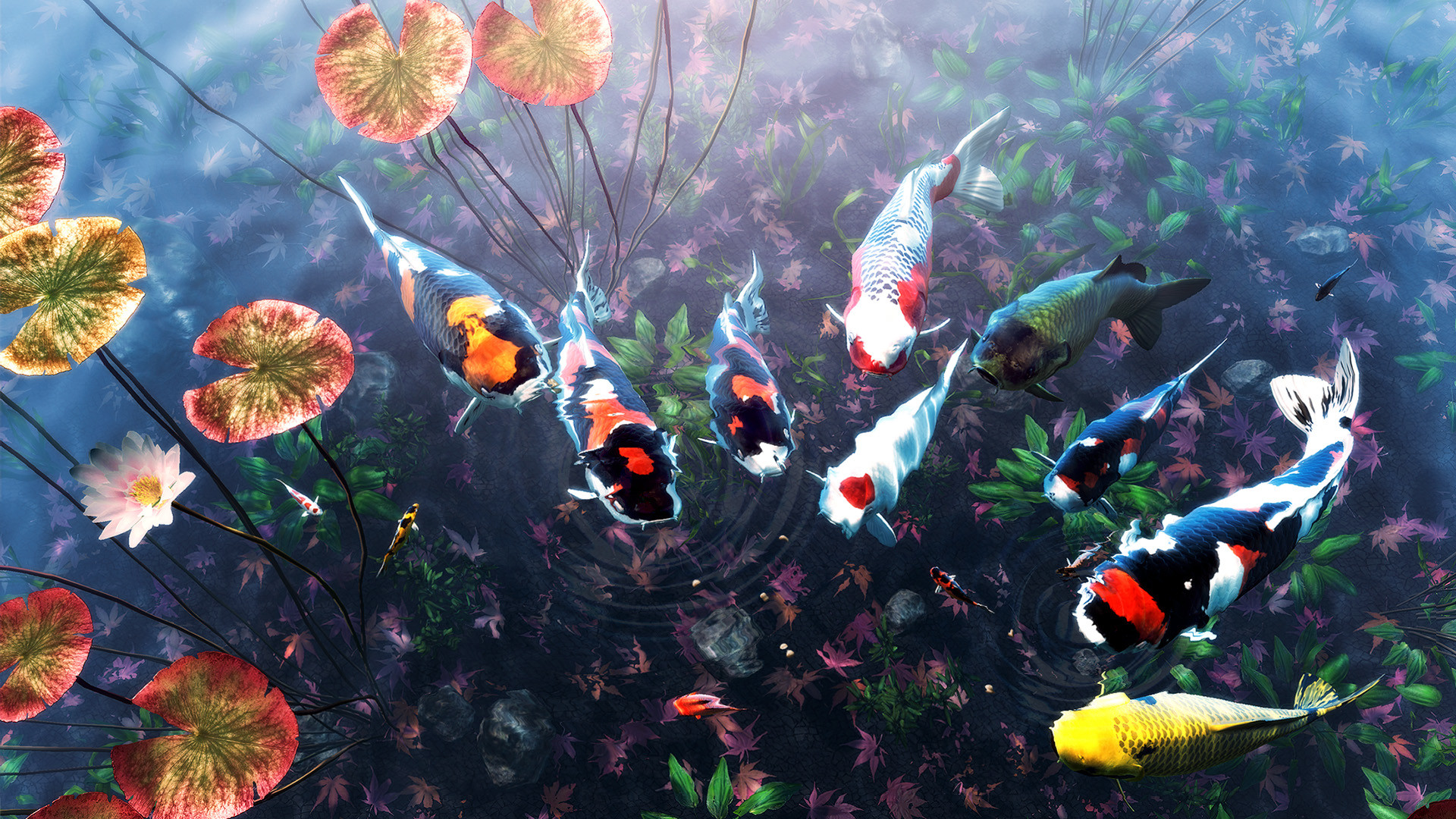
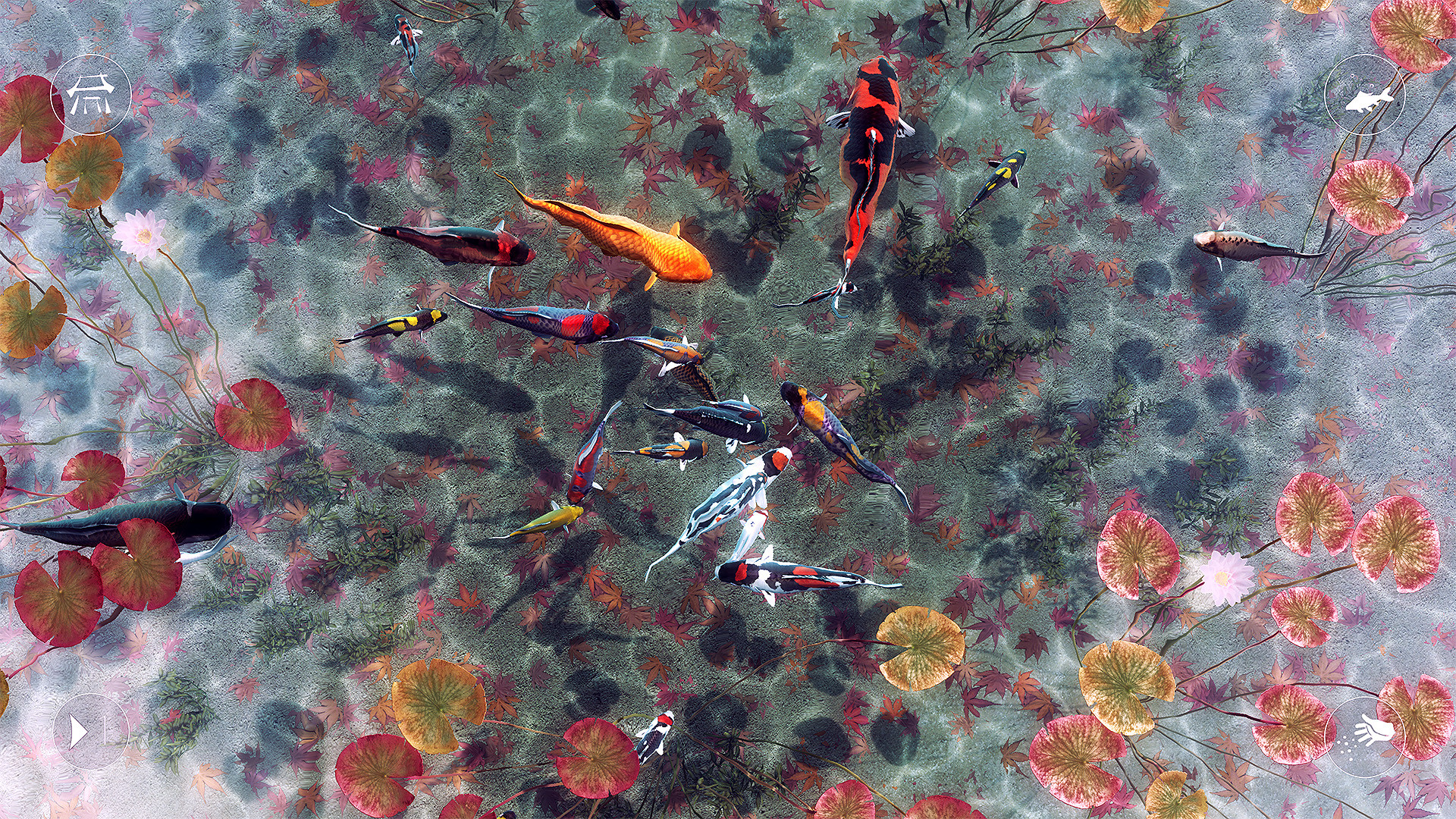
My Koi lets you create up to three separate koi ponds on Windows, each holding as many as 18 distinct fish. You can name each fish, feed them, and watch their growth stats and happiness levels change over time.
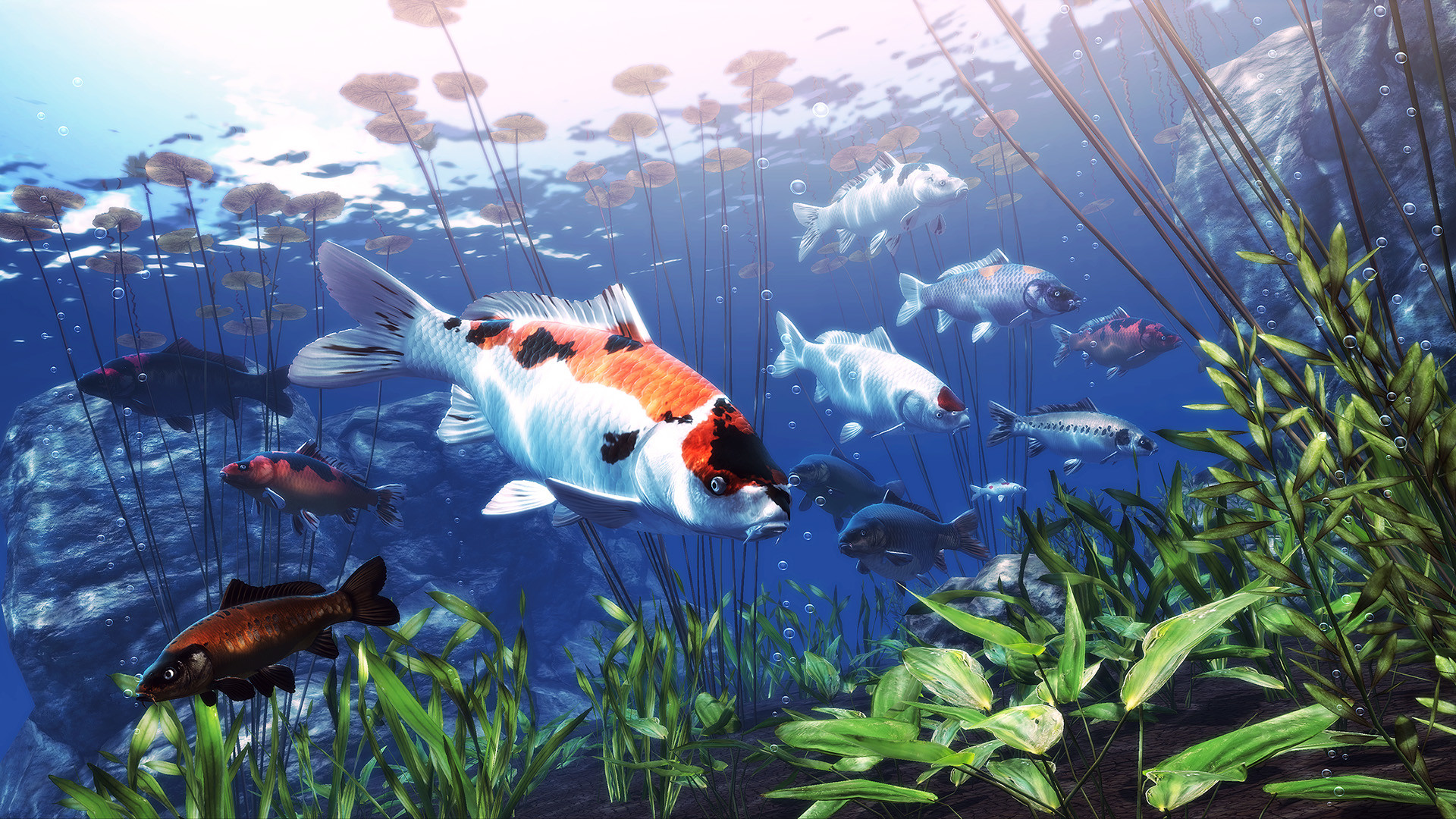
The ponds are fully customizable – you can adjust rocks, plants, substrate and water colour, and the game’s lighting and ambient sounds shift with the time of day. An optional ambient mode offers sound‑only relaxation.
01 / THE GUIDE
Fish Management
Each pond can contain up to 18 unique koi, giving a total capacity of 54 fish across three ponds. Every fish is individually trackable, showing its growth statistics and happiness meter.
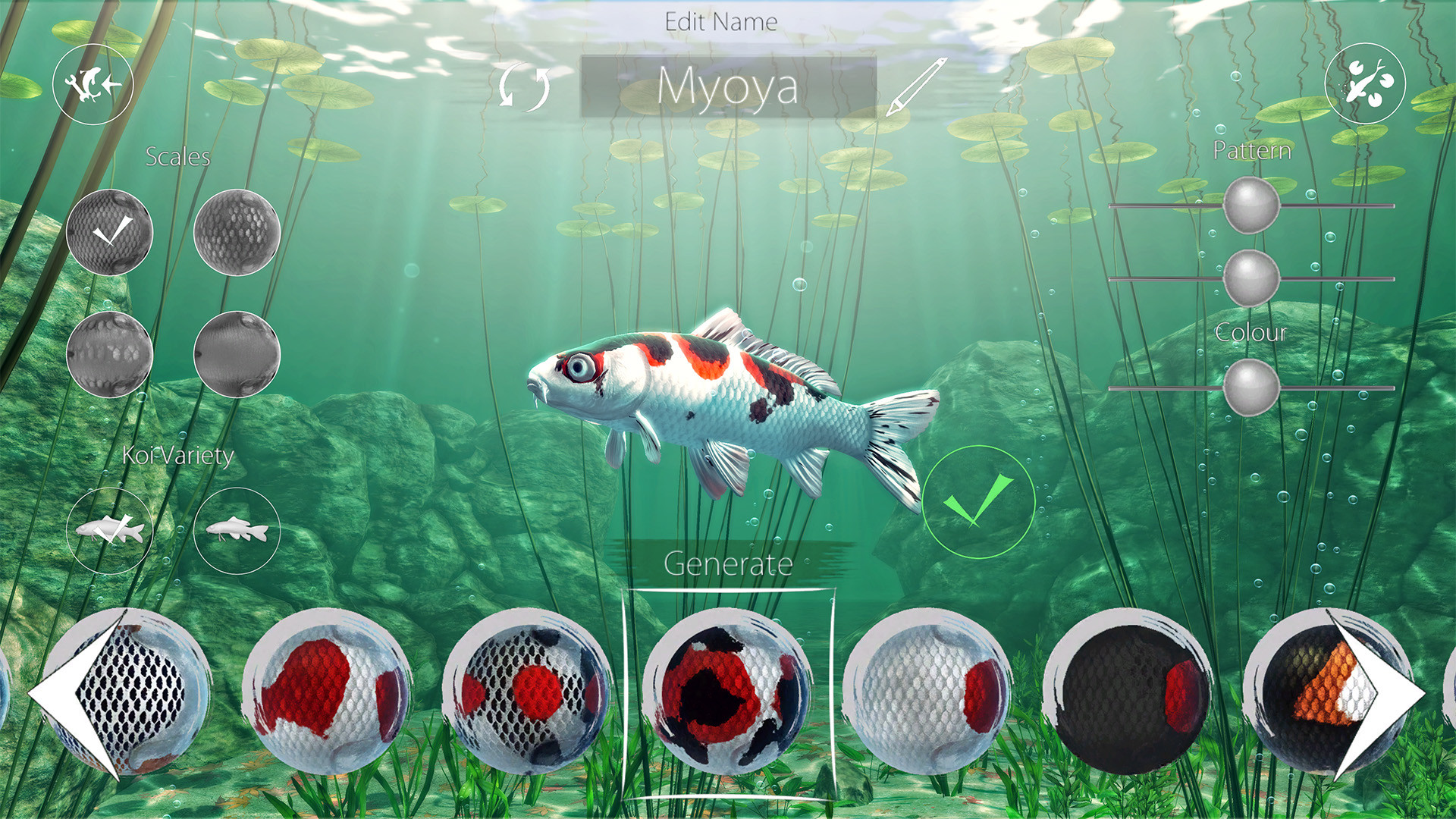
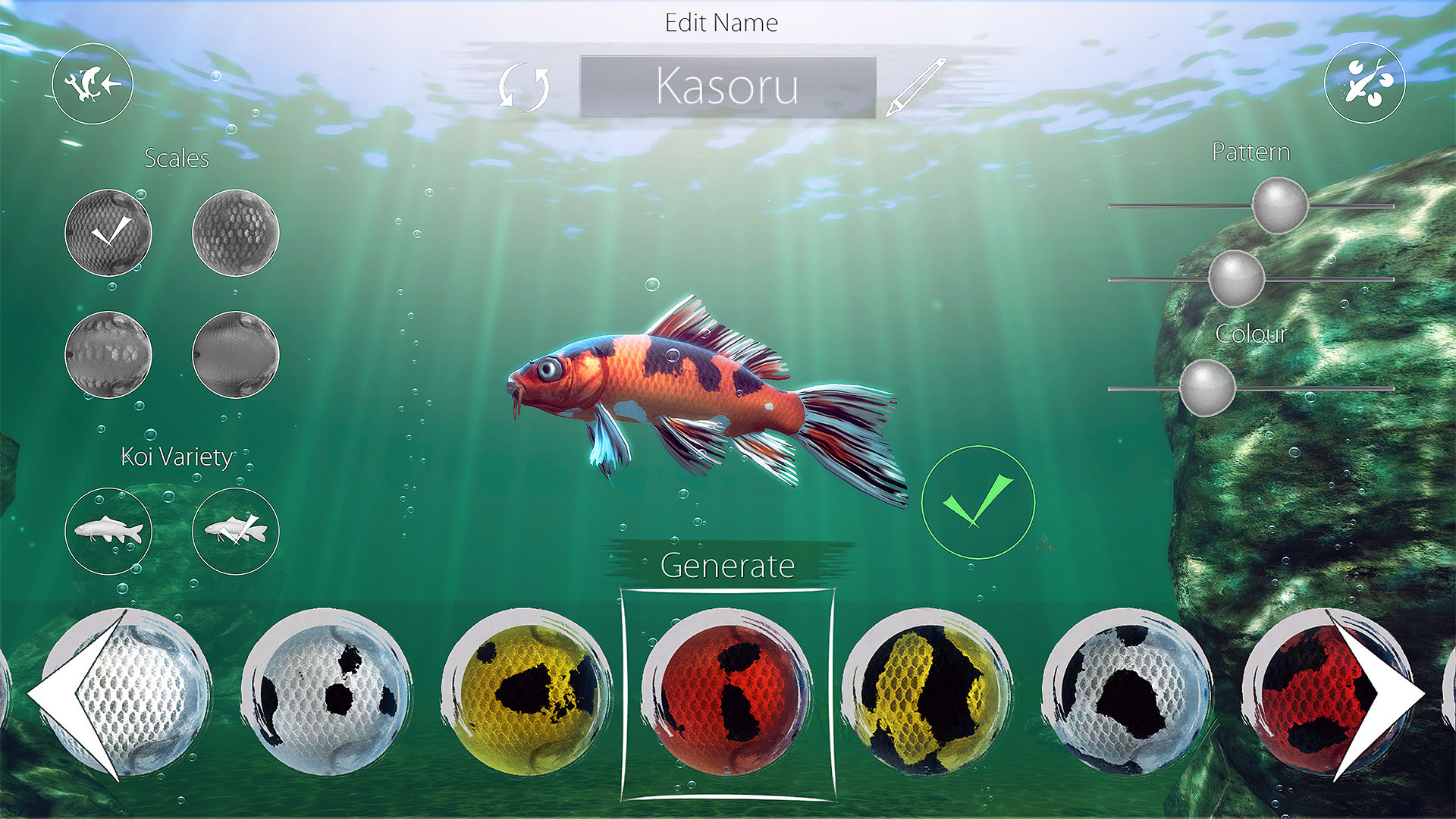
You feed your fish and watch them swim toward the food. The happiness gauge rises as the fish is fed, and you may assign a name to each koi.
- Observe happiness levels after each feeding session.
- Use names to differentiate fish when reviewing stats.
02 / THE GUIDE
Pond Customization
You can modify each pond’s environment by placing rocks, adding plants, selecting substrate types, and choosing water colour. These options affect the visual appearance of the pond.
Customizing the environment lets you craft distinct visual themes for each pond according to personal preference.
- Try contrasting water colours with different lighting times.
- Arrange plants to create varied visual depth.
03 / THE GUIDE
Growth and Statistics
The game displays each koi’s size growth over time together with a numeric growth stat. This information updates as the fish ages in the pond.
Happiness levels are also shown and change when the fish is fed, allowing you to monitor both health and contentment at a glance.
- Check the growth stat after each feeding to see updates.
- Note any correlation between happiness changes and feeding.
04 / THE GUIDE
Ambient Mode and Time of Day
Lighting and natural sounds shift according to the in‑game time of day, creating varied atmospheres as you play. The changes affect both visual tone and audio ambience.
Ambient mode removes visual elements, leaving only nature sounds. This mode provides a sound‑focused experience without on‑screen distraction.
- Switch to ambient mode for a purely auditory session.
- Play at different times to notice lighting variations.
05 / THE GUIDE
Milestones and Unlocks
Reaching defined milestones unlocks additional fish slots and new koi varieties, expanding the number of fish you can keep in each pond.
These unlocks are tied to in‑game progress and do not involve any external purchases or advertisements.
- Track milestone progress to anticipate new fish arrivals.
- Plan pond space ahead of unlocks to avoid rearranging.
COMMUNITY
Player discussion