 GameWiki
GET YOUR BEARINGS
About My Garage
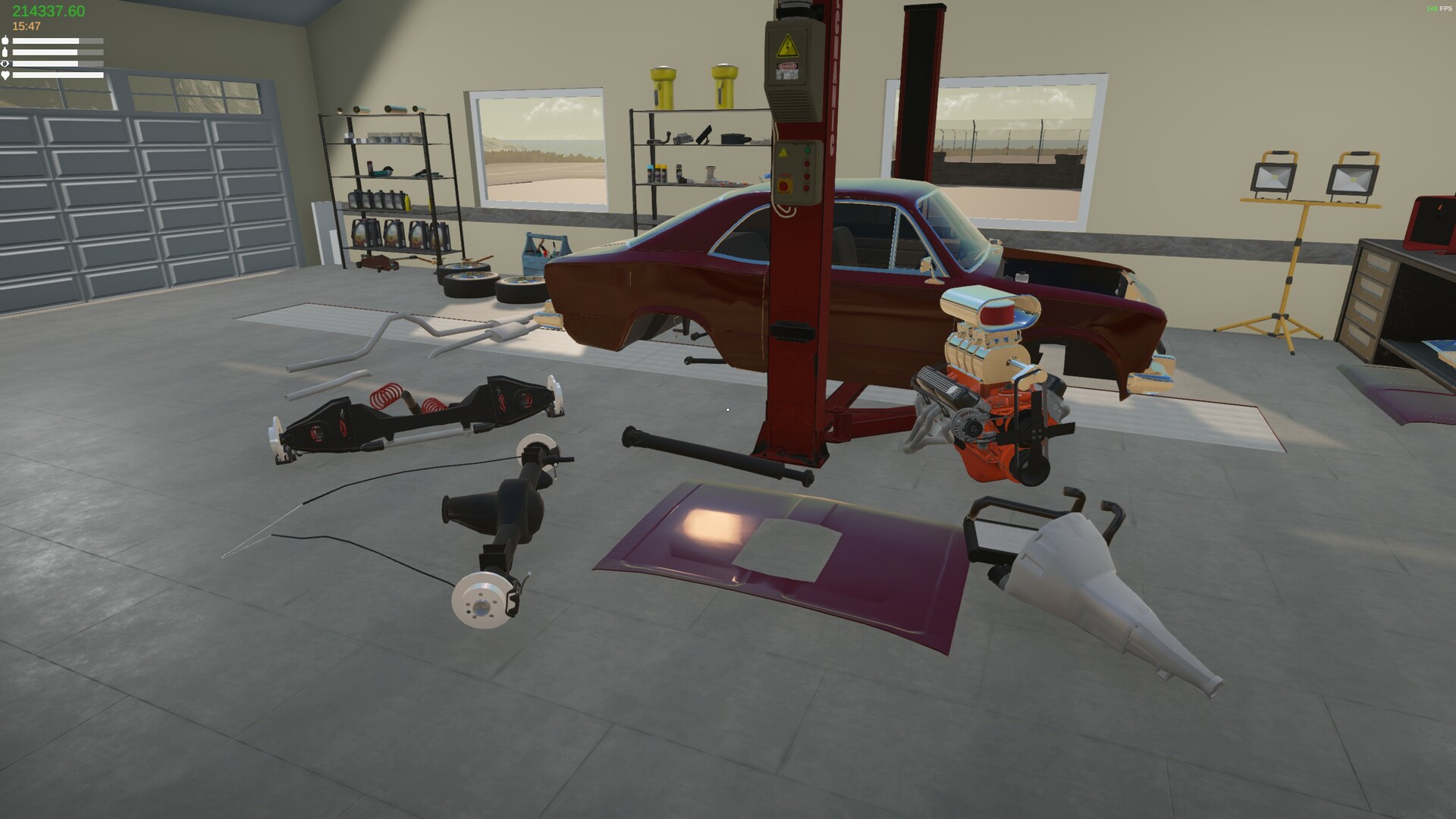
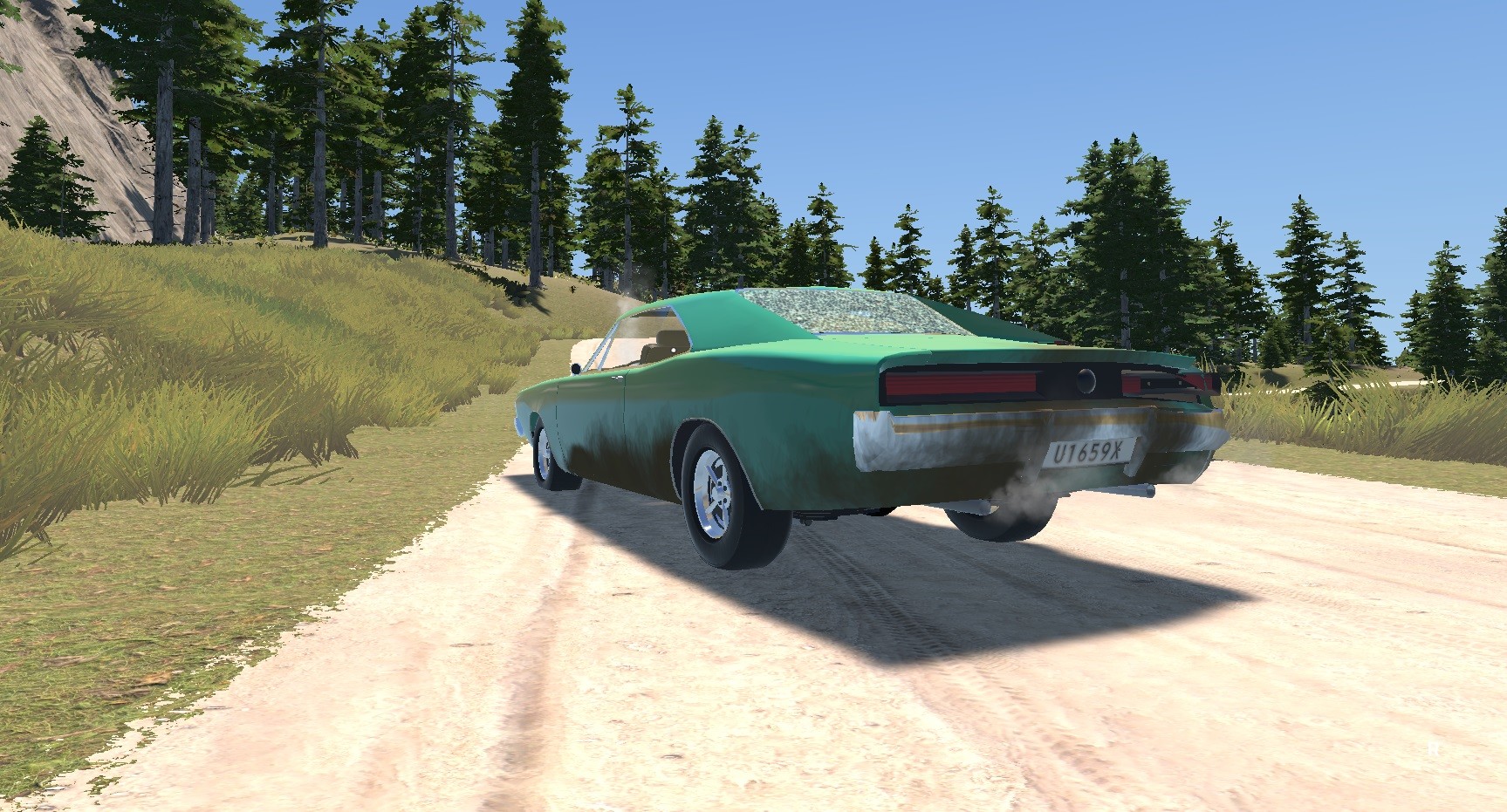
My Garage is an indie car simulation that centers on realistic repair, maintenance, and vehicle physics. Players manage a personal garage, buying tools, parts, and supplies to keep cars running smoothly. The game features detailed damage, painting, suspension wear, and engine behavior, plus optional delivery jobs and scavenging locations. It runs on Windows with single‑player mode, partial controller support, and family sharing.
01 / THE GUIDE
Damage System
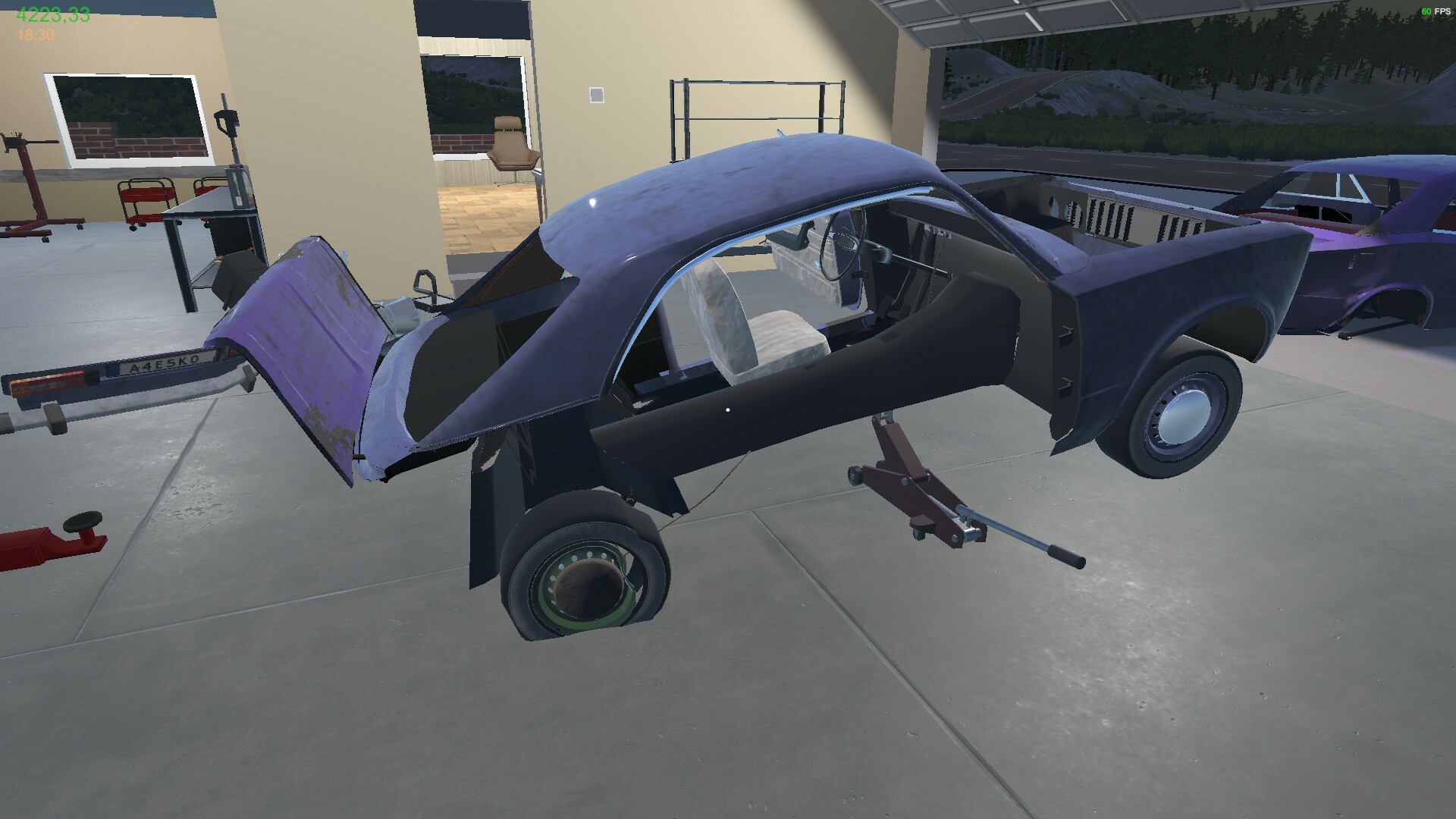
The game includes a damage system that lets you fix and replace any body panel on a car. This allows detailed restoration work after collisions or wear. Damage affects the vehicle’s appearance and may influence handling until repaired. Players must source appropriate panels from shops or junkyards to complete repairs.
- Inspect each panel for damage before deciding whether to replace or repair.
- Compare prices between shops and junkyards to find the most cost‑effective parts.
02 / THE GUIDE
Painting System
My Garage offers a painting system where cars can be repainted with colors purchased from shops. Paint supplies must be bought, and the correct tools are required to apply them. Repainting can be part of restoring a vehicle’s original look or customizing its appearance.
- Test a small area before applying a full coat to avoid waste.
- Keep extra paint on hand in case of mistakes during application.
03 / THE GUIDE
Suspension Wear
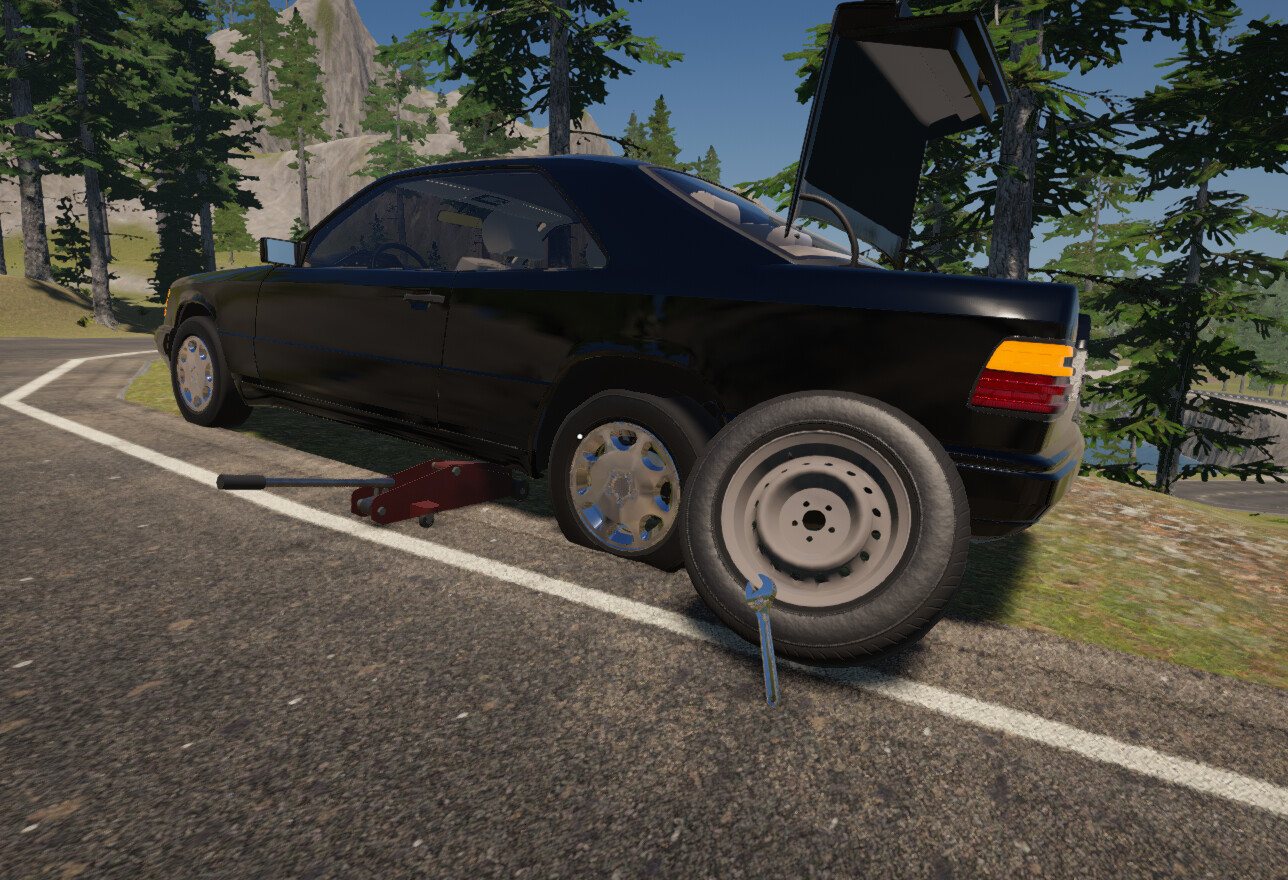
Each suspension component has a usage value that wears over time, influencing the car’s handling. As wear increases, handling characteristics change, prompting the need for part replacement. Replacement parts are available from shops or scavenged from junkyards, allowing players to maintain optimal performance.
- Monitor handling changes to anticipate when suspension parts need replacement.
- Compare new and used suspension parts for cost versus durability.
04 / THE GUIDE
Tools and Shops
A variety of specialized tools are required for different repair tasks, from tire pumps to angle grinders. Tools can be purchased, and consumables like grinder discs must be restocked. Shops sell supplies, car parts, and paint, while junkyards provide salvaged components and whole cars.
- Keep an inventory of essential tools to avoid downtime during repairs.
- Check shop stock regularly for new or discounted items.
05 / THE GUIDE
Delivery Jobs
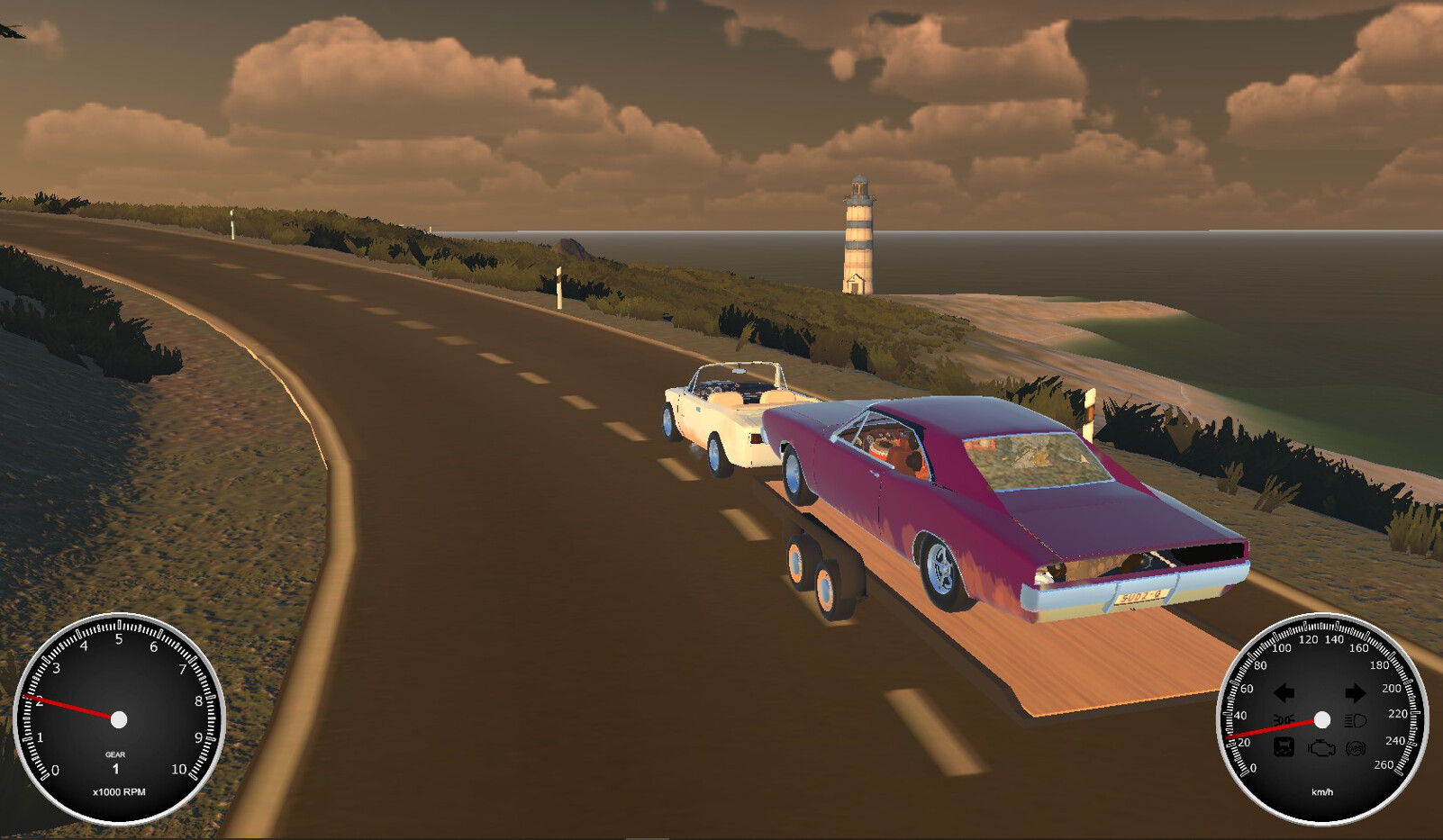
Beyond garage work, players can take on delivery jobs. These jobs add variety to gameplay alongside the garage work, and it is worth checking what each job asks of you before committing.
- Ensure the vehicle is in good condition before starting a delivery.
- Plan routes to minimize travel time and fuel usage.
COMMUNITY
Player discussion