 GameWiki
GET YOUR BEARINGS
About My Friend Peppa Pig
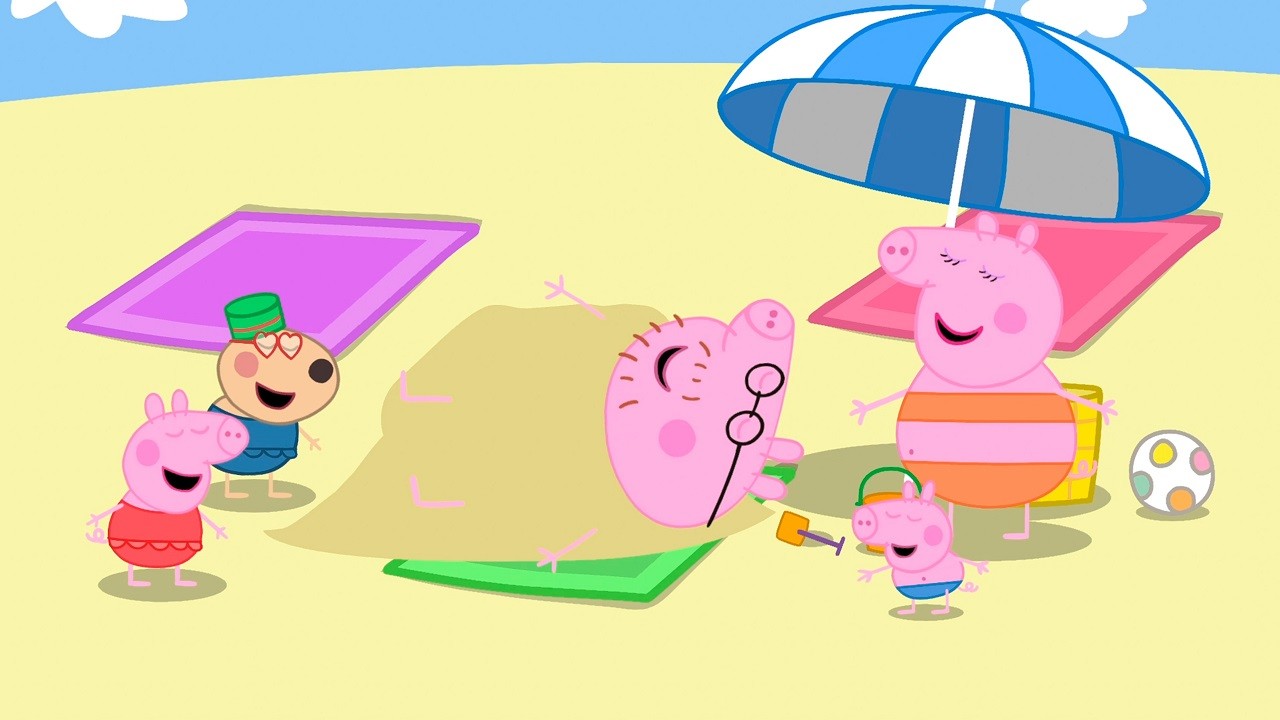
Step into the world of Peppa Pig as a brand‑new friend, creating and dressing your own avatar before ringing Peppa’s doorbell. The game lets you wander through familiar spots like the beach, the forest, and Potato City, turning everyday scenes into interactive adventures.
Every activity is guided by Peppa, from helping Daddy Pig locate his glasses to splashing in muddy puddles. The experience is designed for young players to explore, make friends with beloved characters, and shape their own story within the TV‑show setting.
01 / THE GUIDE
Build Your Character
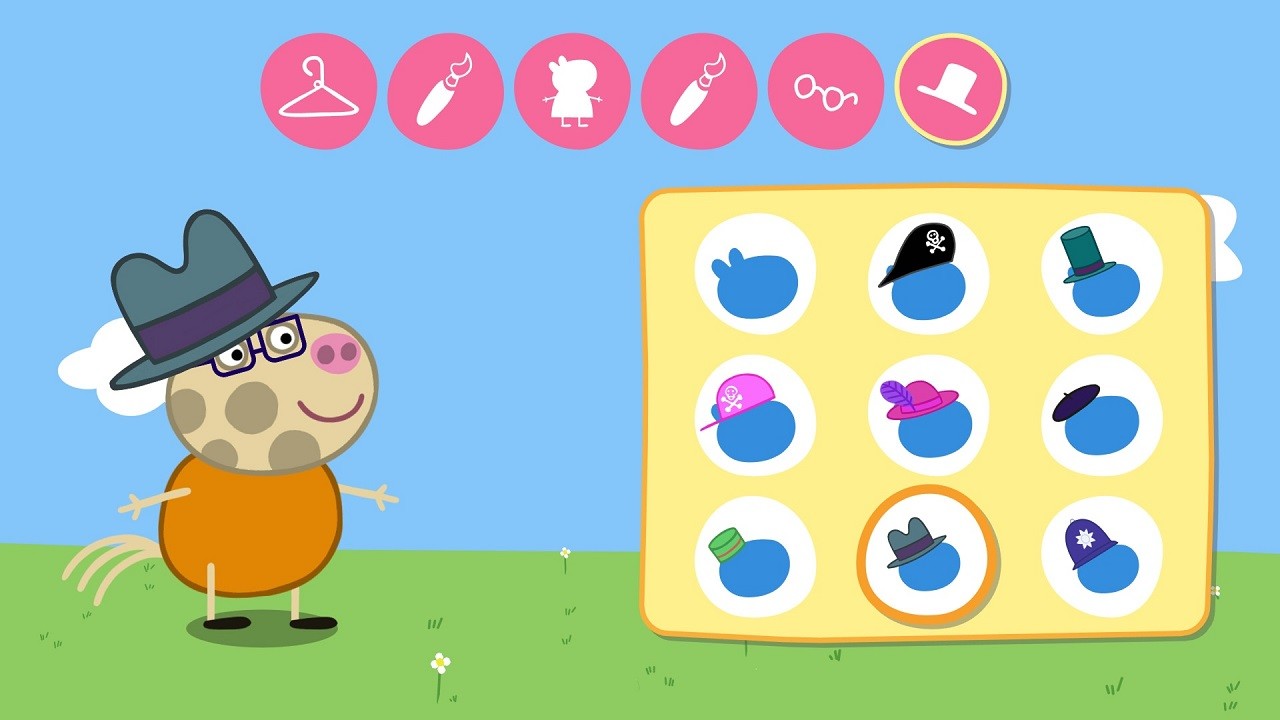
Players start by choosing an avatar and dressing it with a variety of outfits, allowing personal expression before the adventure begins. The customization is presented as a simple, child‑friendly process that fits the game’s playful tone.
The created character then joins Peppa in each location, acting as the player’s representation throughout the story. This visual identity remains consistent as you explore the world and interact with other characters.
- Try mixing bright colors for a more eye‑catching look that stands out in crowded scenes.
- Consider selecting outfits that match the activity you plan to do, like rain gear for muddy puddles.
02 / THE GUIDE
Explore Her World
The game offers several distinct areas, including the beach, the forest, and Potato City, each providing a different backdrop for play. These locations are presented as separate stages where Peppa suggests new activities.
Travel between spots is guided by Peppa’s prompts, ensuring a smooth transition and keeping the focus on discovery rather than navigation challenges.
- Notice how each area has its own visual style; use that to anticipate the type of activity ahead.
- Take a moment to look around each location; small details often hint at hidden fun.

03 / THE GUIDE
Play With Peppa
Peppa acts as a friendly guide, proposing tasks such as helping Daddy Pig find his glasses or following animal tracks in the forest. These mini‑quests are framed as simple, story‑driven objectives suitable for young players.
The activities are varied, ranging from problem‑solving to physical play like splashing in puddles, giving a balanced mix of cognitive and kinetic engagement.
- Listen to Peppa’s suggestions carefully; they often point directly to the next objective.
- Experiment with different actions in each task to see which one triggers the desired outcome.
04 / THE GUIDE
Parental Control Settings
A dedicated Settings menu lets parents set a time limit for gameplay. When the allotted time expires, Peppa automatically ends the session, providing a clear cutoff for younger users.
This feature is designed to give caregivers easy oversight without needing to monitor the game constantly, ensuring playtime stays within agreed boundaries.
- Set a modest limit at first and adjust based on how your child responds to the end‑of‑play cue.
- Use the automatic end feature as a teaching moment about managing screen time.
05 / THE GUIDE
Platform and Achievement Support
The title runs on Windows and includes Steam‑specific features such as Achievements, Trading Cards, and Family Sharing. Full controller support is also listed, allowing play with a gamepad if preferred.
These integrations add optional layers of engagement for players who enjoy tracking progress or sharing the game with family members on the same Steam library.
- Check the Steam Achievements list to see which activities are tracked; aim for those that match your child’s interests.
- If you have a compatible controller, try it out to see if it feels more natural for your child’s hands.
COMMUNITY
Player discussion