 GameWiki
GET YOUR BEARINGS
About My Dream Setup
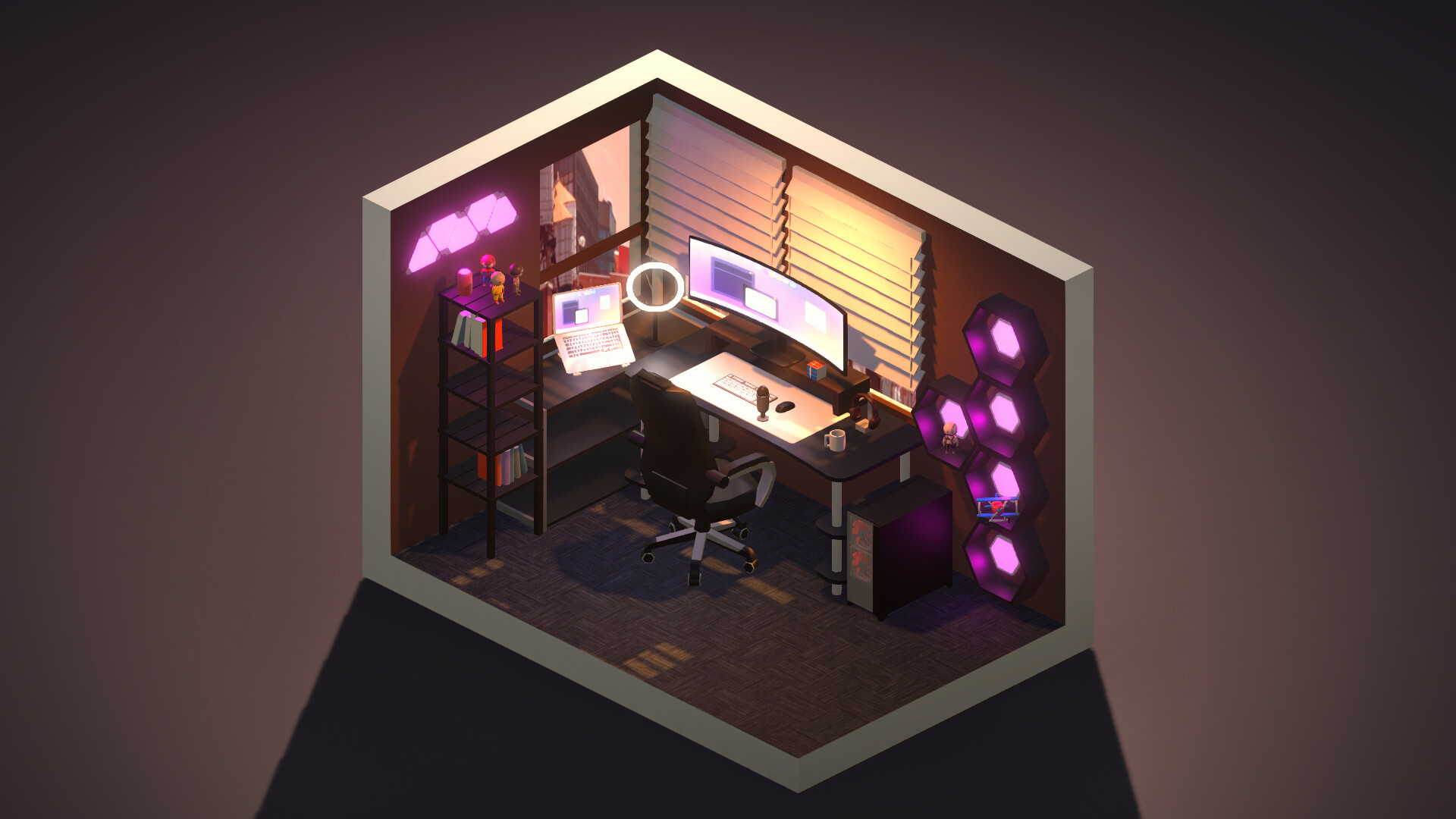
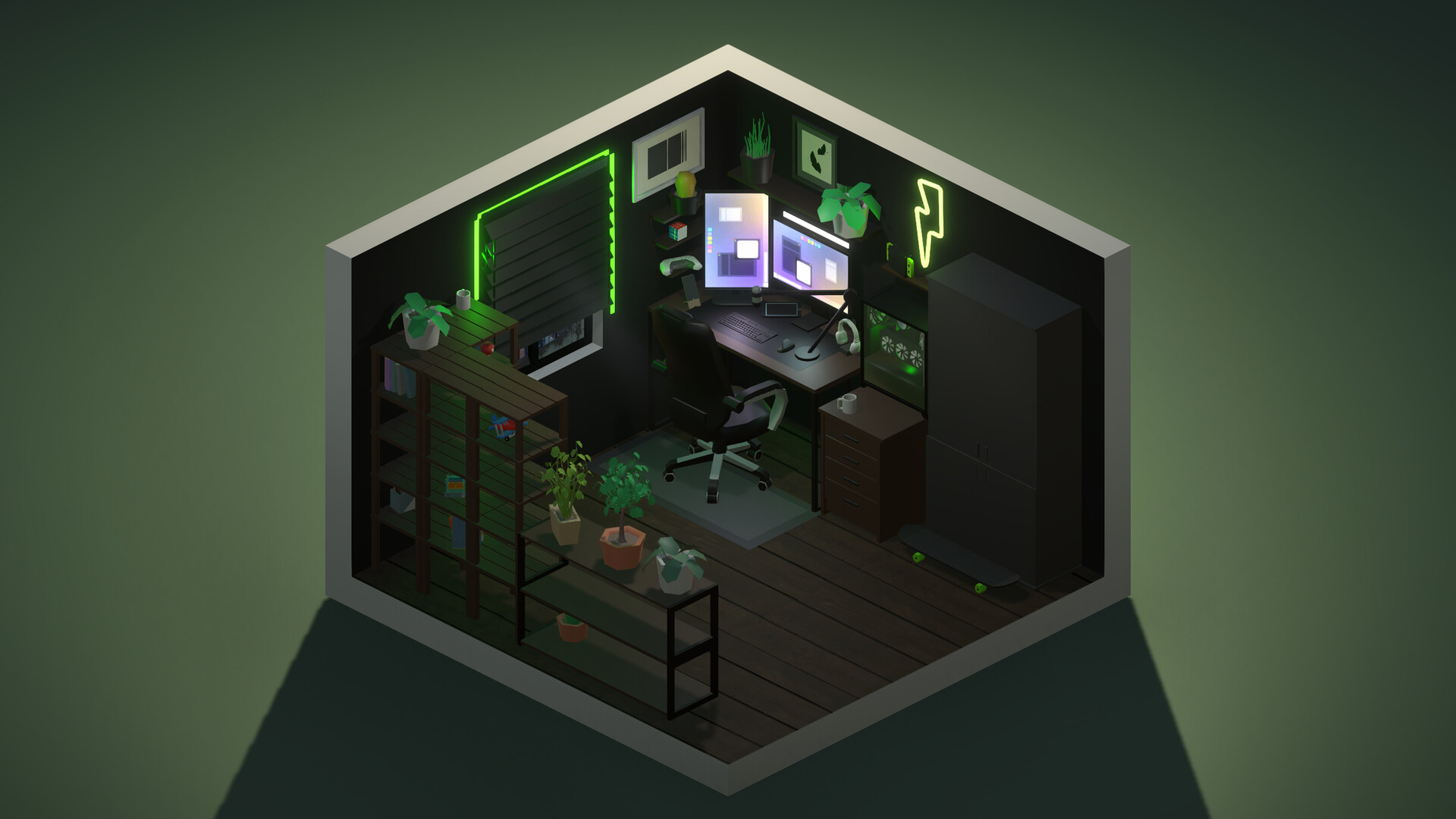
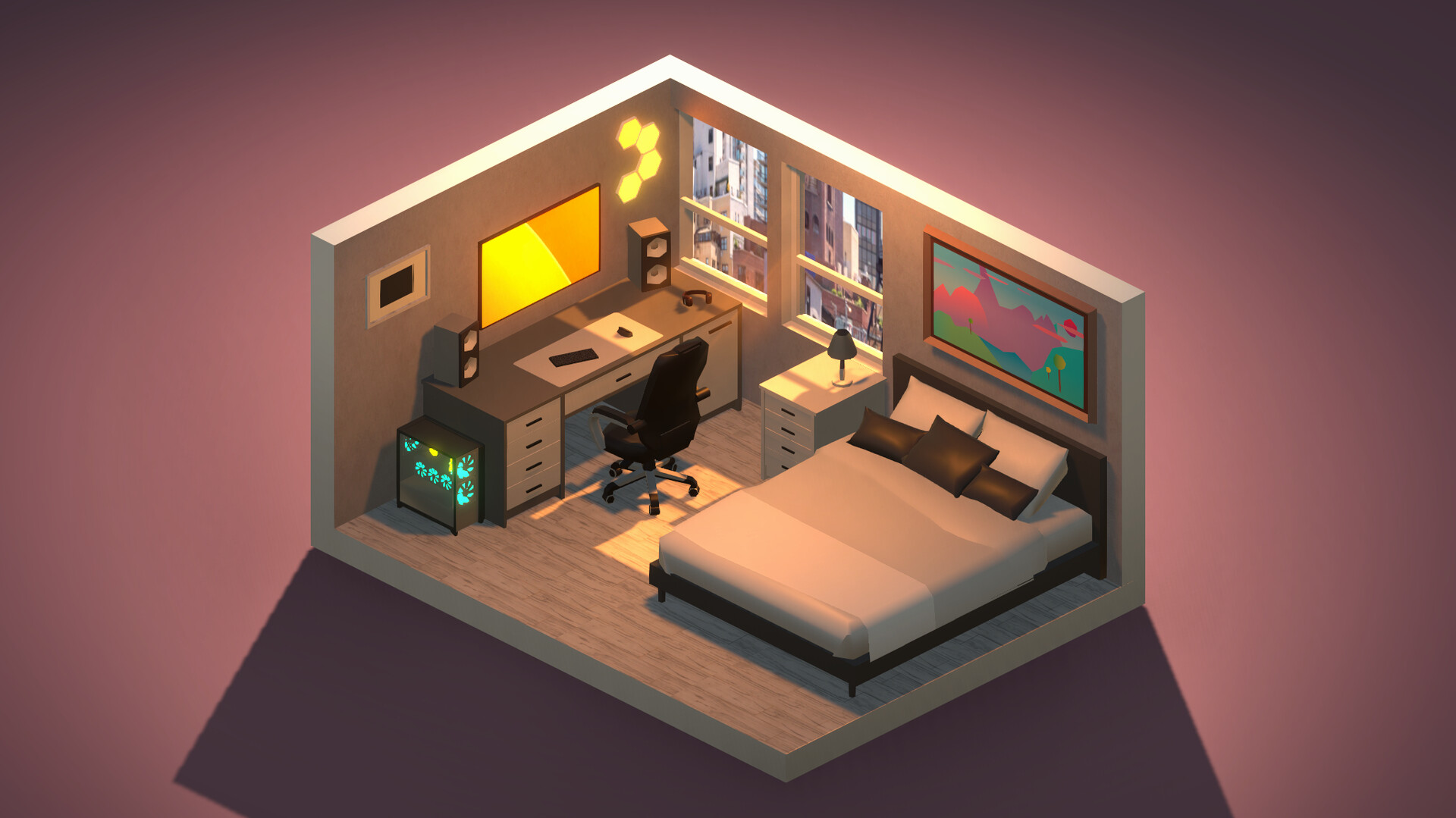
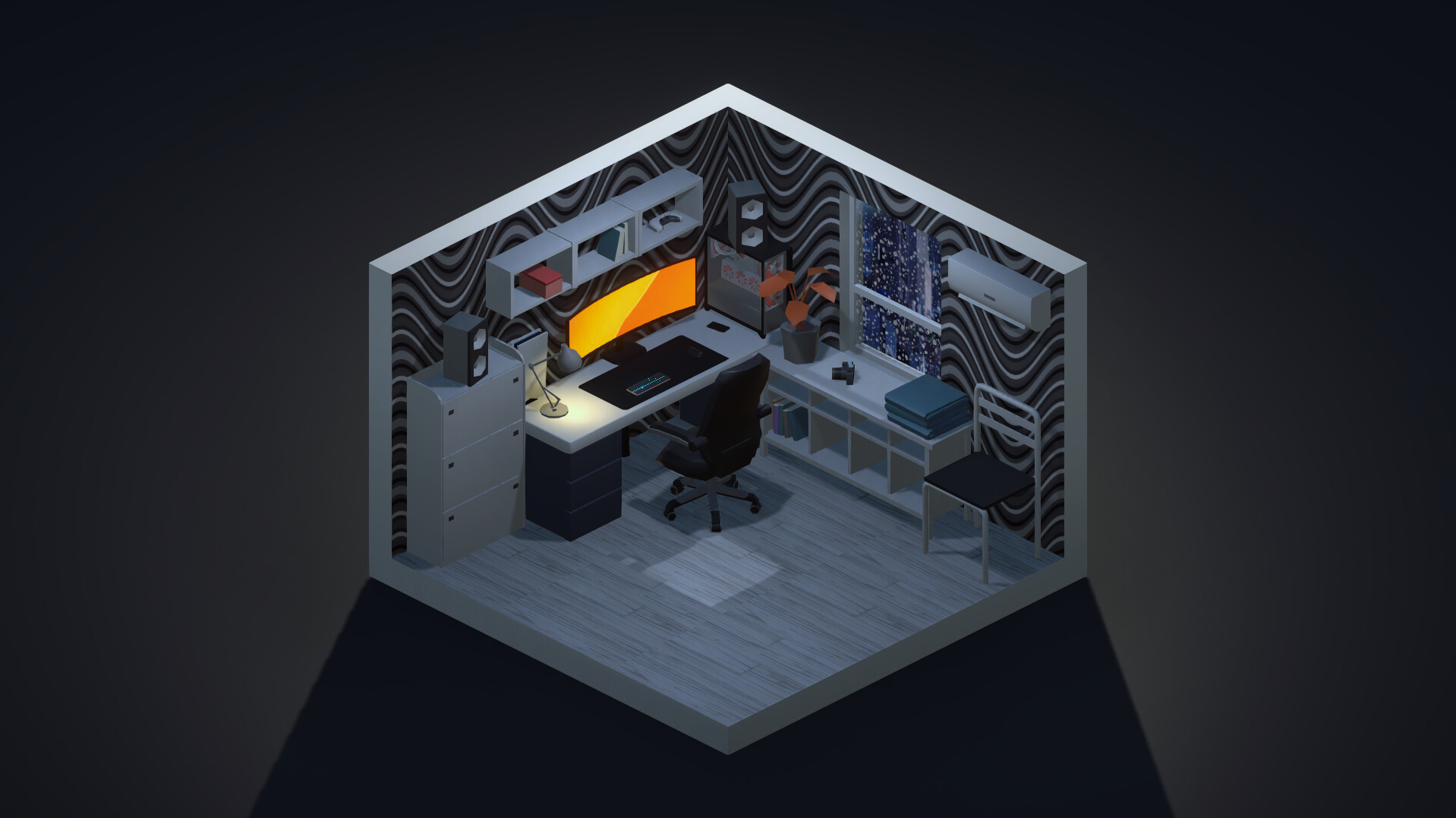
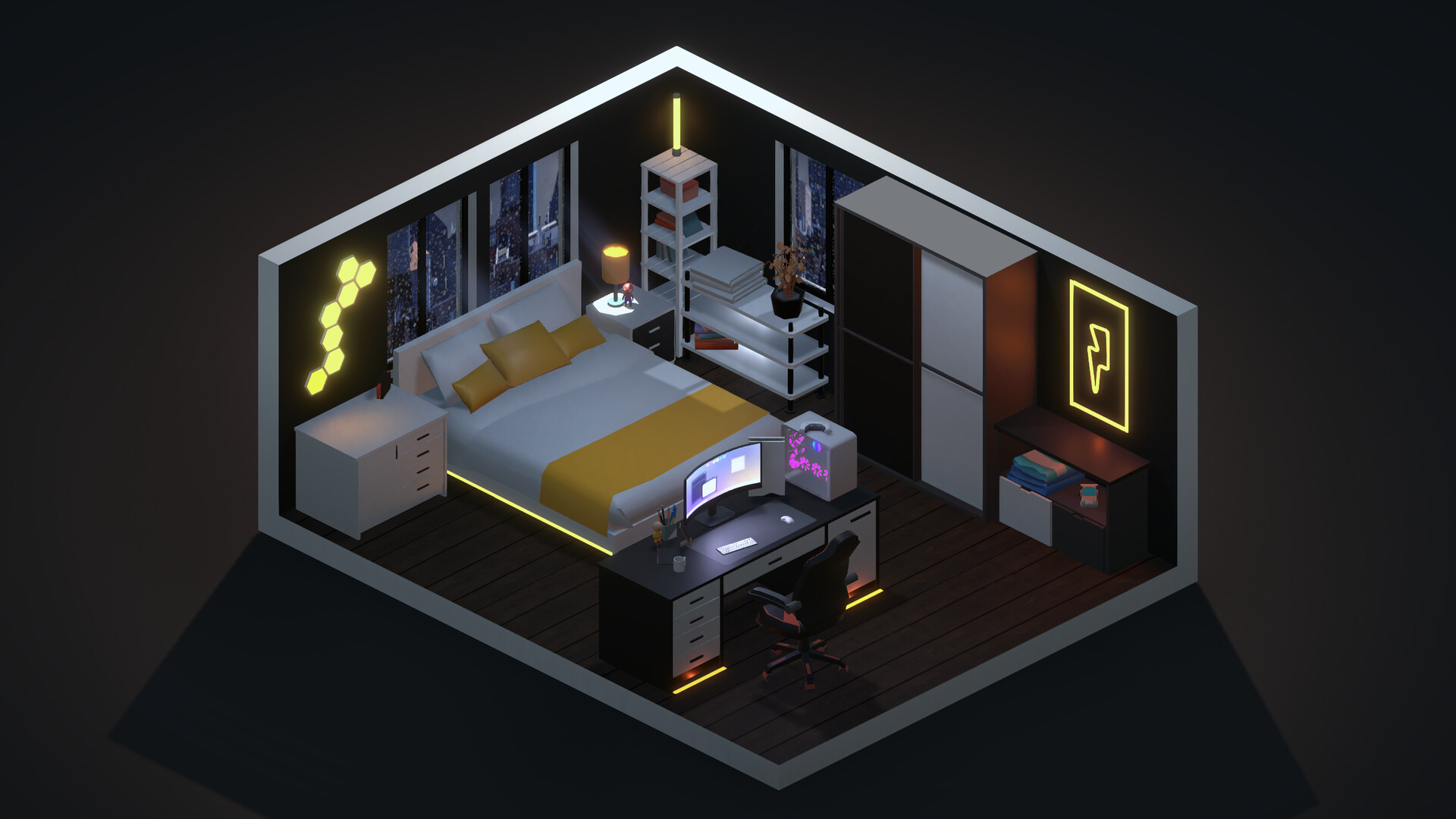
My Dream Setup is a simulation game that lets you design any room you imagine. You can choose any color, budget, and purpose, arranging furniture, computers, posters, plants and more without grid restrictions. The game includes a Blueprint mode for building walls, windows and doors, and lets you switch between five weather conditions—sunny, sunset, rain, snow and night—to see how lighting and outside views affect your space.
01 / THE GUIDE
Furniture Customization
Every piece of furniture can be recolored using the full RGB palette, allowing limitless color combinations. You can also paint doors, windows and background elements individually. The game imposes no limit on the number of items you can place, so you can create a compact office or a sprawling studio filled with computers and accessories.
- Experiment with contrasting RGB shades to make focal pieces stand out.
- Use the same hue across multiple items for a cohesive look.
02 / THE GUIDE
Wallpaper and Wall Paint
A large library of wallpapers and wall paints lets you style each wall separately or apply a single color to the whole room. Options range from floral patterns to loft‑style brick. Changing wall finishes is instant, so you can quickly test different aesthetics without rebuilding the room.
- Mix a bold wallpaper on one wall with neutral paint on others for balance.
- Apply the same wallpaper to multiple rooms for a unified theme.
03 / THE GUIDE
Weather and Lighting
Five weather presets—sunny, sunset, rain, snow, night—alter the room’s atmosphere and the view from windows. Rain and snow add precipitation effects on the glass for added immersion. Switching weather instantly shows how lighting changes affect colors and shadows in your setup.
- Use night mode to evaluate how RGB lighting looks in low light.
- Try sunset to highlight warm color schemes.
04 / THE GUIDE
Blueprint Mode
Blueprint mode lets you place walls, windows and doors, shaping the room’s structure before decorating. You can modify the layout at any time, even after adding furniture. This flexibility supports redesigns without starting from scratch, encouraging iterative experimentation.
- Lay out windows first to plan natural light sources.
- Adjust wall positions after placing furniture to improve flow.
05 / THE GUIDE
Steam Workshop Integration
The game connects to Steam Workshop, allowing you to download community-created content. This expands the already extensive catalog of items you can use. Workshop content can be mixed with the base assets, giving endless variety for your designs.
- Browse popular workshop packs for fresh style ideas.
- Combine workshop items with custom colors for unique looks.
COMMUNITY
Player discussion