 GameWiki
GET YOUR BEARINGS
About MX Bikes
MX Bikes is a motocross simulation built on a custom physics engine that models motorcycle dynamics, tyre behavior, chassis flex, terrain deformation and wet‑weather effects. The game does not include AI riders or a career mode, focusing on realistic rider‑driven competition.
Players can host or join races over LAN or the internet, and each event records data that is later presented as statistics for rider comparison. Visual customization is available for bike, helmet, kit, boots and gloves, and the title supports native Oculus Rift, SteamVR, FreeTrack and EDTracker devices.
01 / THE GUIDE
Physics Engine
The core of MX Bikes relies on a scratch‑built physics engine that simulates motorcycle dynamics, an automotive‑industry tyre model, chassis flex and dynamic terrain deformation. Wet terrain and weather are also simulated, influencing how the bike reacts to surface changes.
Because the engine operates independently of AI or story elements, any adjustments to bike setup produce measurable changes in stability, traction and cornering, allowing riders to observe direct cause‑and‑effect relationships.
- Change one setup parameter at a time to isolate its impact on handling.
- Run a lap on dry terrain, then repeat on wet terrain to see the weather model in action.
02 / THE GUIDE
Online Racing
MX Bikes lets users host and join races via LAN or the internet. During each event the game collects performance data, which is later displayed as statistics for rider comparison.
The statistics present performance metrics, giving participants a way to evaluate their results against other human players who joined the same race.
- Organise a LAN session with friends for lower latency and easier coordination.
- Review the post‑race statistics to identify which setup tweaks improved your times.
03 / THE GUIDE
Visual Customisation
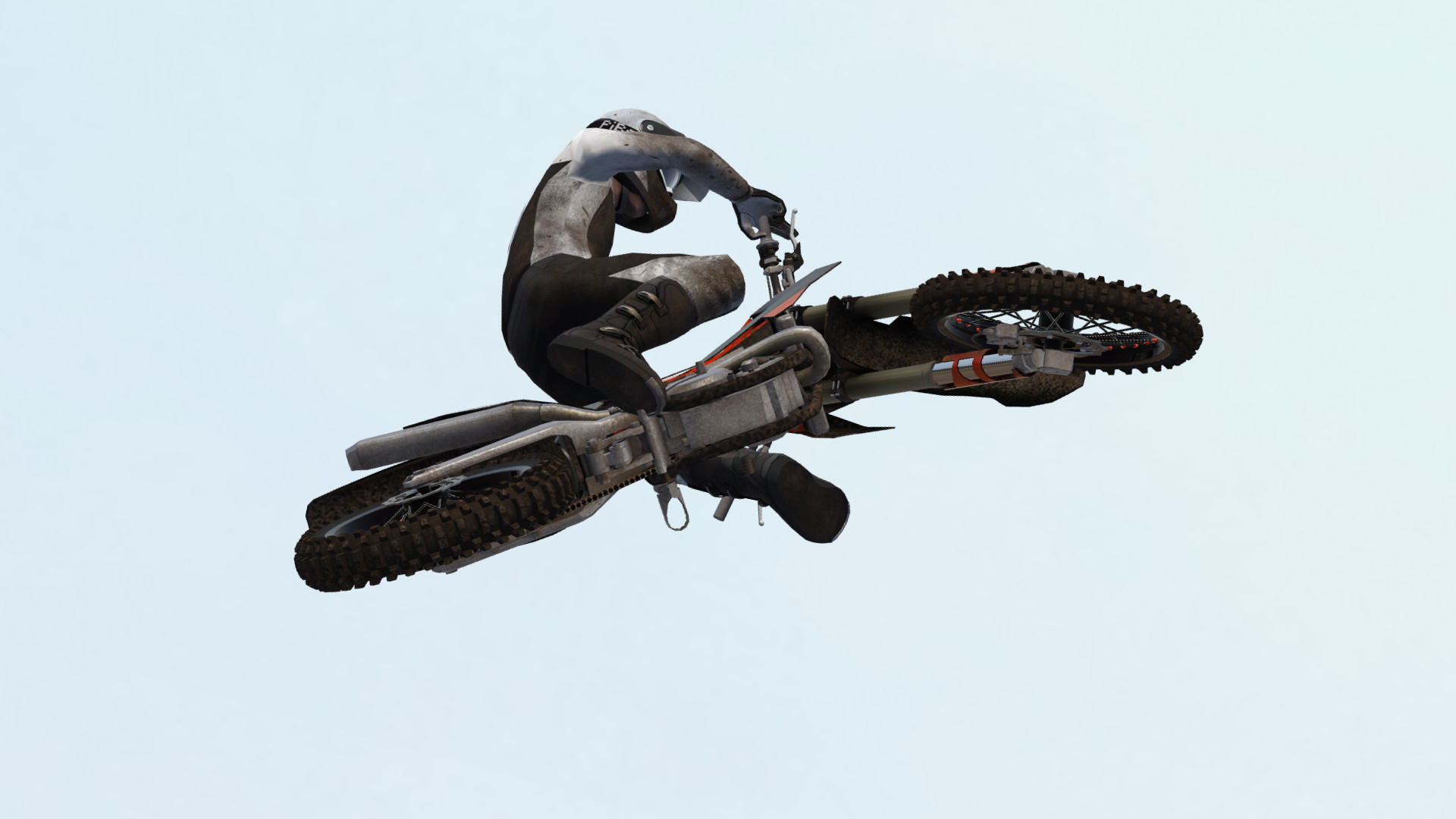
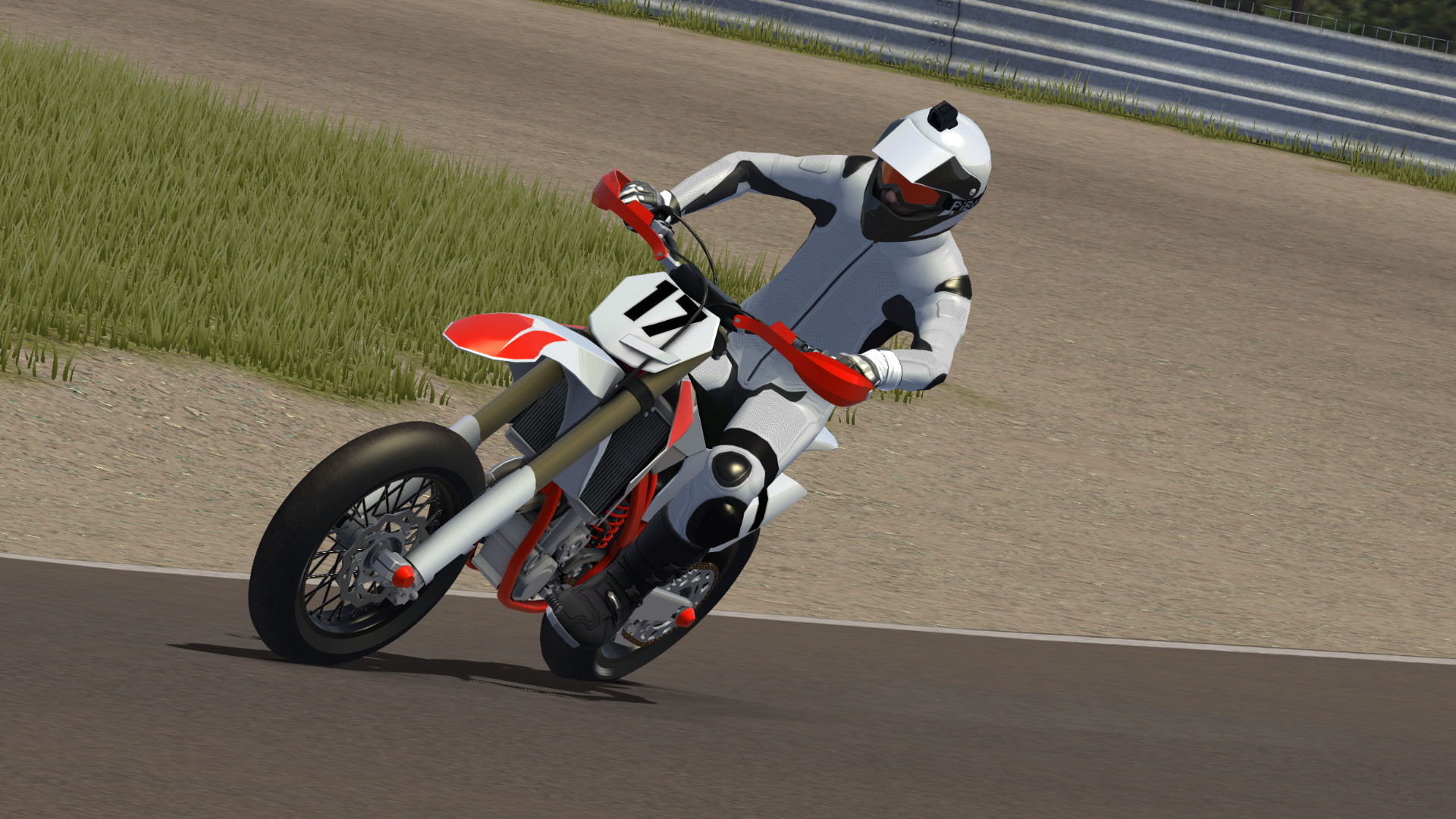
The game provides tools to paint the bike, helmet, kit, boots and gloves, letting each rider create a personal visual identity on the track. Documentation is supplied for creating additional visual assets.
Advanced users can integrate new tracks, bikes, helmets and protective gear using the provided documentation, extending visual variety beyond the default options.
- Choose bright colour schemes to make your bike easier to track during fast sections.
- Keep a backup of custom paint files so you can reuse them in future sessions.
04 / THE GUIDE
VR and Tracking Support
Native support is included for Oculus Rift and SteamVR headsets such as HTC Vive and Valve Index, as well as FreeTrack and EDTracker devices. This enables a first‑person view that moves in sync with the physics simulation.
The VR implementation works alongside the core engine, so motion feels consistent with bike dynamics without requiring additional hardware beyond the listed devices.
- Calibrate your tracking device before a race to reduce jitter.
- Ensure the headset firmware is up to date for optimal compatibility.
05 / THE GUIDE
Plugins and Modding
A plugins interface allows external programs to receive real‑time data from the simulated bike, supporting custom telemetry or third‑party analysis tools. Users can also build and integrate new tracks, bikes and protective gear using supplied documentation.
This extensibility targets advanced users who wish to expand content or create bespoke utilities without altering the core gameplay mechanics.
- Read the official documentation before attempting to add new tracks.
- Test plugin data streams in a private session to verify accuracy.
COMMUNITY
Player discussion