 GameWiki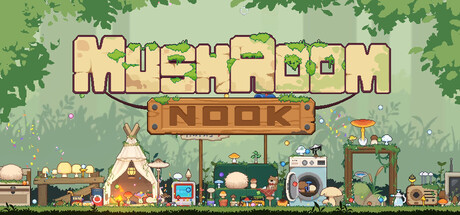
GET YOUR BEARINGS
About Mushroom Nook
Mushroom Nook lets you tend a digital garden where nearly 200 distinct mushroom varieties sprout on your computer. Each fungus passes through several growth phases, reacts to your touch, and can be placed on a range of charming decorations.
The garden shifts from day to night, accompanied by soothing music that can be adjusted with custom volume controls. All features are available in a single‑player experience that lets you save at any time and adjust text size to suit your preferences.
01 / THE GUIDE
Mushroom Variety
The game currently includes almost 200 completely unique mushroom types, and the description notes that more varieties are planned for future updates. Each type has its own visual design, giving the garden a diverse look.
Because the experience is labeled as playable without timed input, you can explore each variety at your own pace, observing how different mushrooms fit your aesthetic or interact with decorations.
- Compare visual details to decide which mushrooms match your garden theme.
- Note rare mushrooms early, since they come with unique abilities worth observing.
02 / THE GUIDE
Growth Phases
Each mushroom progresses through multiple growth phases. After you water a mushroom, you wait patiently while it evolves toward its final form, which can sometimes be surprising.
The “playable without timed input” label means you can wait patiently for each phase without any time pressure, checking back as the mushroom evolves.
- Water regularly to keep growth steady.
- Check back after a while to enjoy the surprise of the final form.

03 / THE GUIDE
Touch Interaction
Every mushroom reacts when you touch it, providing delightful feedback. Rare varieties even come with unique abilities.
Interaction is handled through mouse input, as the game includes a Mouse Only Option, ensuring consistent behavior across sessions.
- Experiment with touching different mushrooms to discover varied reactions.
- Use the mouse; no controller is required.
04 / THE GUIDE
Decorations & Placement
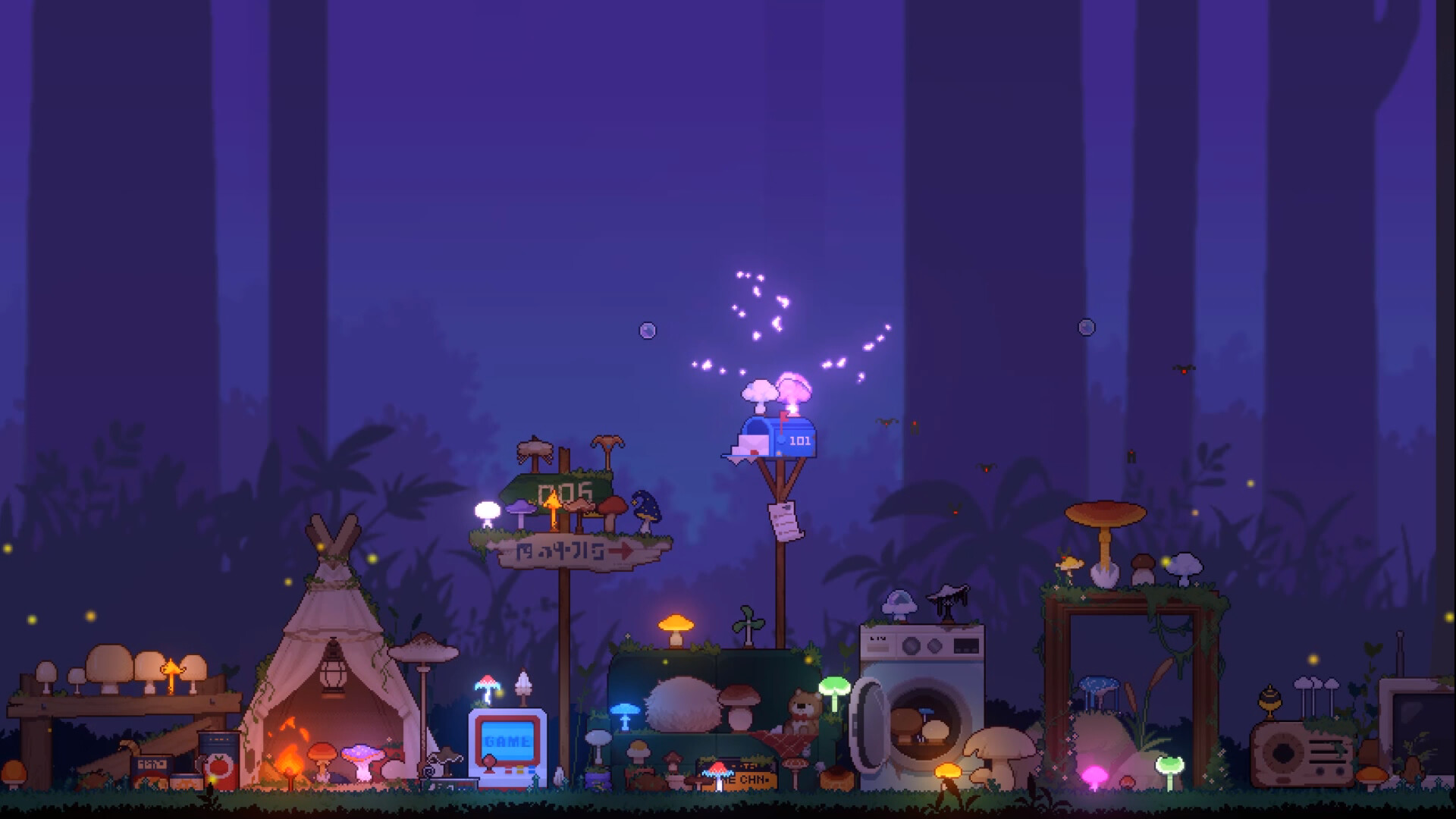
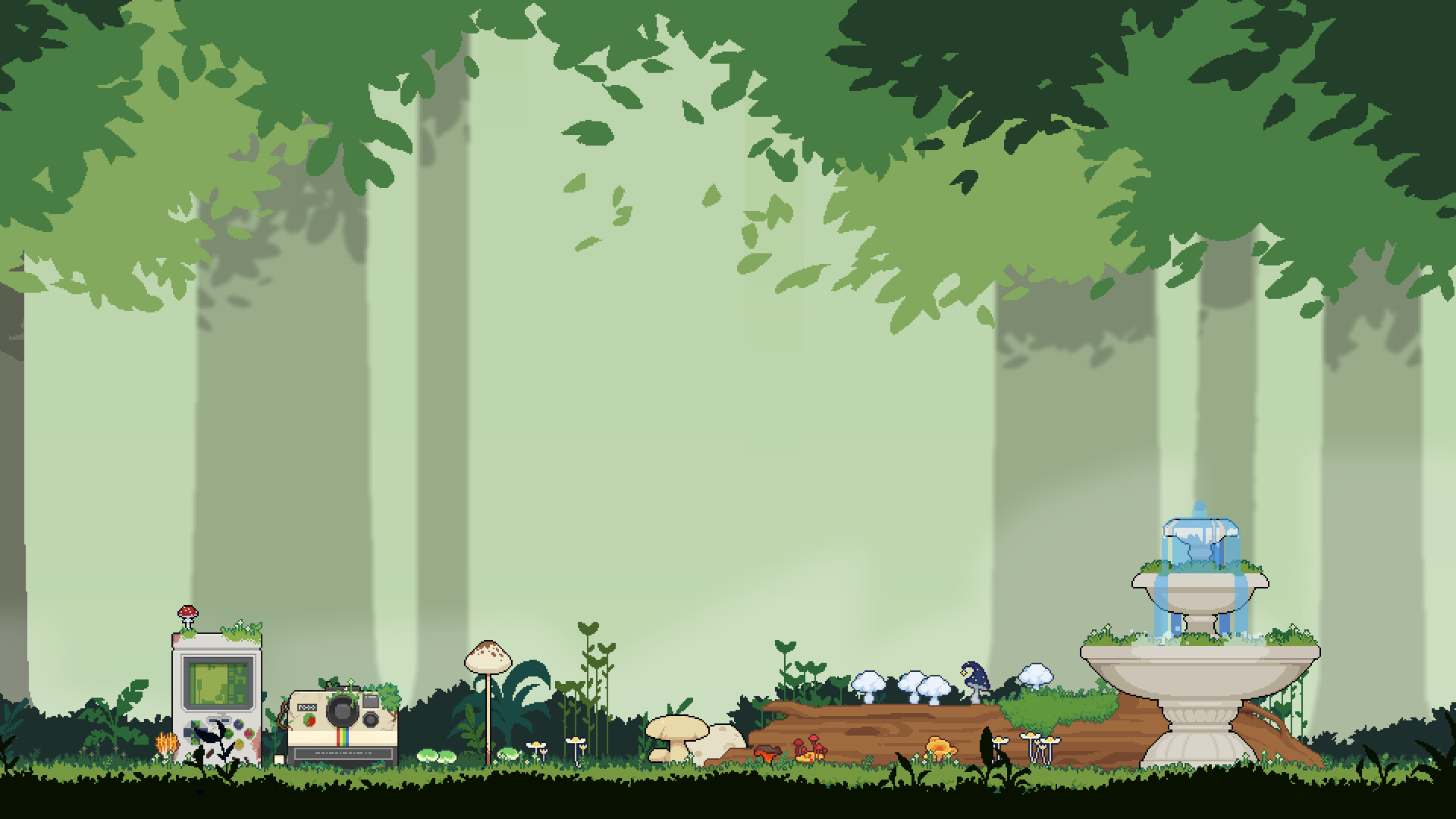
A selection of charming decorations is available for you to place freely in the garden. Mushrooms can be positioned on top of these items, allowing creative layouts.
The placement system imposes no timed constraints, and the Save Anytime feature lets you preserve arrangements whenever you wish.
- Combine decorations with contrasting mushroom colors for visual impact.
- Save after major layout changes to keep your favorite designs.
05 / THE GUIDE
Ambient Cycle
The garden’s ambience transitions from day to night, with scenes changing accordingly. Soothing music plays throughout, setting a relaxing tone.
Custom volume controls let you adjust the music level, supporting a comfortable environment for any activity.
- Adjust volume to match your current focus, whether studying or unwinding.
- Observe how lighting shifts influence the look of your mushrooms.


COMMUNITY
Player discussion