 GameWiki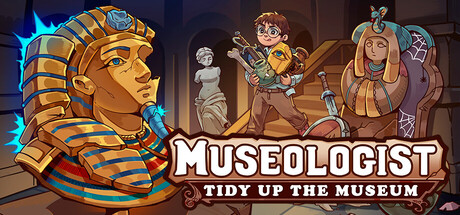
GET YOUR BEARINGS
About Museologist: Tidy Up the Museum!
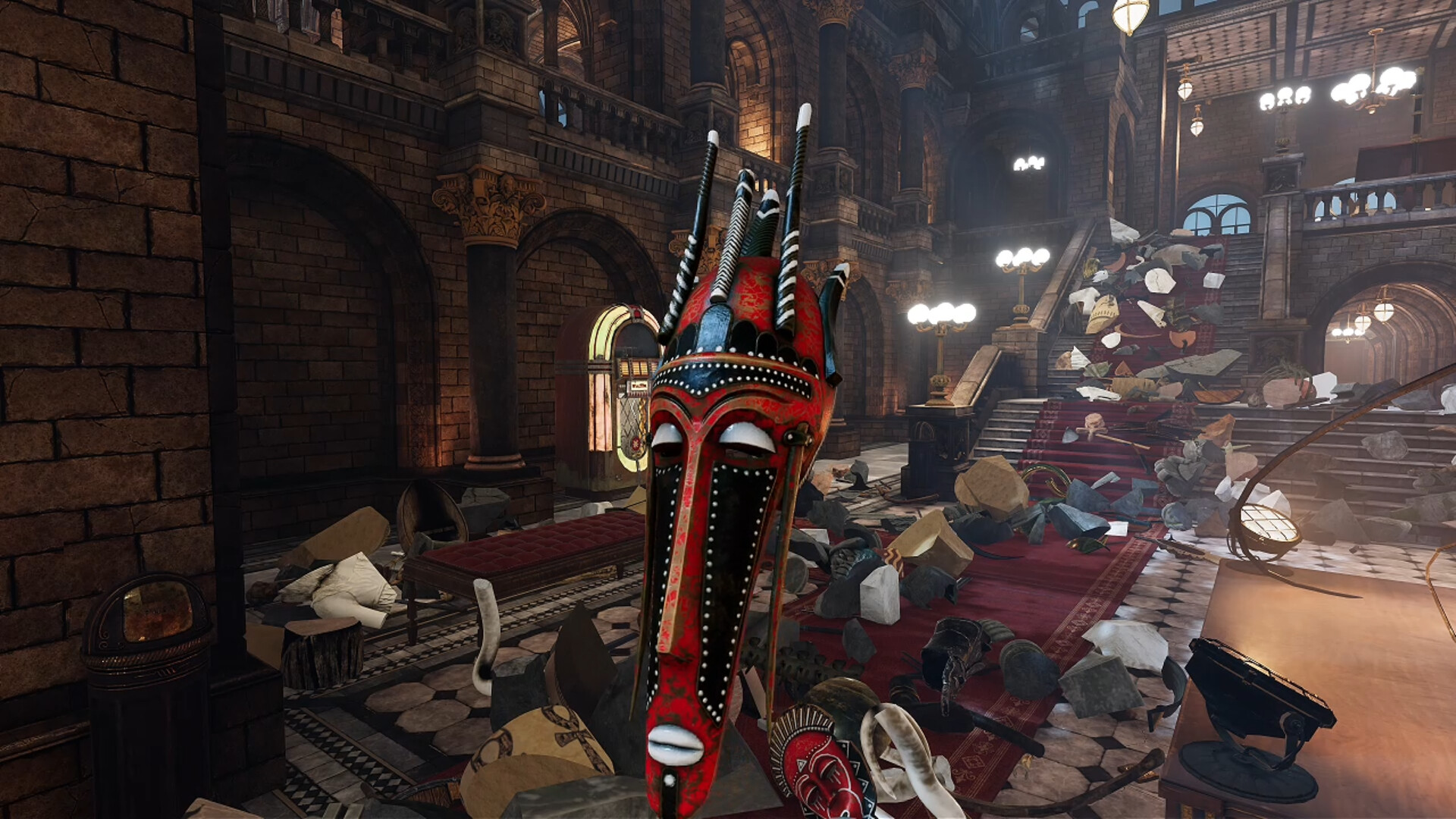
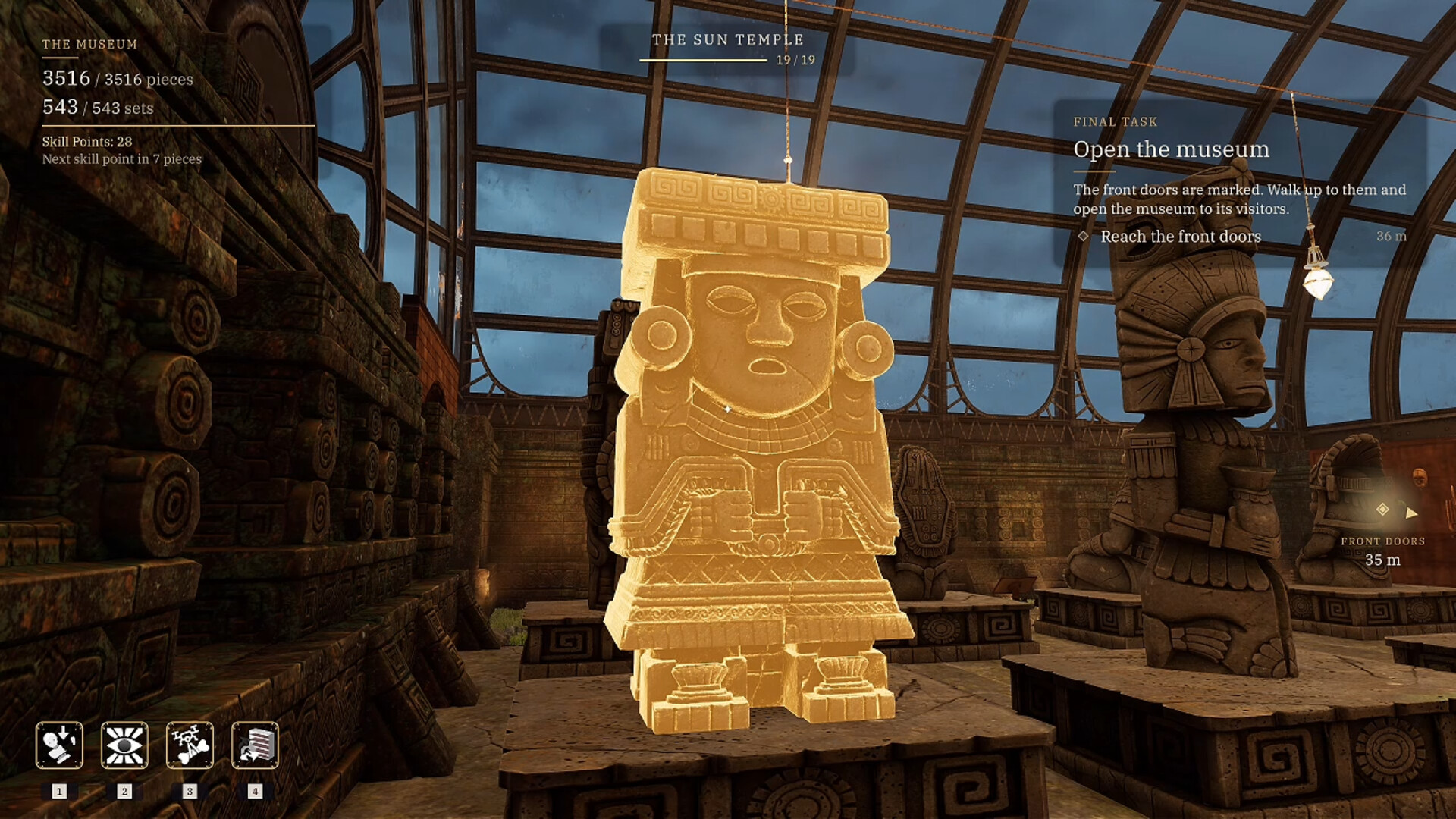
After an earthquake shatters a museum, you become the newly appointed museologist tasked with restoring the exhibits before the board decides the museum’s fate. The game places you in a wrecked hall filled with thousands of broken pieces, from ancient masks to dinosaur fossils, and challenges you to piece them together.
Museologist: Tidy Up the Museum! blends puzzle‑driven restoration with a simulation of workflow choices. As you rebuild each object, new tools become available, the ambient sound evolves, and a scoring system judges accuracy, influencing whether the museum reopens.
01 / THE GUIDE
Fragment Matching
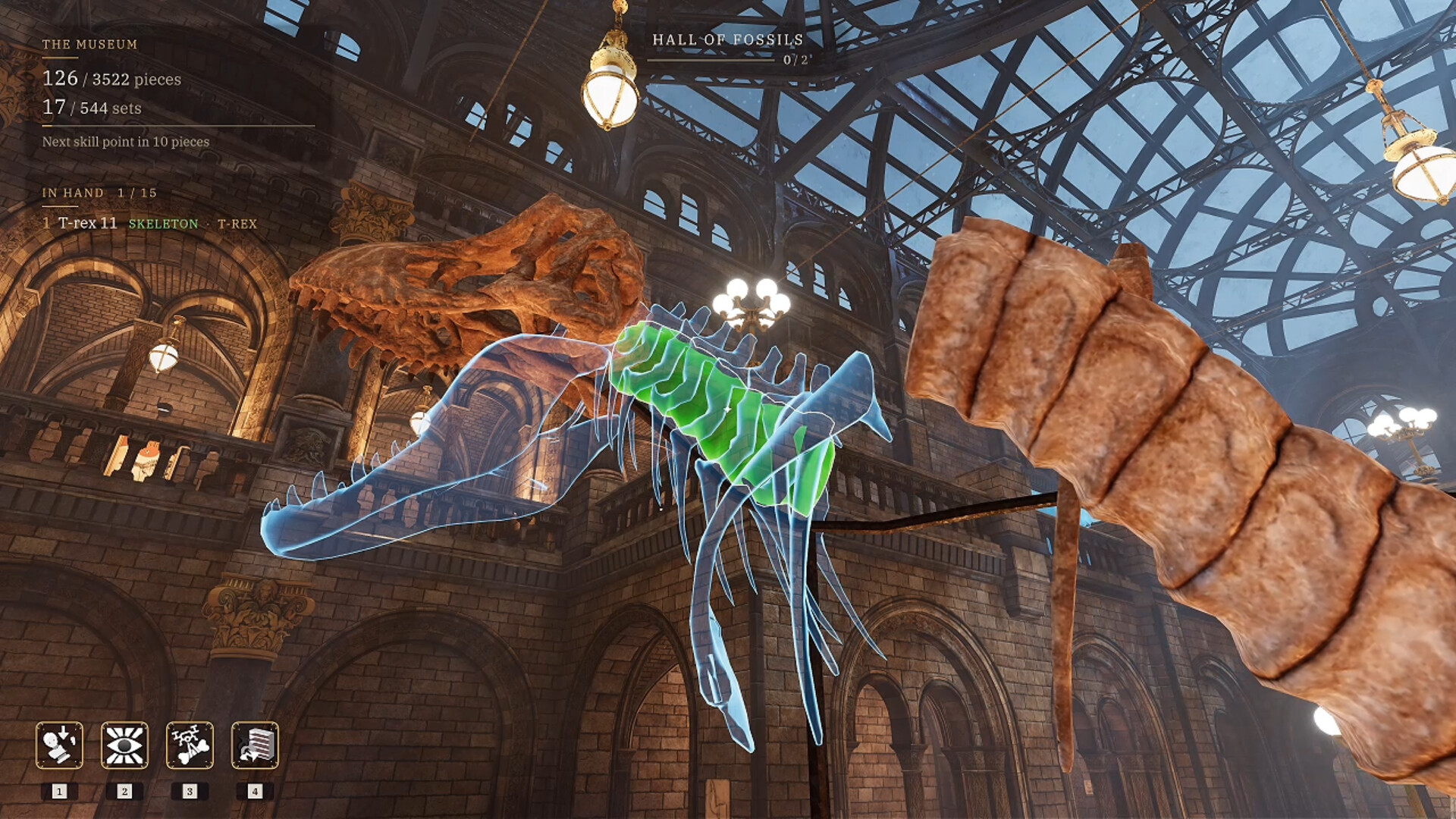
Every exhibit is broken into individual fragments—swords, shields, fossils, masks, coins, and statues. You must study each piece’s shape and follow a glowing outline to determine its exact placement. Correctly aligning fragments restores the original object.
The game contains 3,513 fragments that compose 543 objects, creating a large but finite puzzle space. Completing an exhibit unlocks new restoration techniques that make the next room go noticeably faster.
- Observe the glowing outline carefully; it indicates the precise fit for each fragment.
- Prioritize objects with fewer pieces to gain early technique unlocks.
02 / THE GUIDE
Restoration Techniques
Finishing an exhibit grants museum‑issued gadgets that accelerate restoration. Delivery Drones retrieve all remaining pieces of a selected object, AR Visor highlights related fragments, and Auto‑Snap instantly locks a held fragment into place.
These tools become available as you clear halls, providing a tangible sense of progression and making later rooms noticeably faster to restore.
- Use Delivery Drones after locating a key fragment to collect the rest quickly.
- Activate the AR Visor when the floor is densely packed with unrelated pieces.

03 / THE GUIDE
Plan Your Own Workflow
You decide which hall to tackle first and which abilities to stack together. The order you choose changes how fast the chaos clears, letting you find a personal rhythm that balances speed and accuracy.
Strategic planning is encouraged; selecting a hall with fewer fragments can give early momentum, while stacking abilities like AR Visor with Auto‑Snap can streamline complex objects.
- Start with a hall that has fewer total fragments to build confidence.
- Combine AR Visor with Auto‑Snap for objects that require precise alignment.
04 / THE GUIDE
Living Building Audio
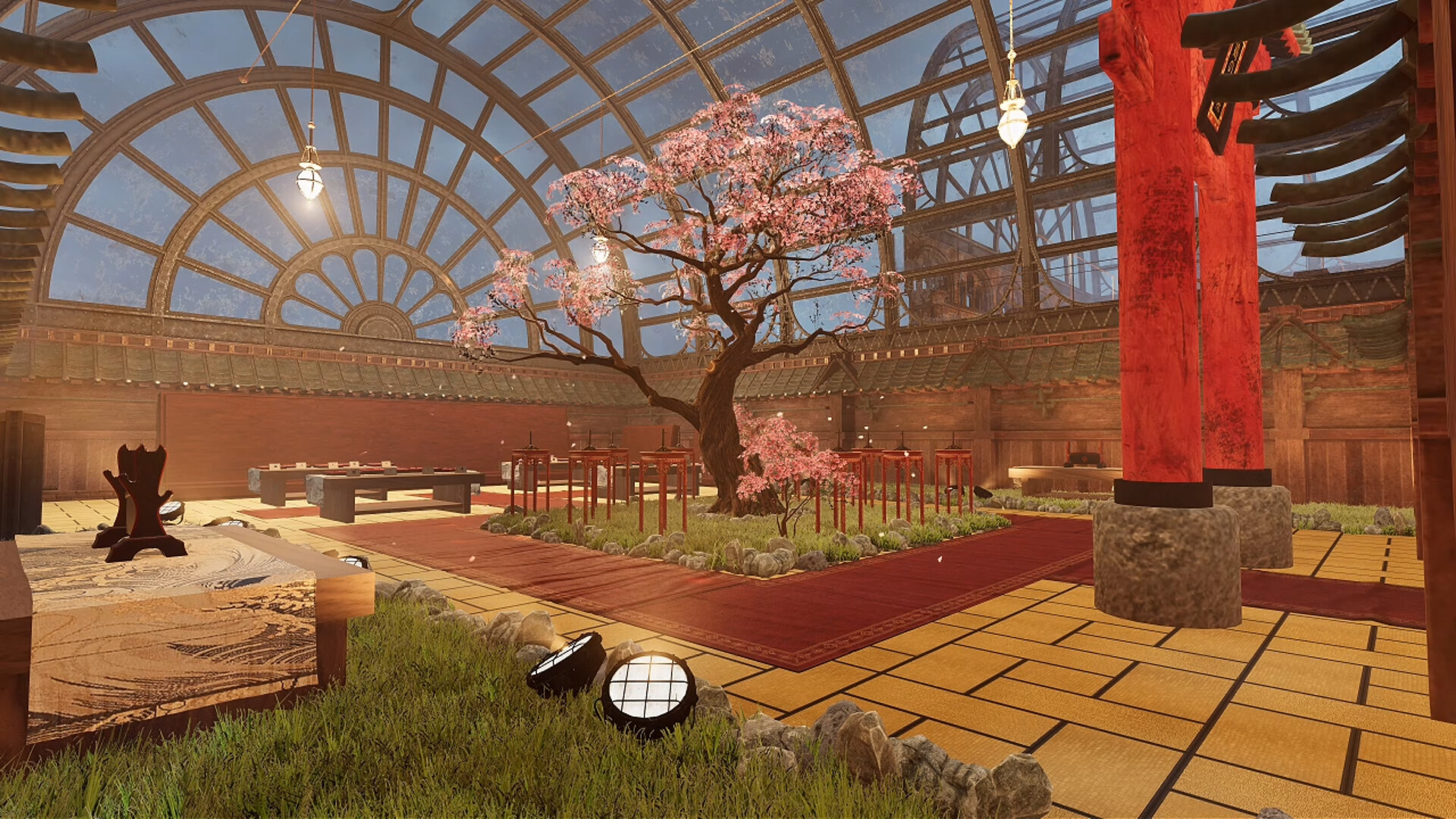
Empty halls echo with silence, while restored rooms produce ambient sounds that shift as you work. This audio cue serves as a subtle reminder of progress, making the museum feel alive.
The soundscape changes continuously, reinforcing the transformation from ruin to restored exhibit and adding an immersive layer to the simulation.
- Listen for the change from echoing emptiness to ambient sounds as a progress indicator.
- Use headphones to better notice subtle audio shifts.
05 / THE GUIDE
The Board Is Watching
Each completed hall receives a score based on accuracy, not just speed. Sloppy placements lower your rating, and the cumulative rating determines whether the museum reopens.
Accuracy is measured per hall, encouraging careful placement of fragments. The board’s decision hinges on the overall quality of your restorations.
- Prioritize precise placement over rushing to improve your hall scores.
- Review a completed object before confirming to catch any misalignments.
COMMUNITY
Player discussion