 GameWiki
GET YOUR BEARINGS
About Muse Dash
Muse Dash mixes rhythm tapping with parkour‑style jumps in a bright, beginner‑friendly package. Players strike airborne and ground enemies to the beat while dodging obstacles, all presented in a cute, chic visual style.
The base game ships with 70 songs; purchasing Muse Plus adds roughly 700 more tracks, characters, and illustrations. It runs on Windows and macOS, supports partial controller input, Steam Cloud, Remote Play on phone, tablet, and TV, and can be shared via Family Sharing.
01 / THE GUIDE
Gameplay Mechanics
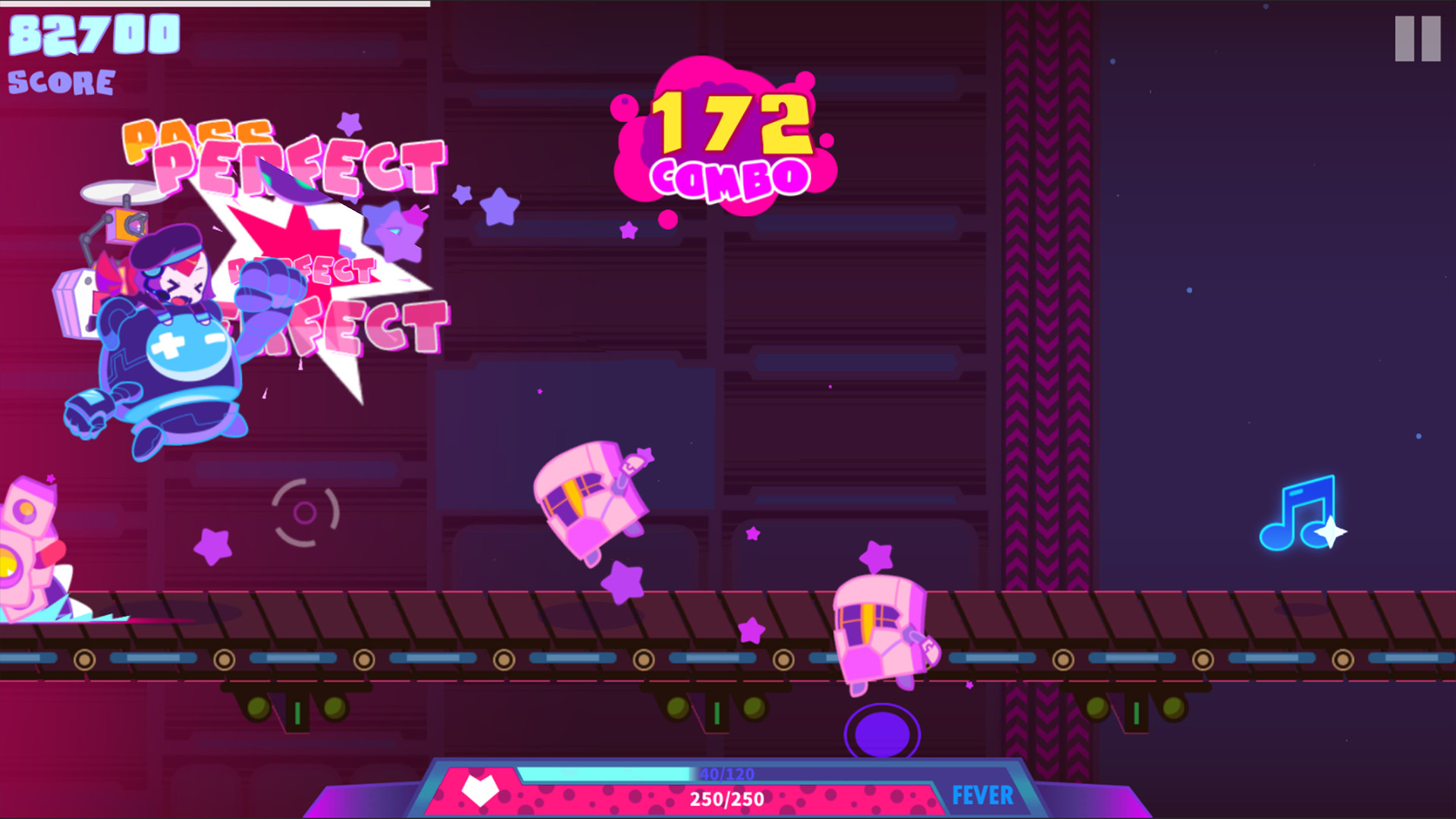
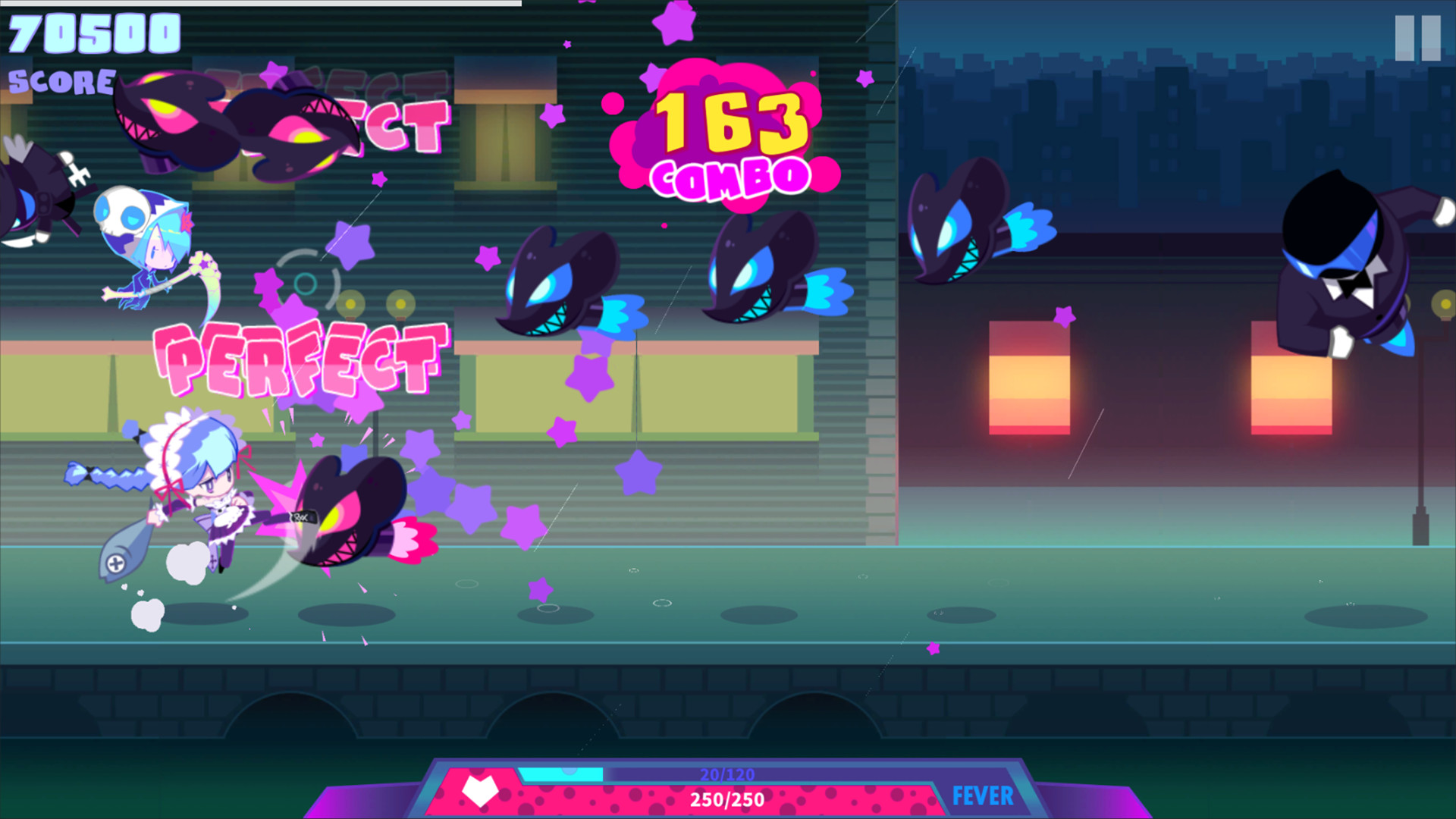
Tapping in time with the music defeats enemies that appear both in the air and on the ground. Obstacles also require timed jumps or slides, creating a blend of rhythm and parkour challenges.
The system allows players to avoid enemies entirely, offering a viable alternative to precise tapping. This flexibility lets newcomers enjoy the game without perfect rhythm while still rewarding accurate timing with combos.
- Listen to the beat first, then add taps.
- If timing feels hard, focus on dodging obstacles.
02 / THE GUIDE
Audio Content
Muse Dash includes a default library of 70 songs covering a range of musical styles. Each track is paired with its own level design, enemies, and visual theme.
Purchasing Muse Plus unlocks all music packs, expanding the catalog to about 700 songs along with additional characters, title screens, and illustrations. The extra tracks are available as a single purchase.
- Start with the default songs to learn the rhythm basics.
- Consider Muse Plus if you want a larger song selection.

03 / THE GUIDE
Visual Style
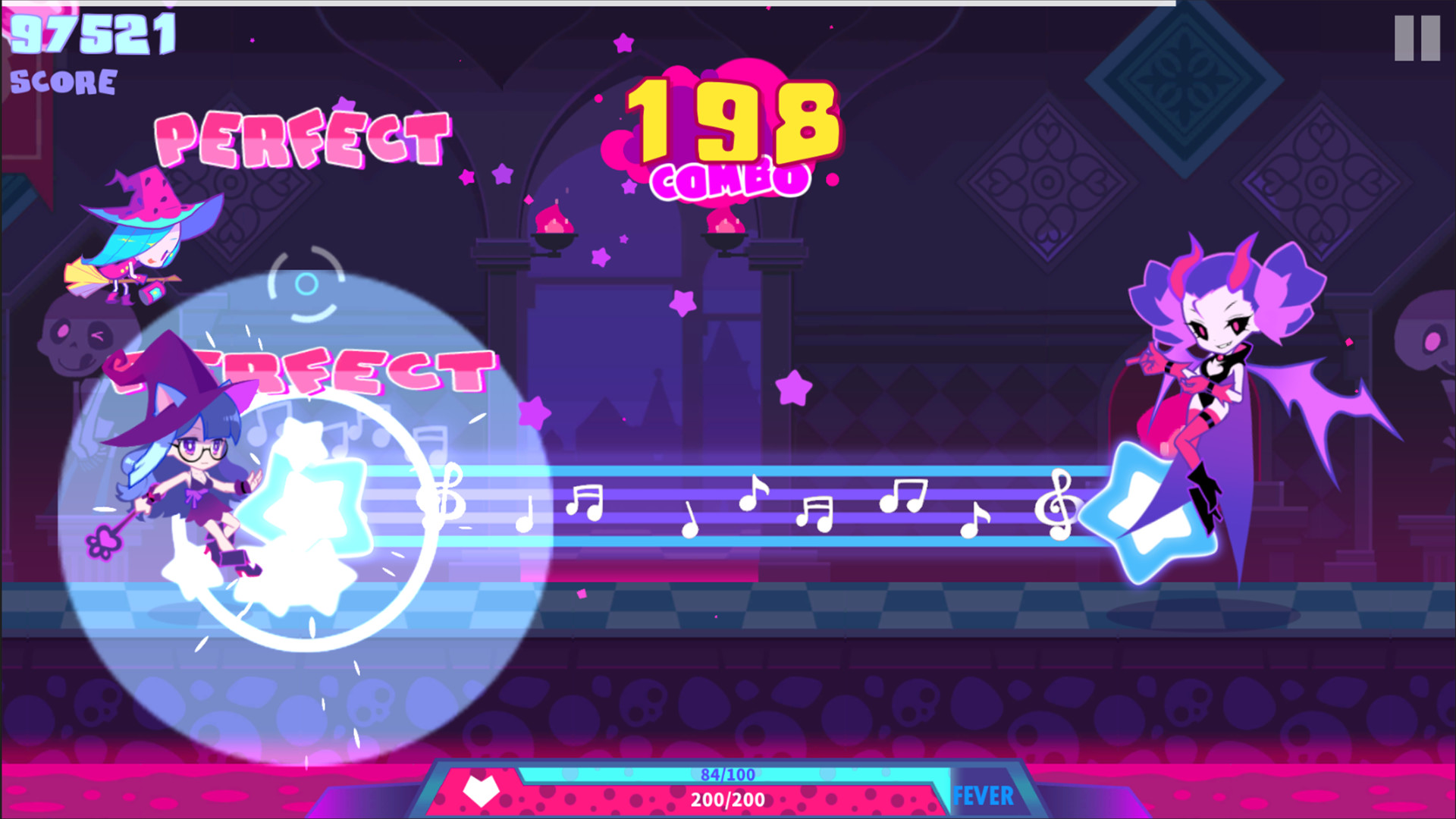
The game features a cute and chic art style, with characters that have distinct personalities and expressive animations. Levels showcase uniquely designed scenes that match each song’s mood.
Bosses and regular enemies are illustrated to fit the musical theme, and voice‑overs accompany character actions, adding personality to the rhythmic action.
- Watch character animations for visual timing cues.
- Enjoy the background changes as they reflect the music.
04 / THE GUIDE
Platform Features
Muse Dash runs on Windows and macOS and offers partial controller support, allowing gamepad input for most actions. Steam Cloud syncs progress across devices.
Remote Play extends gameplay to phones, tablets, and TVs, while Family Sharing lets multiple accounts access the same purchase, making the title easy to enjoy in various household setups.
- Enable Steam Cloud to keep saves safe.
- Try a controller if you prefer gamepad feel.
05 / THE GUIDE
Single‑Player Mode
The experience is designed for solo play, focusing on personal rhythm mastery and progression through song packs. There are no listed multiplayer components.
Players can track their own scores and aim for higher combos, making the game suitable for casual sessions or focused practice without external competition.
- Set personal score goals to stay motivated.
- Replay favorite tracks to improve timing.

COMMUNITY
Player discussion