 GameWiki
GET YOUR BEARINGS
About Multiverse Designer
Multiverse Designer Player Edition lets you join games that other players host with the Game Master edition. You can explore any map the host provides, see dynamic lighting, and watch cutscenes, but you cannot create maps or start your own online sessions.
The edition runs on Windows, supports multiplayer and online co‑op, and connects to the Steam Workshop for community assets. It is in Early Access and includes a partial D20 2024 rule set via the Criteria scripting language.
01 / THE GUIDE
Joining Games
Players with this edition can enter sessions that a Game Master owner has started, occupying one of the host’s guest seats. If all seats are taken, the player is blocked from joining until a seat frees up.
When a player leaves, their seat becomes available for another Player Edition user. Game Master owners themselves do not need a guest seat and can join without restriction.
- Check with the host how many guest seats are open before trying to connect.
- If you are denied entry, ask the host whether a seat has opened or consider obtaining the Game Master DLC.
02 / THE GUIDE
Pre‑Designed Scenarios
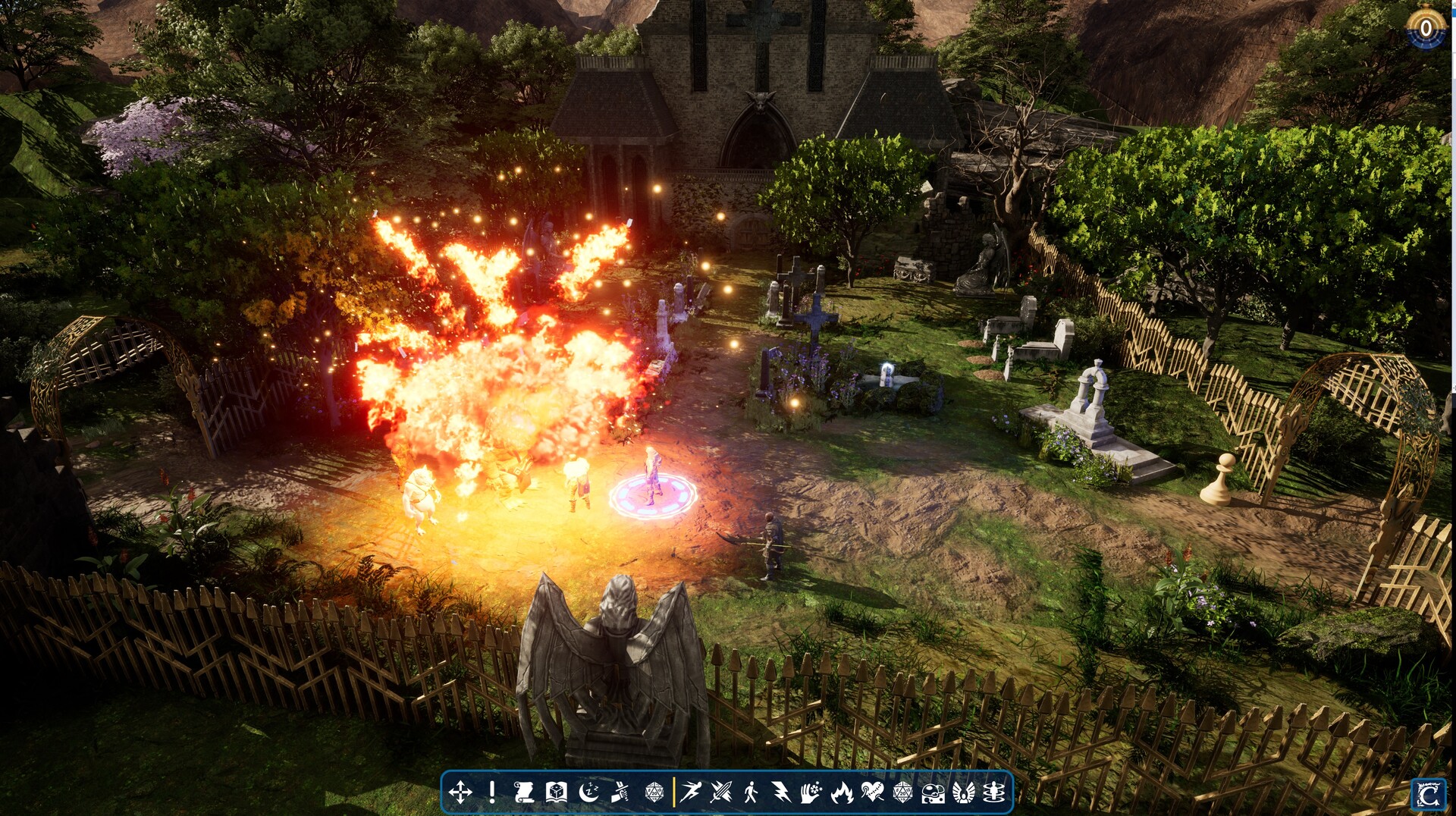
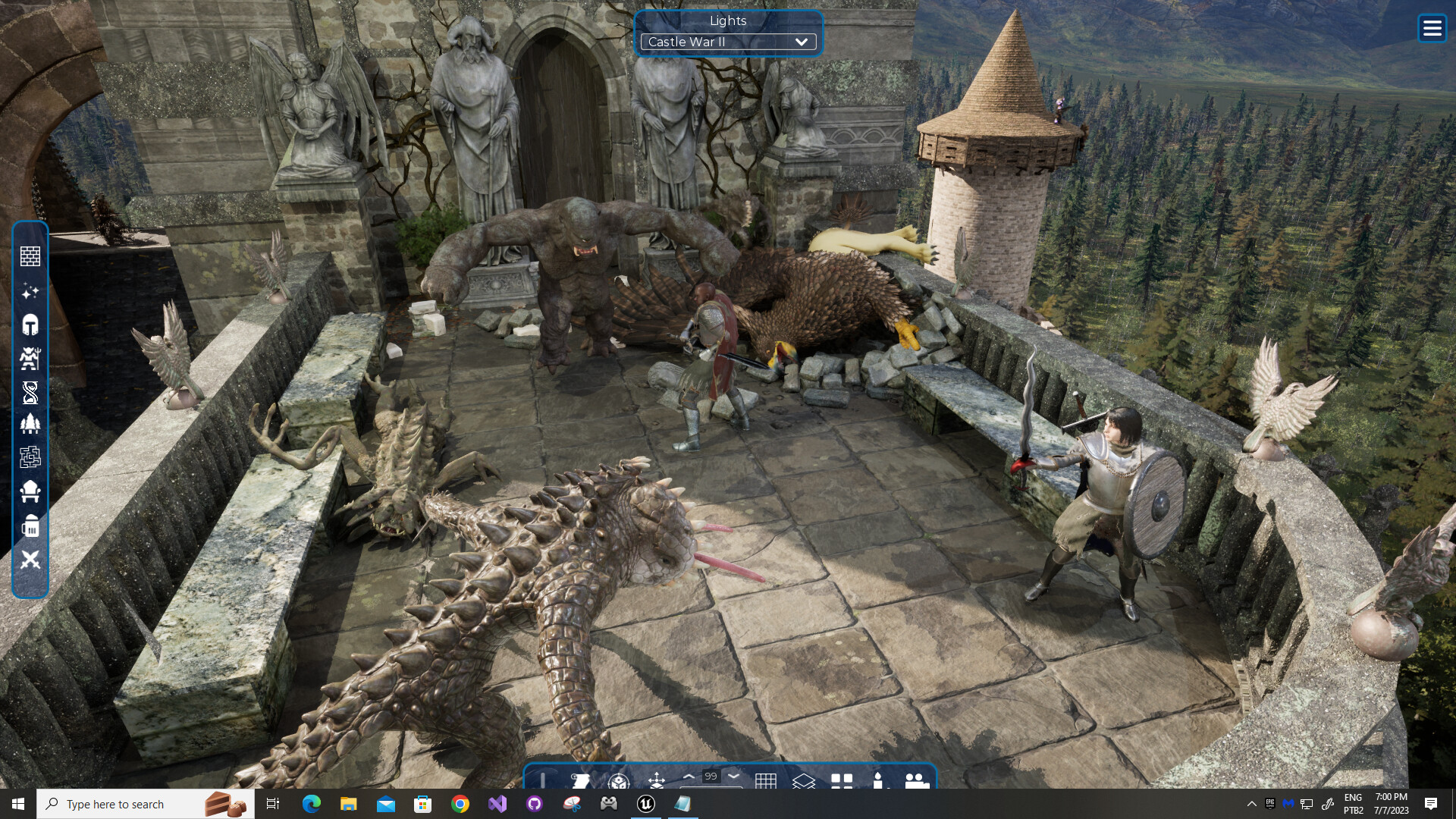
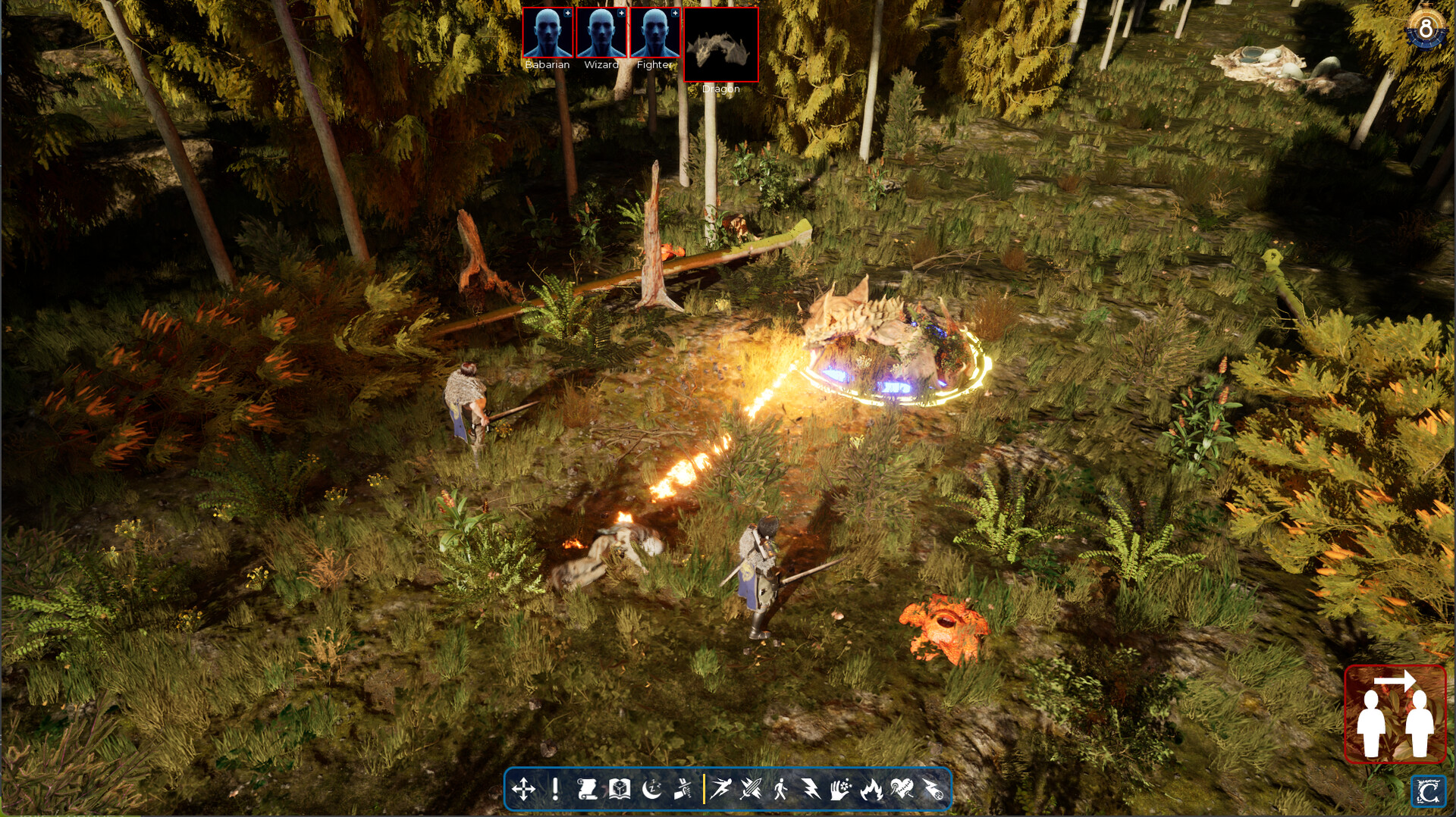
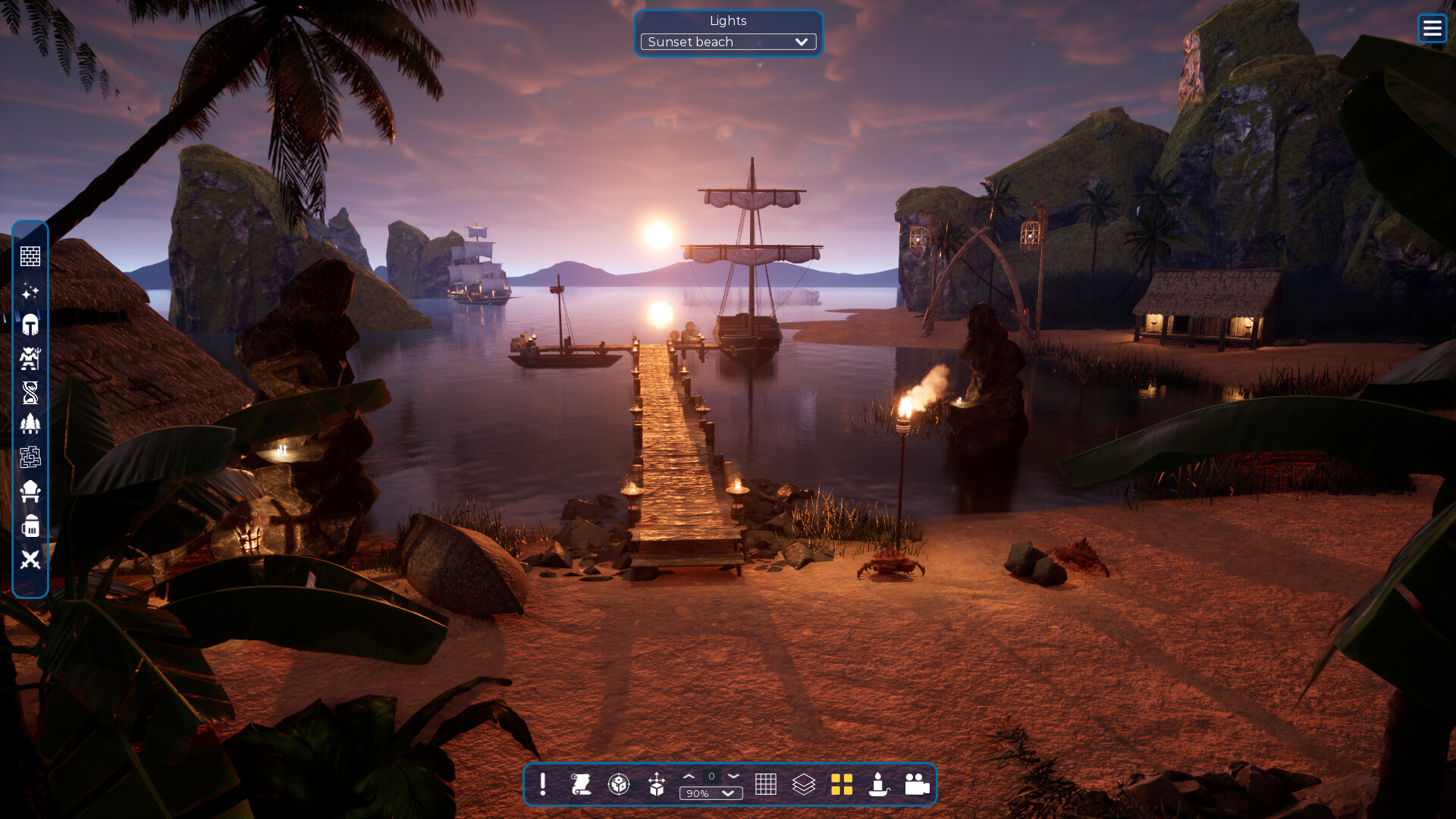
The software ships with eight massive pre‑designed scenarios—Cities, Dungeons, Forests, Castle, Jungle, Spring, Rock Hills and Desert—that hosts can select to set up a play area quickly.
Because the Player Edition cannot build maps, you experience these scenarios exactly as the host presents them, including any custom lighting, colors, or cutscenes they add.
- Ask the host which scenario they are using to anticipate the visual style.
- Compare the scenario’s theme to your preferred genre to gauge how it may affect gameplay.
03 / THE GUIDE
Cutscene Director
Hosts may employ the Cutscene Director to animate assets, move cameras, and add dialogue, creating cinematic moments that play directly inside the session.
Players watch these cutscenes as part of the host‑driven narrative; creating and editing them falls under the map‑creation tools this edition does not include.
- Watch camera changes closely; they often highlight important plot points.
- Notice how animated assets interact with the environment for clues about upcoming events.
04 / THE GUIDE
Criteria Scripting
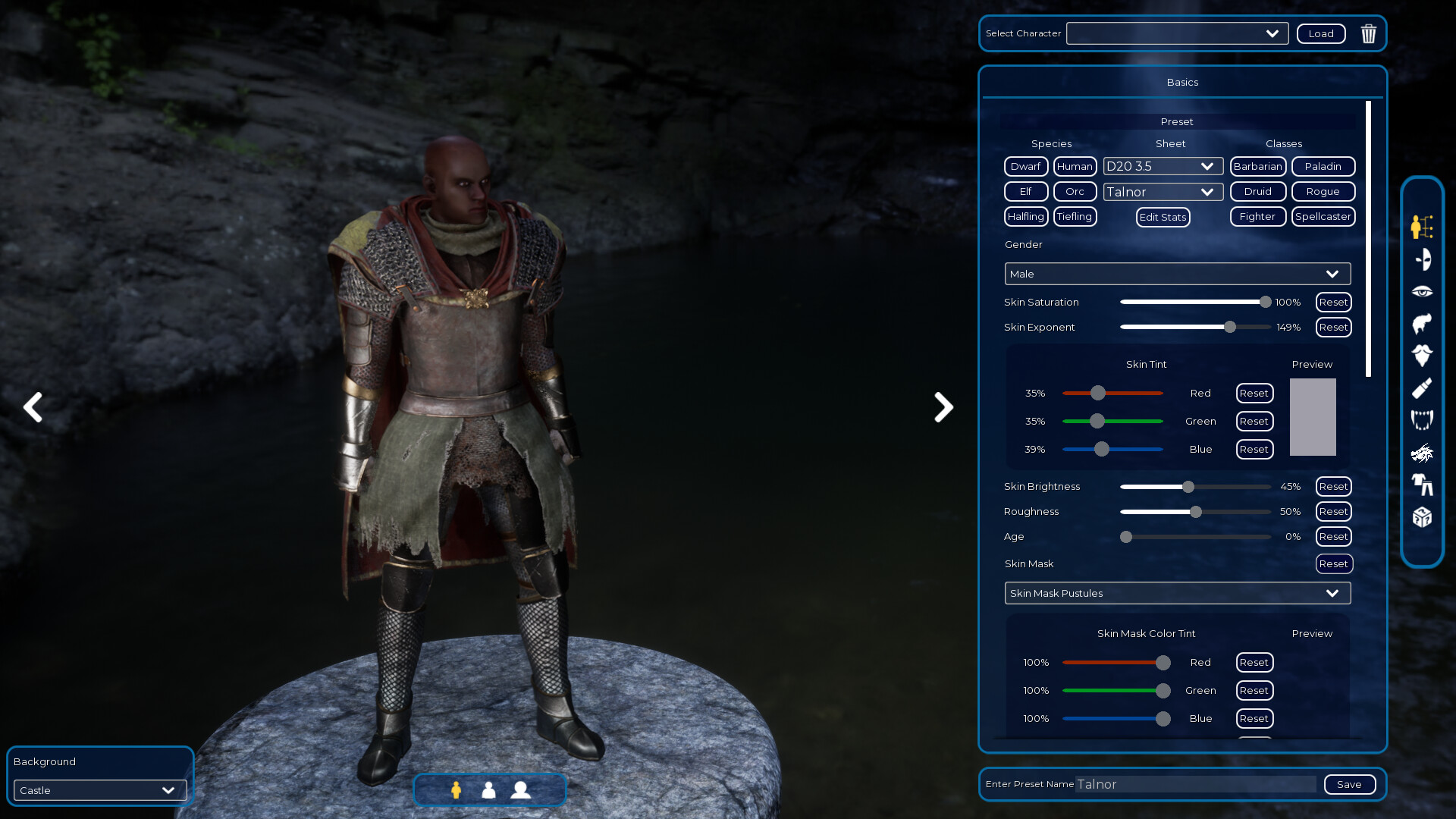
Criteria is an easy‑to‑learn scripting language built into the program for defining RPG rules, character sheets, and automated events. Hosts can enable it to handle bookkeeping such as dice rolls or rule enforcement.
Players do not need to write scripts; they benefit from whatever rules the host has scripted, whether a partial D20 2024 system or a custom rule set.
- Ask the host which rule set is active so you know what dice expectations apply.
- Observe how automated events replace manual bookkeeping during play.
05 / THE GUIDE
Steam Workshop Sharing
The Steam Workshop interface lets creators upload and download lights, scenes, dice styles, encounters, and characters. Hosts can pull items from this library to enrich their sessions.
While the Player Edition cannot upload new content, you can browse the Workshop for assets you’d like the host to use and request them before a game starts.
- Search the Workshop for the scenario name to find related community assets.
- Suggest a Workshop item to the host if you think it would improve the session.
COMMUNITY
Player discussion