 GameWiki
GET YOUR BEARINGS
About Mr Right Simulator
Mr Right Simulator follows a disillusioned young man who unexpectedly time‑warps back to his student years. He awakens the Temporal Romance Strategy System and, guided by his wingman Tong Jincheng, walks parallel timelines of campus life and corporate conflict.
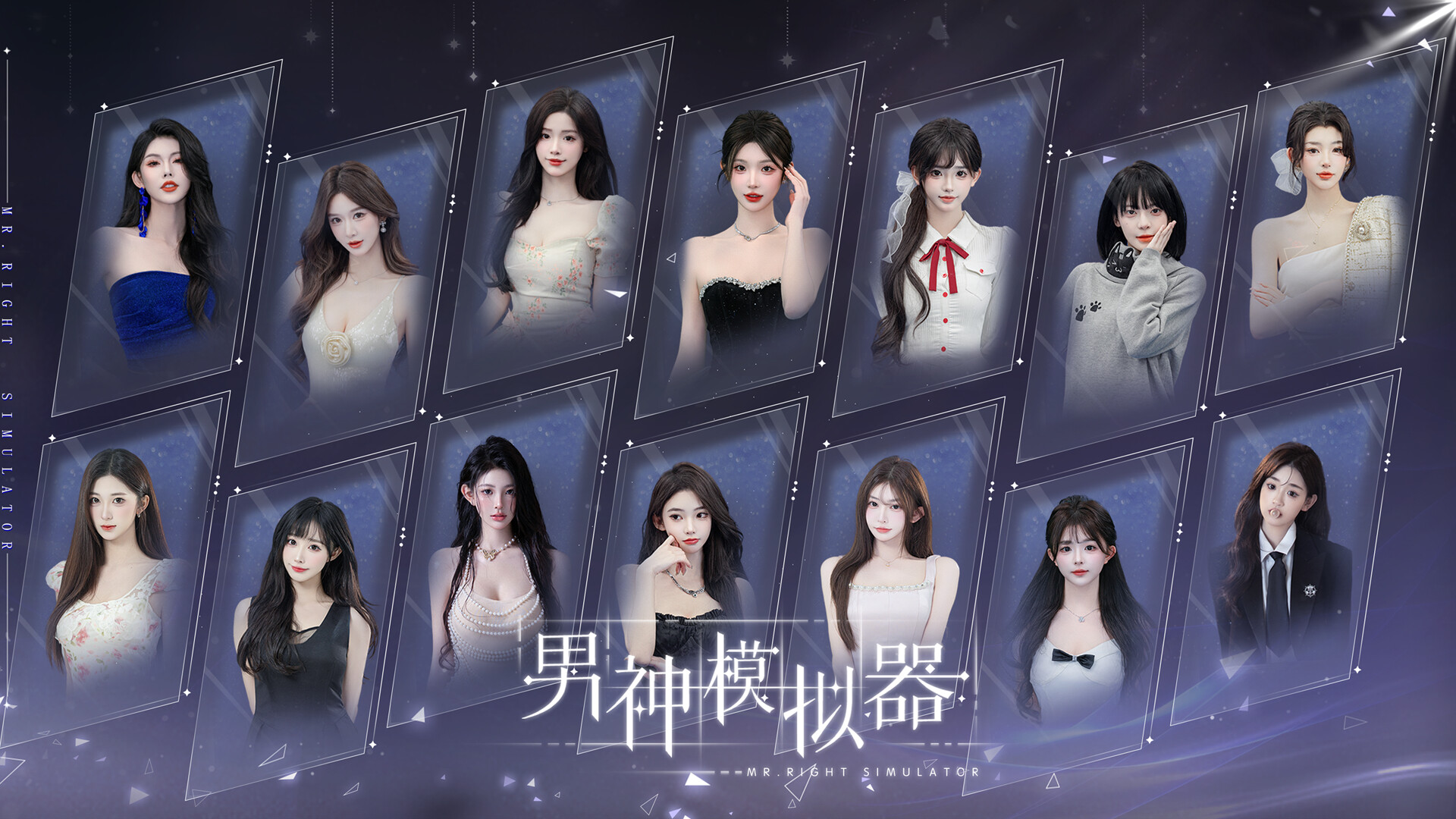
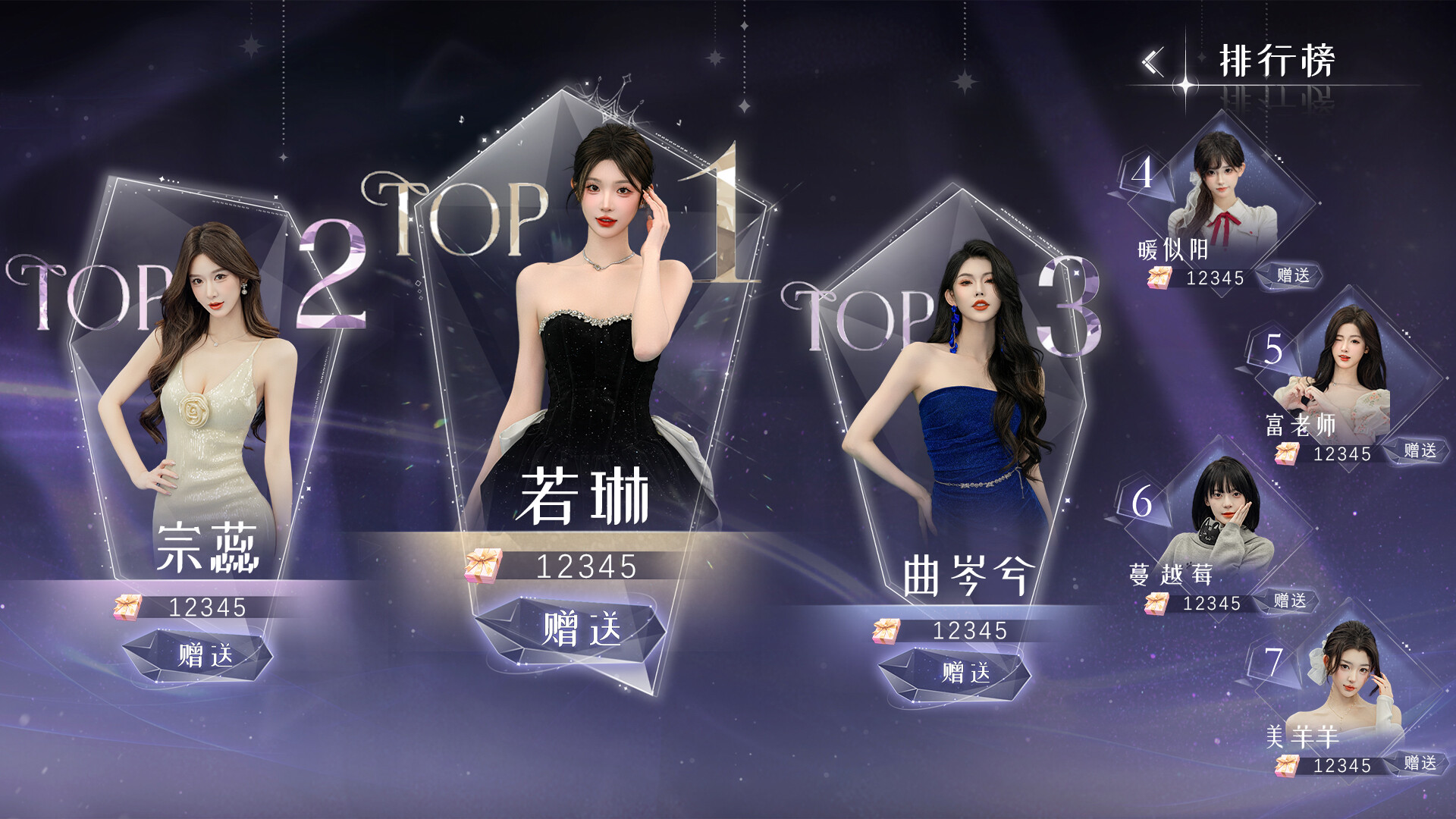
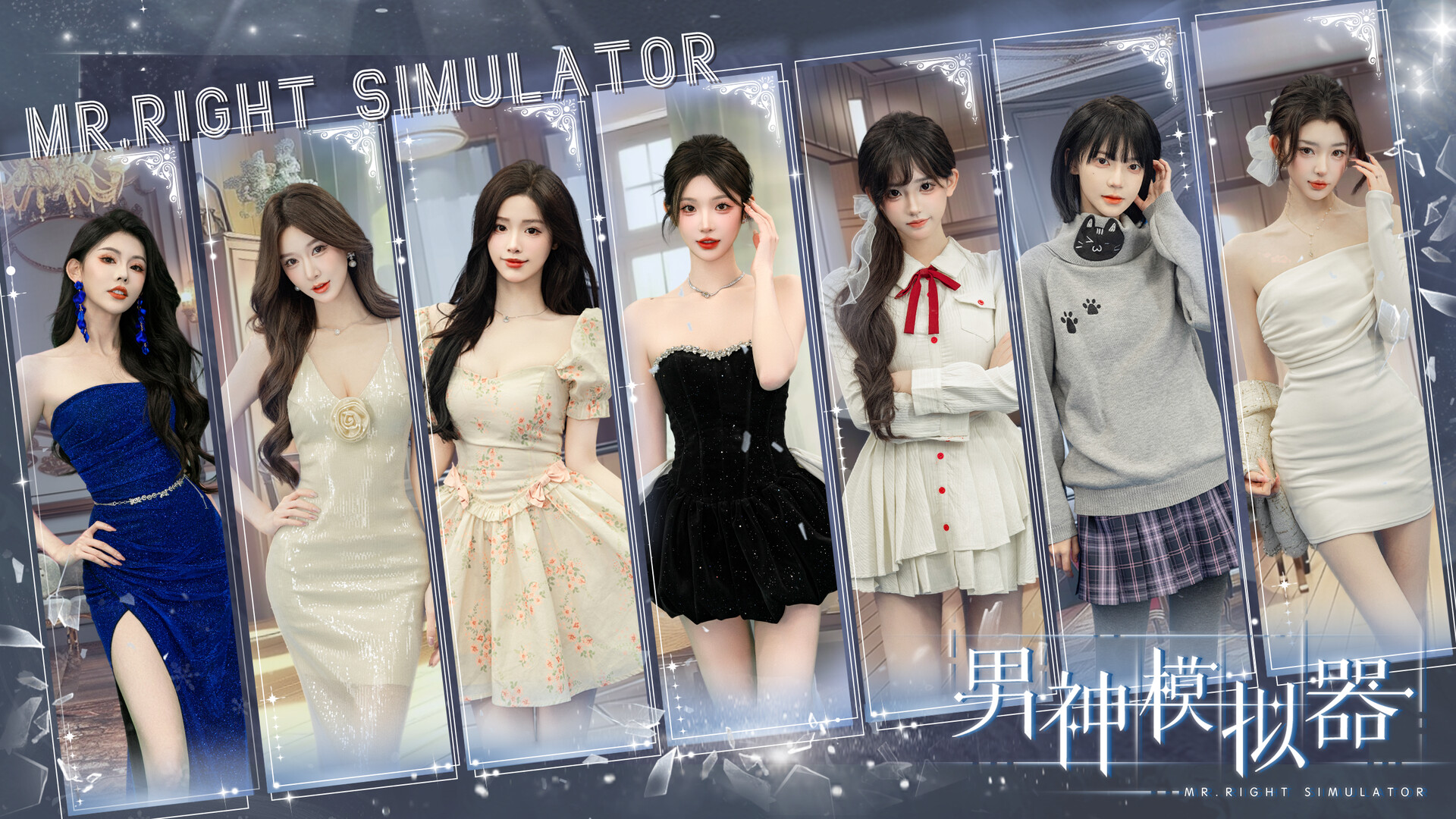
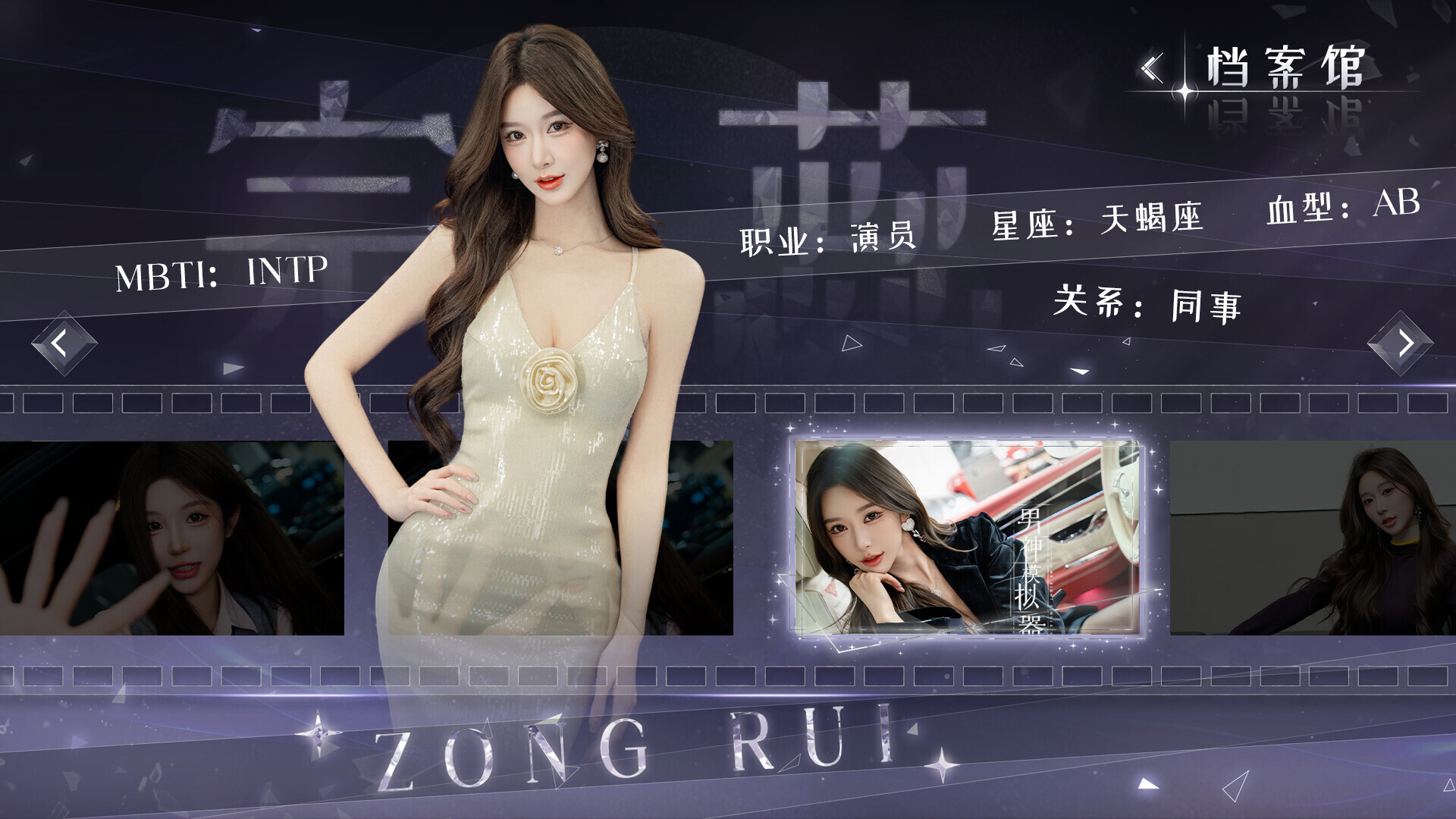
Seven women intertwine with his chrono‑disrupted journey, shifting from chalk‑dust classrooms to glass‑walled boardrooms and from e‑bike rides to AMG engines. Every decision ripples through time, forcing a final verdict between building a corporate empire or embracing love’s singularity.
01 / THE GUIDE
Story and Characters
The narrative centers on a young man shackled by adulthood’s mediocrity who is thrust back into his university days. The Temporal Romance Strategy System lets him influence both personal and professional futures across multiple timelines.
Seven women become entangled in his journey, each evolving from naive campus interactions to high‑stakes corporate roles. Their transformations illustrate the game’s blend of youthful nostalgia and cut‑throat ambition.
- Compare early‑school dialogues with later boardroom scenes to spot narrative parallels.
- Observe how Tong Jincheng’s guidance nudges the protagonist toward different outcomes.
02 / THE GUIDE
Single‑Player Structure
Mr Right Simulator is designed for solo play, offering a personal narrative without multiplayer components. The player alone navigates the Temporal Romance Strategy System and its branching outcomes.
The game is marked as Playable without Timed Input, meaning players can progress at their own pace without forced time limits.
- Take advantage of the lack of timed input to experiment with different choices.
- Use the single‑player focus to fully explore each timeline without external pressure.
03 / THE GUIDE
Accessibility Options
A range of comfort and visual settings are provided, including Camera Comfort, Color Alternatives, Custom Volume Controls, and Subtitle Options, allowing players to tailor the experience to personal needs.
Input flexibility is offered through Mouse Only Option and Touch Only Option, ensuring the game can be played without a keyboard or controller.
- Adjust Color Alternatives if visual strain appears during long sessions.
- Enable Subtitle Options to keep narrative details clear when audio is muted.
04 / THE GUIDE
Save and Cloud Features
Players can Save Anytime, preserving progress at any moment. This manual save capability lets players record their position before major narrative decisions.
Steam Cloud support stores those saves online, providing a backup that survives reinstallations or hardware changes.
- Create a manual save before each major branch to compare outcomes later.
- Enable Steam Cloud in the client settings to keep your timeline progress synchronized.
05 / THE GUIDE
Audio‑Visual Presentation
Stereo Sound delivers a standard two‑channel audio experience that complements the visual storytelling. Audio cues help differentiate narrative moments across timelines.
Visual style shifts from chalk‑dust classrooms to sleek corporate environments, reinforcing the thematic contrast between youthful ambition and corporate power.
- Listen for stereo cues that may indicate important narrative moments.
- Notice visual changes that signal transitions between campus and corporate settings.

COMMUNITY
Player discussion