 GameWiki
GET YOUR BEARINGS
About Mr. Hopp's Playhouse
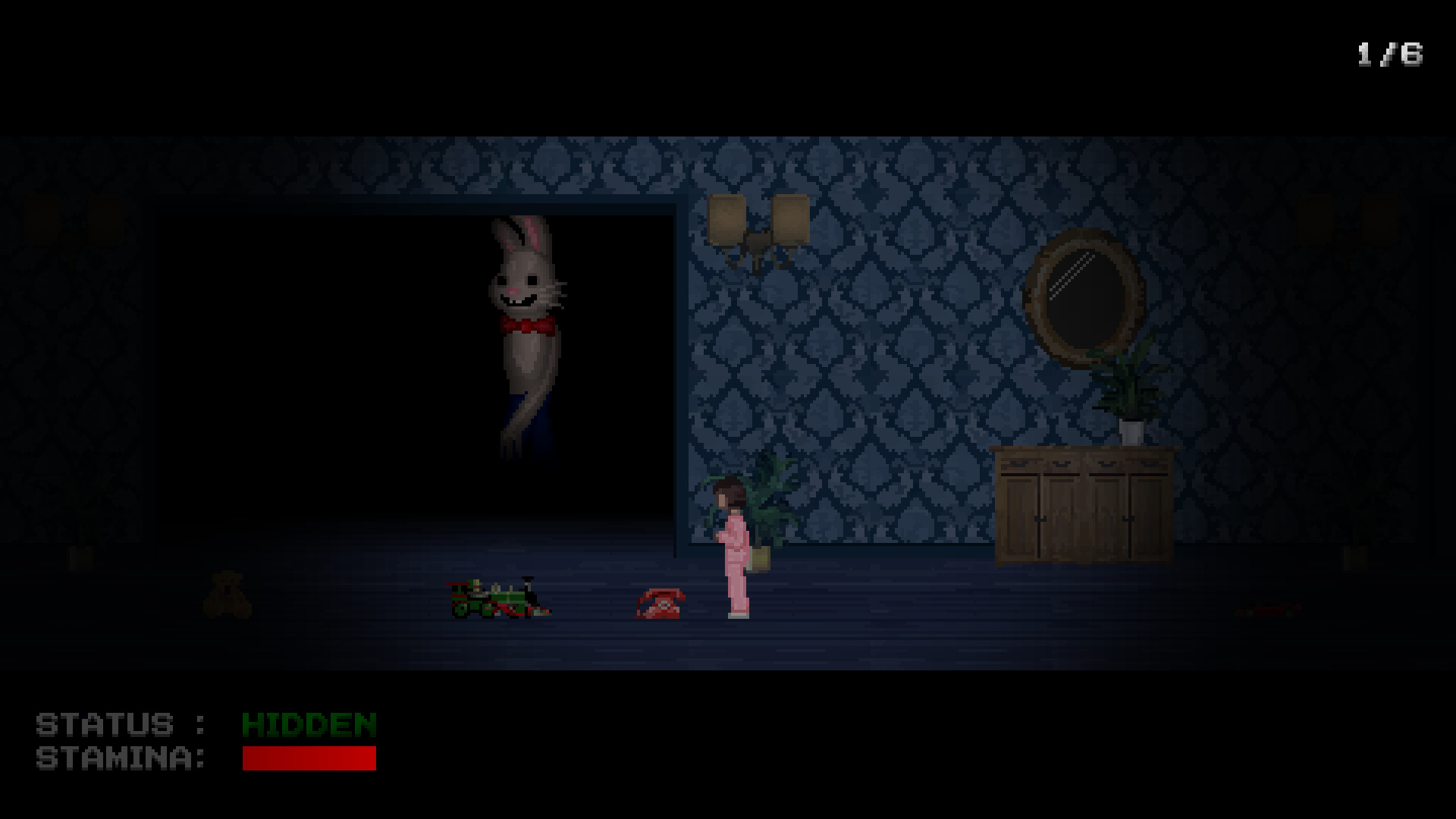
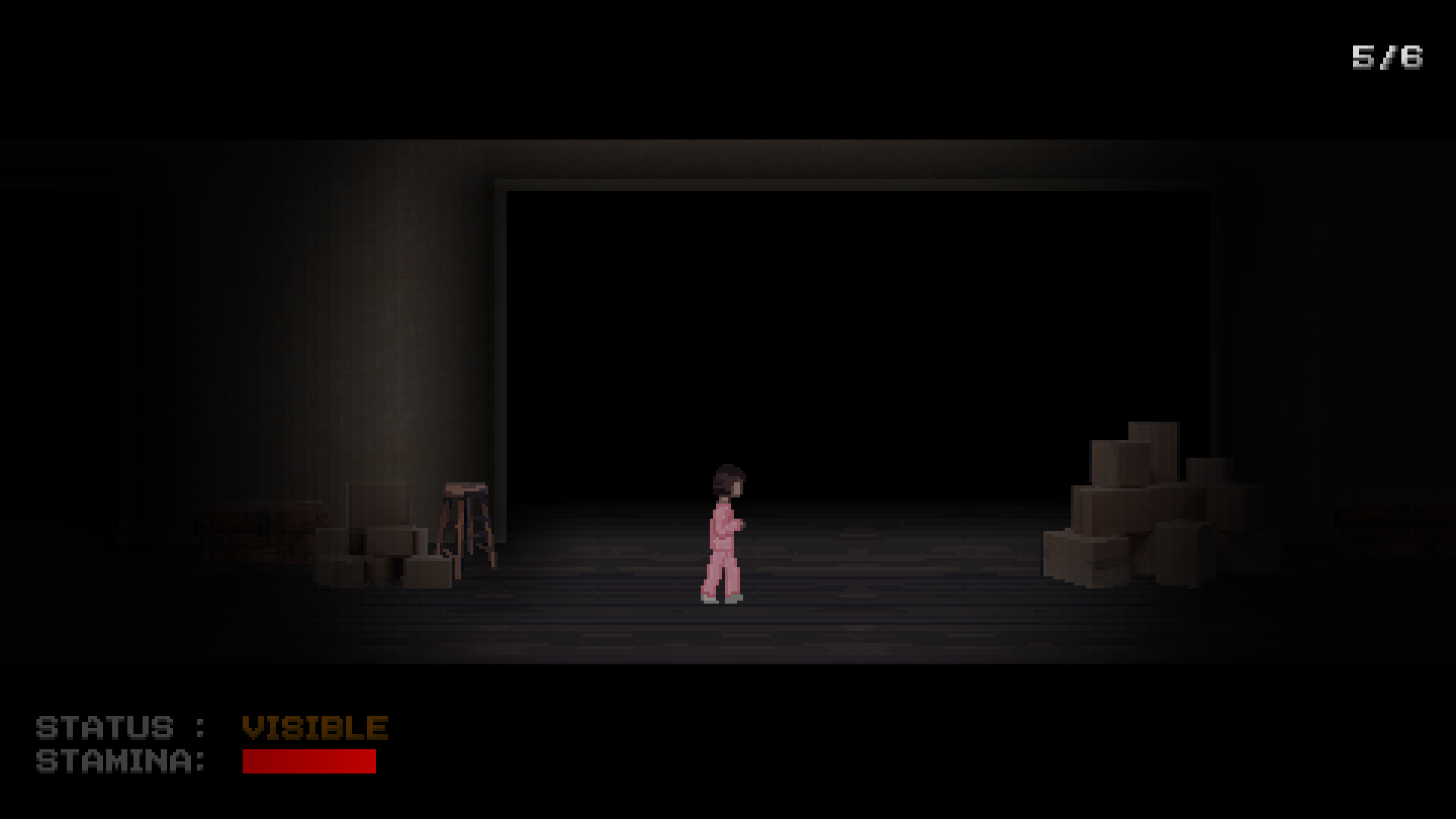
In *Mr. Hopp's Playhouse* you control Ruby, a young girl haunted by a handmade rabbit toy that has come to life. The game places you in a tense 2D sidescroller where you must run, hide, and avoid making noise as you explore Ruby’s house.
The experience blends a dark childhood fear with simple platforming: you jump over scattered toys, and any contact may attract the relentless Mr. Hopp. Survive the hide‑and‑seek and uncover the mystery behind the missing rabbit.
01 / THE GUIDE
Story Premise
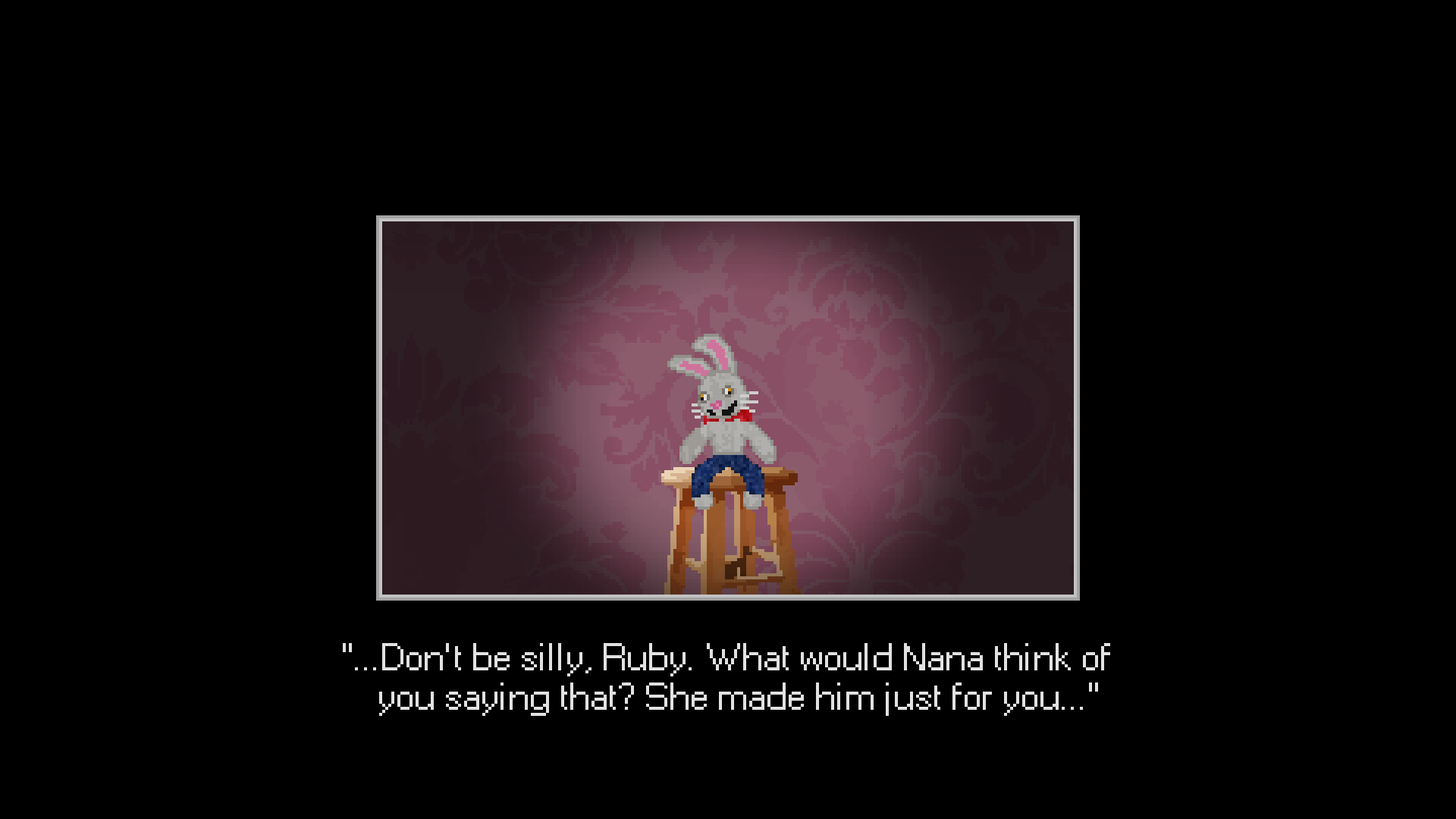
Ruby inherits a handmade rabbit named Mr. Hopp from her late grandmother. The toy normally sits motionless, but one night it disappears, turning the house into a hunting ground.
The narrative drives the player to uncover why the toy is now hostile, using the house’s rooms as a backdrop for a personal, fear‑filled journey.
- Observe the placement of toys; their arrangement hints at where Mr. Hopp may appear.
- Take note of any visual cues that suggest a change in the house’s atmosphere.
02 / THE GUIDE
Core Mechanics
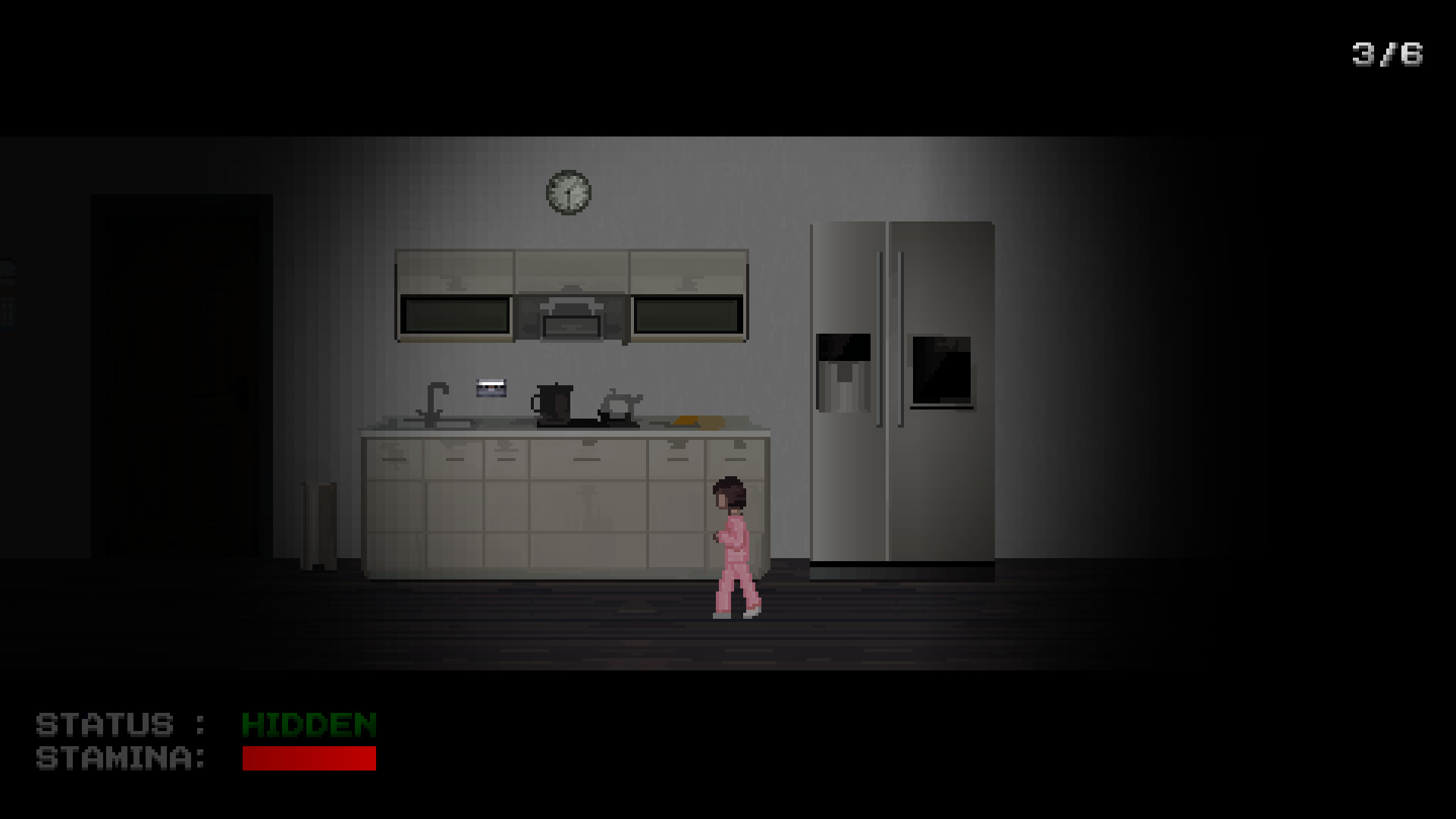
The game is a 2D sidescroller where you run and hide from Mr. Hopp. Jumping over toys is required to progress, and touching them creates sound that can draw the rabbit.
Timing and careful movement are essential; one wrong move may allow Mr. Hopp to catch you, ending the run.
- Plan jumps to avoid landing on toys that could make noise.
- Use pauses to listen for audio cues indicating Mr. Hopp’s proximity.
03 / THE GUIDE
Visual & Audio Style
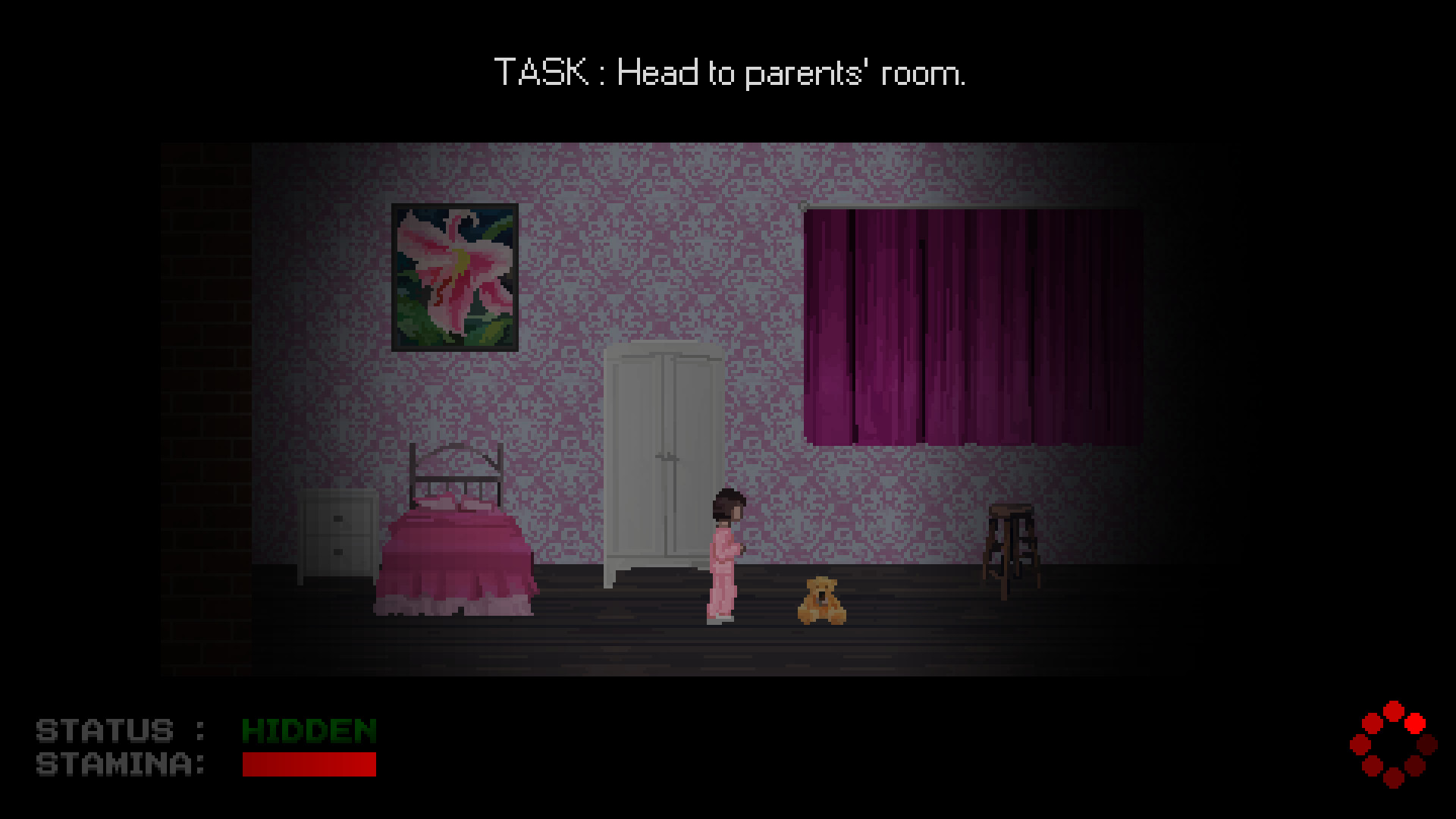
The game presents a dark, child‑like aesthetic with a simple 2D art direction. The environment feels cramped, emphasizing the tension of hide‑and‑seek.
Audio feedback is crucial; sounds from toys act as a lure for Mr. Hopp, reinforcing the need for quiet movement.
- Watch the lighting changes that may signal a shift in danger level.
- Adjust your volume to hear subtle toy noises that warn of Mr. Hopp’s approach.
04 / THE GUIDE
Platform Support
Mr. Hopp's Playhouse is available on Windows computers. The listing does not include macOS or Linux support, limiting official play to the Windows operating system.
Partial controller support is provided, allowing players to use a gamepad, though the description does not detail specific controller features.
- If you prefer a controller, test its responsiveness in the early rooms.
- Check Windows system requirements before installing to ensure smooth performance.
05 / THE GUIDE
Single‑Player Features
The experience is designed for a single player, focusing on personal tension rather than multiplayer competition. Family Sharing is listed, allowing multiple accounts to access the same purchase.
No additional multiplayer or co‑op modes are mentioned, keeping the focus on Ruby’s solitary confrontation with Mr. Hopp.
- Use Family Sharing to let different household members try the game without extra purchases.
- Play in short sessions to maintain the suspense without fatigue.
COMMUNITY
Player discussion