 GameWiki
GET YOUR BEARINGS
About Moving Out 2
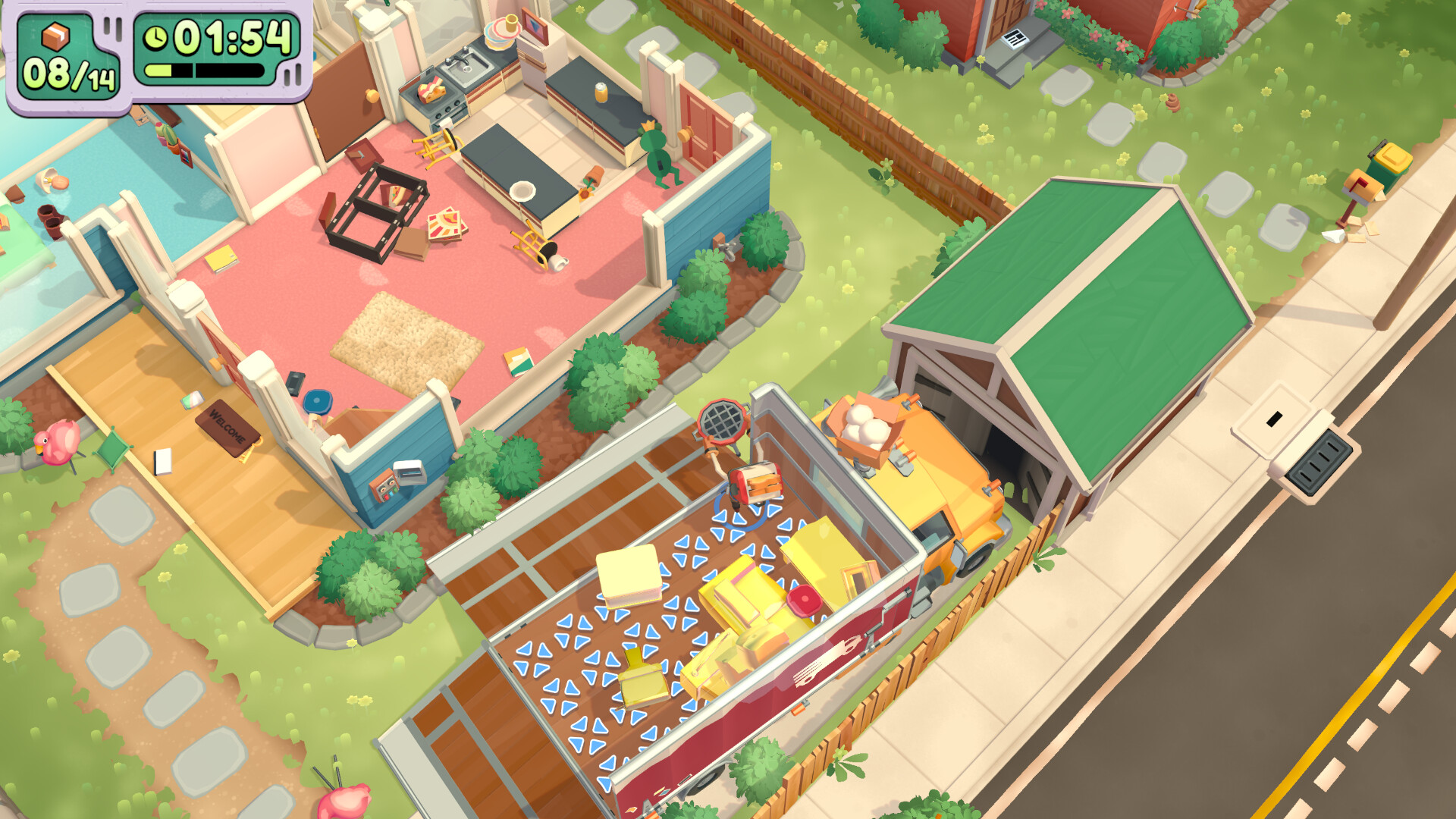
Moving Out 2 is a physics‑based moving simulator sequel where players work solo or with up to three friends as members of the Smooth Moves crew. The game expands beyond Packmore, sending players through inter‑dimensional portals to new, comedic locations. It offers both local and online multiplayer, cross‑platform play, and a broad suite of accessibility options. The title is available on Windows and supports full controller use, Steam achievements, cloud saves, and family sharing.
01 / THE GUIDE
Multiplayer Modes
Players can team up with up to three friends in local split‑screen or online co‑op sessions. The game explicitly supports cross‑platform multiplayer, allowing different hardware to play together.
Both local and online modes use the same core moving mechanics, letting groups coordinate to pack and ship items across the new inter‑dimensional worlds.
- Try mixing local and online players to test the cross‑platform experience.
- Coordinate roles early; the physics‑based challenges benefit from clear division of tasks.
02 / THE GUIDE
New Worlds
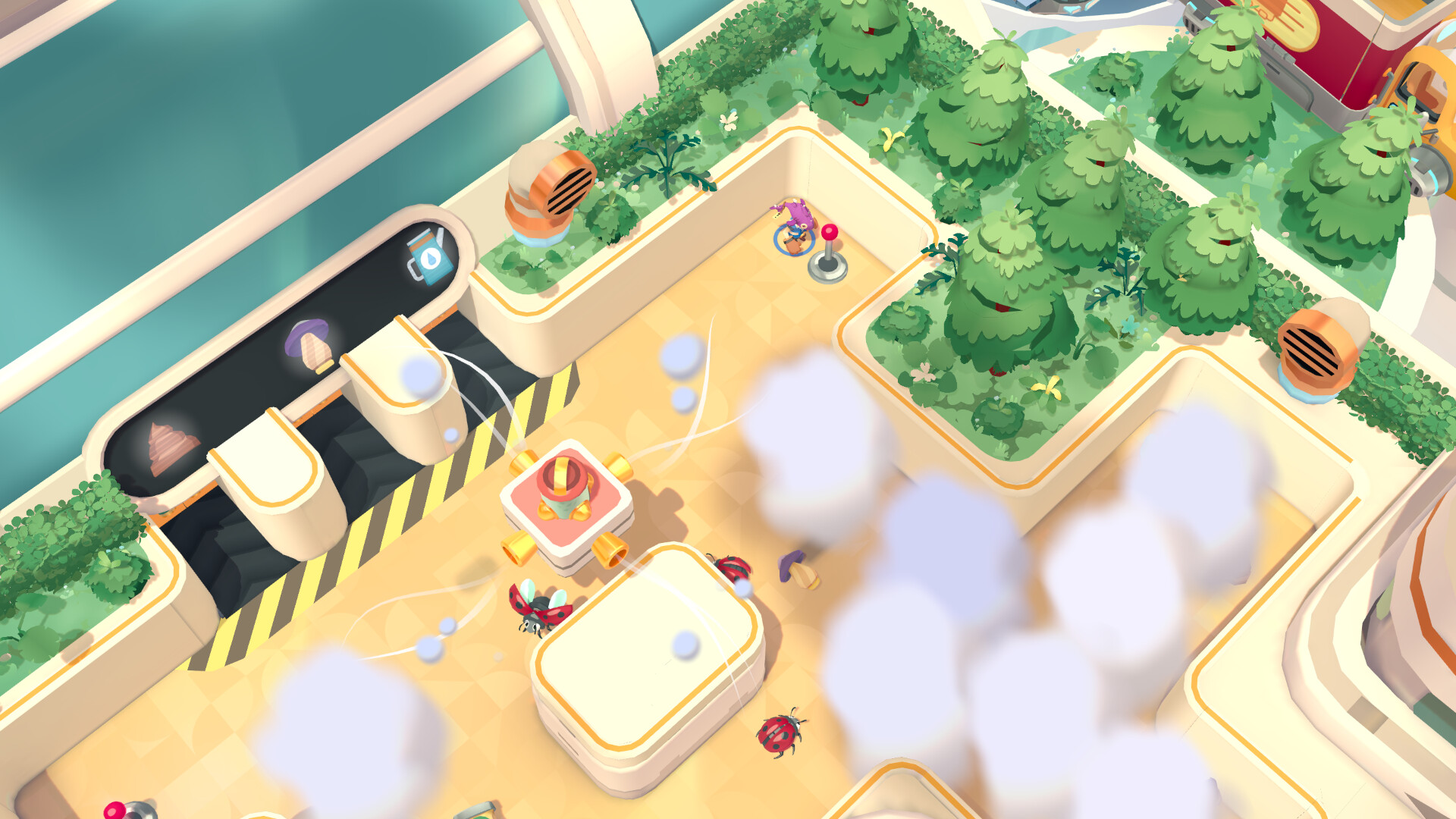
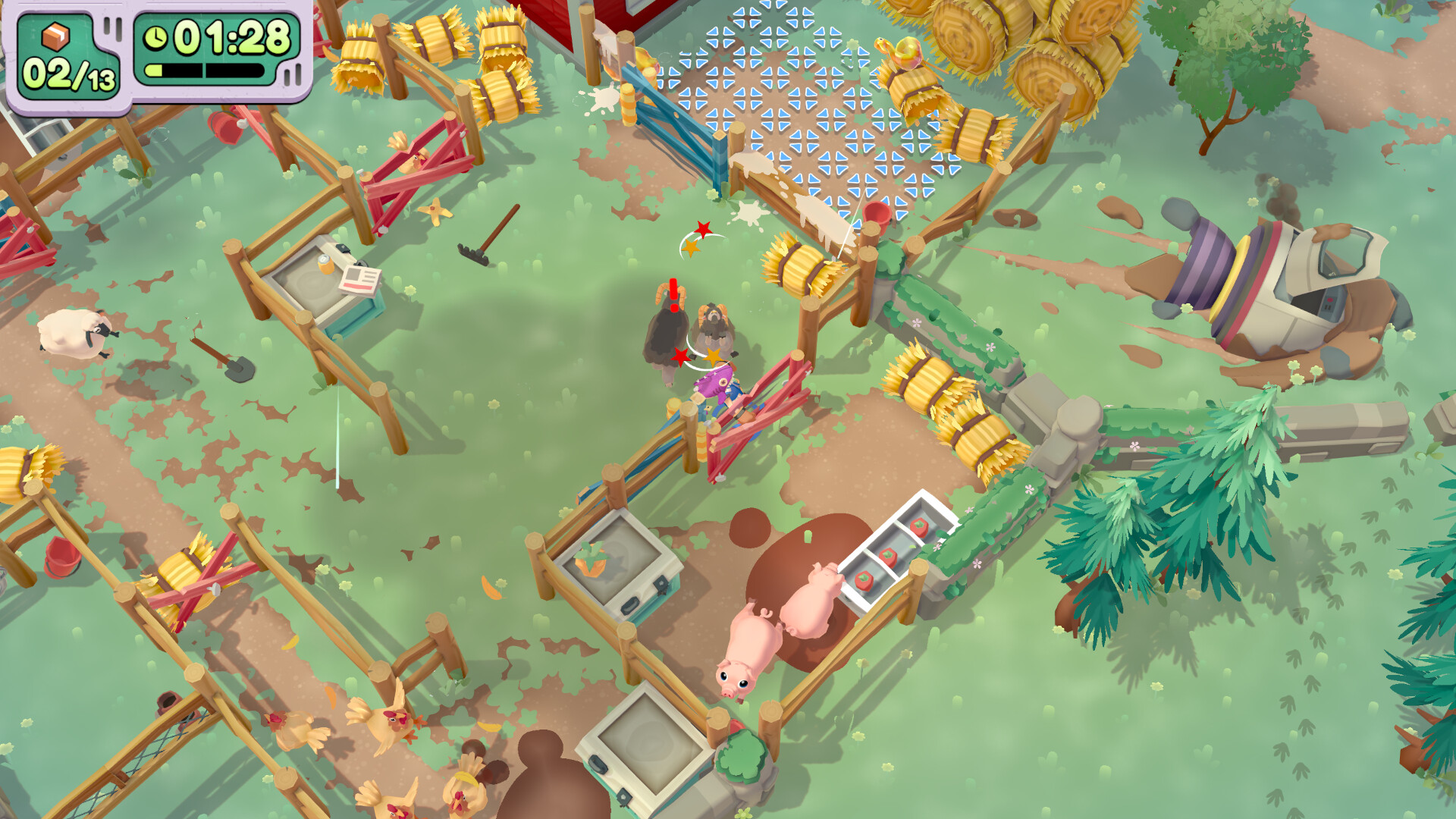
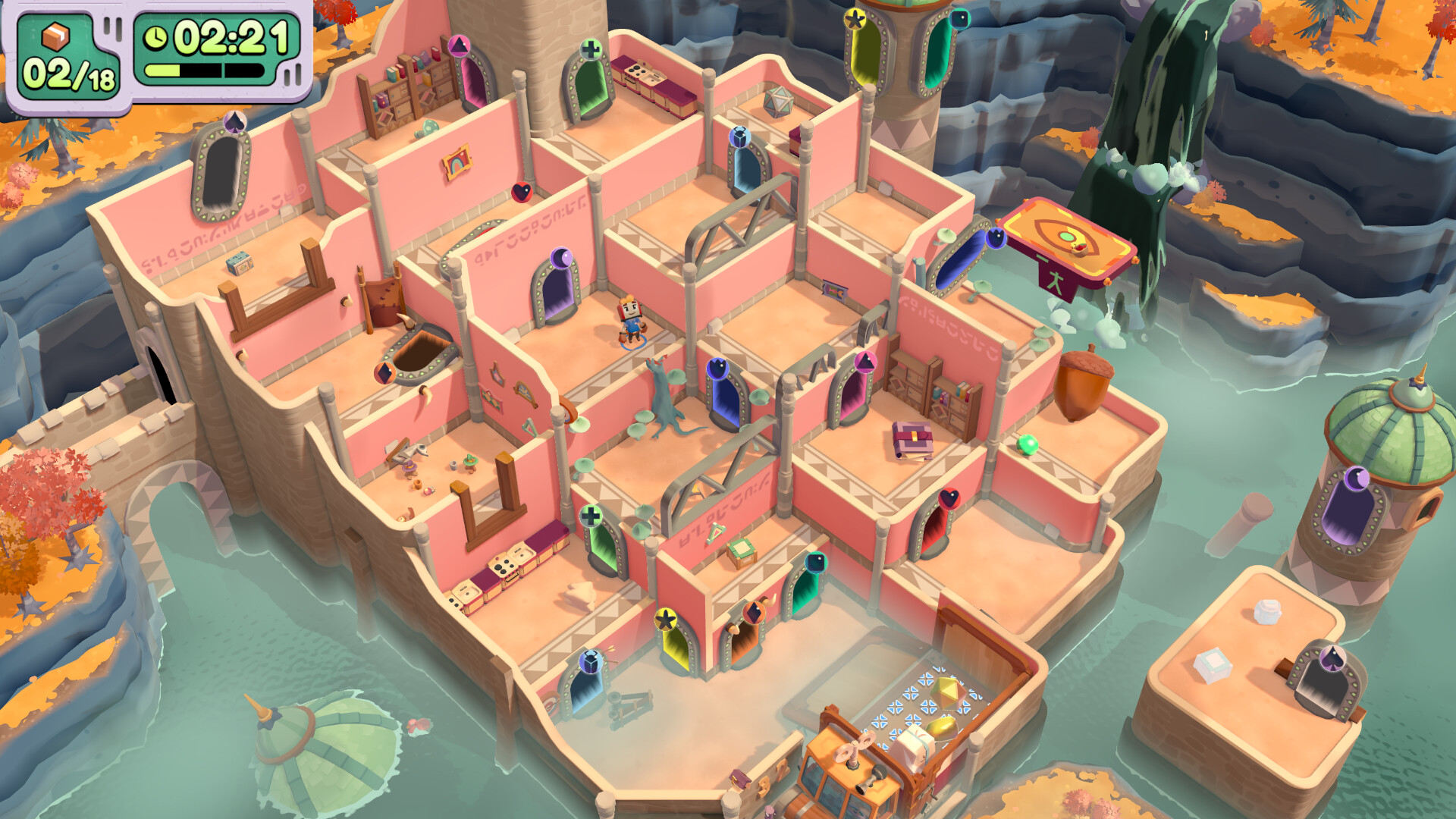
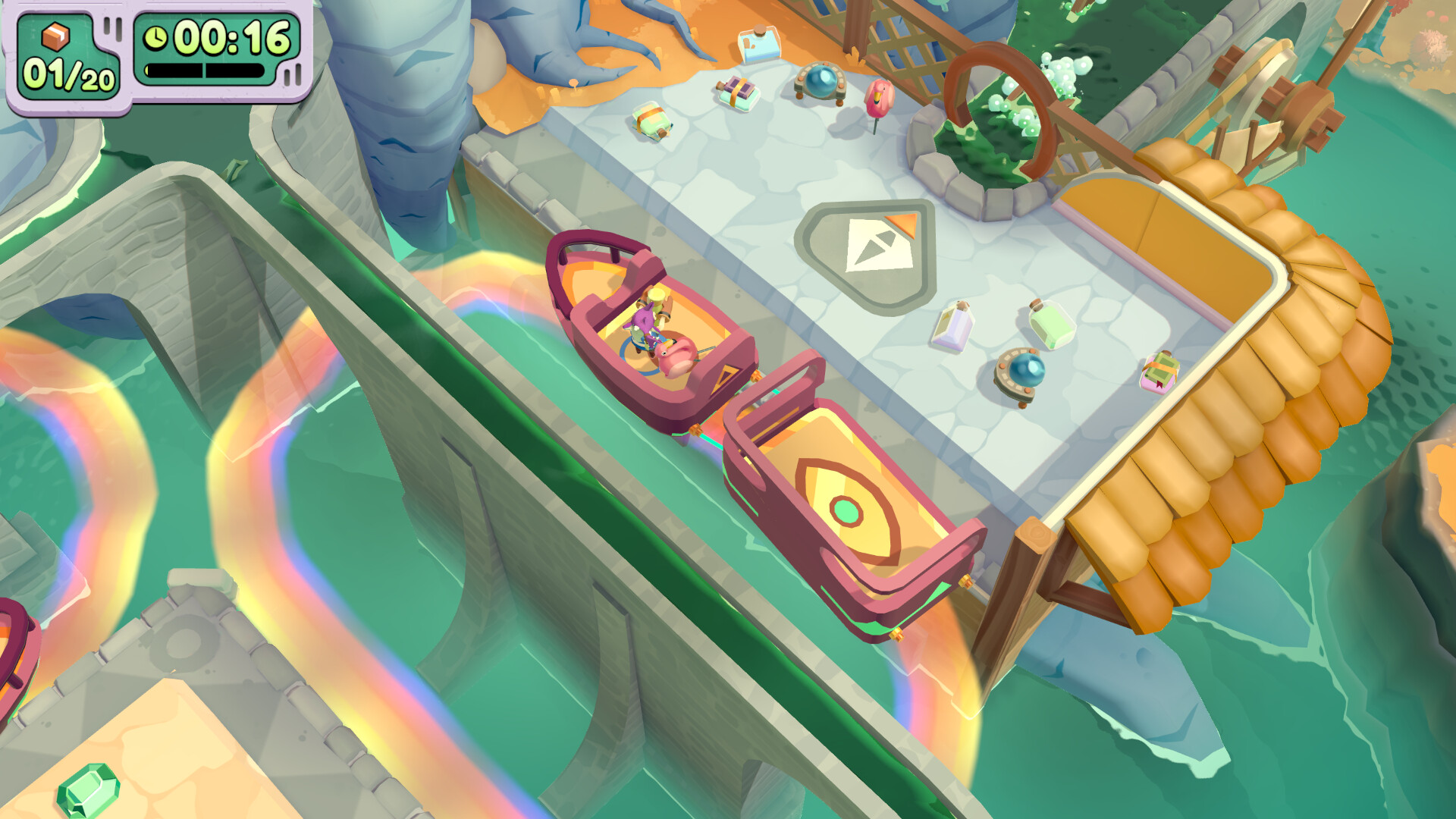
Moving Out 2 moves the setting away from Packmore, using inter‑dimensional portals to deliver fresh, comedic environments. Each world presents its own set of silly challenges and chaotic action.
The new locations keep the core moving simulation while adding visual variety and novel obstacles for players to navigate together.
- Explore each portal entry to discover how the physics react in different visual themes.
- Observe how object sizes and shapes change across worlds to adapt your strategy.
03 / THE GUIDE
Character Roster
The sequel introduces an entirely new cast of Smooth Moves recruits while retaining returning favorites Rye Yu and Sidney. Each character comes with distinct visual designs and optional skins.
The expanded roster gives players more choices for personalizing their moving crew without altering core gameplay.
- Mix new and returning characters to compare visual styles.
- Use skins to match your group’s aesthetic preferences.
04 / THE GUIDE
Accessibility Options
The game lists a wide range of accessibility features, including adjustable text size, camera comfort, custom volume controls, adjustable difficulty, subtitle options, and the ability to play without timed input.
These options are designed to make the moving simulation approachable for a broad audience, from casual players to those needing specific accommodations.
- Experiment with adjustable difficulty to find a comfortable challenge level.
- Enable subtitle options if you prefer visual cues over audio instructions.
05 / THE GUIDE
Platform Features
Moving Out 2 runs on Windows and supports full controller input, Steam achievements, Steam Cloud saves, Remote Play Together, and family sharing. These features integrate with the Steam ecosystem for a seamless experience.
The inclusion of Remote Play Together allows a host to stream the game to friends who can join using their own controllers, extending multiplayer possibilities.
- Enable Steam Cloud to keep progress across multiple devices.
- Use Remote Play Together to invite friends who don’t own the game.
COMMUNITY
Player discussion