 GameWiki
GET YOUR BEARINGS
About Movies Tycoon
Movies Tycoon puts you in charge of a fledgling film studio, letting you build facilities, hire talent, and direct movies from concept to release. The description emphasizes a sandbox where every decision rests on you, from studio upgrades to creative choices.
The game is a single‑player simulation that includes a level editor, Steam achievements, Steam Cloud support, and Family Sharing. Its tone encourages unconventional filmmaking, treating mistakes as artistic statements.
01 / THE GUIDE
Studio Building
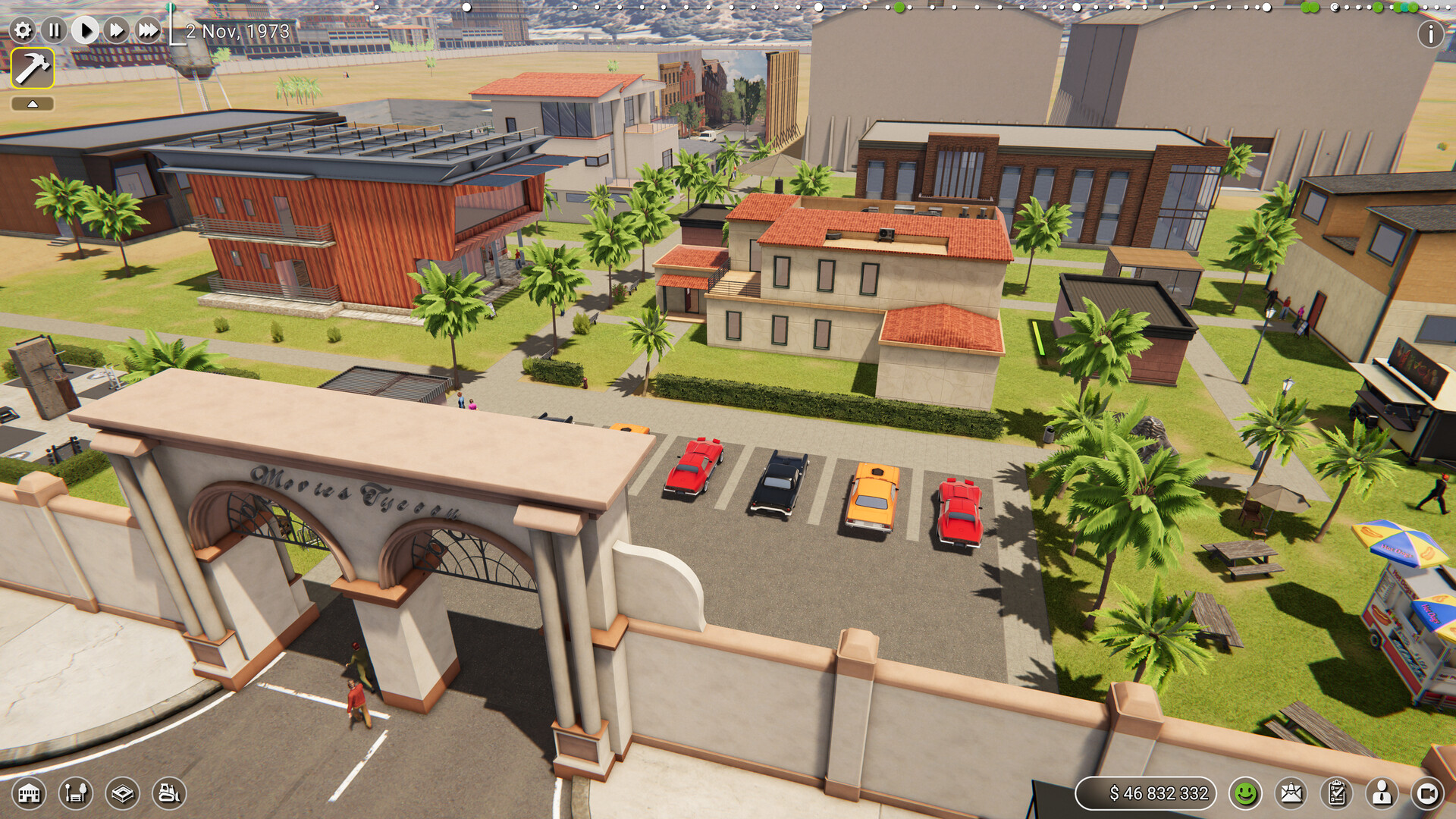
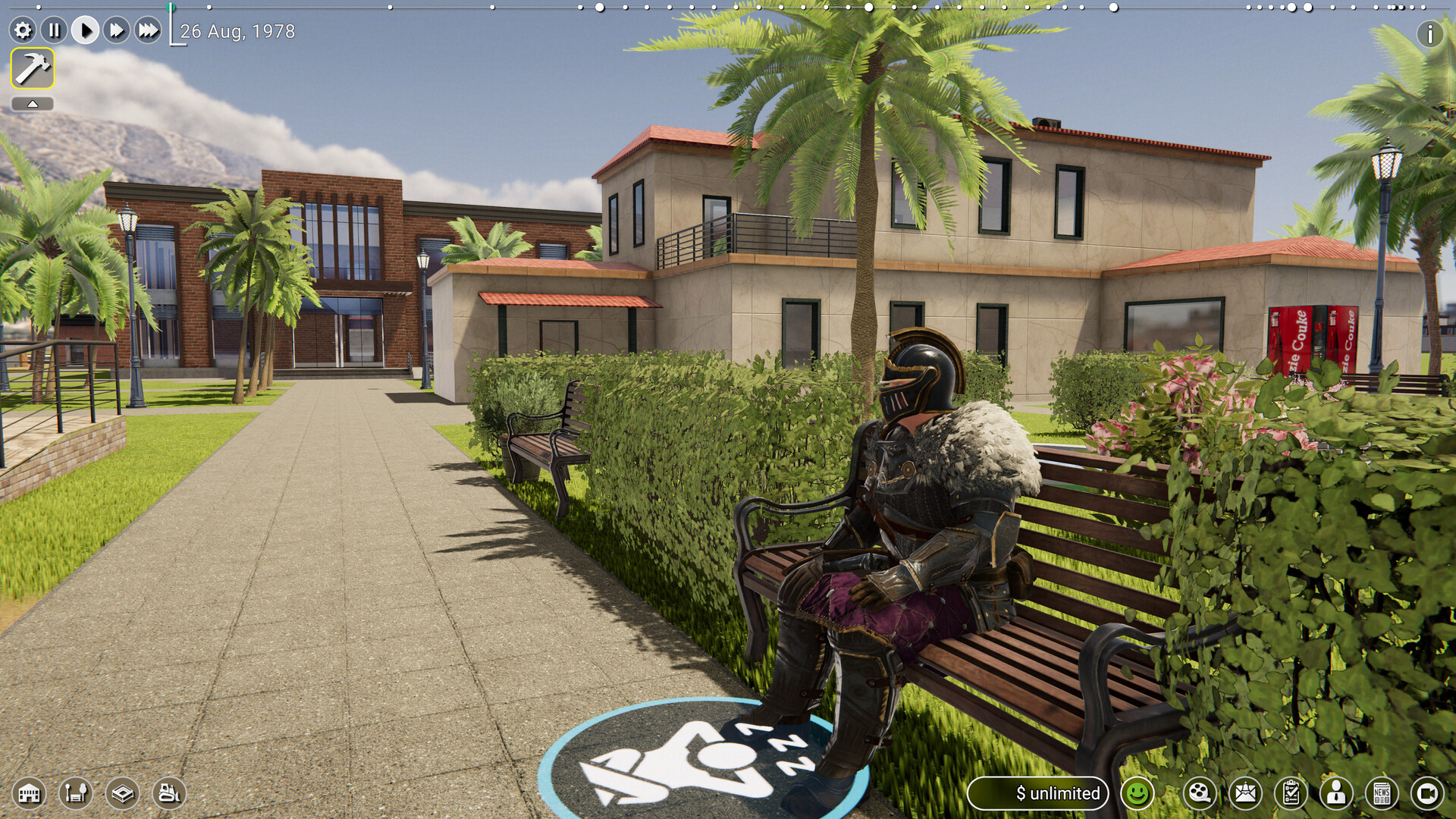
You begin with a space described as "my uncle's garage" that includes stains and a family of raccoons. Upgrading this starter location lets you replace the garage with larger, more polished facilities, which the description says can impress even snooty Hollywood moguls.
The description links studio upgrades to brand reputation, noting that a more impressive studio can help establish your brand as a sought‑after production hub. This suggests that visual upgrades are tied to how the industry perceives your studio.
- Compare early visual upgrades with later functional ones to see which affect reputation most.
- Observe how each upgrade changes the description of your studio in the UI.
02 / THE GUIDE
Talent Scouting & Management
The game encourages you to spot raw talent and recruit them before competitors do, forming lasting relationships with actors, directors, and writers. Keeping morale high and managing egos is presented as a way to maintain a harmonious working environment.
According to the description, a stable, morale‑rich team makes production cycles smoother. The emphasis is on relationships rather than any specific numeric system, so player decisions revolve around hiring timing and morale actions.
- Try hiring a mix of roles early to test relationship dynamics.
- Notice any UI cues that indicate morale changes after key actions.
03 / THE GUIDE
Detailed Character Creator
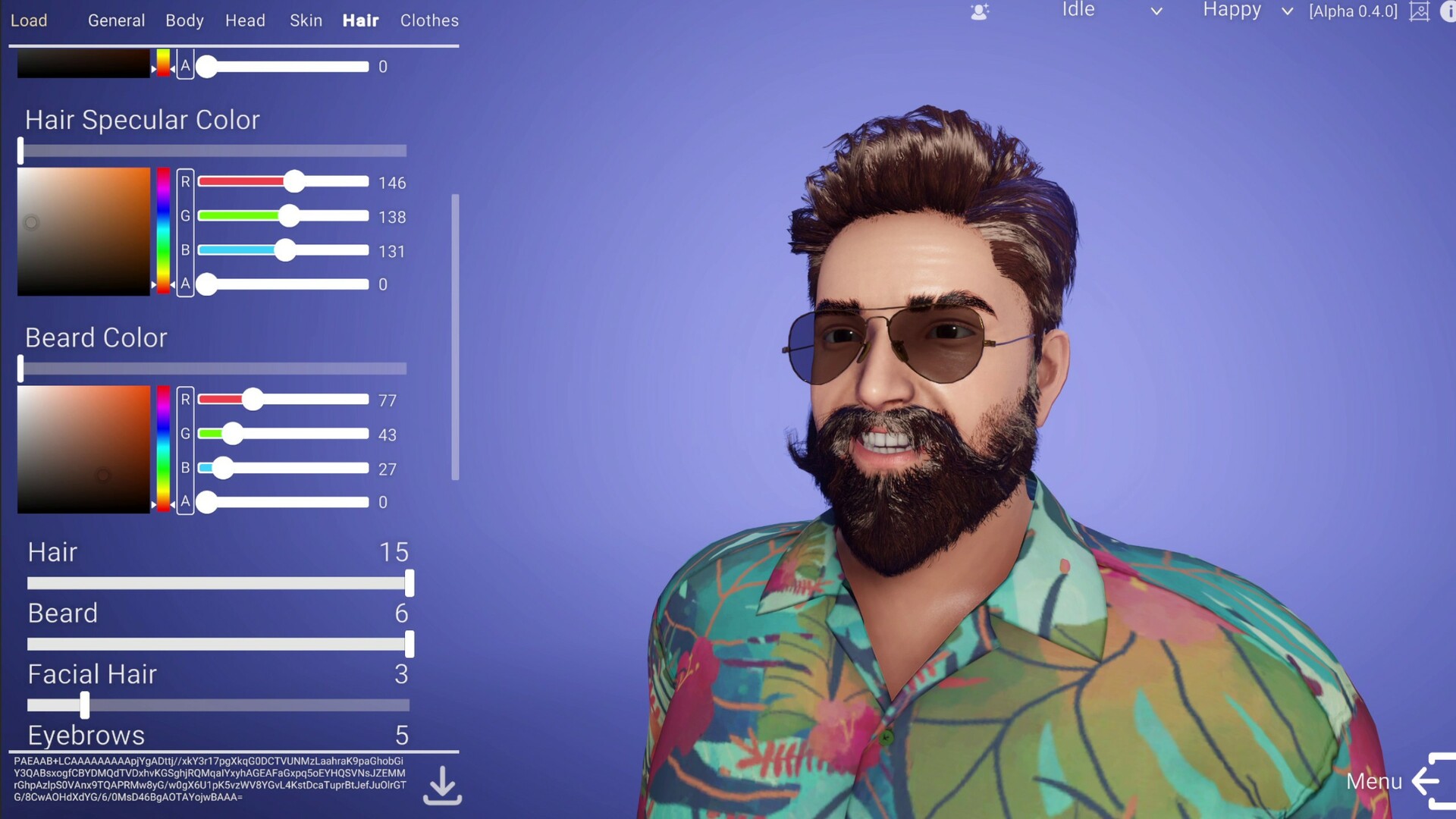
A state‑of‑the‑art character creation tool lets you sculpt appearance and personality from scratch. The description gives examples such as neon‑green‑haired actors or directors with retro aviators, showing that visual and trait customization is fully player‑driven.
Because characters are created by the player, you can fill any studio role without waiting for pre‑made assets. The tool therefore serves both aesthetic and functional purposes within the simulation.
- Experiment with extreme visual traits to see how they affect in‑game descriptions.
- Match personality traits to project types for smoother collaboration.
04 / THE GUIDE
Level Editor
Movies Tycoon includes a level editor, which the feature list presents as a tool for players to create their own content. The description does not detail what the editor covers, so treat it as an open-ended creative feature to explore in game.
While the description mentions the editor, it does not specify any sharing functionality. The listing confirms the editor exists but does not describe how its creations are used or shared.
- Start with a simple layout and add complexity gradually to test balance.
- Save multiple versions of a custom scenario to compare difficulty changes.
05 / THE GUIDE
Steam Integration
The feature list notes Steam Achievements, Steam Cloud, and Family Sharing. Achievements are presented as optional goals, while Steam Cloud indicates that some game data can be stored online, though the exact data types are not detailed.
Family Sharing is listed as a feature, meaning the game license can be shared between accounts, but the description does not guarantee that saved progress is shared across those accounts.
- Check the in‑game achievement list to see which actions are tracked.
- Enable Steam Cloud in the client settings to allow any supported data to sync.
COMMUNITY
Player discussion