 GameWiki
GET YOUR BEARINGS
About Mount & Blade II: Bannerlord
Mount & Blade II: Bannerlord drops players into the war‑torn lands of Calradia, where empires crumble and new kingdoms rise. Players forge a character, gather followers, and ride into massive battles to claim glory. The game blends medieval combat, role‑playing, and strategic management in an open sandbox where each playthrough differs. Bannerlord also offers online PvP, a dedicated server option, and extensive modding tools, letting the community reshape the experience. It runs on Windows and supports partial controllers, cloud saves, and Steam Workshop content.
01 / THE GUIDE
Character Creation
At the start, you create a character that matches your preferred play style. The system lets you allocate skills and attributes that influence combat, trade, and leadership. This foundation determines how you interact with the world and develop your clan.
Your character grows through experience gained from exploring, raiding, and managing fiefs. Progression is tied to actions you take, allowing you to shape a unique persona within Calradia’s medieval sandbox.
- Focus early skill points on abilities you plan to use most often.
- Balance combat and management skills to keep both battles and economics viable.
02 / THE GUIDE
Combat System
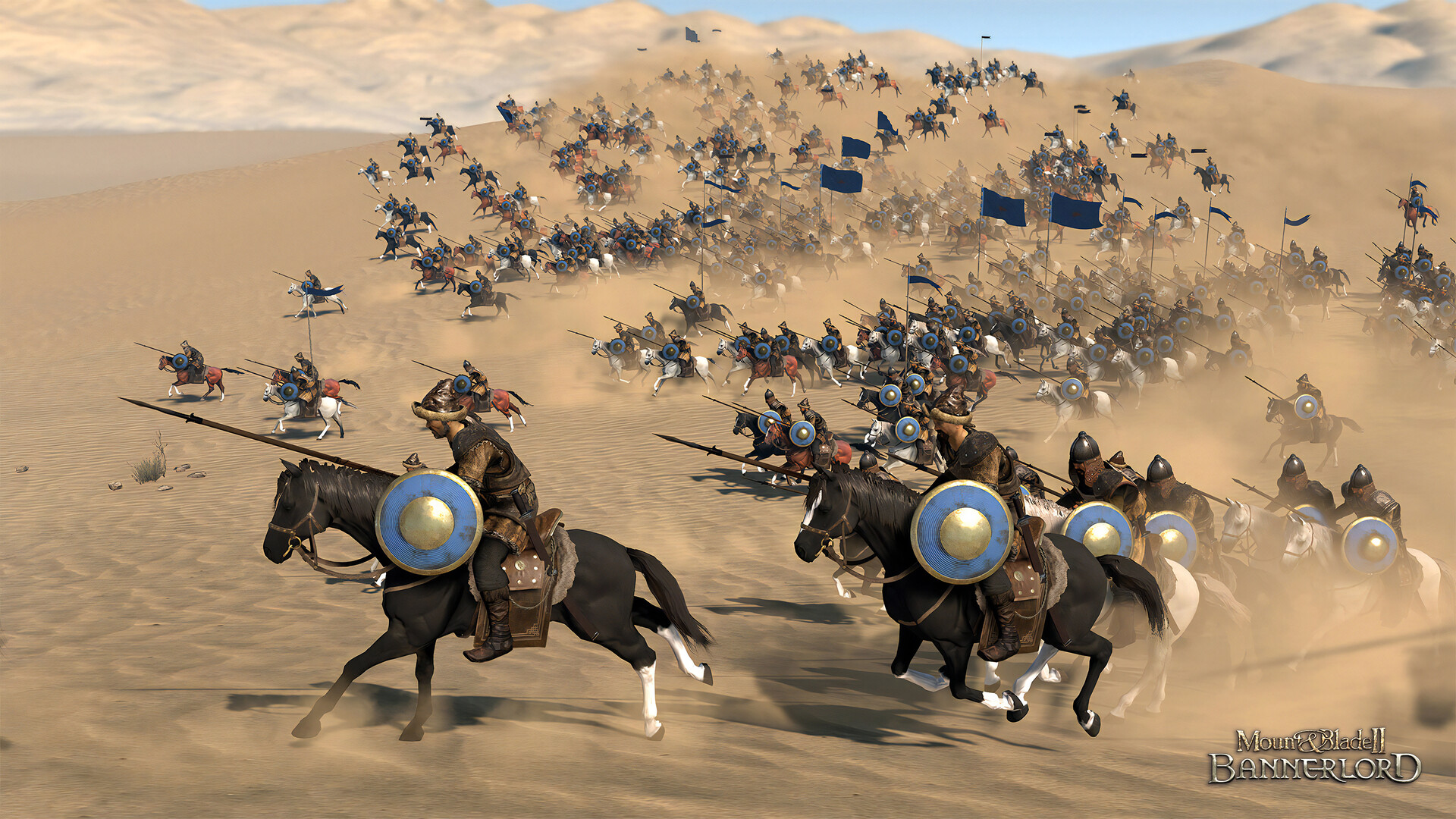
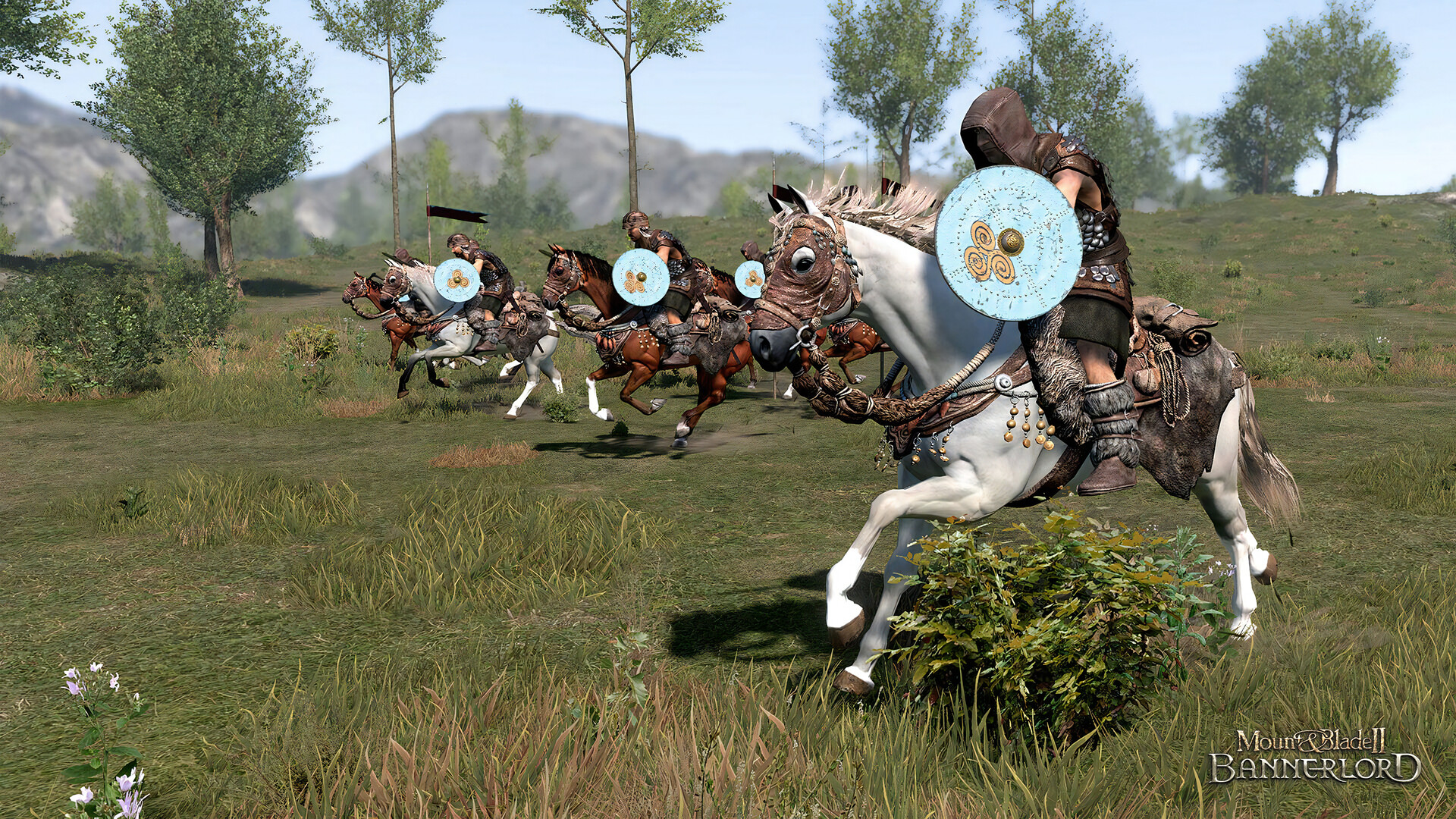
Bannerlord features a skill‑based directional combat system usable in first‑ or third‑person view. Players command troops while fighting alongside them, using swords, shields, and ranged weapons in real‑time battles.
The system emphasizes timing and direction, rewarding precise inputs. Large battles involve hundreds of units, and your personal combat performance directly affects the outcome.
- Practice directional attacks in solo mode before large engagements.
- Use third‑person view to better monitor surrounding troops.
03 / THE GUIDE
Multiplayer Modes
The game includes online PvP with ranked matchmaking and casual game modes. Players can test their combat skills against others worldwide, joining battles that mirror the single‑player experience.
For custom experiences, you can host a server using the Dedicated Server files, allowing private matches or community‑run events.
- Try casual modes first to learn the multiplayer flow.
- Set up a dedicated server for friends to practice coordinated tactics.
04 / THE GUIDE
Modding Support
Bannerlord ships with a Modding Kit and integrates with Steam Workshop, enabling players to create and share new content. Mods can alter gameplay, visuals, or add entirely new scenarios.
The open tools encourage community creativity, allowing each player to experience a different adventure by installing user‑made modifications.
- Start with simple texture swaps before attempting complex gameplay changes.
- Check workshop ratings to find stable, well‑supported mods.
05 / THE GUIDE
Platform Features
Bannerlord runs on Windows and offers partial controller support, Steam Cloud saves, and Remote Play on Tablet. These features let players continue progress across devices and input methods.
Additional Steam integrations include Achievements, Trading Cards, and Family Sharing, enhancing the overall ecosystem for owners.
- Enable Steam Cloud to safeguard saves across installations.
- Use Remote Play on Tablet for quick management while away from PC.
COMMUNITY
Player discussion