 GameWiki
GET YOUR BEARINGS
About MotionRec
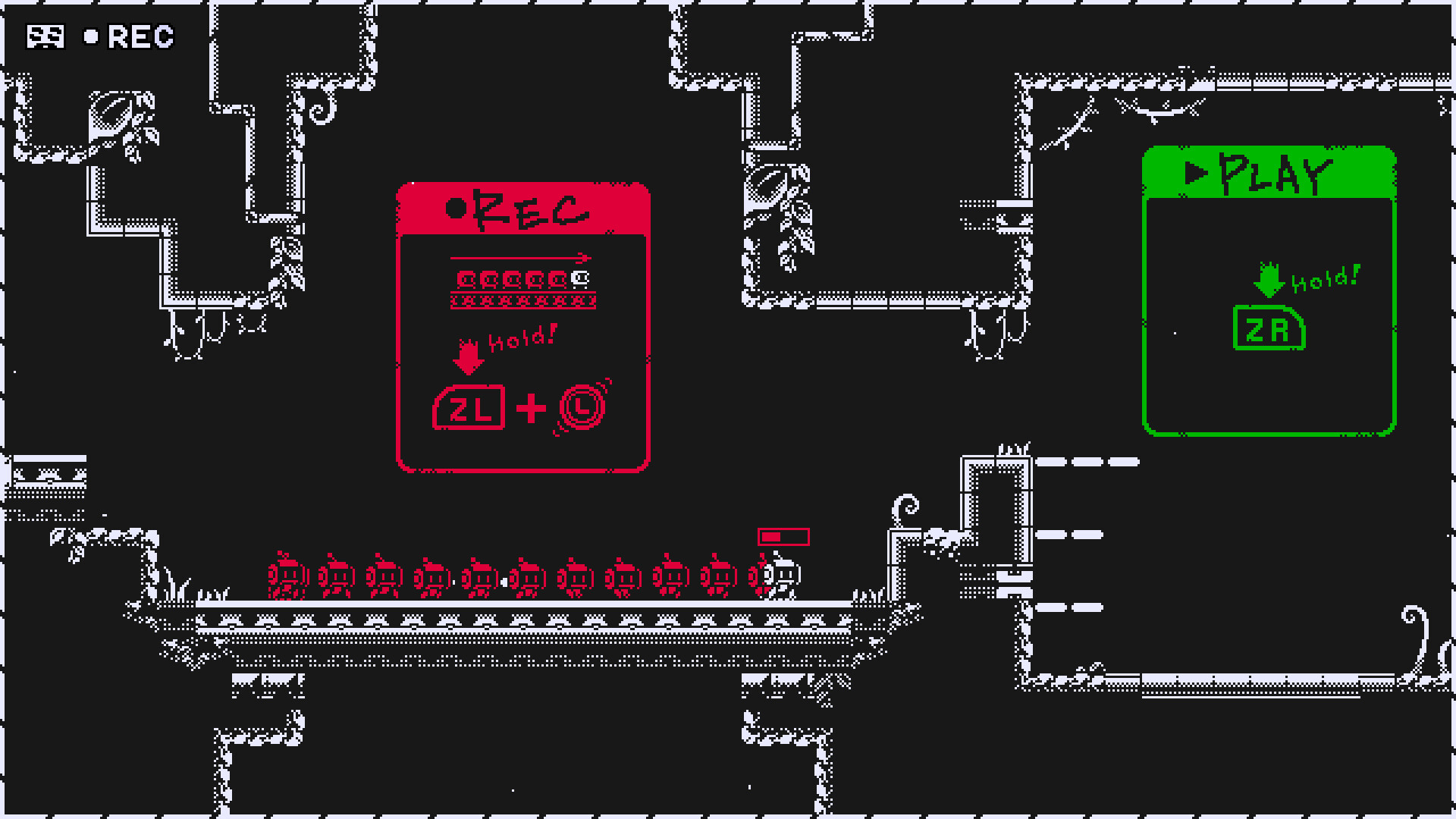
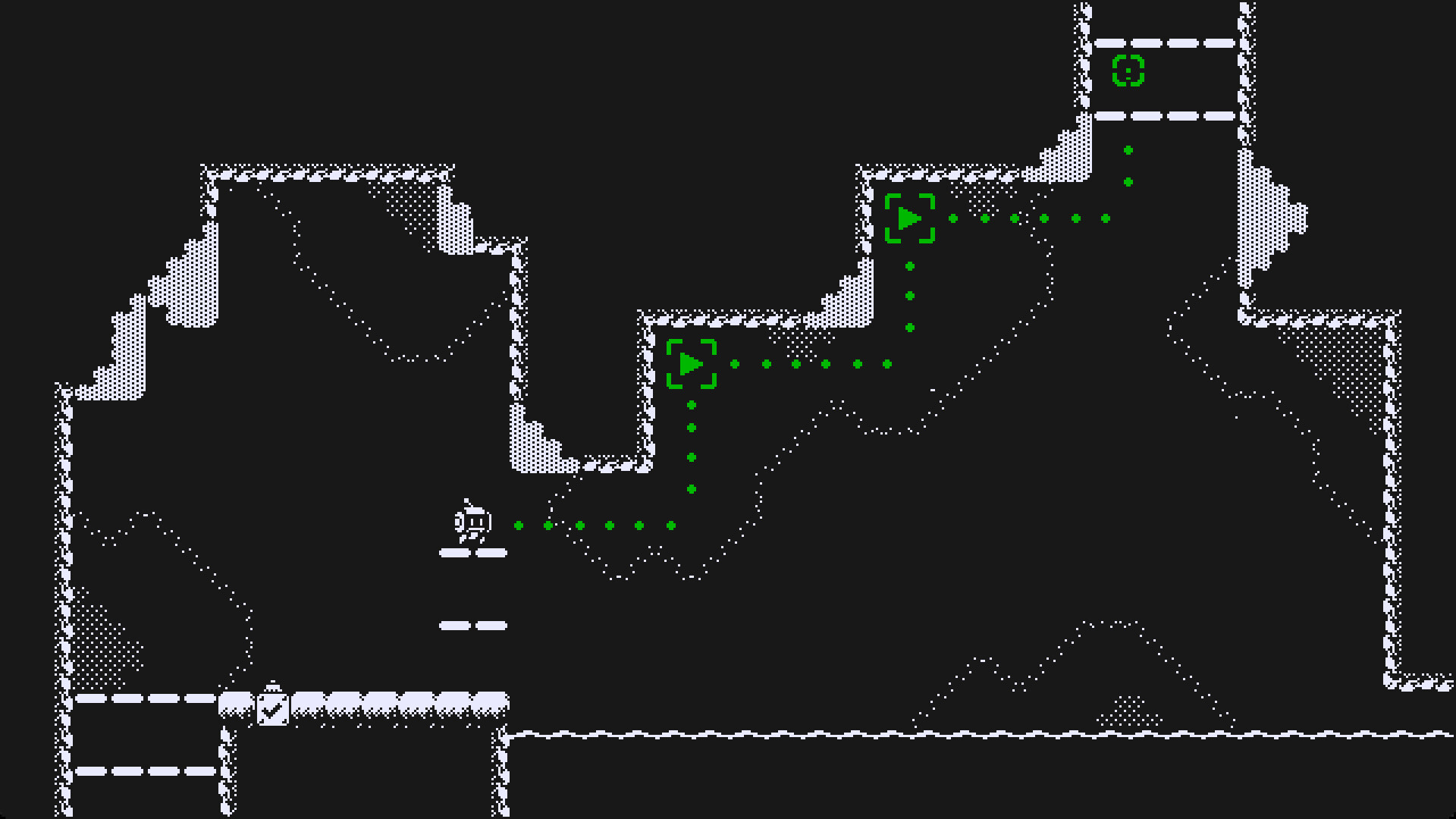
MotionRec is a single‑player puzzle‑action title where you control Rec, a robot tasked with recording a ruined world. The core mechanic lets you capture your own movements—walking, jumping, and more—and replay them elsewhere to reach otherwise inaccessible spots.
The game blends platforming with strategic planning, as each recorded sequence can be used only a limited number of times while airborne. Landing refreshes the count, encouraging careful timing as you explore the machine‑ruled landscape and uncover its mysteries.
01 / THE GUIDE
Recording Your Movements
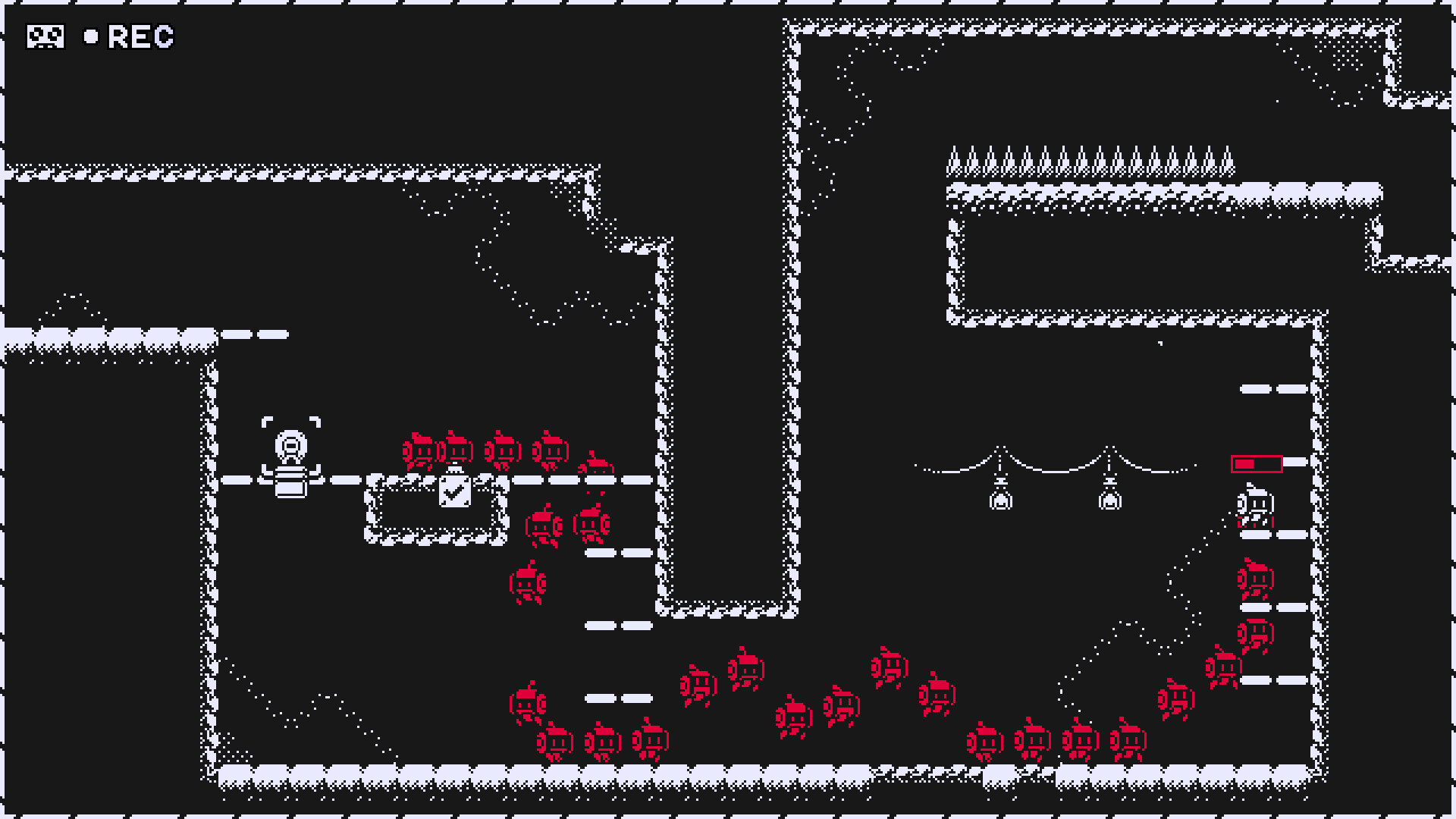
Rec can record the exact trajectory you move through, from simple walks to complex jumps. This recording is stored and can later be triggered at a different location.
Stage gimmicks allow you to create more elaborate recordings, expanding the range of paths you can traverse. The recorded path becomes a tool for solving spatial puzzles throughout the game.
- Experiment with different jump heights before recording to maximize reach.
- Use stage elements to extend recordings beyond basic movement.
02 / THE GUIDE
Playback Limits and Refresh
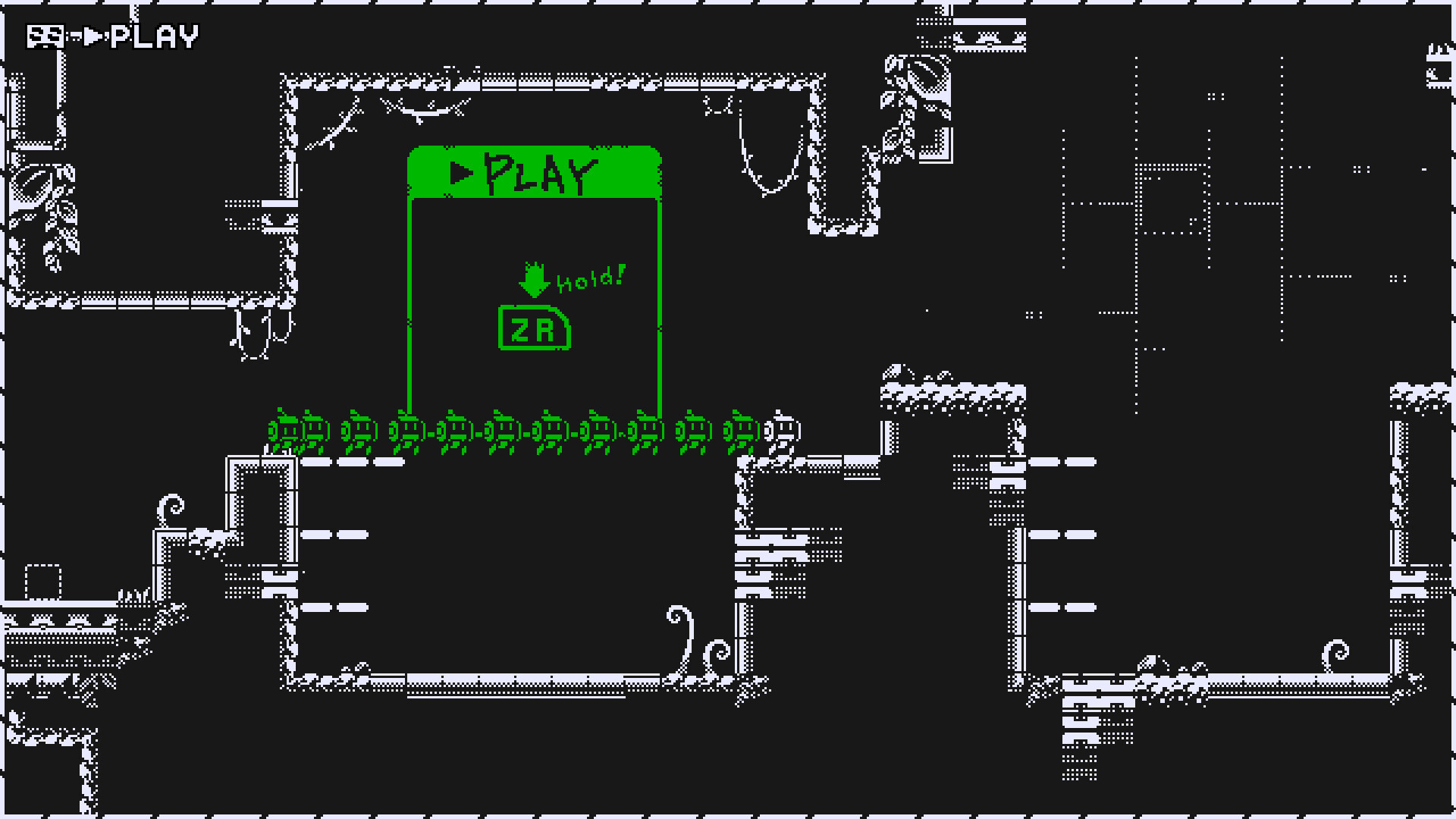
Recorded movements can be played back only a set number of times while Rec is in midair. This limit prevents infinite reuse of a single recording.
Each time Rec lands on solid ground, the playback count resets, allowing you to reuse the same recording again after a safe landing.
- Plan landings on stable platforms to reset playback quickly.
- Conserve playback uses for longer gaps where no ground is reachable.
03 / THE GUIDE
World Setting and Narrative
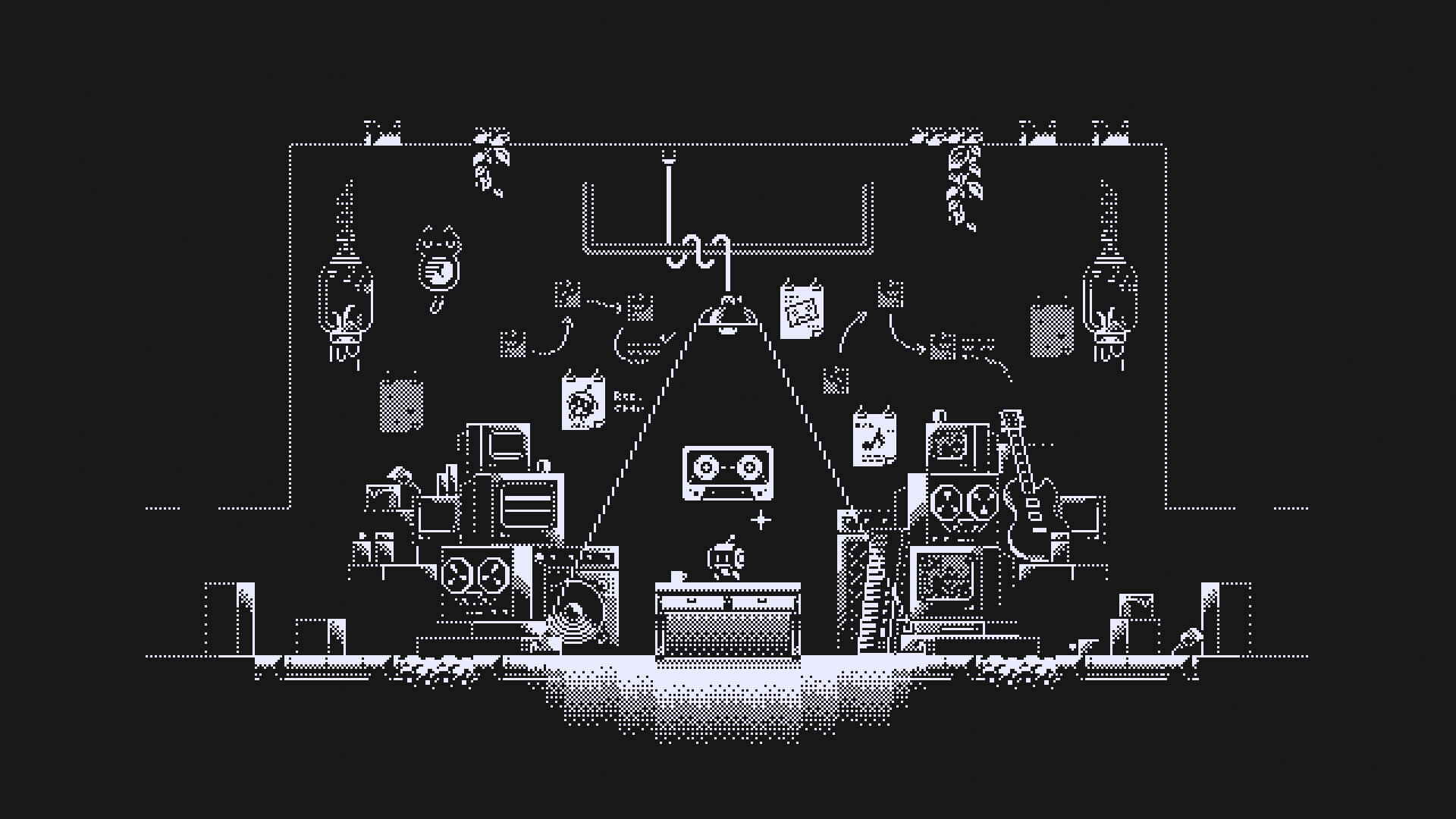
The game takes place in a devastated world ruled by machines, providing a bleak backdrop for Rec’s exploration. The environment itself serves as a puzzle, with hidden paths and vertical challenges.
Unraveling the mysteries of this world is tied to using the recording mechanic effectively, as many areas are unreachable without clever playback strategies.
- Observe environmental cues that hint at where recordings might be needed.
- Take note of machine structures that block direct routes.
04 / THE GUIDE
Steam Achievements and Cloud Saves
MotionRec supports Steam Achievements, offering goals that track your progress through the game's puzzles. Completing these can serve as milestones for mastery.
The game also utilizes Steam Cloud, allowing your save data to be stored online and accessed across sessions, supporting continuity of your progress across sessions.
- Check the achievement list early to set personal challenges.
- Verify cloud sync after major milestones to avoid data loss.
05 / THE GUIDE
Input Options and Controller Support
Players can choose between full controller support and a keyboard‑only option, catering to different play styles. Both input methods grant access to the core recording and playback functions.
The game does not require timed input, meaning actions can be performed at a comfortable pace regardless of the chosen device.
- Try both input modes to see which feels more natural for precise recordings.
- Use the no‑timed‑input design to experiment without pressure.
COMMUNITY
Player discussion