 GameWiki
GET YOUR BEARINGS
About MoSimulator
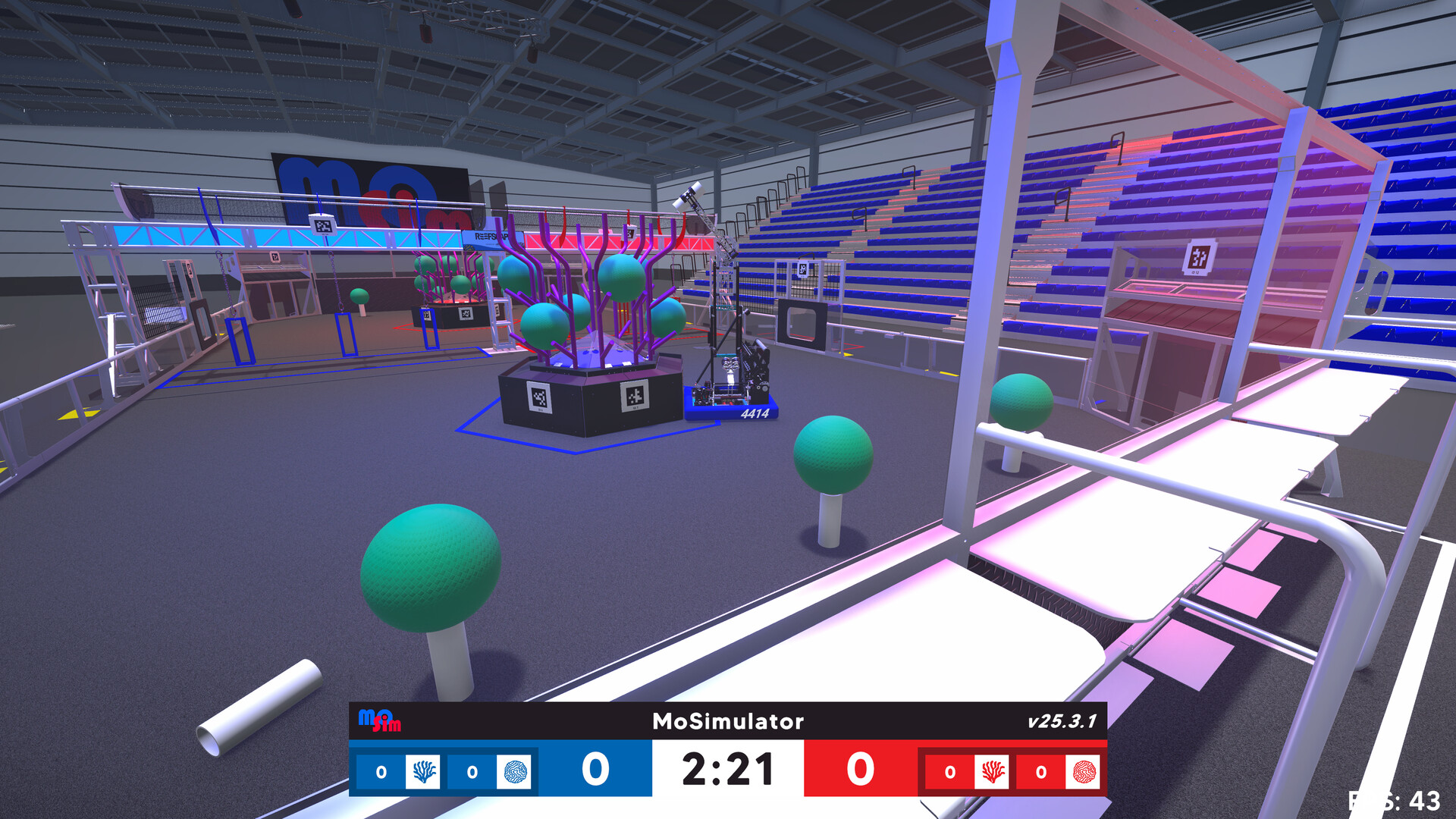
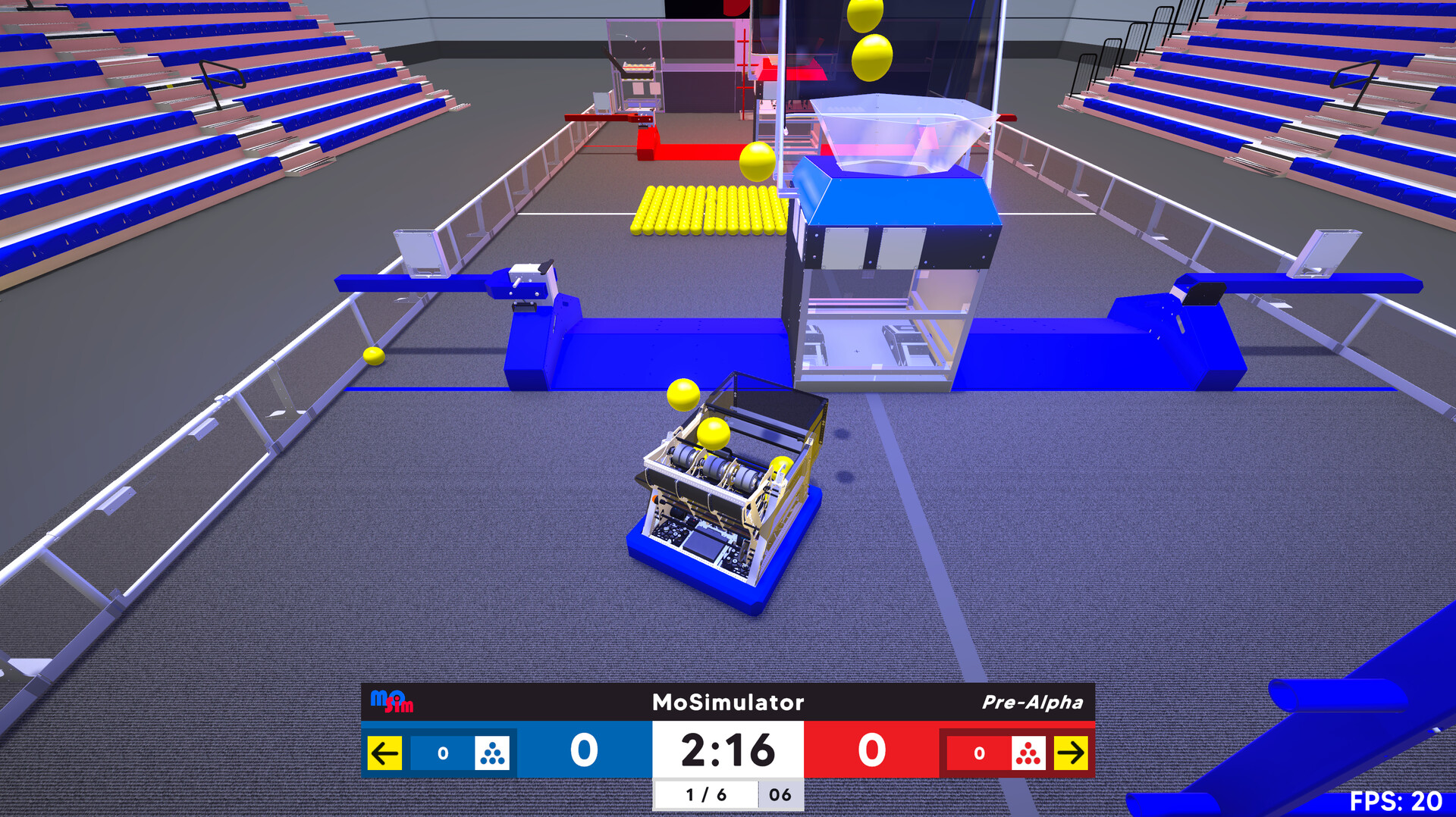
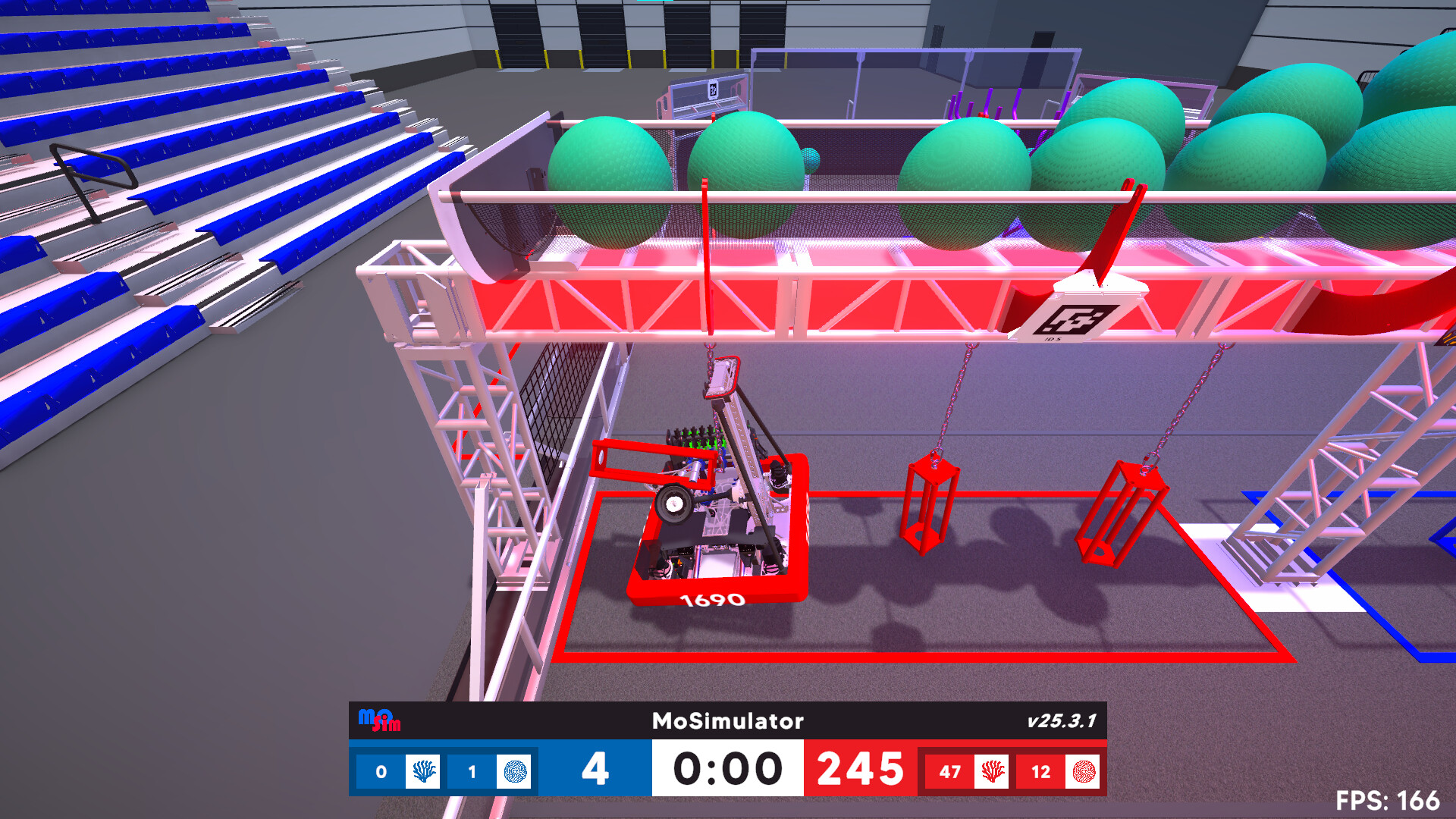
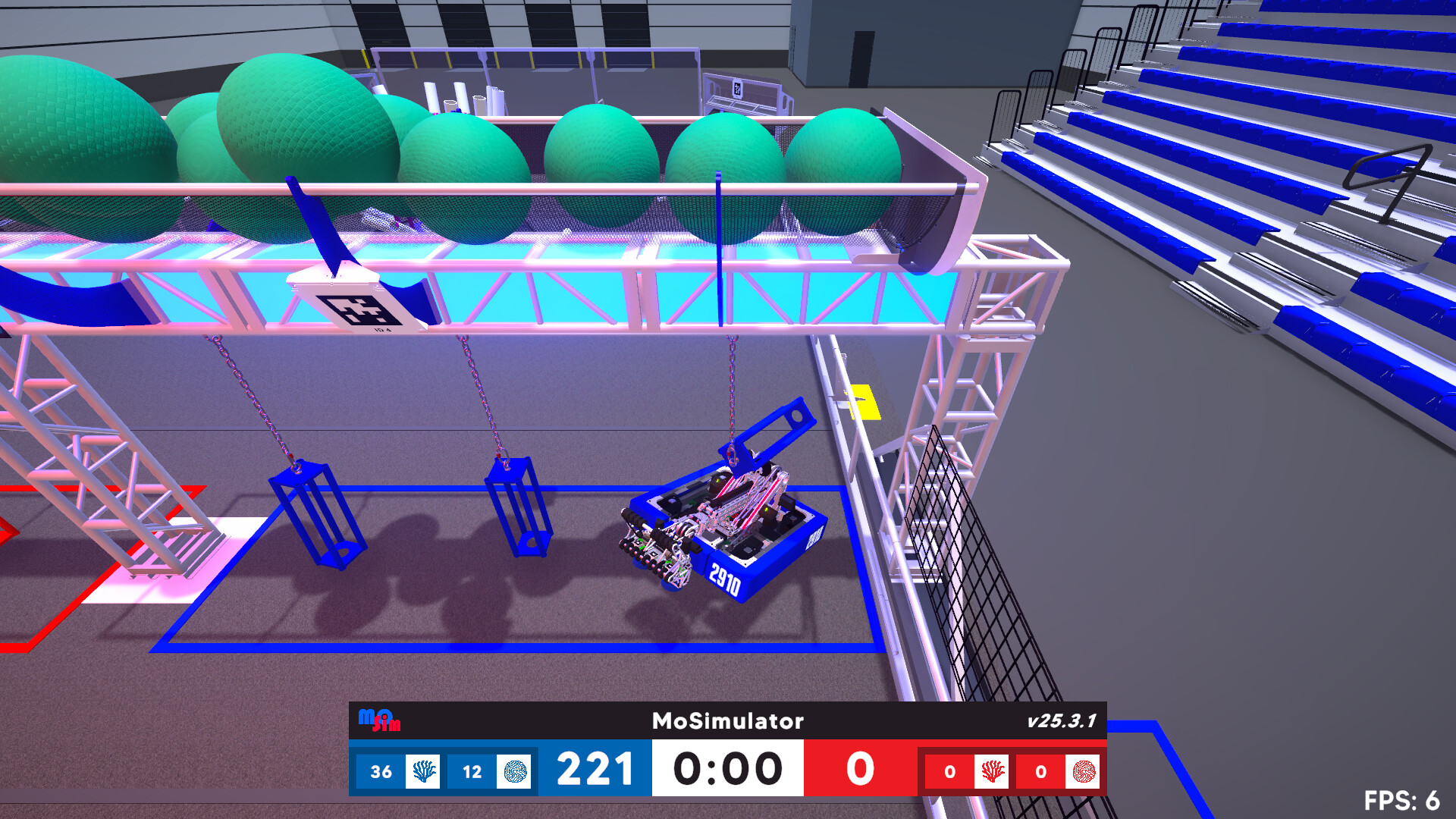
MoSimulator is an arcade‑style robotics simulation that lets players choose a robot and compete in matches modeled after real competition seasons. The game emphasizes realistic swerve drive physics, custom interaction rollers, and physics‑driven game pieces, all presented with clean, colorful field visuals for fast‑paced play.
A built‑in modding SDK lets the community import real‑world robots, while local split‑screen supports 1v1 PvP and 2v0 co‑op modes. Players can climb leaderboards, enjoy teleop‑only gameplay, and experience the game on Windows, macOS, and Linux.
01 / THE GUIDE
Choosing Your Robot
Players start by picking a robot from the in‑game roster or by importing a community‑made mod. The modding system accepts CAD files, allowing virtually any competition robot to be used.
Each robot inherits the realistic swerve physics and interaction rollers described in the core gameplay, ensuring that imported models behave like their real counterparts.
- Explore community mods to find robots that match your preferred driving style.
- Try out different community robots to gauge how their swerve physics feels in practice.
02 / THE GUIDE
Local Multiplayer Modes
MoSimulator supports split‑screen play for both 1v1 competitive matches and 2v0 cooperative matches. In 1v1, each player races to score the most points, while 2v0 encourages teamwork and dynamic strategies.
Both modes run on the same device, making the game suitable for team bonding or event downtime.
- Try 2v0 co‑op to experiment with coordinated robot positioning.
- Use 1v1 split‑screen to practice scoring techniques against a live opponent.

03 / THE GUIDE
Physics‑Driven Gameplay
The game’s physics engine models realistic swerve drive behavior, custom interaction rollers, and game‑piece dynamics. This creates a faithful representation of real competition robot movement and handling.
Field visuals are designed to be clean and colorful, supporting fast play while still showing the underlying physics interactions clearly.
- Observe how rollers affect game‑piece movement to improve scoring efficiency.
- Watch the field visuals for cues on robot speed and drift during swerve turns.
04 / THE GUIDE
Modding SDK and CAD Support
A Unity‑based modding pipeline provides full CAD support, allowing players to import their own team’s robot designs regardless of uniqueness. The SDK streamlines the process, making community contributions straightforward.
All imported robots become part of the ever‑growing library, ensuring the game evolves alongside real‑world competition trends.
- Use the SDK documentation to verify CAD compatibility before importing.
- Browse the community library for popular robot designs that may suit your play style.
05 / THE GUIDE
Supported Platforms and Controllers
MoSimulator runs on Windows, macOS, and Linux, and includes DualShock and DualSense controller support, with partial controller support listed. Remote Play Together and Family Sharing are also listed, expanding how the game can be accessed.
These features make the title accessible to a broad audience across desktop operating systems and various controller configurations.
- Test both DualShock and DualSense inputs to see which feels more natural for swerve control.
- Leverage Remote Play Together to invite friends who don’t have the game locally.
COMMUNITY
Player discussion