 GameWiki

GET YOUR BEARINGS
About MoriyaRhythm
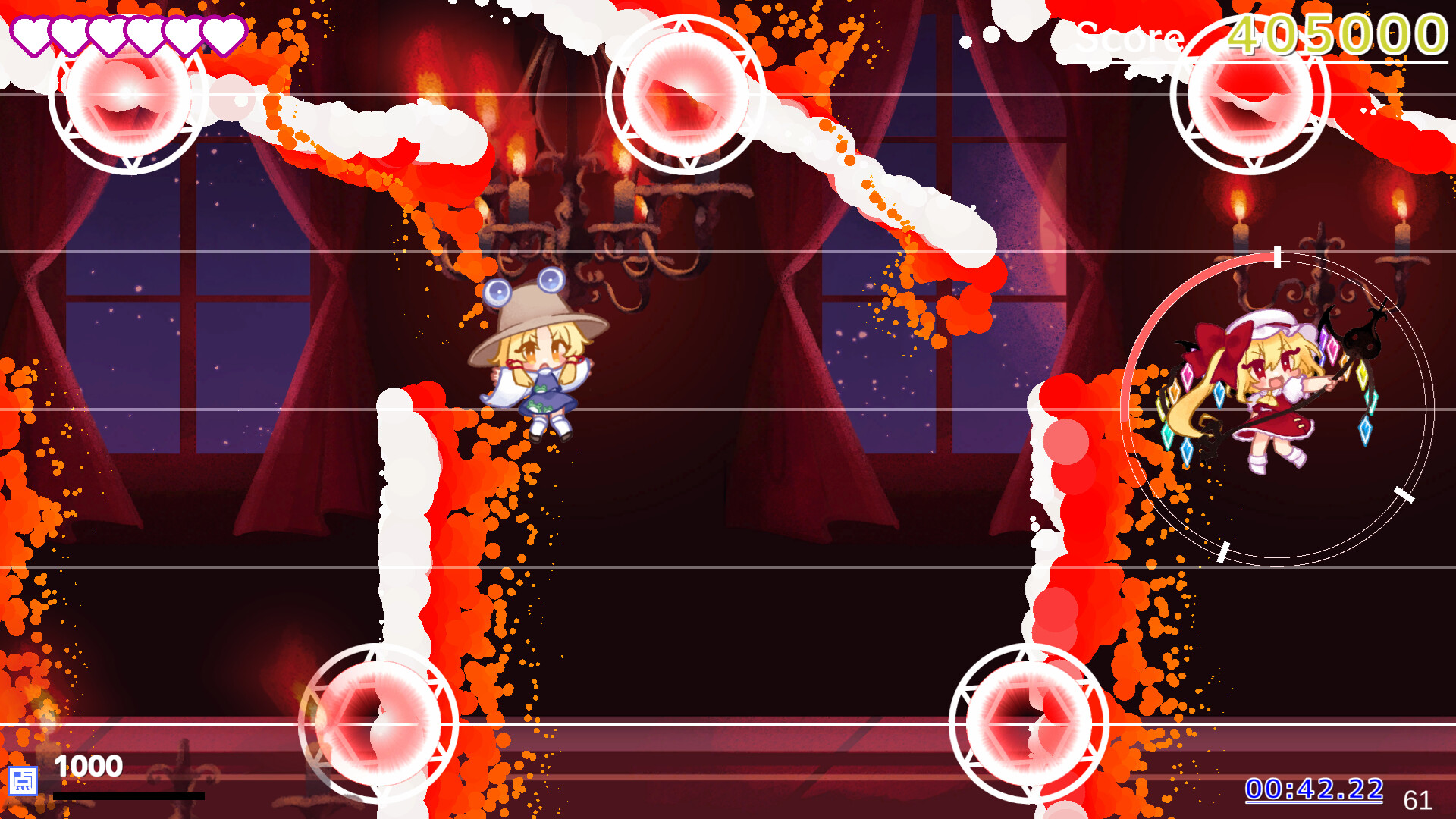
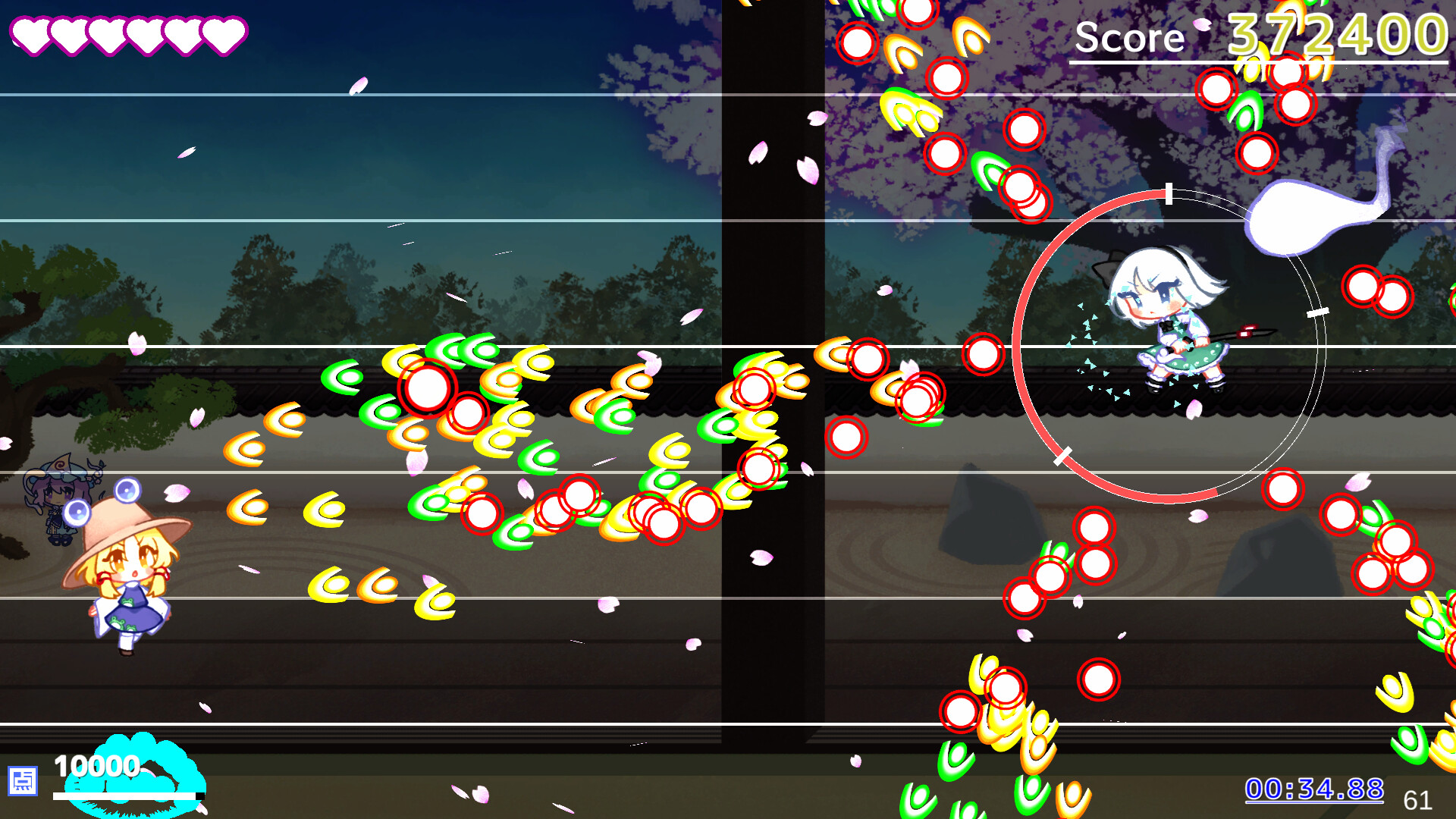
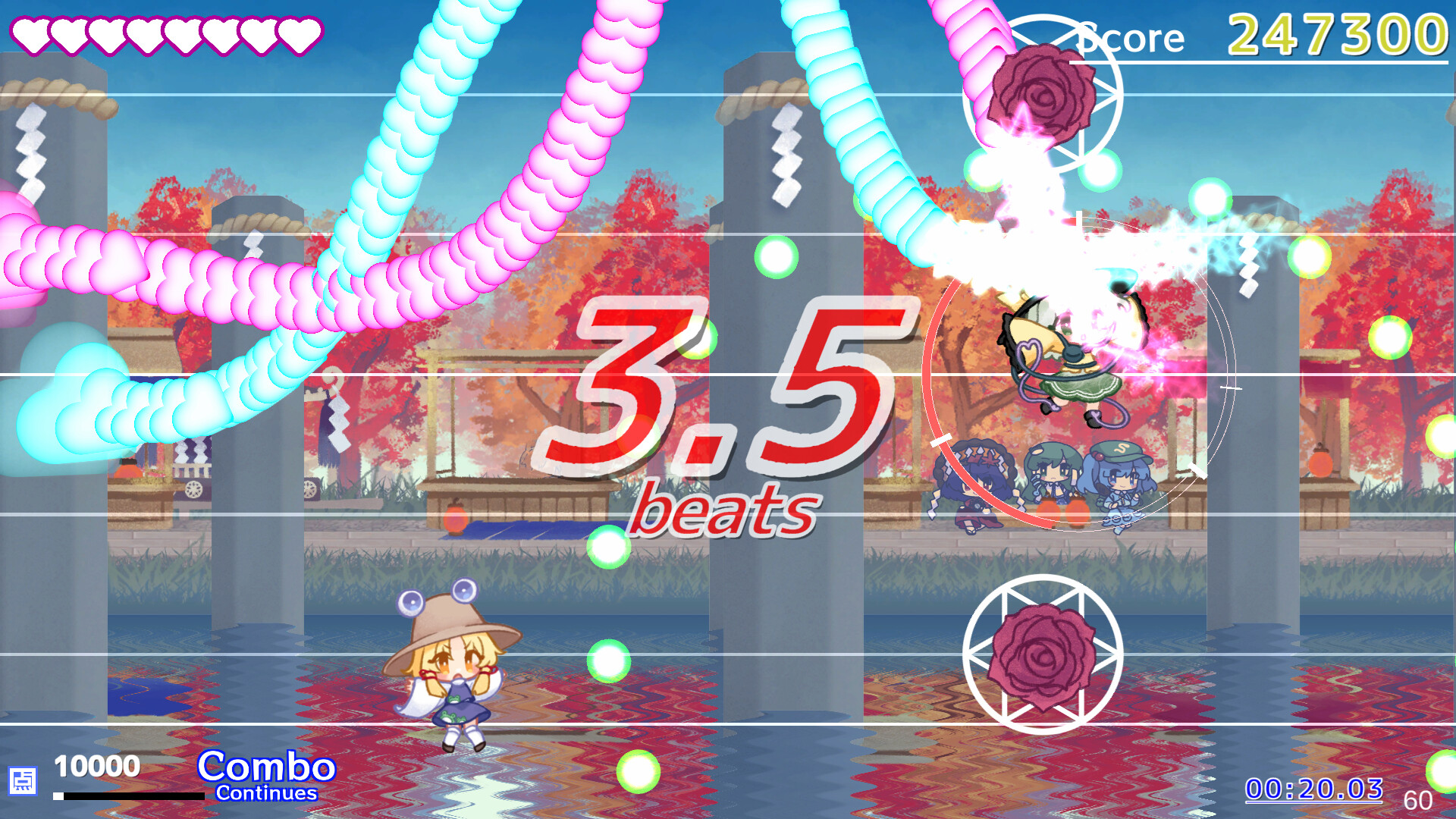
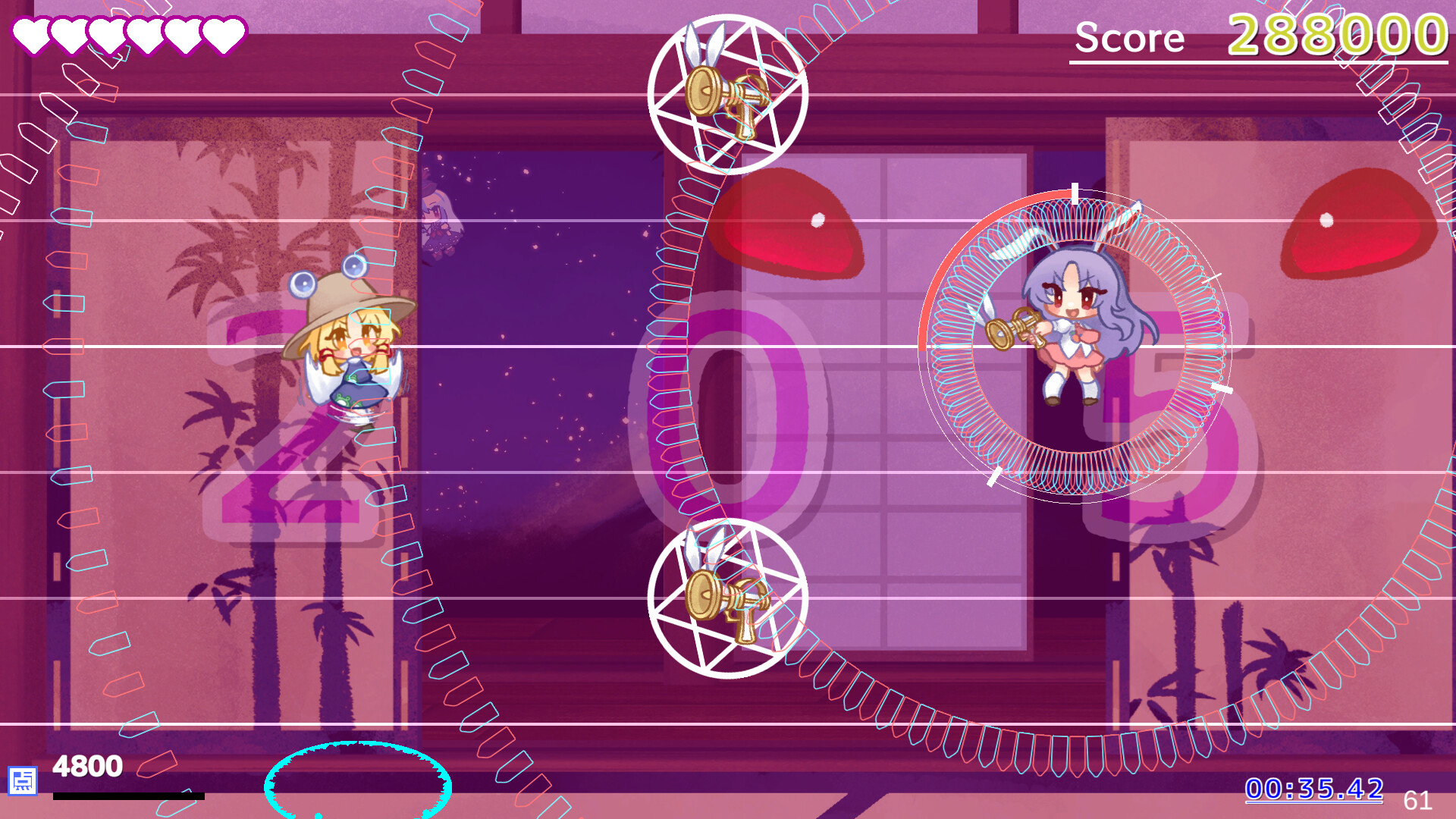
MoriyaRhythm blends the frantic bullet‑hell style of the Touhou Project with rhythm‑based gameplay. Players listen to upbeat tracks while dodging colorful danmaku and timing attacks to the beat. The game’s stages are short, encouraging repeated practice to improve timing and evasion.
The title offers both keyboard and full controller options, supports Steam achievements, cloud saves, and family sharing. Its single‑player focus lets you chase perfect runs—no damage and full combos—while enjoying the vibrant visuals and catchy music.
01 / THE GUIDE
Rhythm Mechanics
Timing is central: you must hit actions in sync with the music’s beat. The description emphasizes listening closely and feeling the rhythm to succeed.
Successful timing rewards you with combos, while mistimed inputs break the flow. Because each stage lasts only a few dozen seconds, you can quickly retry to refine your sense of timing.
- Start each stage by tapping the first beat to establish a steady tempo.
- Watch visual cues that often align with musical accents for better timing.
02 / THE GUIDE
Danmaku Dodging
Bullet patterns appear as waves of beautiful danmaku, mirroring the original Touhou series. You must weave through these patterns using jumps of varying size.
The game lets you switch between big and small jumps, providing flexibility to navigate dense bullet fields while maintaining rhythm.
- Practice small jumps in tighter sections to stay on beat.
- Use big jumps when the bullet density spikes to maintain safety.
03 / THE GUIDE
Control Options
MoriyaRhythm supports both full controller input and a keyboard‑only mode, giving players a choice of how to interact with the rhythm and bullet‑hell elements.
Since the game lists “Full controller support” and “Keyboard Only Option,” you can select whichever feels most natural without needing additional peripherals.
- Try the controller for smoother analog movement if you prefer fluid jumps.
- Use the keyboard if you find precise timing easier with key presses.
04 / THE GUIDE
Progression and Replay
Each stage is brief, lasting only a few dozen seconds, which encourages repeated attempts. You can practice and retry as much as you like to chase no‑damage, full‑combo runs.
The game’s design rewards skill development over long grinding sessions, making it easy to gauge improvement after each short attempt.
- Focus on one stage at a time to master its specific rhythm and bullet layout.
- Record your best combo runs to compare timing improvements.
05 / THE GUIDE
Steam Features
MoriyaRhythm integrates Steam achievements, cloud saves, and family sharing. These features let you track milestones, keep progress across installations, and share the game with household members.
Because the game is single‑player, these Steam services operate without affecting multiplayer dynamics.
- Check the achievement list for rhythm‑specific goals to guide practice.
- Enable cloud sync to preserve your best runs when reinstalling.

COMMUNITY
Player discussion