 GameWiki

GET YOUR BEARINGS
About Moomintroll: Winter's Warmth
Moomintroll: Winter's Warmth is a story‑driven, cozy puzzle adventure from Hyper Games. After waking early from hibernation, Moomintroll finds the valley blanketed in the Lady of the Cold and must journey alone. Players guide him through a winter‑touched Moominland, meeting old and new friends while solving simple quests and puzzles. The game emphasizes gentle exploration, community, and overcoming fear in a beautifully rendered Nordic setting.
01 / THE GUIDE
Heartwarming Narrative
The plot follows Moomintroll as he awakens early, alone, in a valley cloaked in frost. He seeks companionship and a way to banish winter, reluctantly stepping into the unknown.
Through the journey, he learns to forge friendships and help those in greater need, discovering warmth through community and kindness.
- Take time to read dialogue; it often hints at the next quest.
- Observe how characters react to Moomintroll’s actions for subtle story cues.
02 / THE GUIDE
Winter Wonderland Exploration
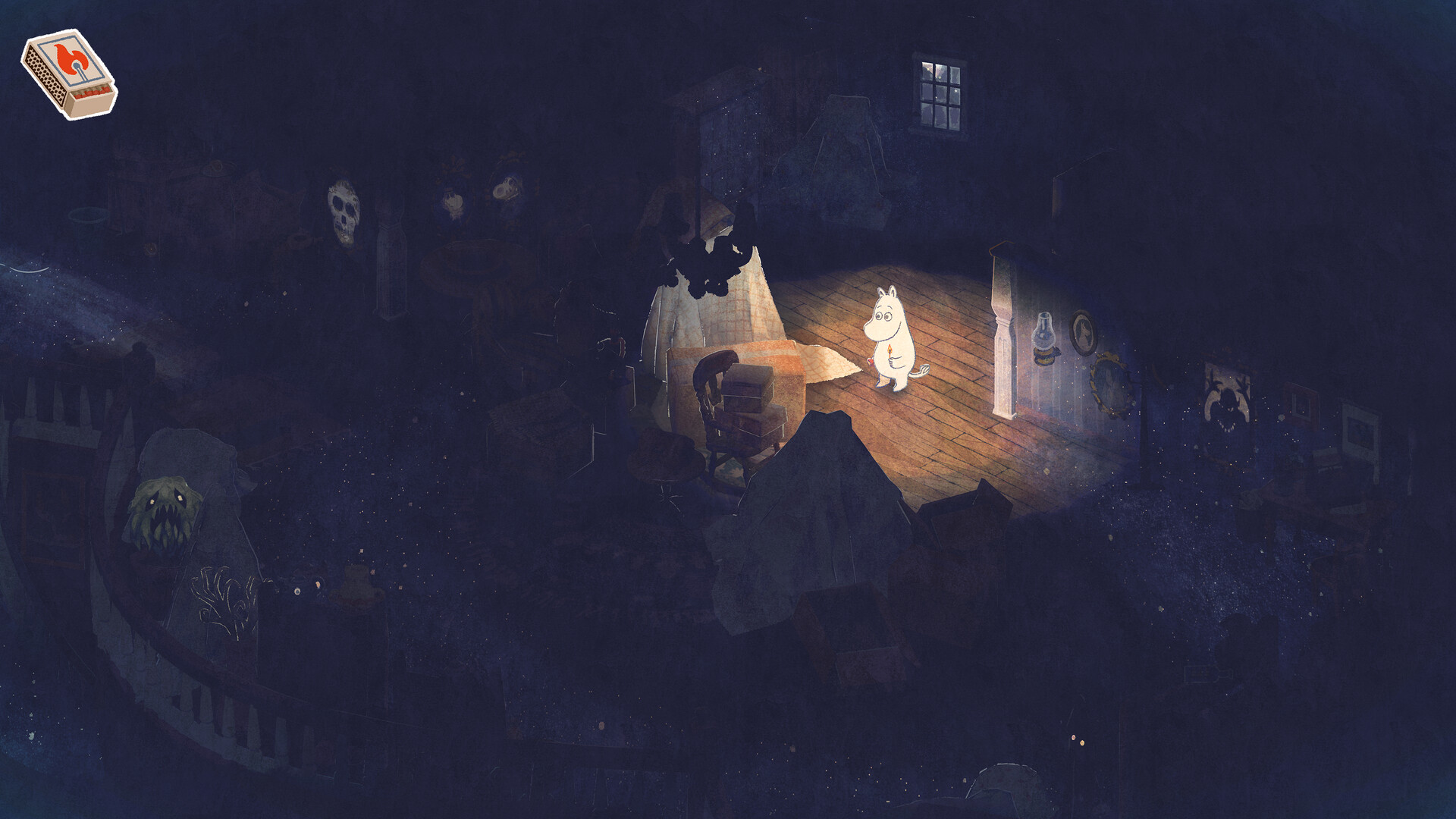
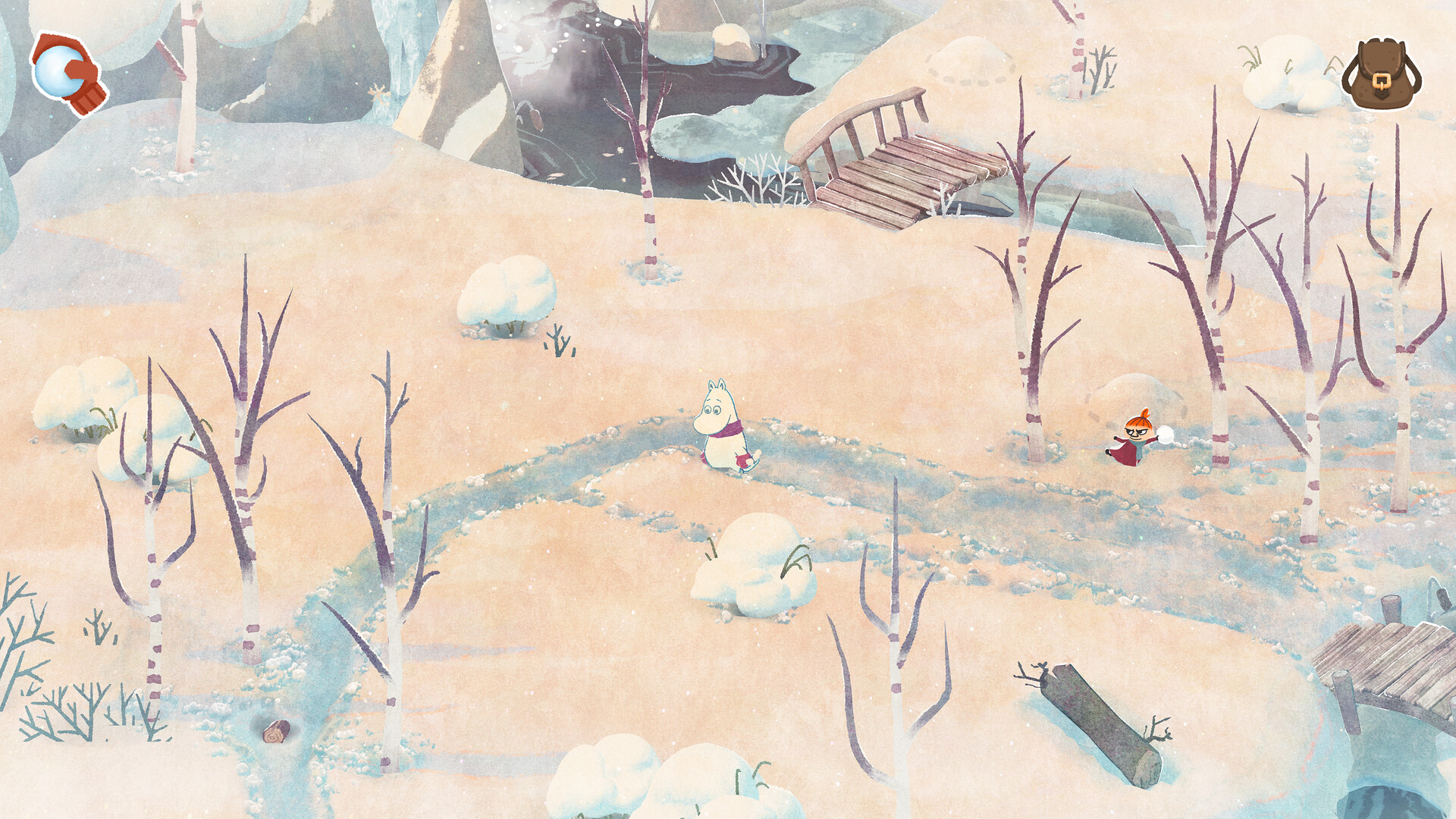
Players wander the familiar Moominvalley now covered in snow, as well as nearby forests and mountains inspired by Nordic nature. The environment is designed to be visually cozy and inviting.
Exploration is free‑form and does not require timed input, allowing players to move at their own pace while discovering hidden details.
- Use the camera comfort feature to adjust view angles for better visibility.
- Check off each area on your map to ensure you’ve seen all scenery.
03 / THE GUIDE
Cozy Puzzle Solving
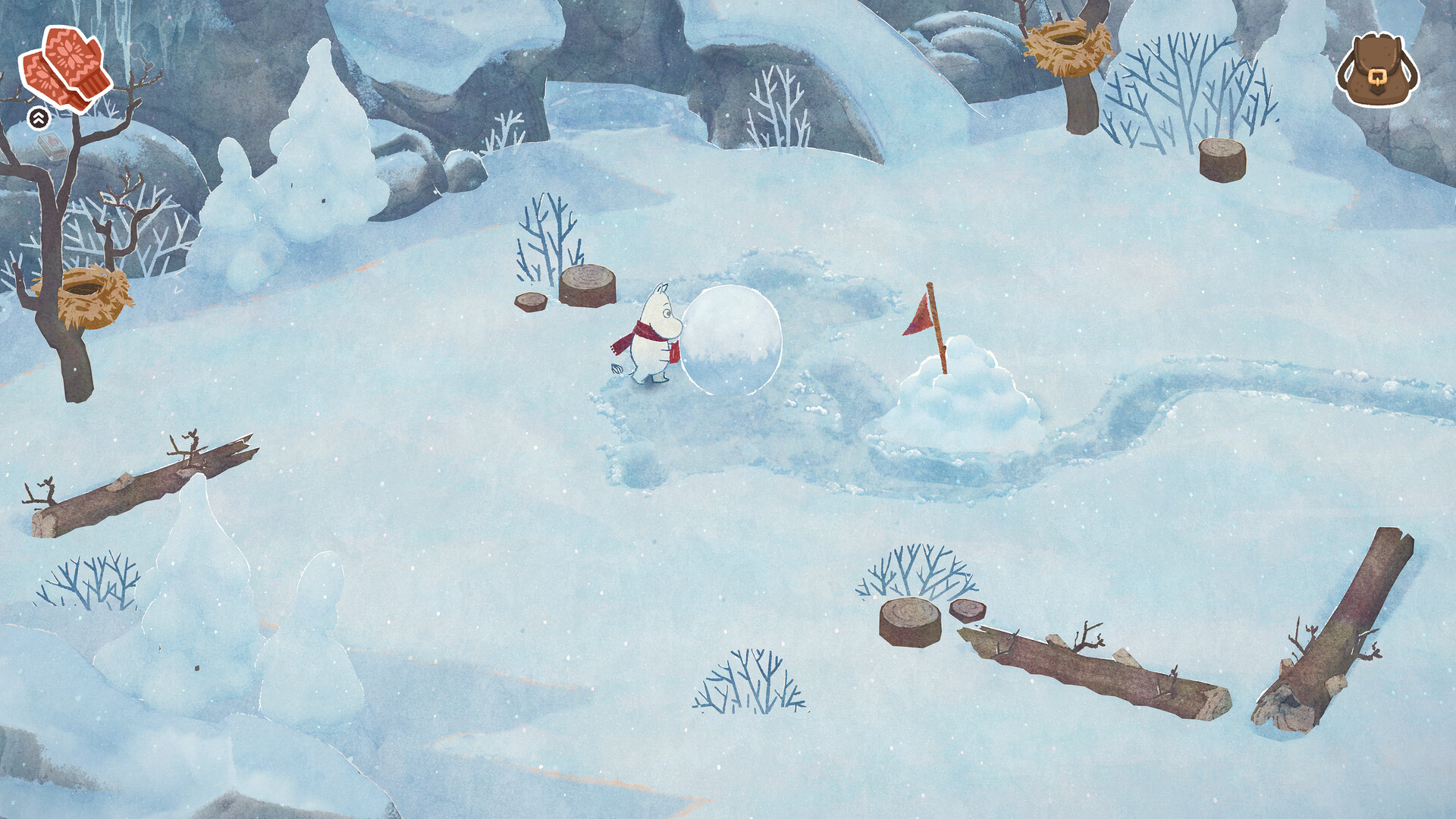
The game presents quests and puzzles that Moomintroll must solve to help friends. These challenges are designed to be approachable and fit the gentle tone of the adventure.
Puzzle difficulty can be adjusted, ensuring the experience remains accessible for both newcomers and seasoned players.
- If a puzzle feels stuck, lower the difficulty in the settings.
- Look for environmental clues; they often guide the solution.
04 / THE GUIDE
Input Options and Controller Support
Moomintroll: Winter's Warmth supports full controller use, including DualShock and DualSense, while also offering a keyboard‑only option. Gamepad is recommended but not required.
The game is playable without timed input, allowing comfortable play with any supported device.
- Try the gamepad recommended setting for smoother navigation.
- Adjust custom volume controls to balance music and sound effects.
05 / THE GUIDE
Adjustable Accessibility Features
Players can modify text size, difficulty, and color alternatives to suit personal preferences. Camera comfort and custom volume controls further enhance comfort.
Steam Cloud and Family Sharing are supported, allowing progress to sync across devices and be shared with family members.
- Increase text size if dialogue feels cramped.
- Enable color alternatives for better contrast in snowy scenes.


COMMUNITY
Player discussion