 GameWiki
GET YOUR BEARINGS
About Monument Valley
Monument Valley invites players to accompany Ida, a silent princess, on a quest for forgiveness through impossible architecture and optical‑illusion puzzles. The narrative leans on visual storytelling and the enigmatic Crow People that block her path.
Now released for PC as the Panoramic Edition, the collection contains every chapter, add‑on and DLC. It supports Full HD, TV and ultrawide 21:9 displays, offering a single‑player experience that can be played with mouse or full controller support.
01 / THE GUIDE
Story and Theme
Ida’s journey is framed as a quest for forgiveness, set in surreal worlds that evolve as you progress. Visual cues and the presence of the Crow People convey the emotional arc without spoken words.
The tone remains meditative and calming, encouraging players to explore each environment at their own pace while absorbing the subtle narrative beats presented through architecture and movement.
- Watch how the environment changes after each transformation; it often mirrors Ida’s emotional state.
- Notice the placement of the Crow People, as they signal narrative obstacles.
02 / THE GUIDE
Puzzle Mechanics
Players manipulate monuments by clicking, pushing, pulling, raising and lowering elements, creating paths that would otherwise be impossible. Each interaction reshapes the landscape and reveals new routes.
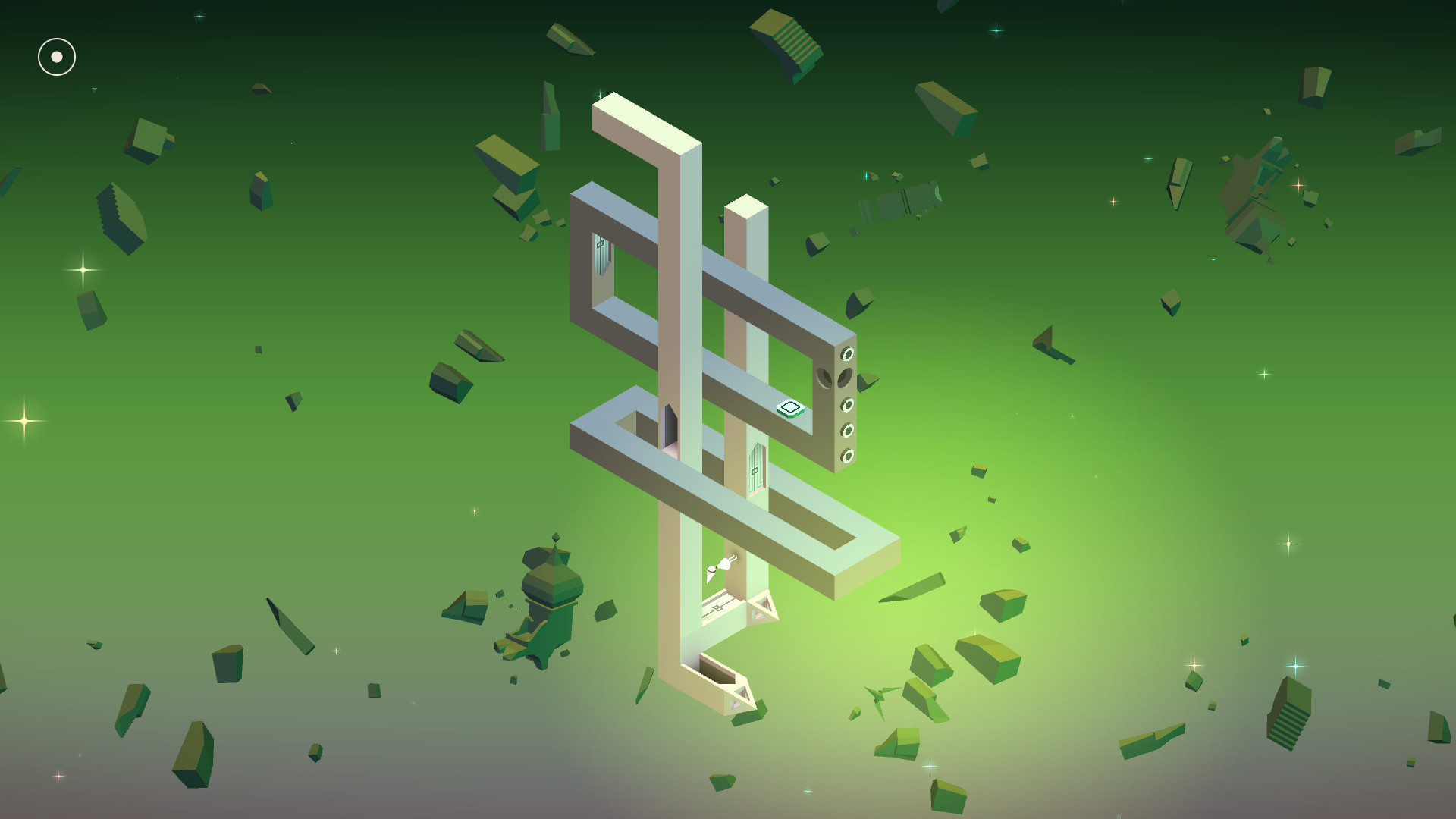
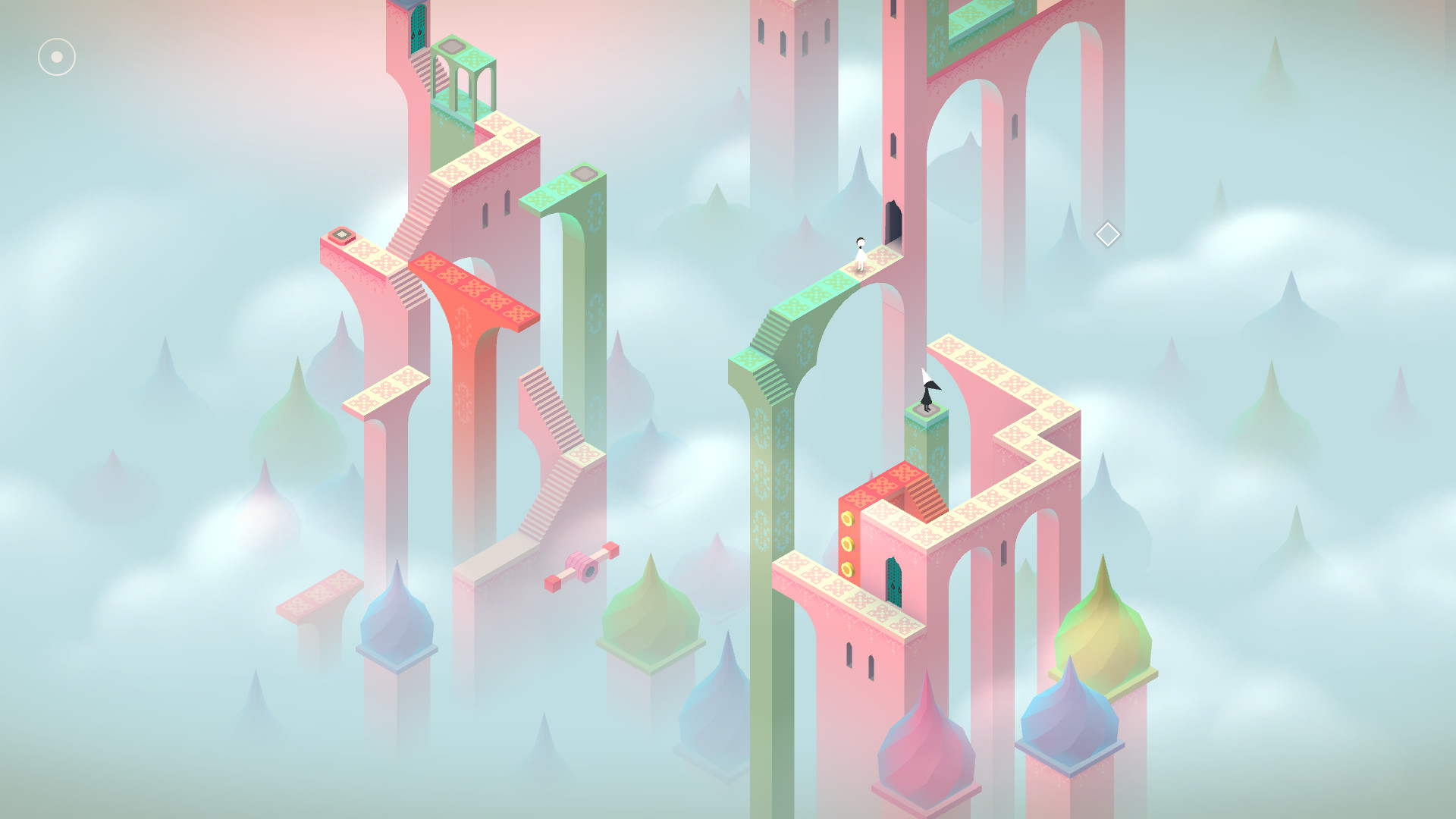
The puzzles centre on optical illusions; shifting perspective or altering structures can open hidden passages, making each solution feel logical yet surprising.
- Try each interactive element multiple times; many have more than one functional state.
- Rotate the view when a solution feels hidden, as perspective changes often expose new options.

03 / THE GUIDE
Visual Presentation
Inspired by minimalist 3D design and ancient architecture, each monument is hand‑crafted with panoramic artwork. The game supports Full HD, TV and ultrawide 21:9 displays, delivering crisp full‑screen visuals.
The art style emphasizes clean lines, vibrant colours and subtle visual hints that reinforce the illusionary nature of the puzzles while maintaining a serene atmosphere.
- Play on a larger or ultrawide monitor to appreciate the full breadth of the scenery.
- Faint visual cues may be easier to notice on a well-calibrated display.
04 / THE GUIDE
Control Options
Monument Valley offers a Mouse Only Option and Full Controller Support, including DualShock and DualSense compatibility. Players can choose the input method that feels most comfortable, and the game does not impose timed input.
Interaction is based on simple point‑and‑click actions, making the experience approachable for both mouse users and those preferring a gamepad.
- Use the controller if tactile feedback helps you gauge movement of pieces.
- Switch to mouse input for precise placement when fine‑tuning a puzzle.
05 / THE GUIDE
Platform Features
The PC edition includes Steam Achievements, Save Anytime, Steam Cloud synchronization and Family Sharing, allowing progress to be retained and shared within a household.
All content—every chapter, add‑on and DLC—is bundled in the Panoramic Collection, providing the most complete version of the series on a single platform.
- Enable Steam Cloud to keep saves safe across reinstallations.
- Use Family Sharing to let other household members experience Ida’s journey without a separate purchase.


COMMUNITY
Player discussion