 GameWiki
GET YOUR BEARINGS
About Monument Valley 2
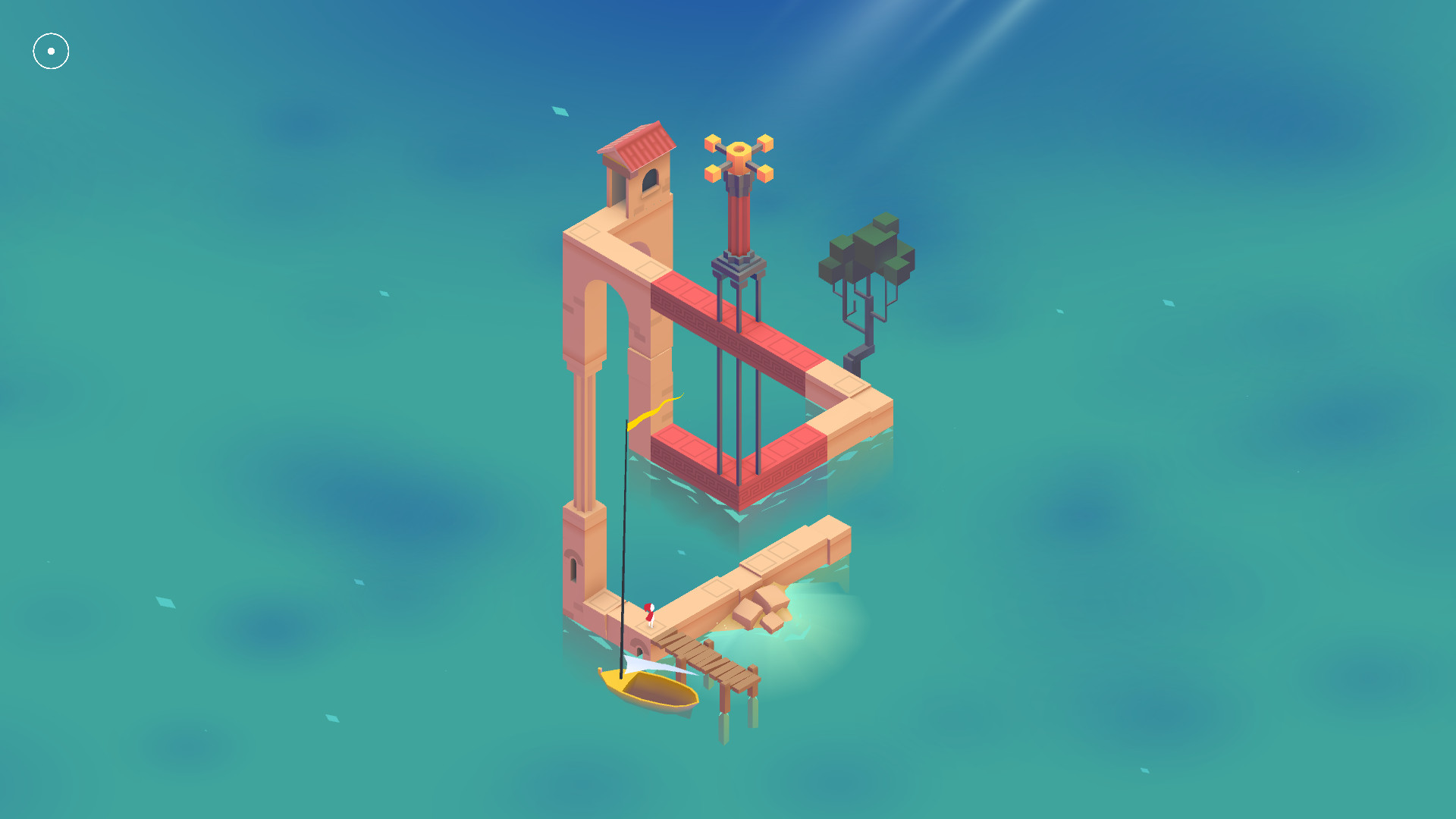
Monument Valley 2 returns to the surreal world of impossible architecture, guiding Ro and her child through a series of illusionary pathways. The game blends a heart‑warming story of motherhood with puzzles that reshape the environment by clicking and dragging.
The Panoramic Edition adds a new PC control scheme and support for Full HD and ultrawide displays, letting players experience every hand‑crafted monument in greater detail. All chapters are included, and the title supports single‑player play, Steam achievements, and cloud‑saved progress.
01 / THE GUIDE
Story and Characters
The narrative follows Ro and her child as they explore a magical world, learning the secrets of Sacred Geometry while confronting motherhood. The story is described as heart‑warming and meditative, offering a calm backdrop to the puzzles.
The game is stand‑alone; prior experience with the original Monument Valley is not required. New friends appear along the journey, adding variety to the unfolding tale.
- Observe how Ro’s gestures mirror the child’s actions; this can hint at puzzle solutions.
- Take note of recurring visual motifs—they often signal thematic connections.
02 / THE GUIDE
Puzzle Mechanics
Players reshape the world by clicking and dragging, altering impossible structures to create new pathways. Each monument is a unique, hand‑crafted environment that must be manipulated to progress.
The puzzles are designed to be easy for everyone to pick up, with no timed input required, allowing a relaxed pace while exploring surreal architecture.
- Experiment with dragging different parts of a structure; multiple solutions may exist.
- Pause to view the scene from different angles before moving pieces.

03 / THE GUIDE
Panoramic Edition Controls
The PC version introduces a tactile control scheme reimagined for mouse input, supporting Full HD and ultrawide screens. This panoramic view enhances the sense of scale and detail in each monument.
Full controller support is also listed, meaning the game can be played with DualShock or DualSense devices, though mouse‑only interaction remains available.
- Use the mouse to fine‑tune movements; it offers the most precise control.
- If using a controller, test both analog sticks for comfortable dragging.
04 / THE GUIDE
Achievements and Saving
Monument Valley 2 includes Steam achievements. The game also offers “Save Anytime,” letting players record their state at any moment without forced checkpoints.
Progress is stored in Steam Cloud, ensuring that saved data follows the player across installations on the same Steam account.
- Check the achievement list early to gauge which milestones to aim for.
- Make use of the save‑anywhere feature before attempting a complex rearrangement.
05 / THE GUIDE
Platform Features
The title is available on Windows via Steam and supports both mouse‑only and full controller options. Family Sharing is enabled, allowing multiple accounts on the same device to access the game.
Stereo sound provides an immersive audio backdrop, complementing the visual design without requiring additional hardware.
- Enable Family Sharing if you want friends or family to try the game without extra purchases.
- Adjust audio settings to highlight ambient cues that may hint at puzzle elements.



COMMUNITY
Player discussion