 GameWiki
GET YOUR BEARINGS
About Monster Train 2
Monster Train 2 pits former angels and demons against the Titans that have seized Heaven. Players command one of five new clans aboard a three‑level train, battling through Hell, Heaven and the Abyss. The game blends deck‑building with strategic positioning, letting you recruit units, upgrade cards and customize your train. New Room and Equipment cards add tactical depth, while the Covenant Outpost serves as a hub for progression and story interaction.
01 / THE GUIDE
Clan Selection
Five distinct clans are available, each offering unique strengths and gameplay styles. Choosing a clan determines the units, cards and strategies you will employ throughout a run.
The variety encourages players to experiment with different builds, aligning the clan’s inherent abilities with personal playstyle.
- Try a clan whose strengths match your preferred unit types.
- Mix and match cards to highlight a clan’s unique bonuses.
02 / THE GUIDE
Train Structure
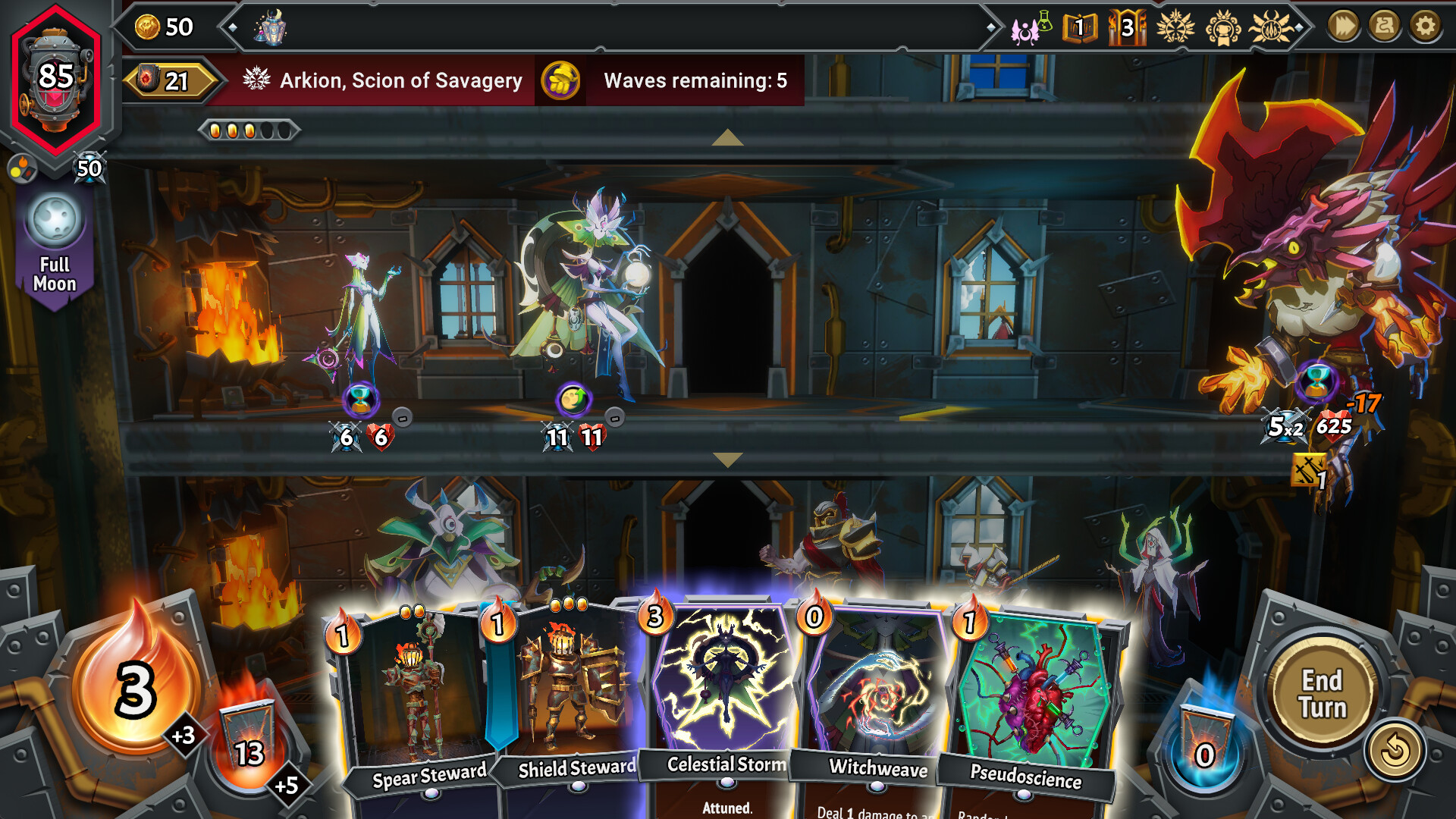
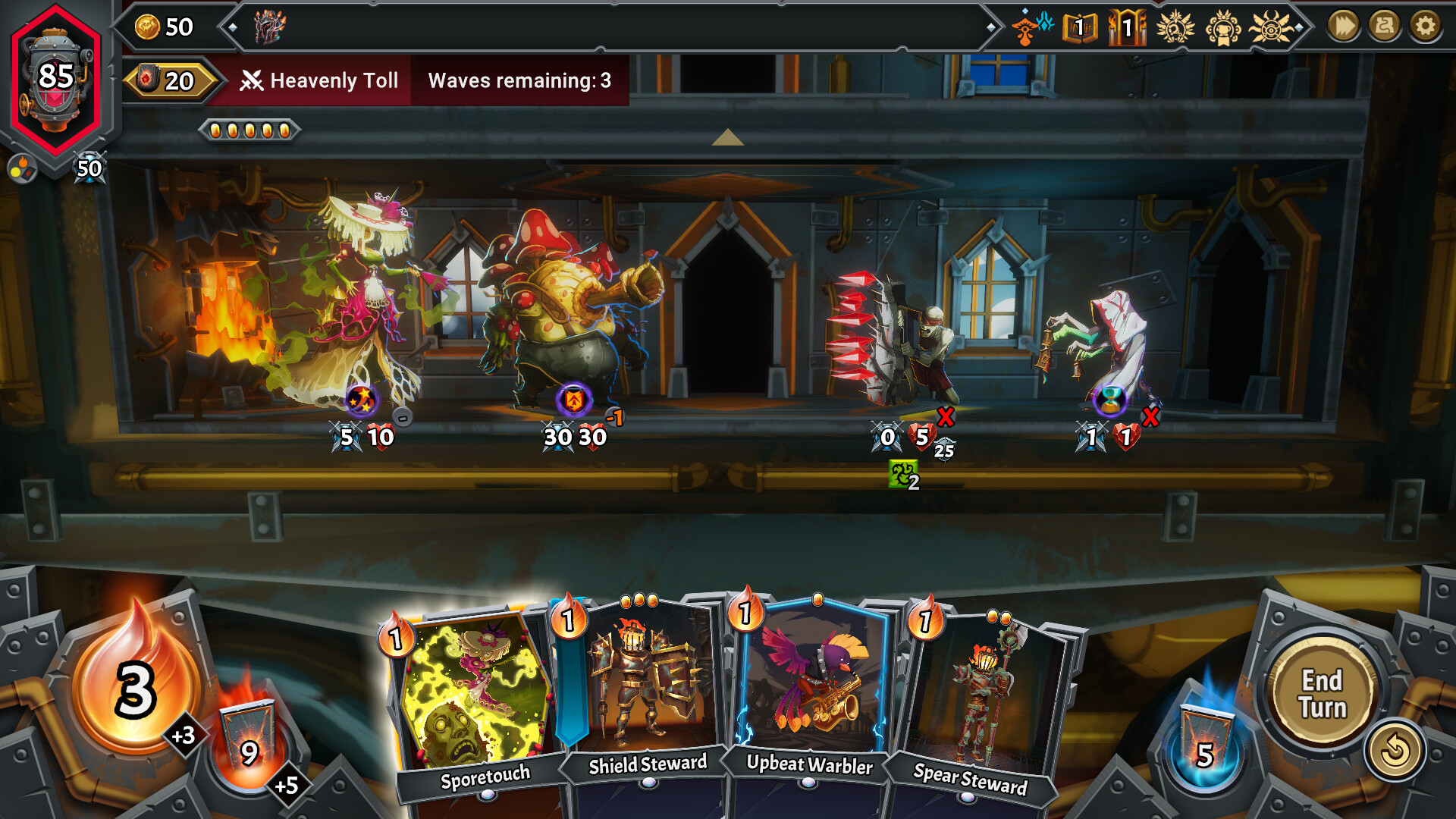
Each run features a train with three vertical levels that must be defended against enemies. Units occupy these levels, and their placement influences combat outcomes.
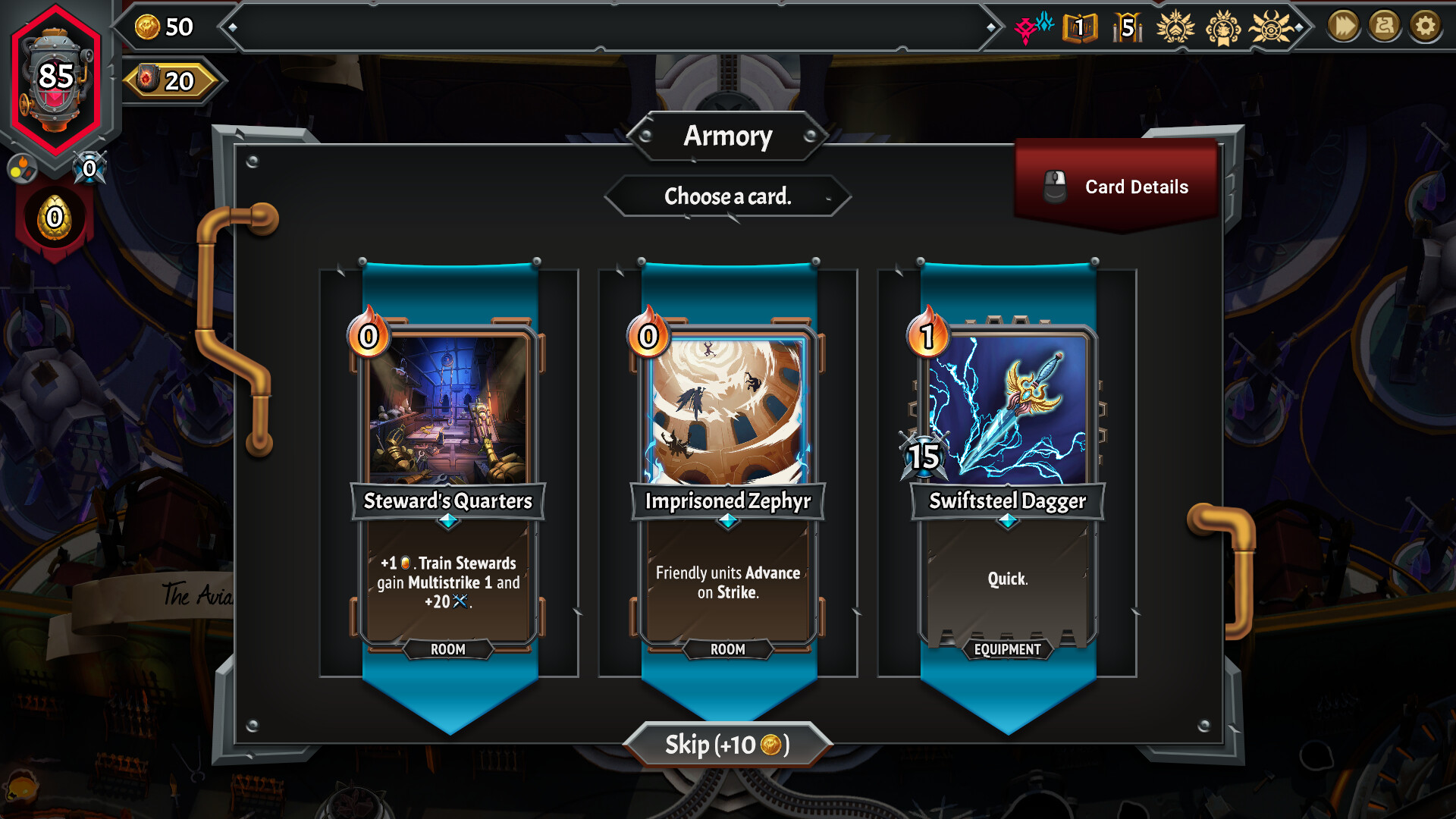
Room Cards can be added to the train, providing boosts that affect the entire structure, while Equipment Cards enhance individual units.
- Balance unit placement across all three levels.
- Use Room Cards to create strategic advantages early.
03 / THE GUIDE
Covenant Outpost Hub
After each run, players return to the Covenant Outpost, a hub that grants access to core features and story‑advancing character interactions.
From the outpost you can unlock Pyre Hearts, customize your train and view progress in the Logbook.
- Visit the outpost after every run to track achievements.
- Engage with characters to unlock story content.
04 / THE GUIDE
Challenge Modes
Dimensional Challenges and Daily Challenges provide handcrafted scenarios with mutators and cosmetic rewards. These modes modify runs and test specific skills.
Leaderboards track global and friend scores, encouraging competitive play.
- Start with Dimensional Challenges to learn new mutators.
- Check daily challenges for fresh modifiers each day.
05 / THE GUIDE
Customization Features
Players can unlock new train parts, adjust volume controls, and set difficulty levels. The Logbook records completion goals, enemy data and collection objectives.
Full controller support, keyboard‑only and mouse‑only options ensure flexible input preferences.
- Adjust difficulty to match your skill level.
- Explore the Logbook for enemy weaknesses.

COMMUNITY
Player discussion