 GameWiki
GET YOUR BEARINGS
About Monster Museum: Tidy Up the Collection!
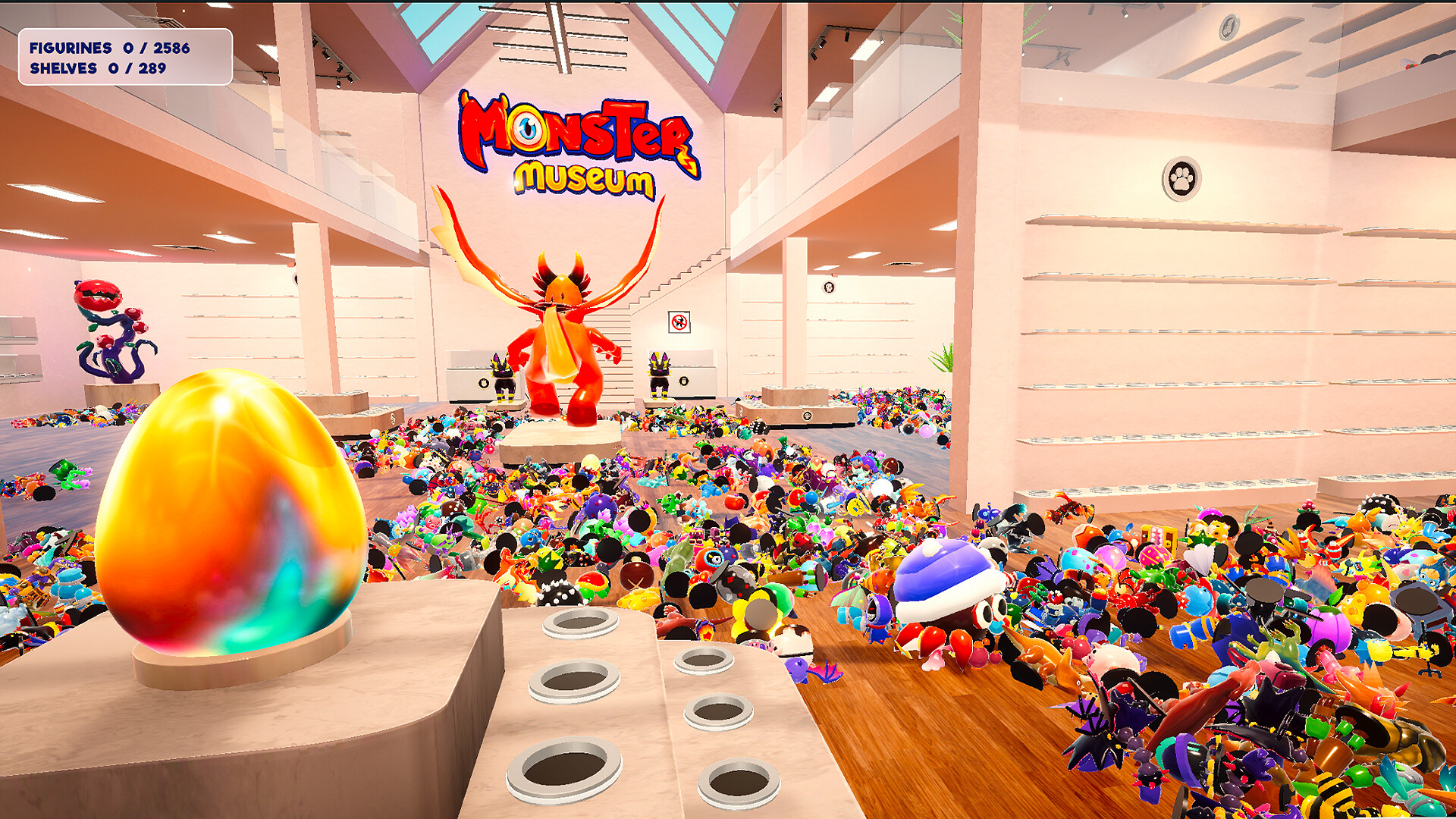
Professor Walt’s massive monster collection has been scattered, and you are tasked with restoring order before his return. You begin by selecting a creature companion, each described as having its own personality, to aid you in the museum.
The game emphasizes a relaxed pace: there are no timers, no game‑over screens, and sorting proceeds at your own speed. As you complete collections, the companion learns new abilities, while Steam achievements, cloud saves, and leaderboards record your progress.
01 / THE GUIDE
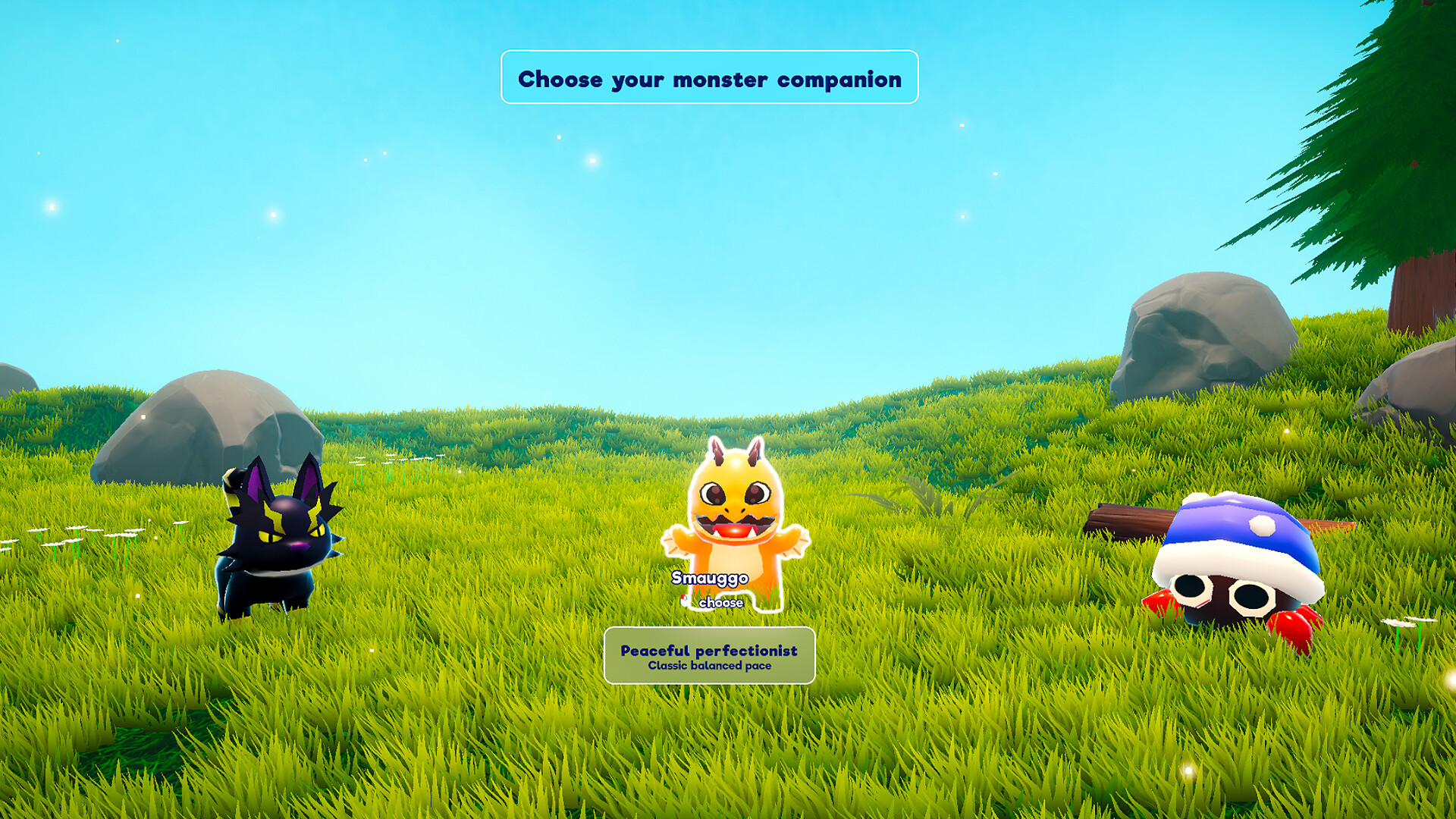
Choosing a Companion
At the start you pick one of several creature companions, each noted for a distinct personality. The companion assists you while you sort the figurines, and its behavior varies between playthroughs.
Because each companion learns new abilities as collections are finished, the experience can differ each time you begin a new game, providing variety without altering the core sorting task.
- Select a companion whose personality you find most enjoyable to keep the experience pleasant.
- Observe how the companion’s abilities evolve after each completed collection for a sense of progression.
02 / THE GUIDE
Sorting the Figurines
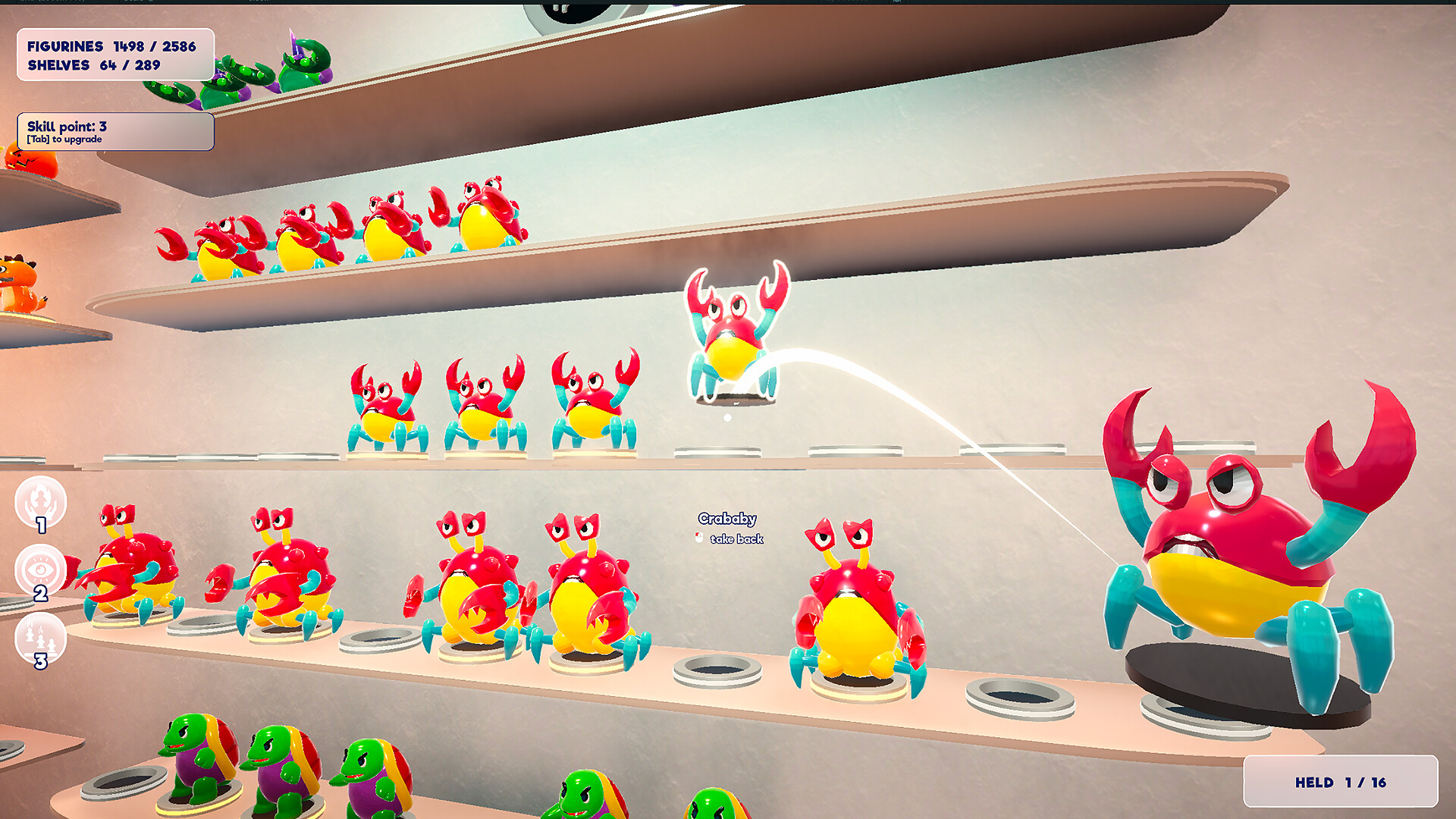
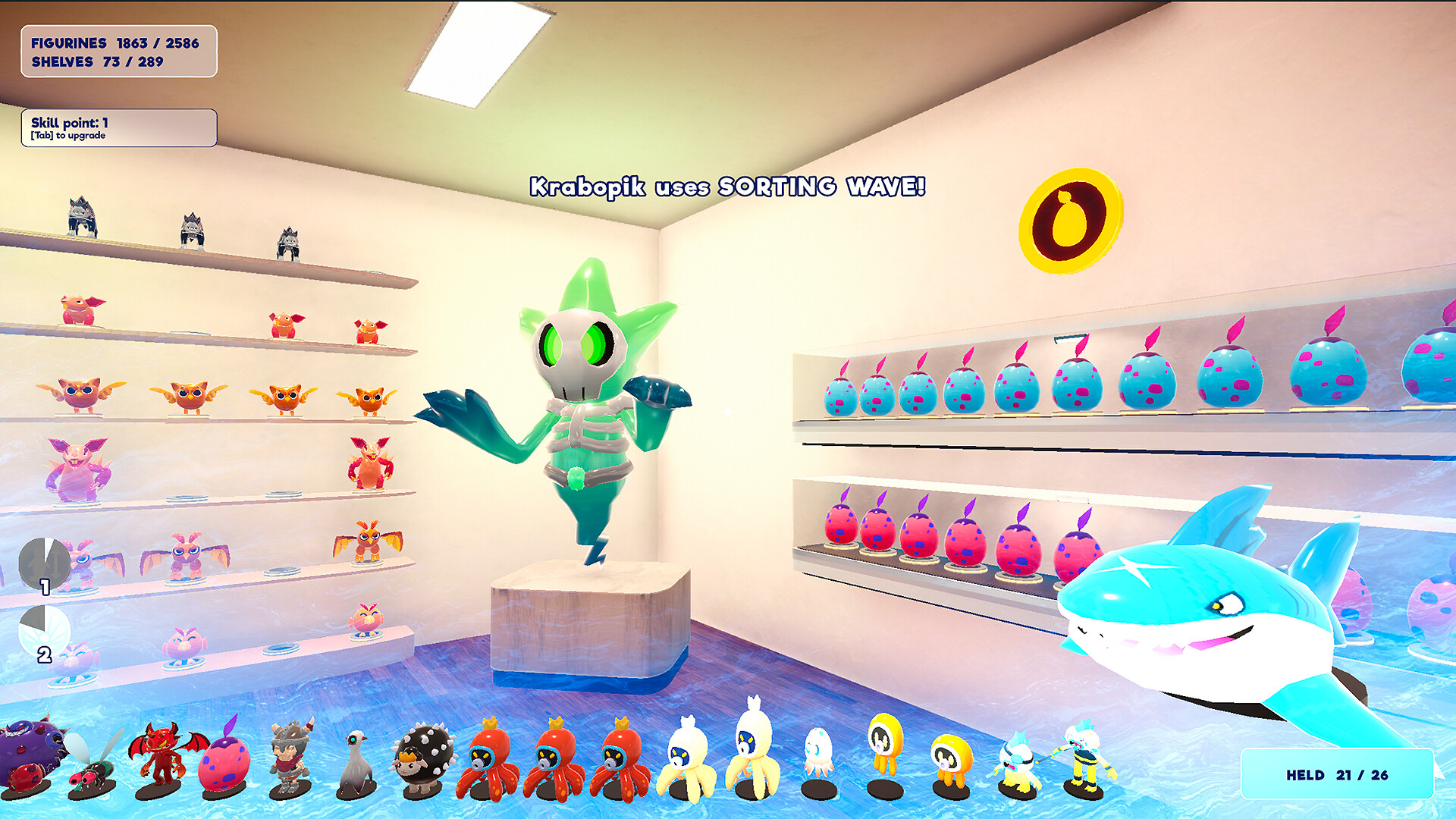
The central activity is arranging the 2,586 monster figurines into proper shelves by type and evolution stage. No timers or pressure are imposed, allowing you to sort at a comfortable speed.
Each completed collection moves you closer to uncovering Professor Walt’s secret research notes, providing a clear but gentle goal for each sorting session.
- Group figurines by visible traits before placing them on shelves to speed up organization.
- Take breaks when needed; the game’s design encourages a relaxed pace.
03 / THE GUIDE
Companion Ability Growth
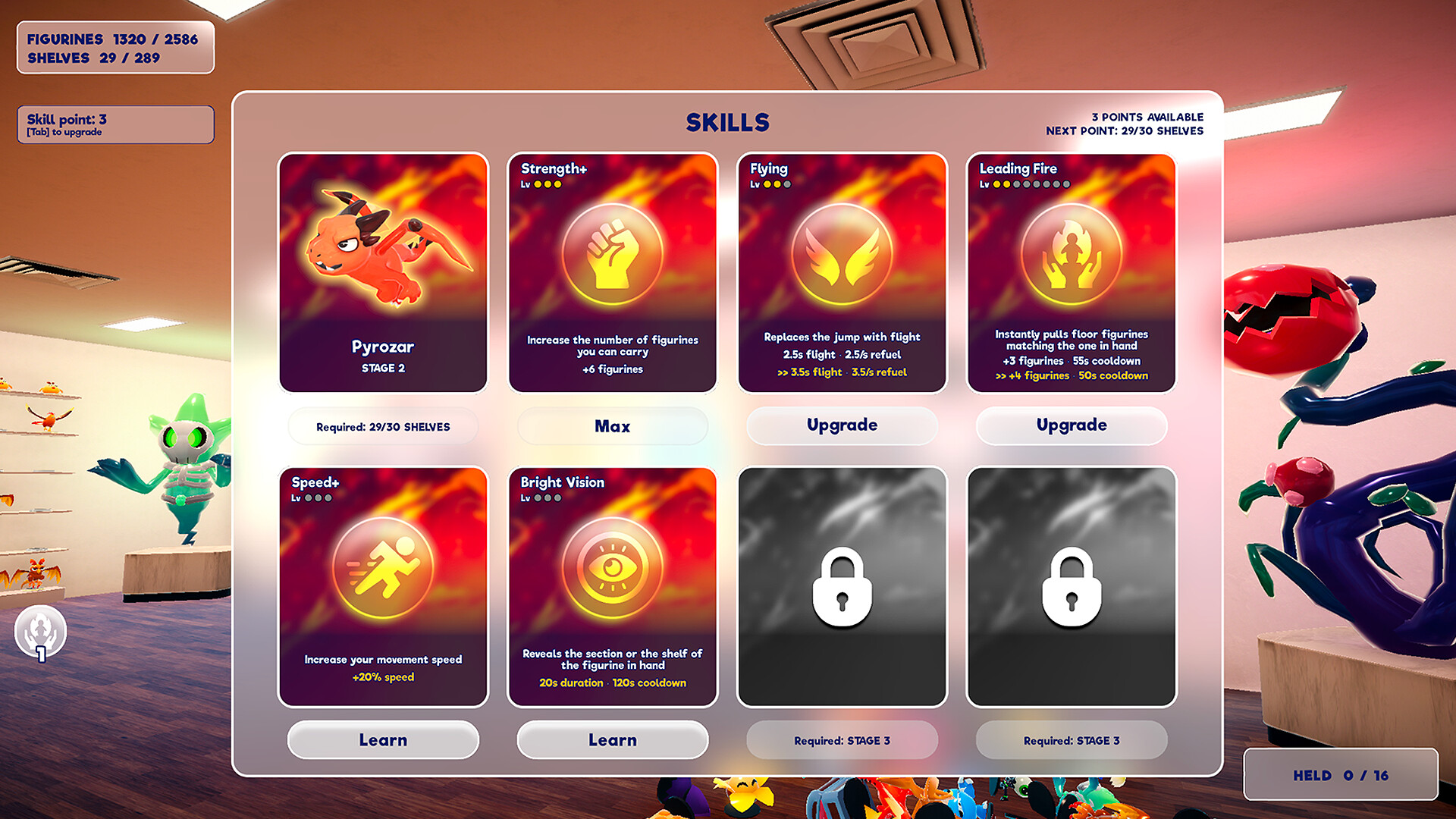
When you finish a collection, your companion learns a new ability that improves sorting efficiency. These upgrades are tied directly to the number of completed collections.
The ability growth adds a subtle sense of advancement while keeping the focus on the calming act of organization.
- Notice which abilities appear after larger collections; they often streamline repetitive tasks.
- Compare ability changes between companions to decide which offers the most helpful upgrades for you.
04 / THE GUIDE
Steam Achievements & Leaderboards
Monster Museum integrates Steam achievements and leaderboards, offering external markers of progress. Achievements are earned by meeting in‑game milestones, while leaderboards let you compare with other players.
These features are optional and do not affect the core sorting experience, allowing you to play purely for relaxation if preferred.
- Check the achievement list to set personal goals without feeling pressured.
- Use the leaderboard as a friendly benchmark rather than a competition.
05 / THE GUIDE
Platform Compatibility & Cloud Saves
Monster Museum runs on Windows and macOS, includes full controller support, and uses Steam Cloud for saving. Steam Cloud is listed as a saving feature for the game.
Family Sharing is also supported, allowing other household members to experience the game under the same license.
- Steam Cloud is listed among the game's features and can be managed in your Steam settings.
- Share the game via Family Sharing to let others enjoy the same museum experience.
COMMUNITY
Player discussion