 GameWiki
GET YOUR BEARINGS
About Monster Line of Defense
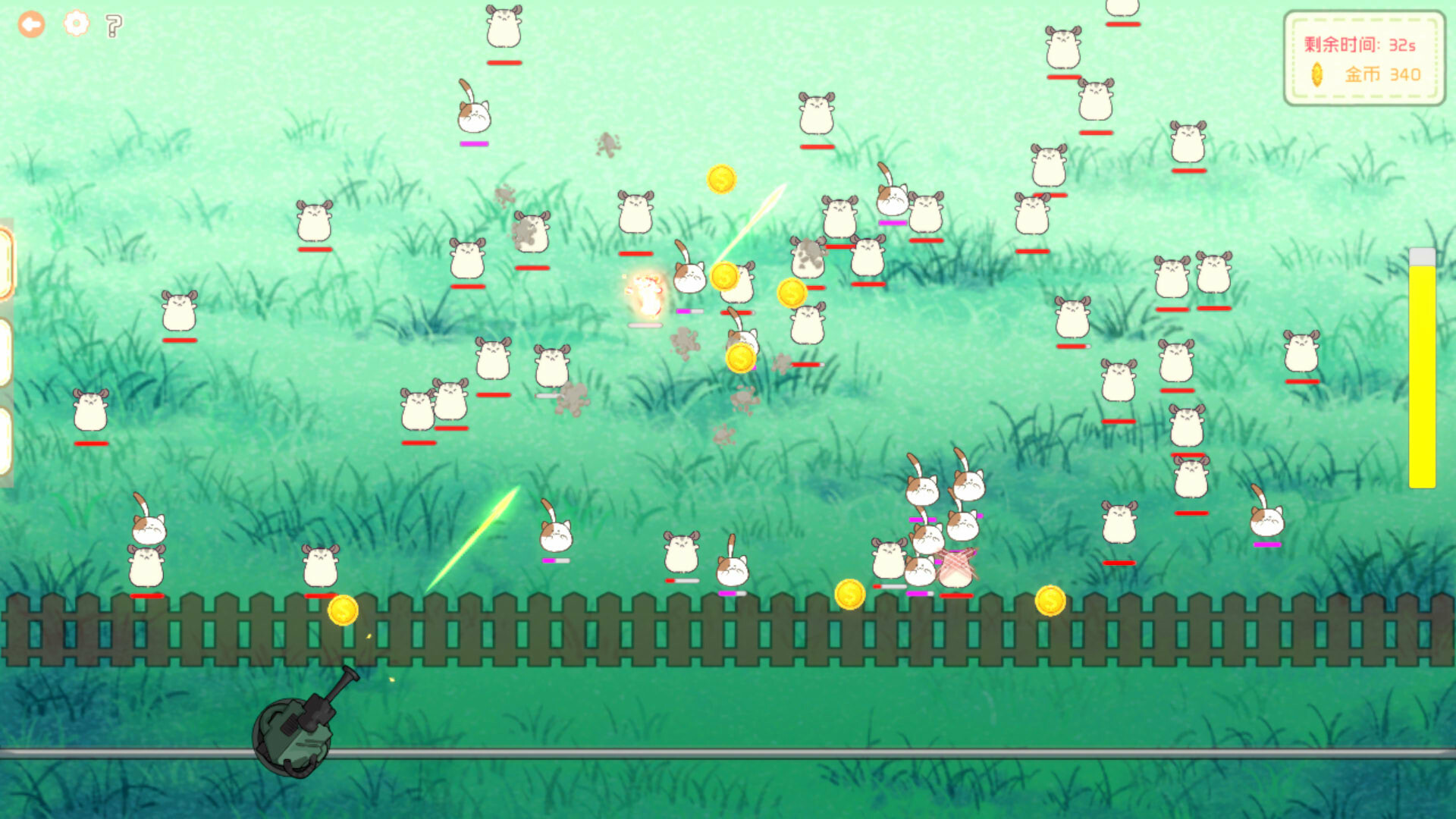
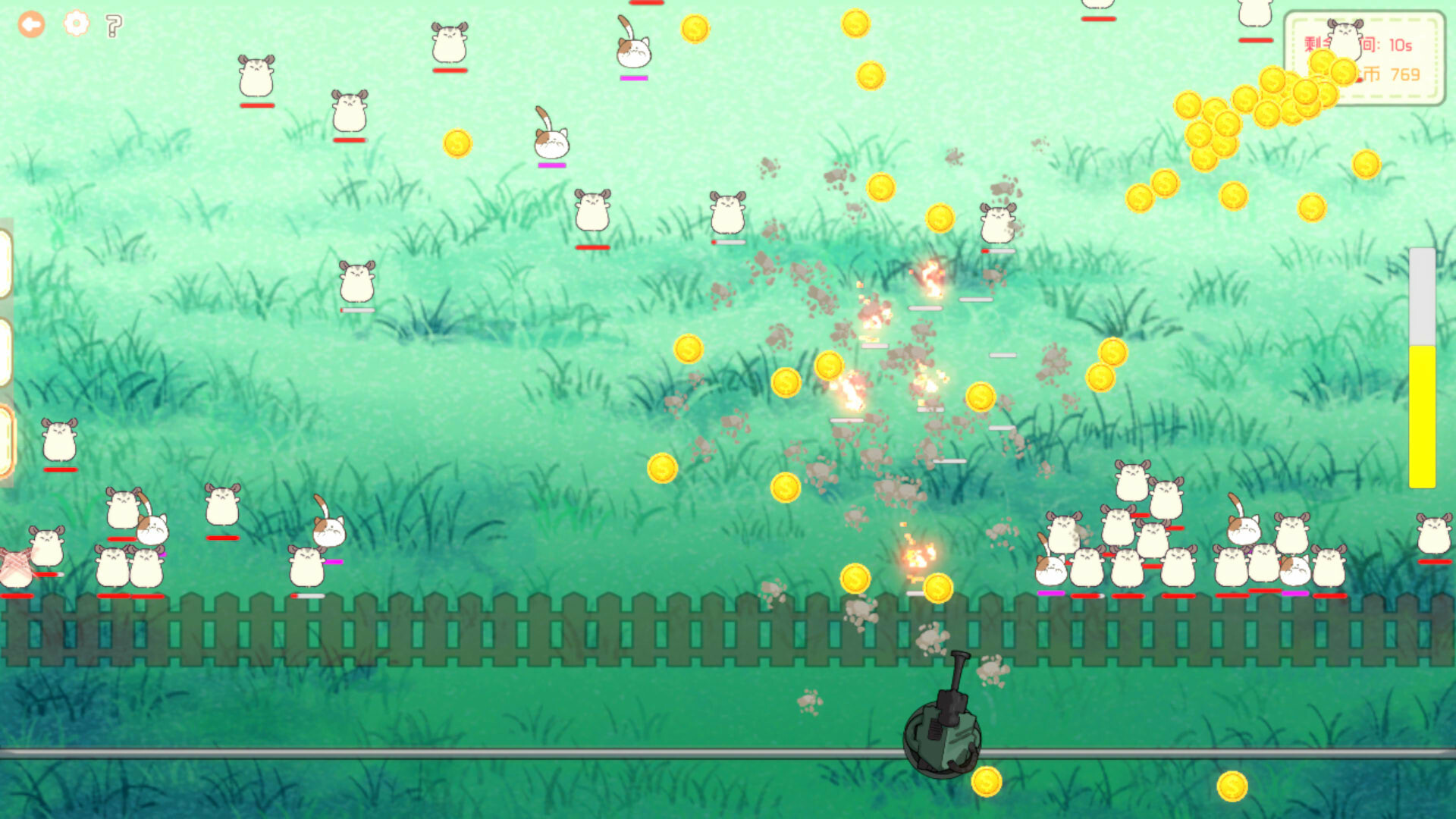
Monster Line of Defense is a casual single‑player shooter where you operate a turret that slides horizontally across the screen. Monsters advance from the front and must be shot before they accumulate in front of the turret.
The game is organized into numbered levels that become progressively harder. Coins earned during play can be spent on stronger weapons, and a shortcut (pressing 2 + 5 above the letter keys) lets you unlock levels quickly.
01 / THE GUIDE
Controls
The description states that the turret moves left and right with the A and D keys on the keyboard, while firing is performed by clicking the left mouse button. These inputs are the ones explicitly mentioned for navigating and shooting.
Because the game is described as a casual shooter, the control scheme focuses on simple horizontal movement and a single fire action, allowing players to concentrate on timing their shots rather than complex combos.
- Keep your fingers near both A and D keys to reduce the distance needed for quick direction changes.
- Position the mouse close to the turret so the left‑click travel distance is minimal.
02 / THE GUIDE
Level Progression
Levels are presented in a sequence where each subsequent stage introduces more challenging monster waves, as noted by the statement that each level is more challenging than the previous one.
A quick‑unlock method is available on the level selection screen: pressing 2 + 5 above the letter keys instantly opens later levels, providing an alternative to playing through every earlier stage.
- Use the quick‑unlock shortcut if you want to test higher difficulty levels without completing earlier ones.
- Observe how monster patterns evolve between levels to adjust your shooting rhythm.

03 / THE GUIDE
Weapon Upgrades
Before starting a round you equip a weapon, and the game uses in‑game coins as currency to unlock more powerful weapons. The description links coin collection directly to weapon improvement.
No other resource types are mentioned for upgrades, so the coin system is the sole method described for acquiring stronger firepower.
- Save coins for weapons that match your preferred shooting rhythm, such as faster‑fire options if you click rapidly.
- Try each newly unlocked weapon in a familiar level to see which feels most comfortable.
04 / THE GUIDE
Difficulty Setting
The game is labeled as having a casual difficulty level, indicating it is intended for players who prefer a low‑effort experience rather than intense challenge.
This casual framing suggests the game does not demand rapid reflexes or high precision, making it approachable for a broad audience.
- If the base difficulty feels too easy, consider equipping a stronger weapon to raise the challenge.
- Play at a relaxed pace to enjoy the casual tone without feeling pressured.
05 / THE GUIDE
Platform Availability
The title is listed as available on Windows computers, with macOS and Linux marked as unsupported. This defines the operating systems on which the game can be installed.
Because only Windows is confirmed, players need a compatible Windows PC to run the game as described.
- Verify your Windows version meets the game's minimum requirements before purchasing.
- If you use another OS, consider a Windows virtual machine if you still wish to try the game.


COMMUNITY
Player discussion