 GameWiki

GET YOUR BEARINGS
About MONSTER CARDS
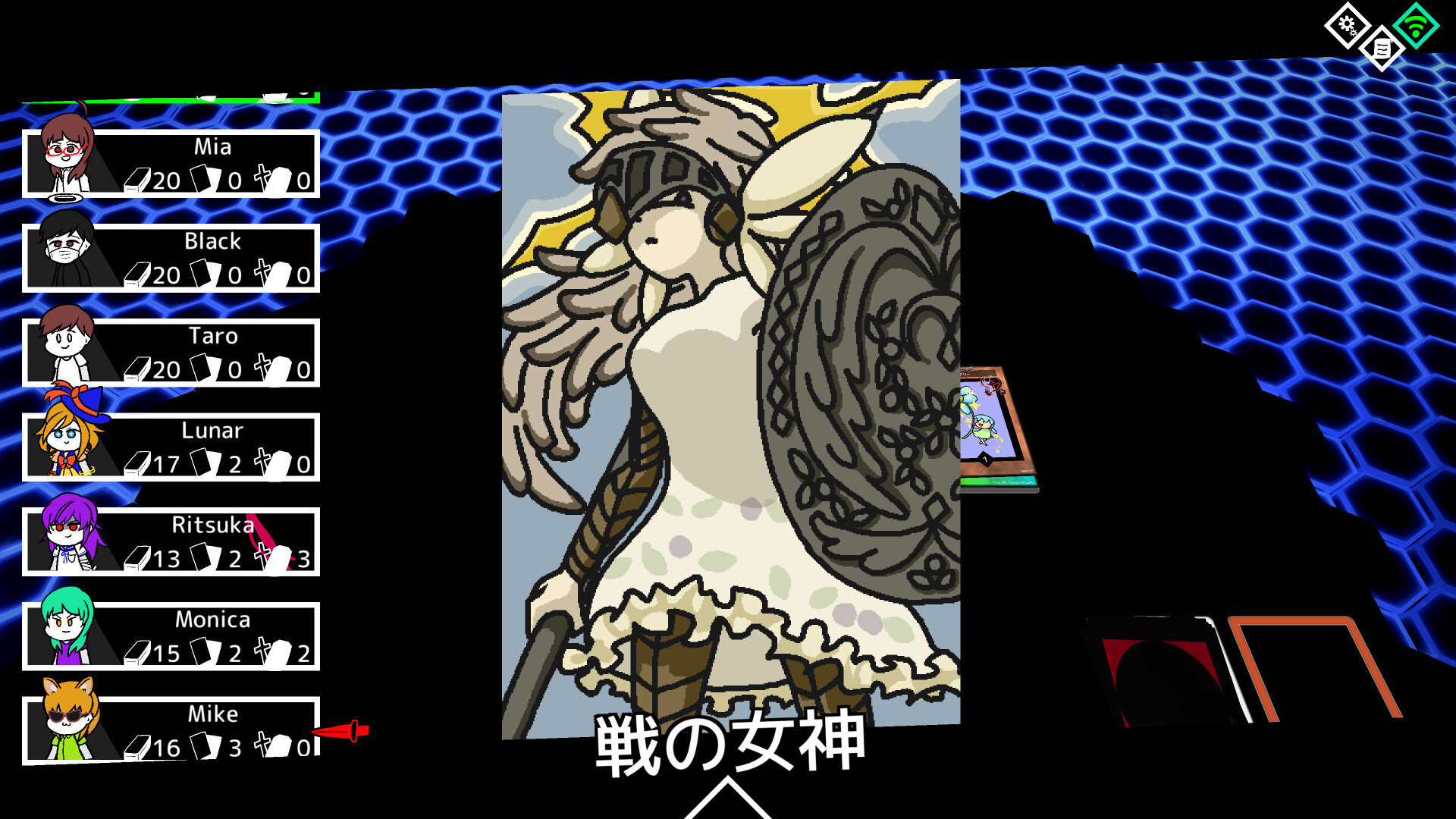
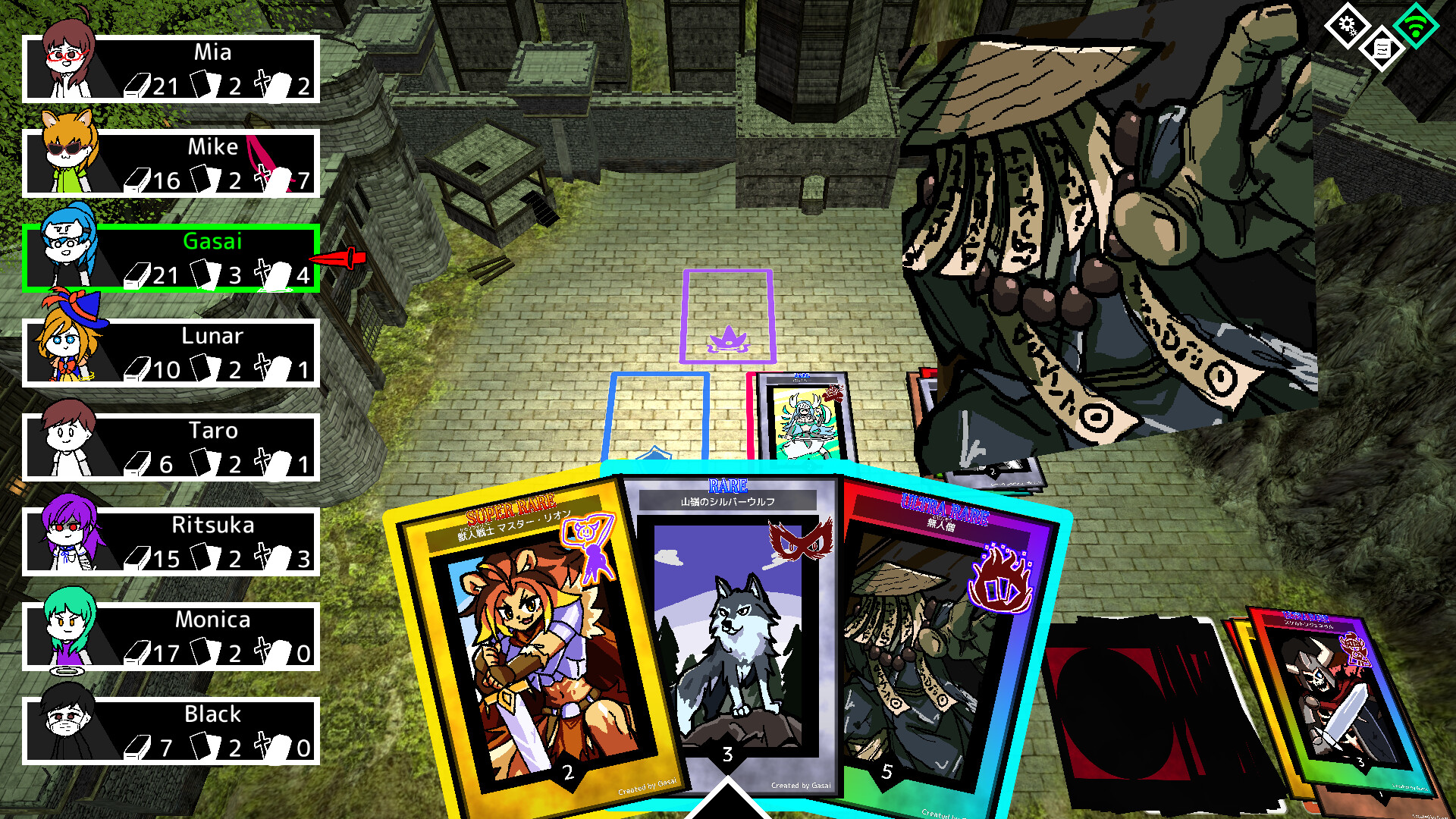
Monster Cards lets you draw any monster you imagine, assign rarity, attack power, skills, attributes and tribe, and turn the illustration into a playable card. The card’s strength comes from those parameters, so your artistic choices directly affect battle power.
Up to eight players can join online matches, where each turn consists of playing one card from your hand. Cards are saved as files, allowing you to exchange creations with friends and add each other's monsters to your decks.
01 / THE GUIDE
Creating Your Own Cards
You draw a monster freely, then set its rarity, attack power, skills, attributes and tribe. The illustration together with those parameters forms a complete card that can be used in battle.
When you finish, the card is saved as a file on your computer. This file can be kept for later use or shared with others, making the drawing process part of the game.
- Experiment with different attribute combos before finalising a card.
- Keep a backup copy of each design in case you want to revert.
02 / THE GUIDE
Building Decks
A deck is assembled from any cards you have created or received. There is no restriction on mixing rarity levels, tribes or skill types, so each deck reflects your personal style.
Because a card’s strength is tied to its parameters, selecting cards that complement each other can improve overall performance in battles.
- Mix high‑rarity and low‑rarity cards to balance power.
- Group cards of the same tribe to exploit possible tribe matchups.
03 / THE GUIDE
Multiplayer Battles
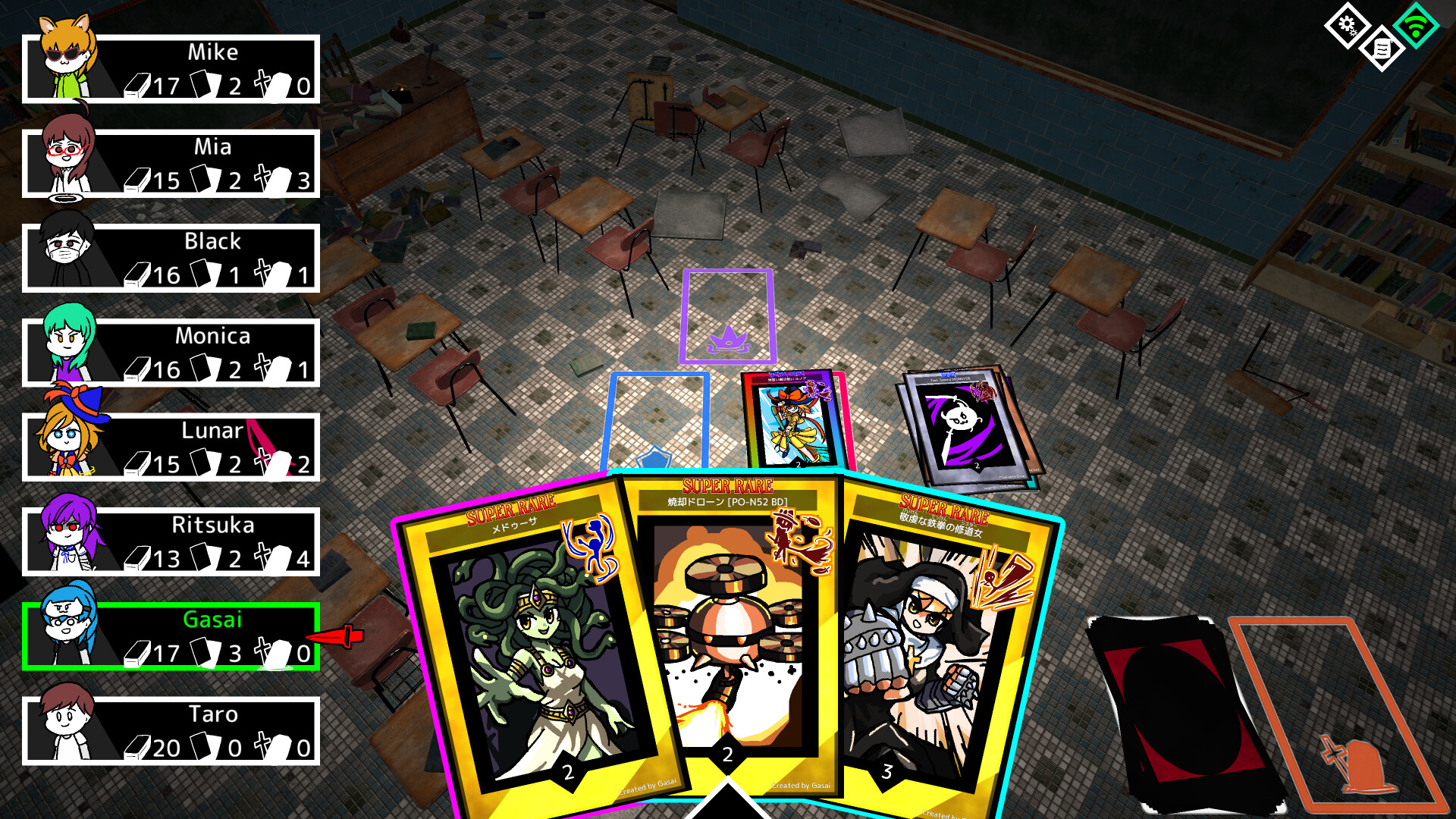
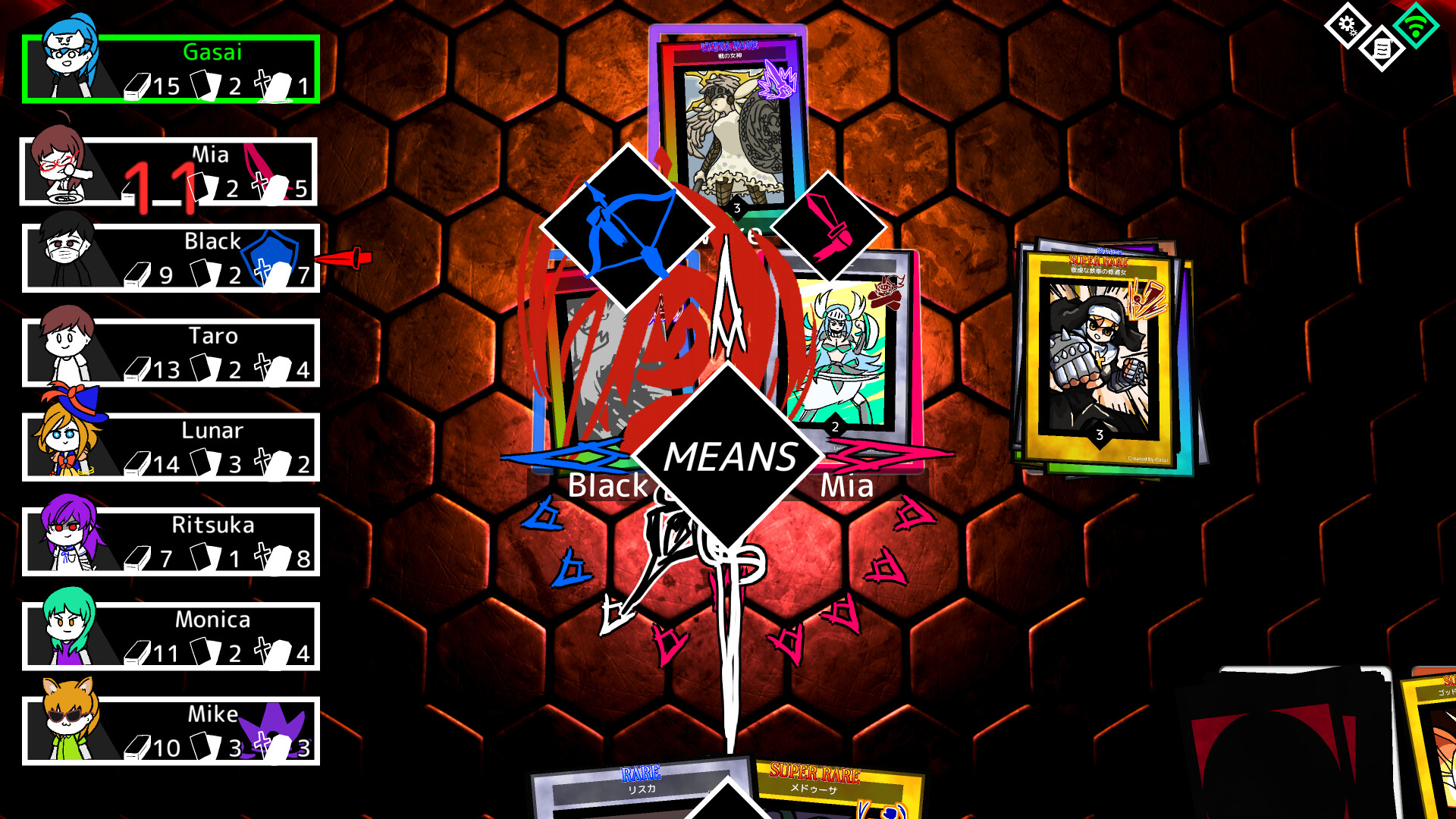
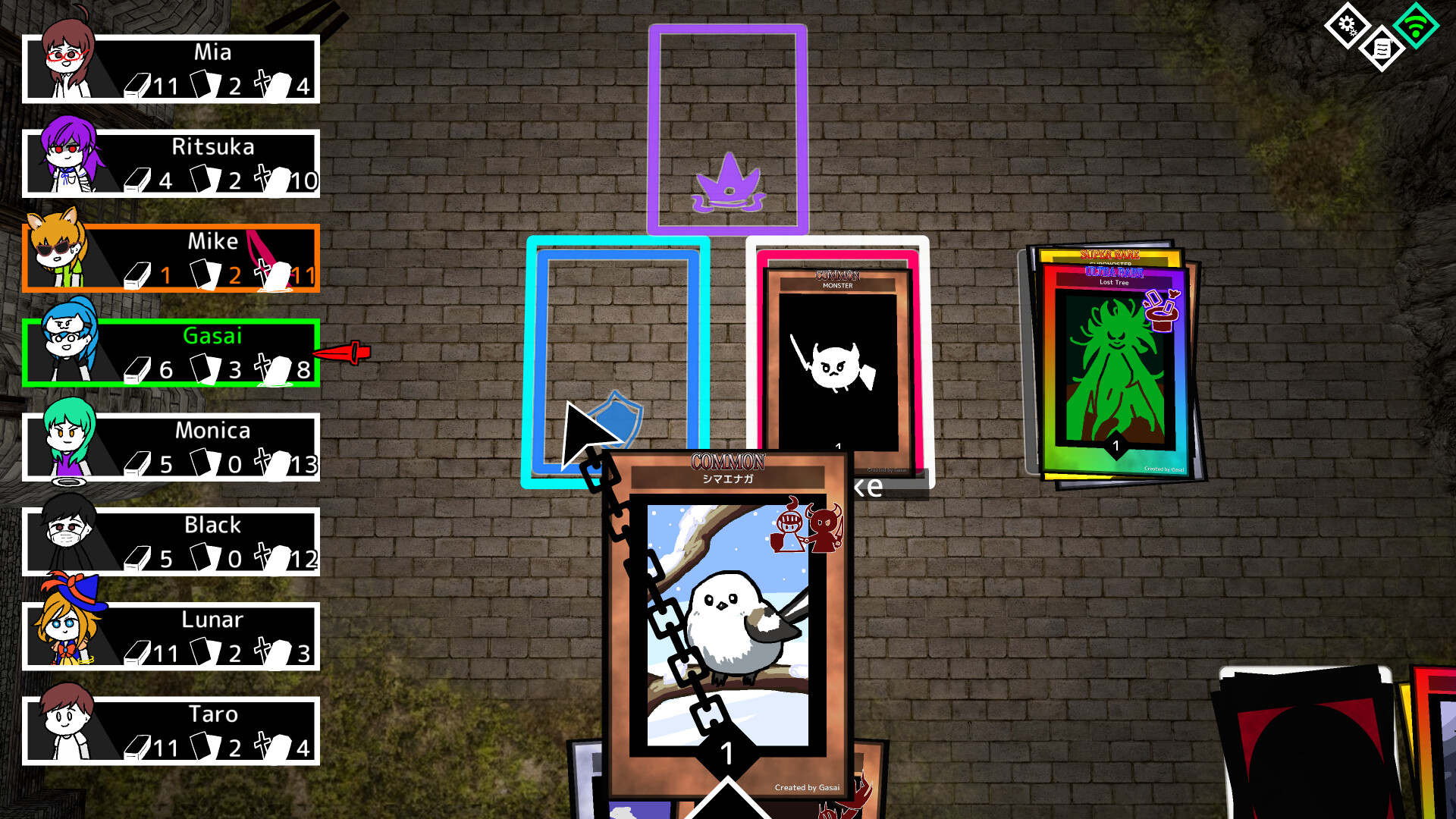
Online matches support up to eight players. On your turn you play a single card from your hand and may choose when to activate its skill.
Matches can be one‑on‑one duels or larger free‑for‑all games, giving both serious competition and lively party experiences.
- Watch opponents’ earlier plays to guess skill timing.
- Use early turns to test the flow before committing strong cards.
04 / THE GUIDE
File Sharing and Family Sharing
Created cards are saved as files, which you can transfer to friends. After receiving a file you can import the card into your own deck.
Family sharing lets multiple users on the same device use each other's cards without rebuilding them, extending the game’s social reach.
- Organise shared cards in clearly named folders.
- Rename a file before sending it to avoid confusion.
05 / THE GUIDE
Supported Platforms
Monster Cards runs on Windows, macOS and Linux, providing access for players on the three major desktop operating systems.
The game is listed as free‑to‑play and in early access, meaning it can be downloaded without purchase while still receiving updates.
- Check each platform’s update notes for compatibility fixes.
- Use the Linux version if you prefer an open‑source environment.
COMMUNITY
Player discussion