 GameWiki
GET YOUR BEARINGS
About Monkey Island 2 Special Edition: LeChuck’s Revenge
Monkey Island™ 2 Special Edition: LeChuck’s Revenge™ returns Guybrush Threepwood to the Caribbean as he pursues the legendary treasure of Big Whoop while a resurrected zombie LeChuck seeks revenge. The story adds challenges such as voodoo dolls, spitting contests, and an amusement park, keeping the classic humor and puzzle focus.
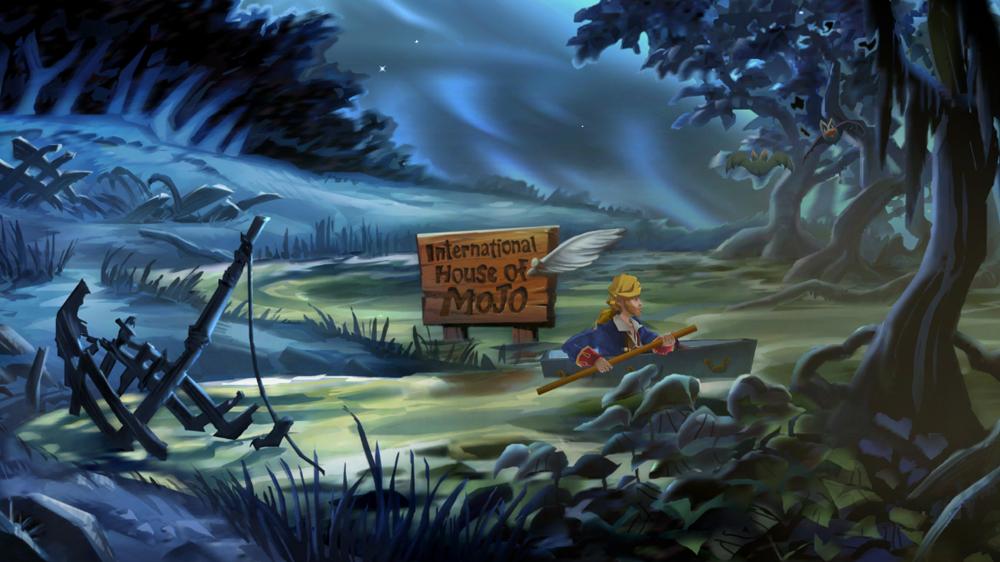
The edition presents hand‑drawn, high‑definition art, a re‑recorded live‑instrument score, and full voice‑over from the original cast. Players can hot‑swap between Special Edition and Classic visual‑audio modes at any time, and they have access to new interface options, a hint system, and behind‑the‑scenes content.
01 / THE GUIDE
Story premise
Guybrush Threepwood returns to the Caribbean after his first encounter with LeChuck, aiming to locate the fabled treasure of Big Whoop. The narrative introduces a zombie version of LeChuck who is out for revenge, requiring Guybrush to rely on wit and humor to progress.
Throughout the adventure, Guybrush encounters obstacles such as voodoo dolls, spitting contests, and an amusement park, while meeting old friends and confronting new enemies. These elements expand the original sequel’s plot while preserving its comedic tone.
- Observe how each new obstacle reflects pirate‑themed humor; clues often tie to the setting.
- Listen for recurring jokes that may hint at puzzle solutions.
02 / THE GUIDE
Visual and audio updates
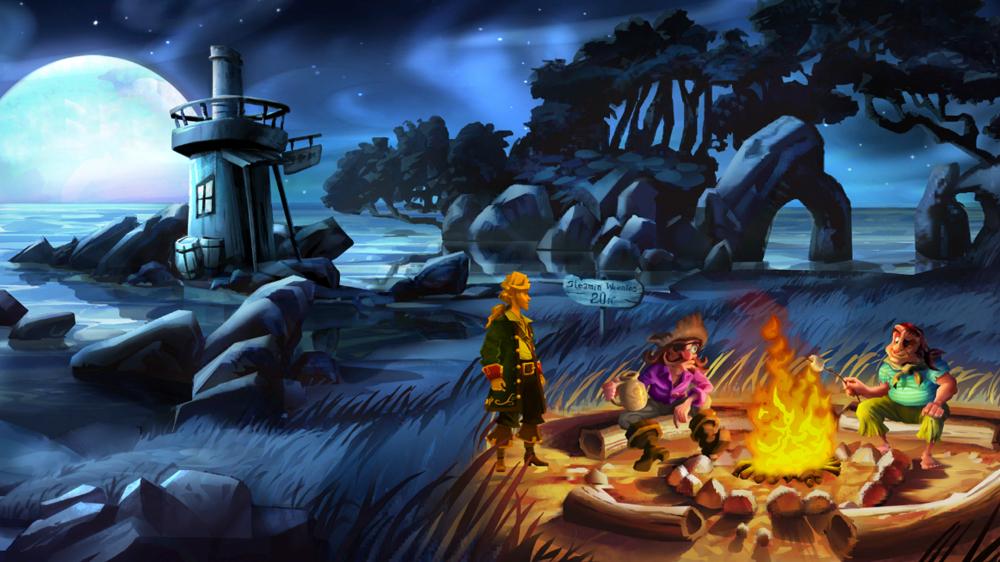
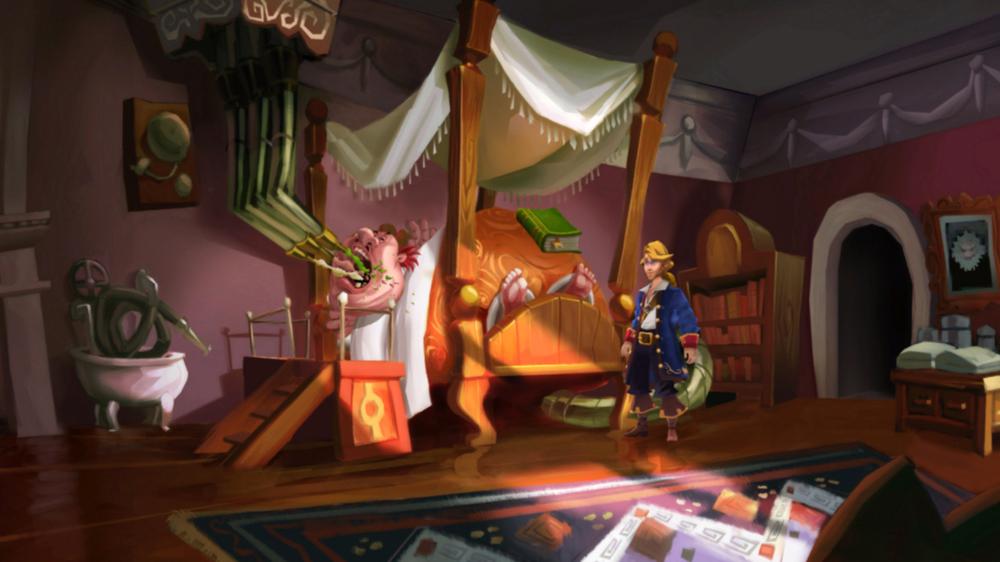
The Special Edition uses a newly re‑imagined contemporary art style that is hand‑drawn and presented in high definition, giving the world a modern visual polish while retaining its cartoon charm. This visual update applies to every scene of the game.
A re‑mastered musical score performed with live instruments accompanies the visuals, and complete voice‑over work by the original Monkey Island cast brings characters to life. The voice‑over is available in both Special Edition and Classic modes.
- Toggle between modes to compare visual fidelity and notice any differences in character expressions.
- Pay attention to the live‑instrument score for moments that emphasize narrative beats.
03 / THE GUIDE
Special and Classic mode switching
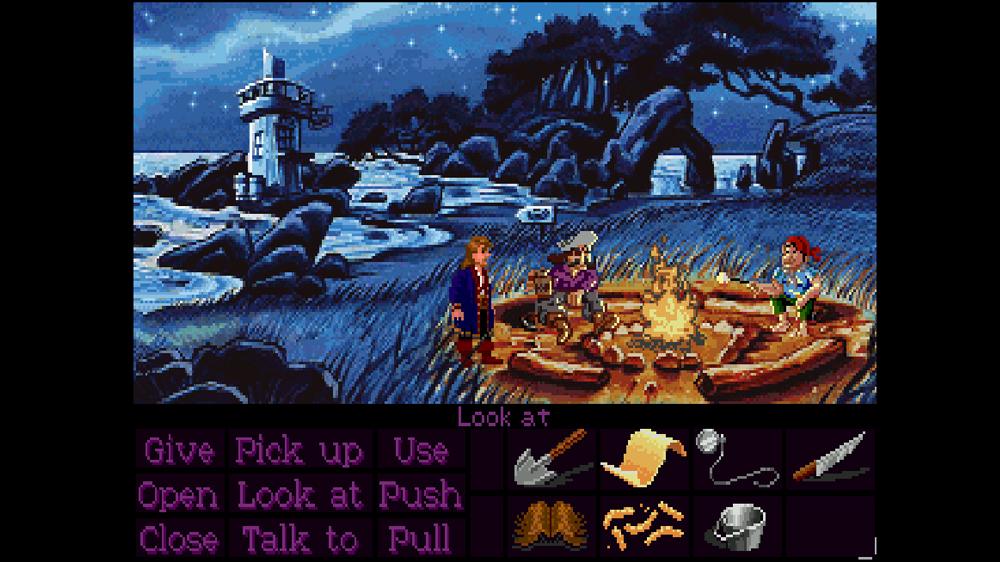
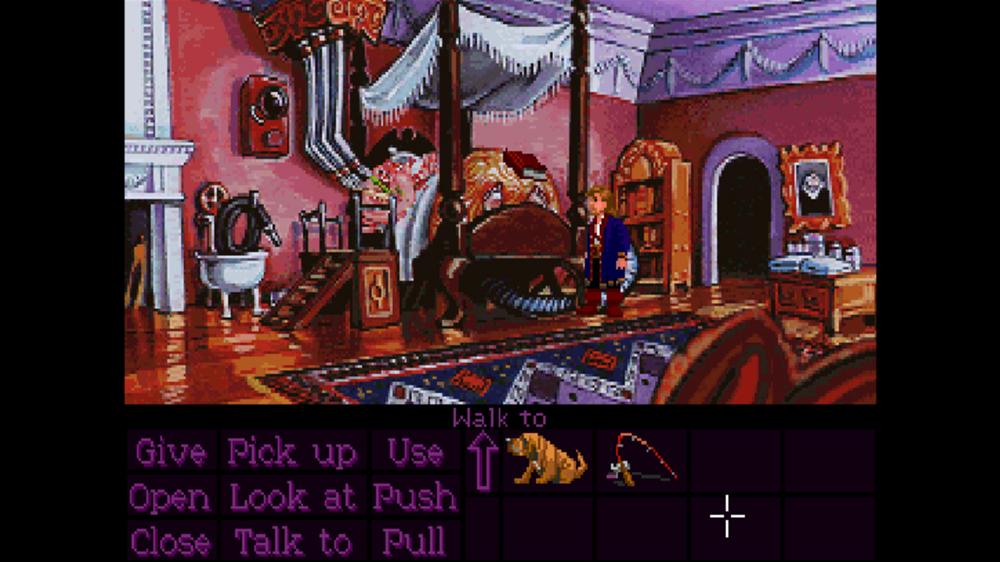
Scene‑for‑scene hot swapping lets players transition between Special Edition and Classic modes at any time, preserving progress while changing visual and audio presentation. The swap does not alter story content or puzzle requirements.
Both modes present the same puzzles and narrative flow, so switching lets players view a scene in a different style without restarting. Players may use the feature to view a scene in a different style without restarting.
- Use mode switching when a visual clue seems hidden; the alternate presentation may make it clearer.
- Switch to Classic mode for nostalgia, then return to Special Edition for the updated art.
04 / THE GUIDE
Interface options and hint system
Players can choose between the classic point‑and‑click interface and a new direct character control scheme. Both options are supported by full controller input, allowing navigation and interaction without requiring a specific peripheral.
Object highlighting marks interactive items, providing quicker visual clues, while an in‑game hint system offers optional puzzle assistance. Neither feature forces a solution, but they can aid players who become stuck.
- Enable object highlighting when entering a new area to locate interactable items more readily.
- Activate the hint system after a reasonable attempt if a puzzle feels impassable.
05 / THE GUIDE
Bonus content and achievements
An in‑game art viewer lets players browse never‑before‑seen artwork from both Classic and Special Edition versions, offering a visual history of the game's development. The viewer is presented in-game, letting players browse the artwork as they play.
Developer commentary from Ron Gilbert, Tim Schafer, and Dave Grossman is available for select scenes, providing anecdotes about the original creation. SteamWorks achievements are included as a feature of the title.
- Open the art viewer after completing a chapter to compare visual differences between versions.
- Listen to commentary after a scene to gain insight into design decisions.
COMMUNITY
Player discussion