 GameWiki
GET YOUR BEARINGS
About Monk Took Book
Holy Island is a monastic library where each morning a delivery of symbol‑marked books arrives. You arrange these volumes on shelves in any layout you choose, creating a memory puzzle that the night’s Scribes will later test.
When darkness falls, vermin, spirits and other beasts attack, and you must defend the shelves with a dagger, crossbow or holy cross. Successful defense grants Blessings that can be spent on Perkes or on expanding the library.
01 / THE GUIDE
Organizing the Collection
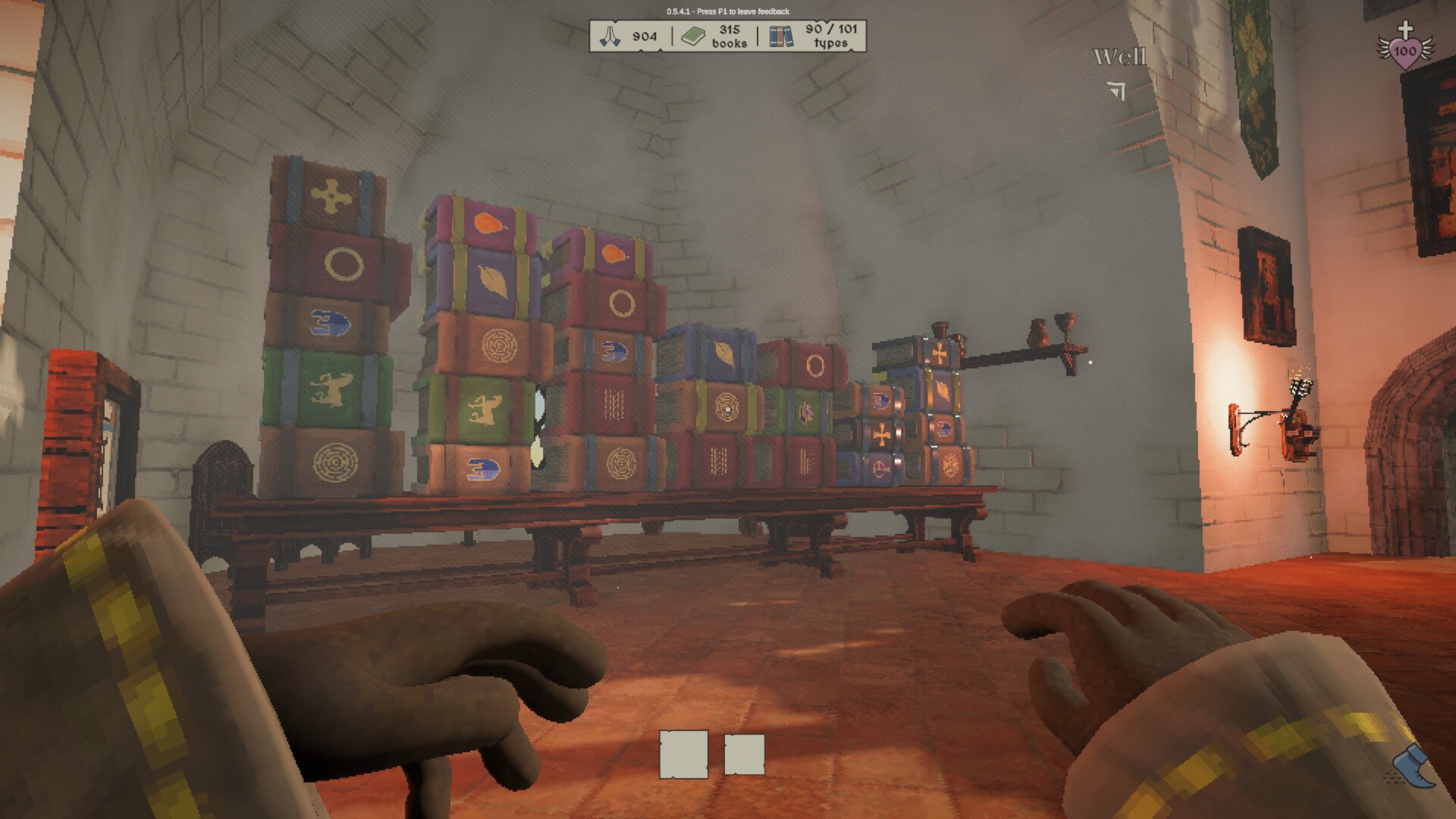
Every morning a batch of books appears, each bearing a distinct symbol on its cover. You may place these books on any shelves you like, shaping the library’s layout and setting up the memory challenge for the night.
At night the Scribes request specific symbols, requiring you to recall where each book was stored. The accuracy of your recall directly determines how smoothly the delivery task proceeds.
- Group symbols that look alike on nearby shelves to shorten recall distance.
- Observe the visual layout from multiple angles to reinforce memory.
02 / THE GUIDE
Night Combat
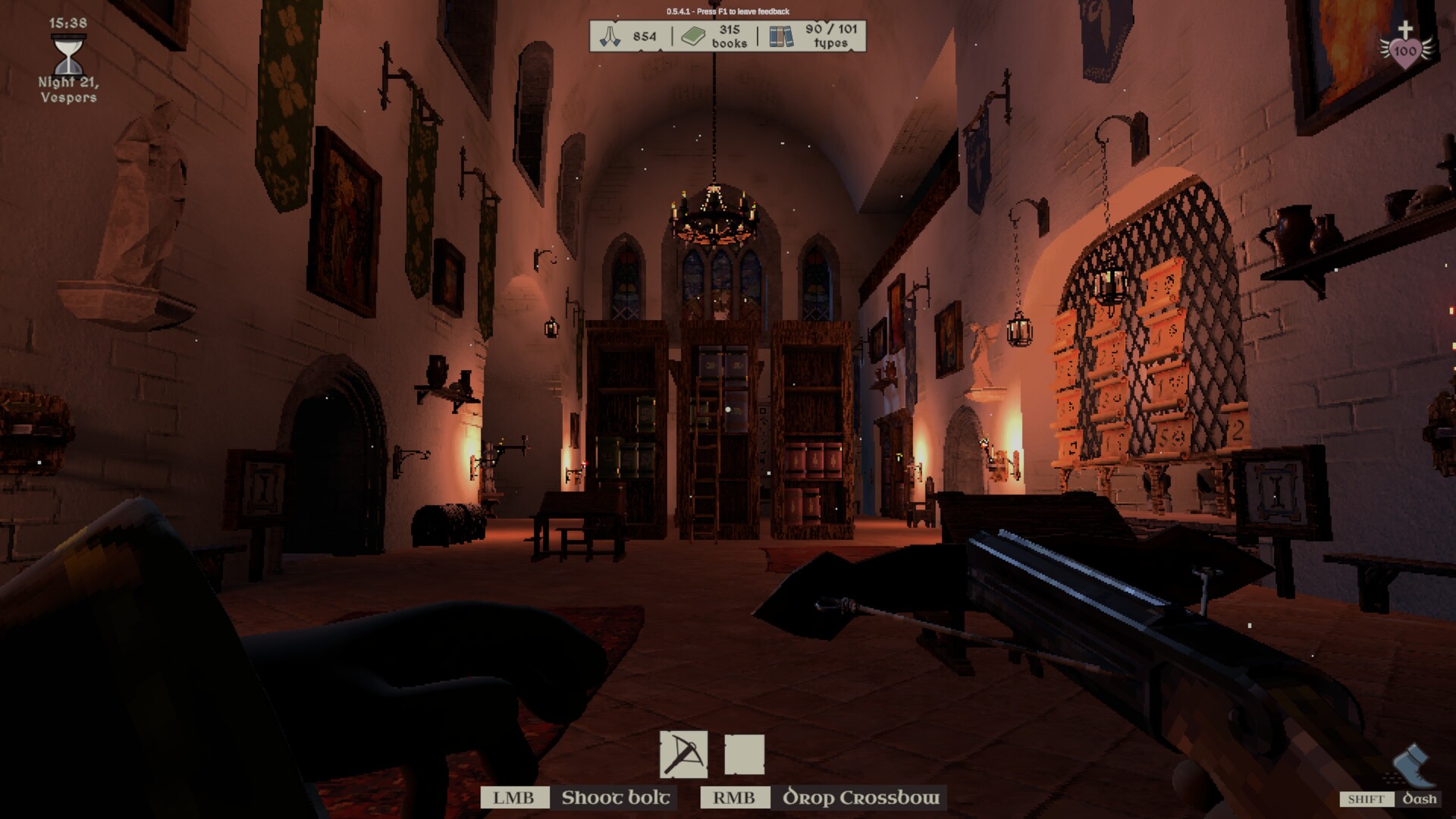
When night arrives, vermin, spirits and other beasts assault the library. You can equip a dagger, crossbow or holy cross to repel these foes and protect the shelves from damage.
If books become damaged during combat, you may use the quill to restore them. The game also offers options to reduce or disable enemies for a calmer experience.
- Keep a melee weapon ready for close‑range attackers.
- Consider enabling enemy‑reduction if you prefer a less intense night.

03 / THE GUIDE
Day and Night Cycle
The world runs on a continuous day‑night cycle. Daytime focuses on receiving books and arranging shelves, while night introduces combat and the Scribe delivery task.
Blessings earned after night defenses can be spent on Perkes to level Strength, Speed and Carpentry, or on expanding shelves and unlocking new chambers, linking the cycle to progression.
- Use daylight to complete shelving before night challenges begin.
- Plan expansion projects after a successful night to maximize Blessing use.
04 / THE GUIDE
Multiplayer Options
Up to four players may join a shared library session. Lobbies can be public or private and support Steam invites, copy‑paste join codes, proximity voice chat and in‑game text chat.
All participants can collaborate on shelving, combat and Blessing allocation, allowing a communal approach to both organization and defense.
- Create a private lobby for focused teamwork.
- Discuss Blessing distribution early to balance skill upgrades.
05 / THE GUIDE
Adjustable Gameplay Settings
The game provides sliders for FoV, headbob and gamma, as well as windowed or fullscreen modes. Full key rebinding, manual and autosave are also available, letting you tailor controls to your preference.
Granular difficulty options let you reduce, increase or disable some or all enemies, offering a way to adjust the challenge without changing core mechanics.
- Experiment with enemy reduction to find a comfortable difficulty.
- Adjust FoV and headbob to reduce motion discomfort during combat.


COMMUNITY
Player discussion