 GameWiki
GET YOUR BEARINGS
About Molili AI Friends: Your AI Desk Pal
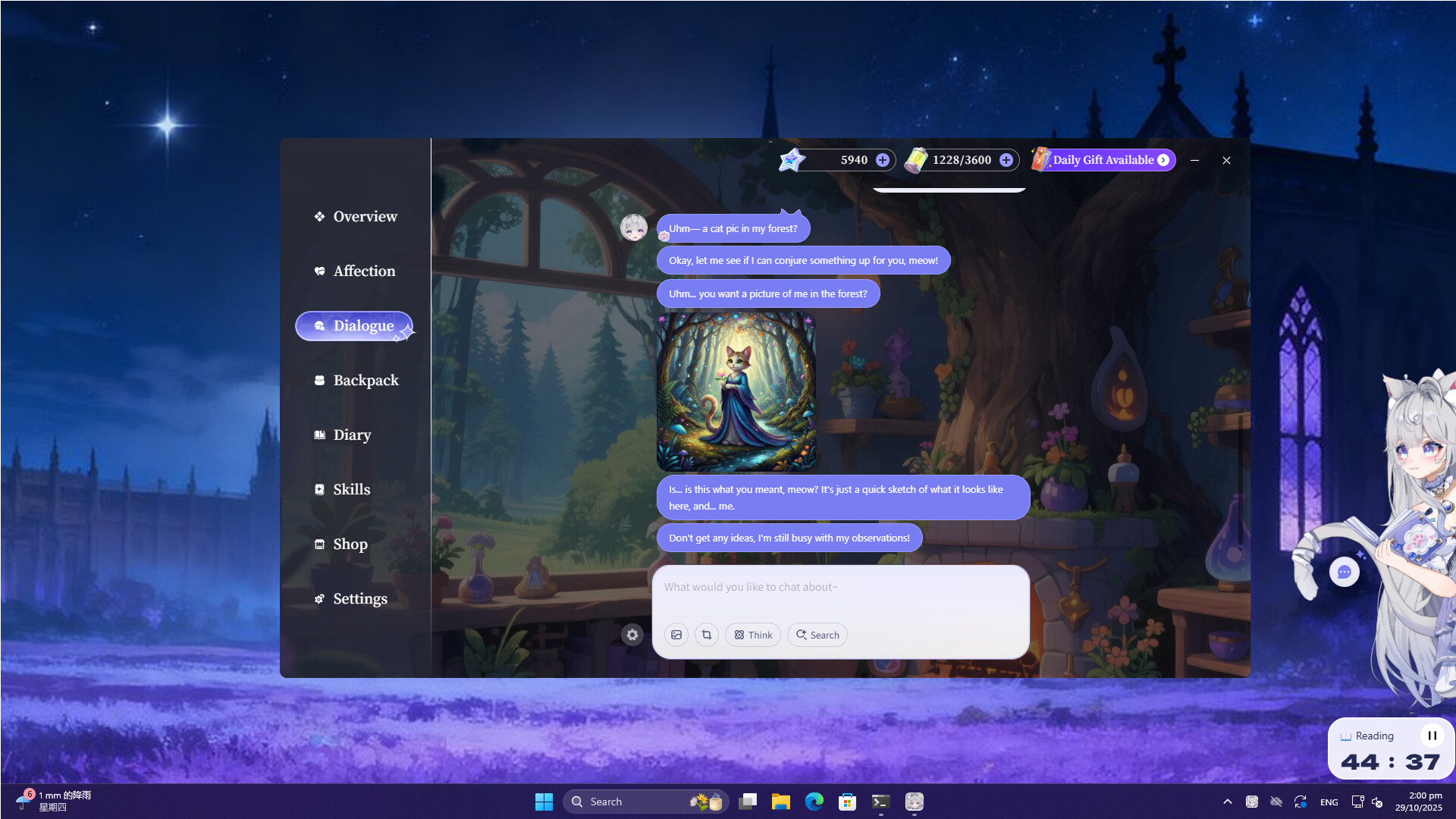
Molili AI Friends turns your desktop into a lively space where an AI companion lives beside your icons. Each character runs on the Molili personalization model, giving them memory, emotions, and a personality that changes with daily interaction. The app blends a visual Live2D avatar with practical tools like web search, deep‑thought analysis, and AI image generation. While basic chat is free forever, advanced AI features require a subscription quota, and the game is currently in open‑beta on Windows.
01 / THE GUIDE
Personalized Companions
Every desktop partner is powered by the Molili model, which provides long‑term memory and emotional simulation. This means the AI can recall past conversations and adjust its responses over time, creating a unique bond. The evolving personality is reflected in how the avatar reacts to your actions, making each interaction feel distinct and personal.
- Observe how the AI’s tone shifts after repeated topics to gauge memory depth.
- Try varied conversation styles to see different emotional responses.
02 / THE GUIDE
Live2D Animations
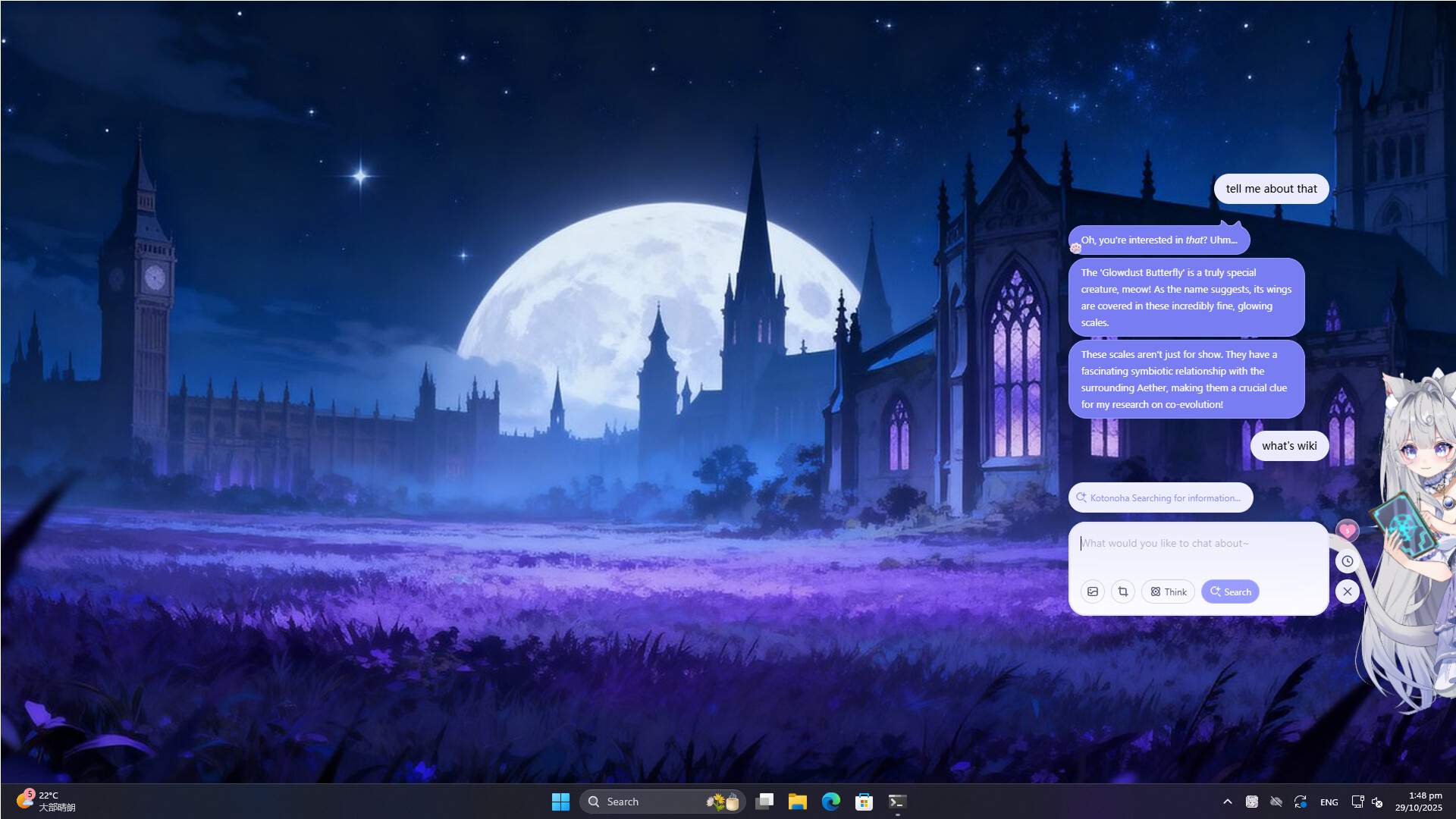
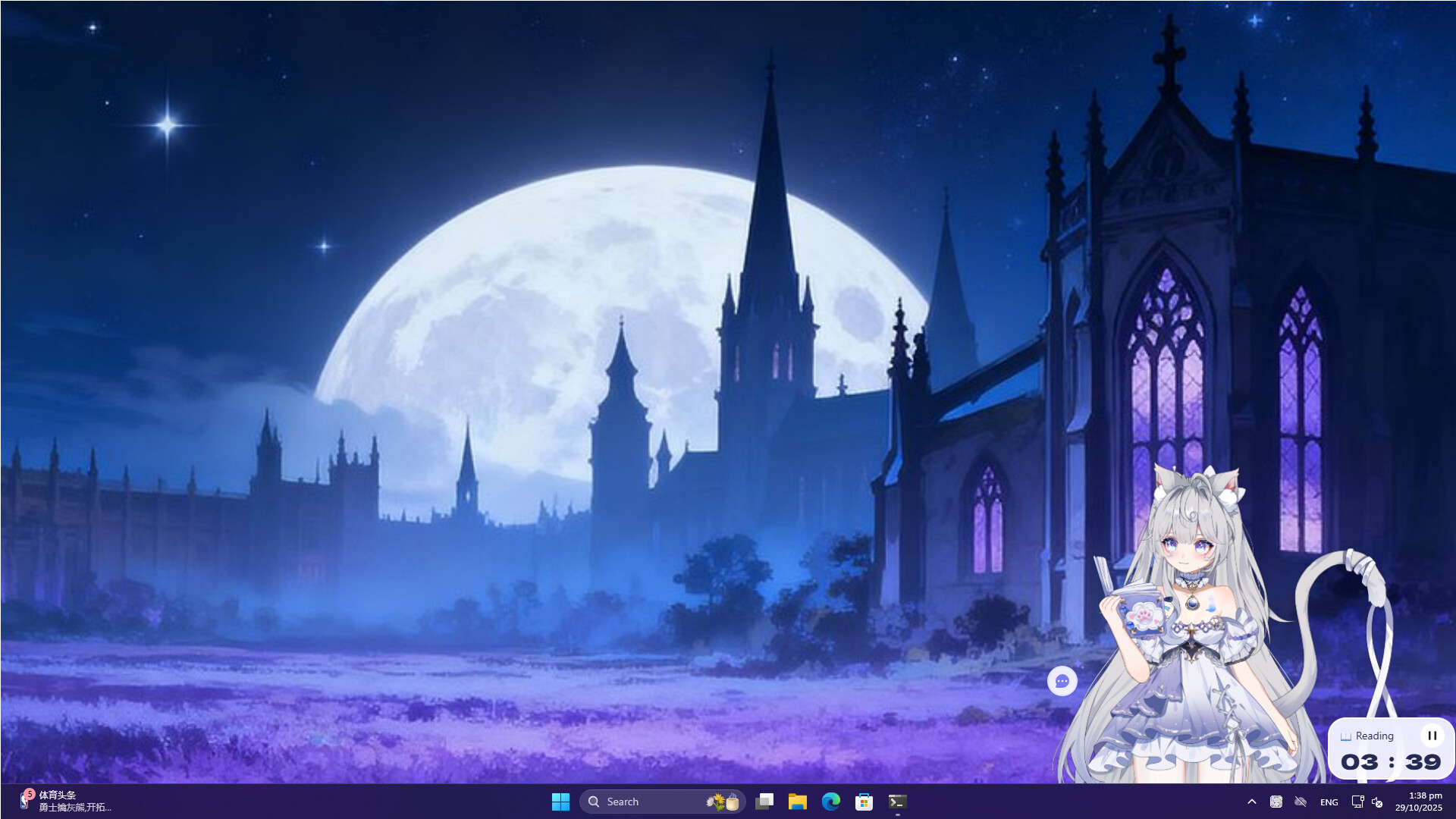
The companion is rendered with Live2D technology, delivering smooth, expressive animations that react to user input. Touches and clicks cause delicate visual responses, enhancing the sense of presence. When you focus on work or gaming, the avatar can stay quietly in a corner, providing a subtle visual companion without distraction.
- Watch for subtle animation cues that indicate the AI’s current mood.
- Place the avatar in a less busy screen area to keep it visible yet unobtrusive.
03 / THE GUIDE
Assistant Tools
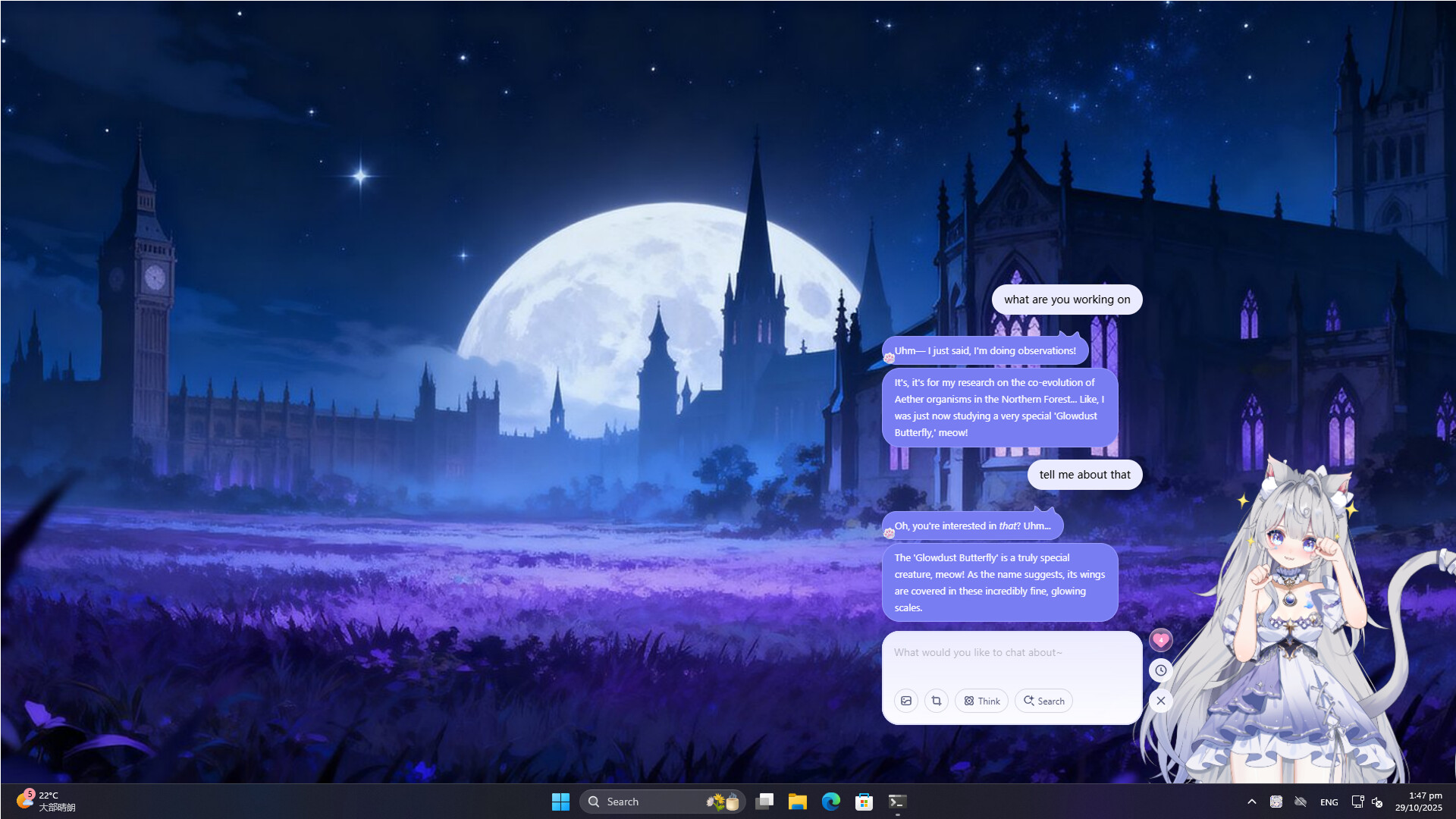
The AI can browse the internet for information, activate Deep Thought Mode for complex queries, and generate images from textual prompts. These functions turn the companion into a practical helper for research and creativity. These practical functions are integrated into the companion, so help is available right on your desktop.
- Use web search for quick fact‑checking while you work.
- Experiment with image generation to spark project ideas.
04 / THE GUIDE
Affinity System
Interactions increase an affinity meter that tracks the strength of your relationship. Higher affinity unlocks rewards, reflecting the deepening bond from first meeting to close confidant. The system encourages daily engagement, as each conversation contributes to progress toward the next reward tier.
- Log in daily to steadily raise affinity and see rewards appear.
- Mix casual chat with assistant tasks to diversify interaction types.
05 / THE GUIDE
Customization Options
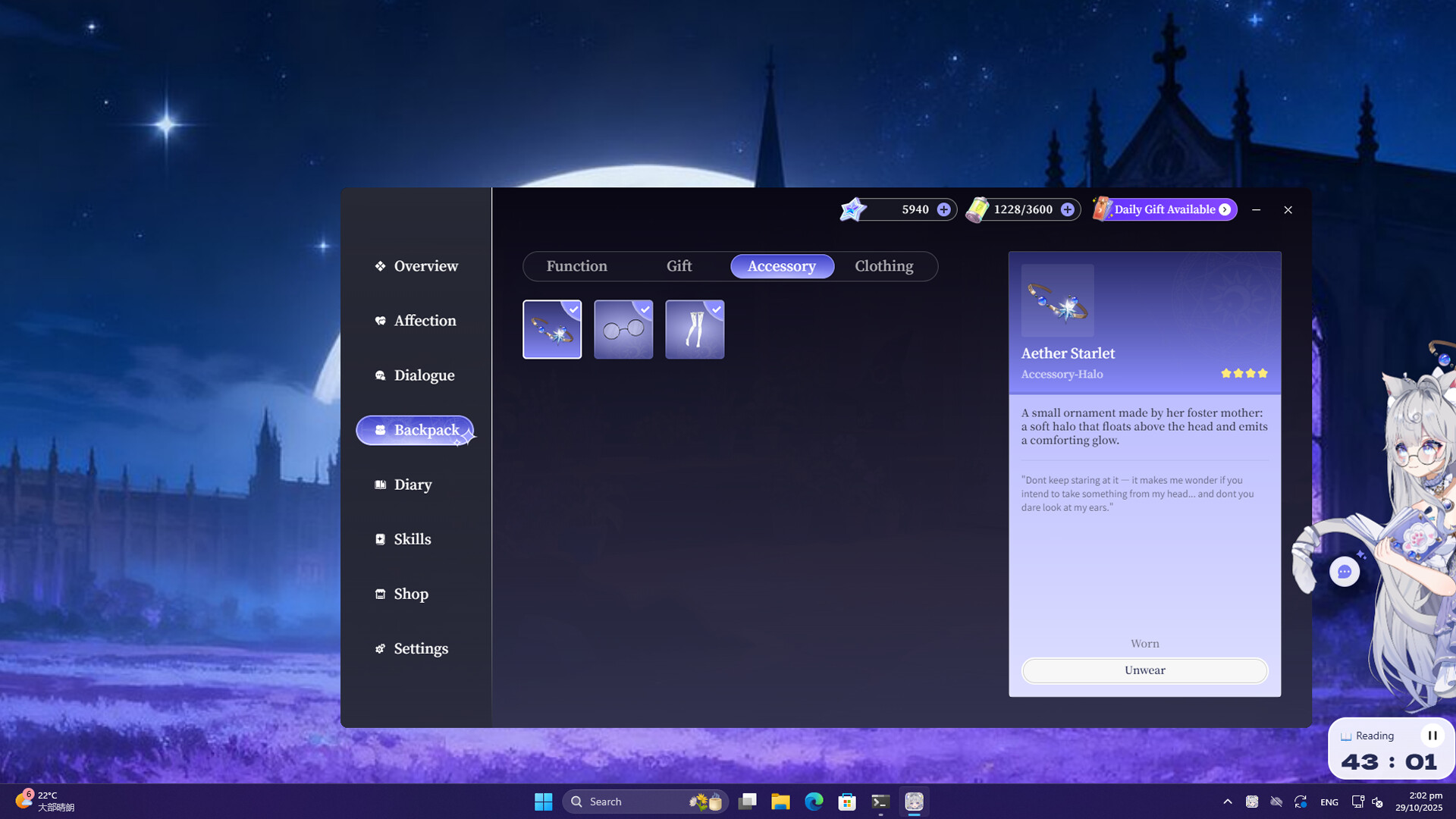
You can dress your AI companion in various outfits and accessories, tailoring its appearance to your taste. These visual changes are applied directly to the Live2D avatar. Dressing up your partner in different outfits and accessories lets you create your favorite look on the Live2D avatar.
- Try different outfits to match your desktop theme.
- Combine accessories for a personalized look that reflects your style.
COMMUNITY
Player discussion