 GameWiki
GET YOUR BEARINGS
About Modulus: Factory Automation
Modulus: Factory Automation puts you in charge of every production decision. You receive a target module and must choose operators, belt routes, and step configurations, creating a unique solution for each challenge.
The game takes place on floating sky islands that limit where factories can be placed. You must fit production lines within these islands, bridge gaps, and eventually build massive Neural Monuments that test scaling and logic.
01 / THE GUIDE
Puzzle Design
Each challenge supplies a module you must produce, but the method is entirely yours. You decide which operators to employ, how to route belts, and how to configure each step, turning every line into a personal logic puzzle.
There is no single correct answer; every choice involves trade‑offs between efficiency, space usage, and visual elegance. The game rewards both functional performance and the beauty of a well‑designed system.
- Start with a simple belt layout before adding complex operators.
- Iterate frequently; small adjustments often reveal better efficiencies.
02 / THE GUIDE
Spatial Constraints
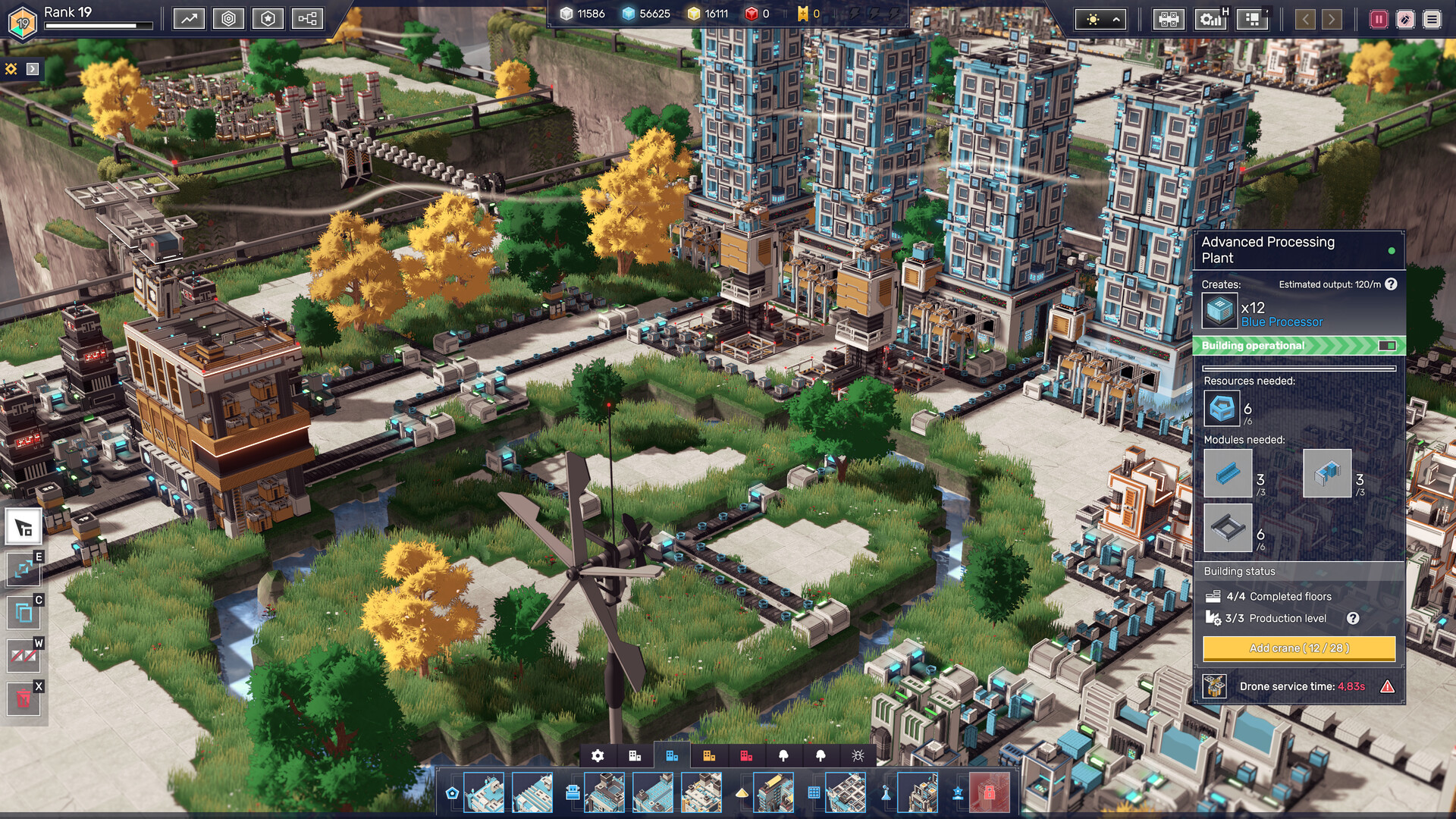
Factories sit on sky islands rather than open plains, making spatial planning essential. The shape of each island dictates where belts and modules can be placed, and gaps must be bridged thoughtfully.
Fitting your production within these islands, rather than sprawling, is a core part of the challenge. The terrain influences routing decisions and forces you to consider vertical and horizontal space together.
- Map island edges first to identify natural pathways.
- Use vertical stacking when horizontal space is limited.
03 / THE GUIDE
Creative Mode
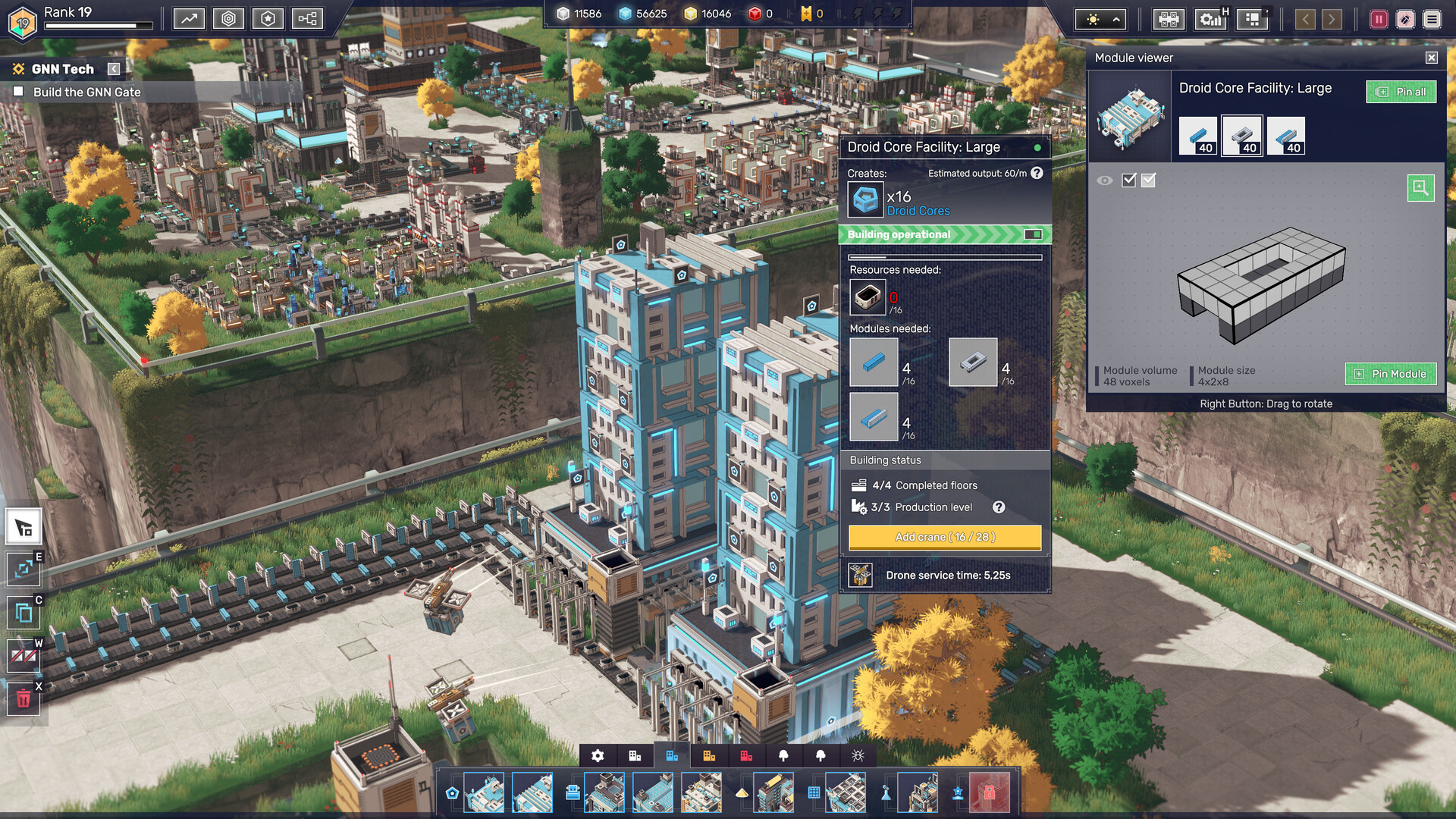
Creative Mode removes objectives and resource limits, granting full access to tools, paint, larger modules, and unlimited supplies. It serves as a sandbox for voxel art, complex layout testing, or pure experimentation.
Modules become visible building blocks in real time, letting you see the immediate impact of each design choice while you experiment without pressure.
- Experiment with oversized modules to explore new spatial arrangements.
- Use paint to differentiate functional zones for easier debugging.
04 / THE GUIDE
Progression and Unlocks
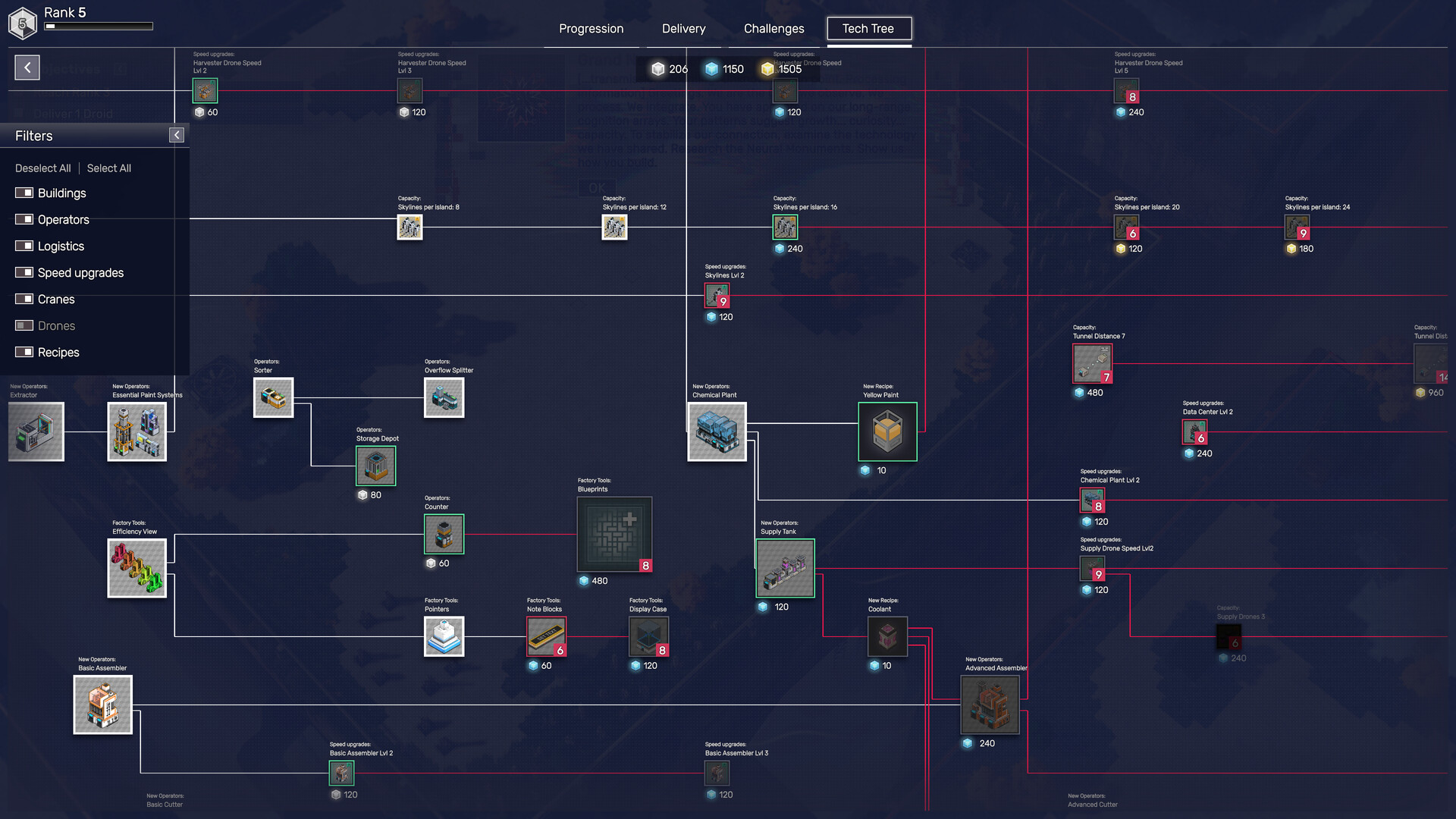
The game begins with basic resources and core systems. As you meet production goals, new mechanics, tools, and challenges become available, deepening logic and optimization opportunities.
Advanced stages introduce Neural Monuments—vast structures that require scaling your automation and testing the limits of your design.
- Master early tools before tackling Neural Monuments.
- Leave space for future modules when planning early layouts.
05 / THE GUIDE
Accessibility Features
Modulus includes camera comfort options, custom volume controls, and the ability to play without timed input, supporting relaxed, low‑pressure gameplay. Save‑anytime and Steam Cloud keep progress safe across sessions.
Additional Steam features such as achievements, trading cards, and family sharing are also supported.
- Adjust camera comfort settings to reduce motion strain during large builds.
- Enable cloud saves to keep your factories safe across devices.


COMMUNITY
Player discussion