 GameWiki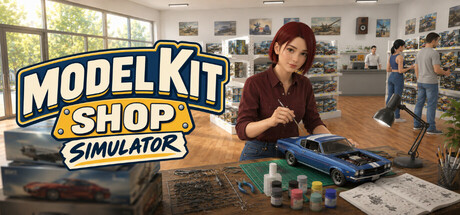
GET YOUR BEARINGS
About Model Kit Shop Simulator
Model Kit Shop Simulator puts you behind the counter of a first‑person hobby shop. You order master boxes, unpack deliveries, stock shelves, set prices and serve collectors who are looking for model kits and the paints that complete them.
The game adds depth with a Hobby Basket System that rewards keeping matching paints in stock and a Build Table where customers can assemble kits after checkout. Success comes from smart stock planning, layout choices and expanding your product variety through theme licenses.
01 / THE GUIDE
Store Management
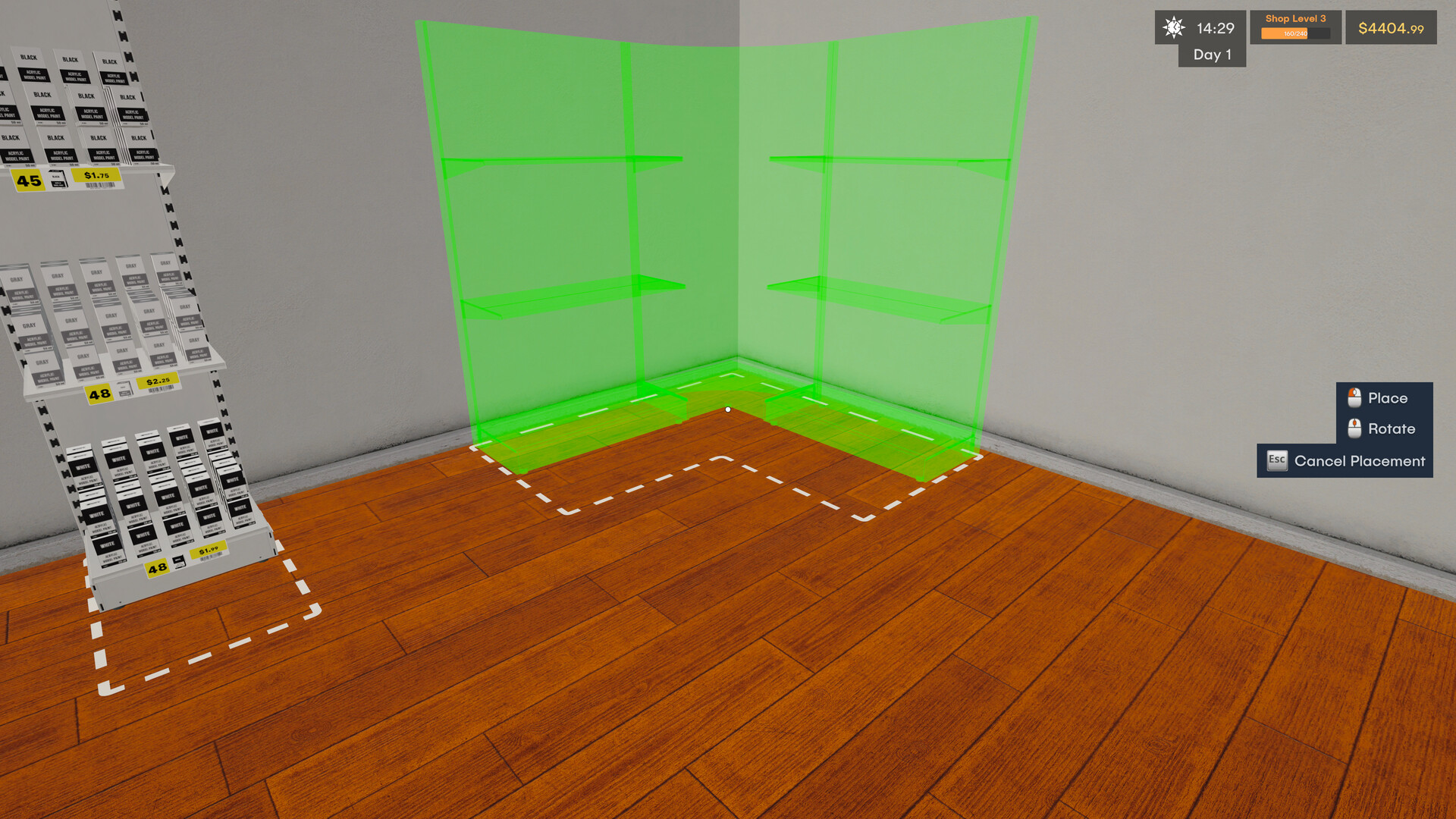
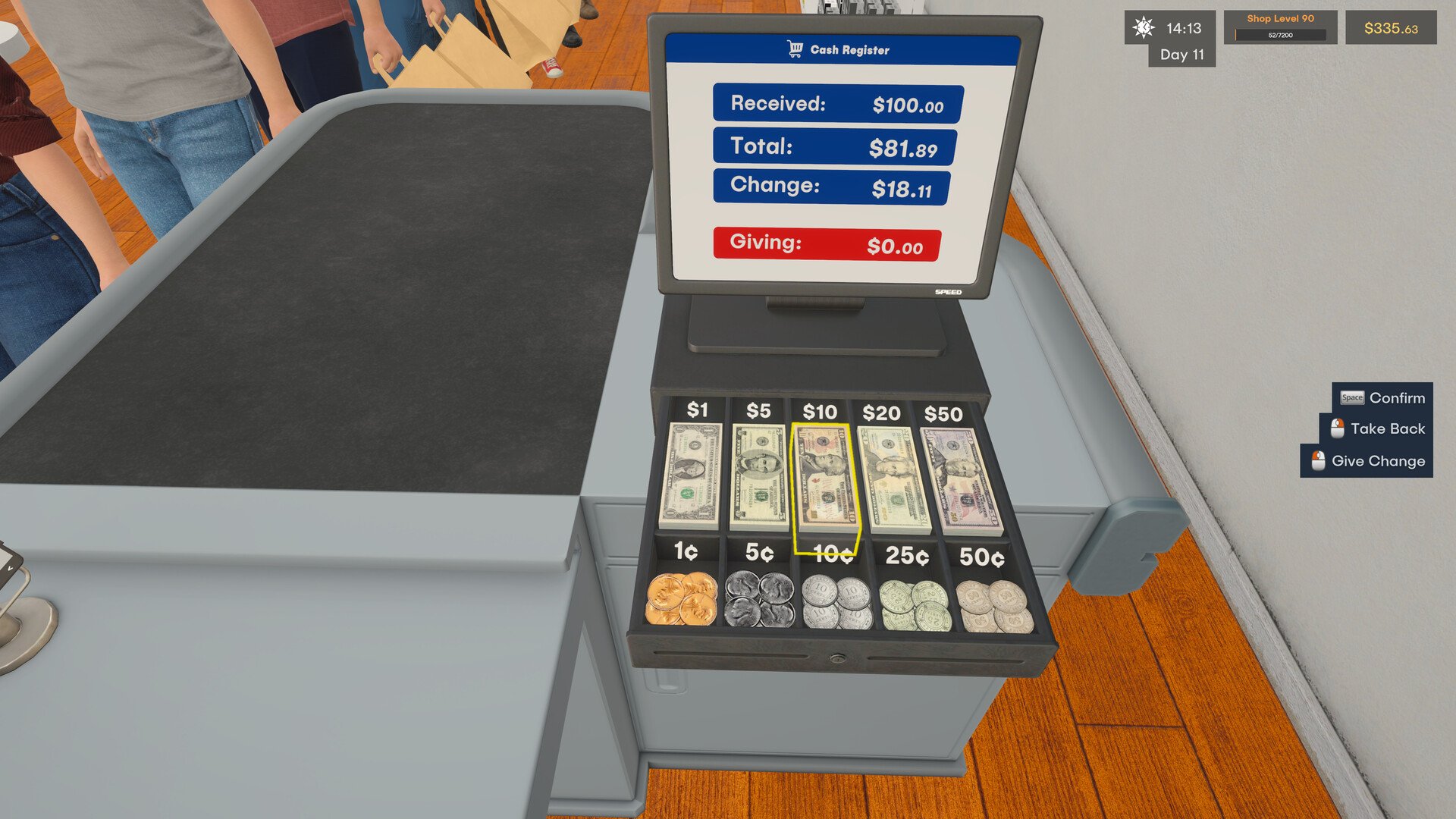
Running the shop is a first‑person experience where you order master boxes, unpack them and place items on shelves. You control pricing and watch profits grow as customers make purchases.
Efficient shelf organization and layout decisions affect how quickly customers find kits and paints, influencing overall sales. The game tracks your profit margins, encouraging careful financial planning.
- Compare the profit impact of different price points for the same kit.
- Observe which shelf arrangements lead to faster customer selections.
02 / THE GUIDE
Hobby Basket System
When a customer selects a model kit, they often look for matching paints. If those paints are stocked, they add them to the basket, raising the sale value.
Missing paints do not stop a kit purchase, but the basket value and profit are lower. Keeping paint inventory aligned with kit stock maximizes each transaction.
- Track which kits are most popular and ensure their paints are always available.
- Notice the difference in basket totals when paints are in stock versus when they are not.

03 / THE GUIDE
Build Table System
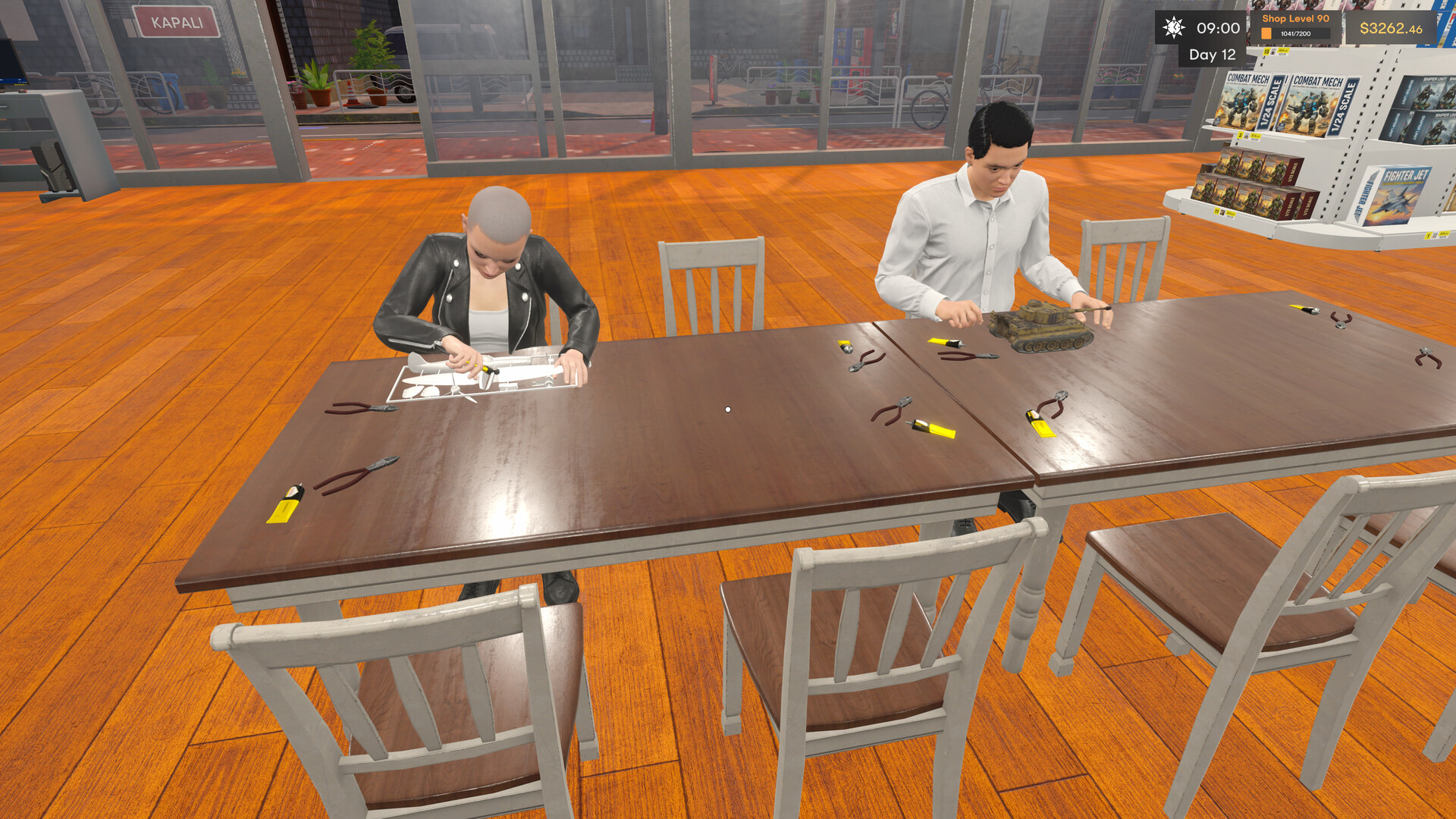
Customers who buy the right kit‑and‑paint combo can pay to use a Build Table after checkout. They assemble their model inside your shop, adding a hands‑on hobby experience.
The Build Table creates a livelier store atmosphere and offers an additional revenue stream beyond the initial sale.
- Place Build Tables near checkout to encourage post‑purchase use.
- Monitor how often customers choose the Build Table to gauge its profitability.
04 / THE GUIDE
Expansion and Theme Licenses
Unlocking theme licenses expands the variety of kits you can offer, allowing you to grow from a small shop into a larger hobby business. New product lines attract different collector interests.
Each license adds fresh inventory options, encouraging you to adjust stock strategies and pricing to suit the new themes.
- Compare sales trends before and after unlocking a new theme.
- Align paint stock with the specific kits introduced by a license.
05 / THE GUIDE
Platform Features
The game supports full controller input, adjustable text size, camera comfort options and custom volume controls, letting you tailor the experience. Steam Cloud saves let you continue progress across sessions.
Additional features like Save Anytime, Stereo Sound and Family Sharing provide flexibility for different play styles and household setups.
- Experiment with text size and camera comfort to improve readability during long sessions.
- Use Save Anytime to pause and resume without losing progress.

COMMUNITY
Player discussion