 GameWiki
GET YOUR BEARINGS
About Model Builder: Complete Edition
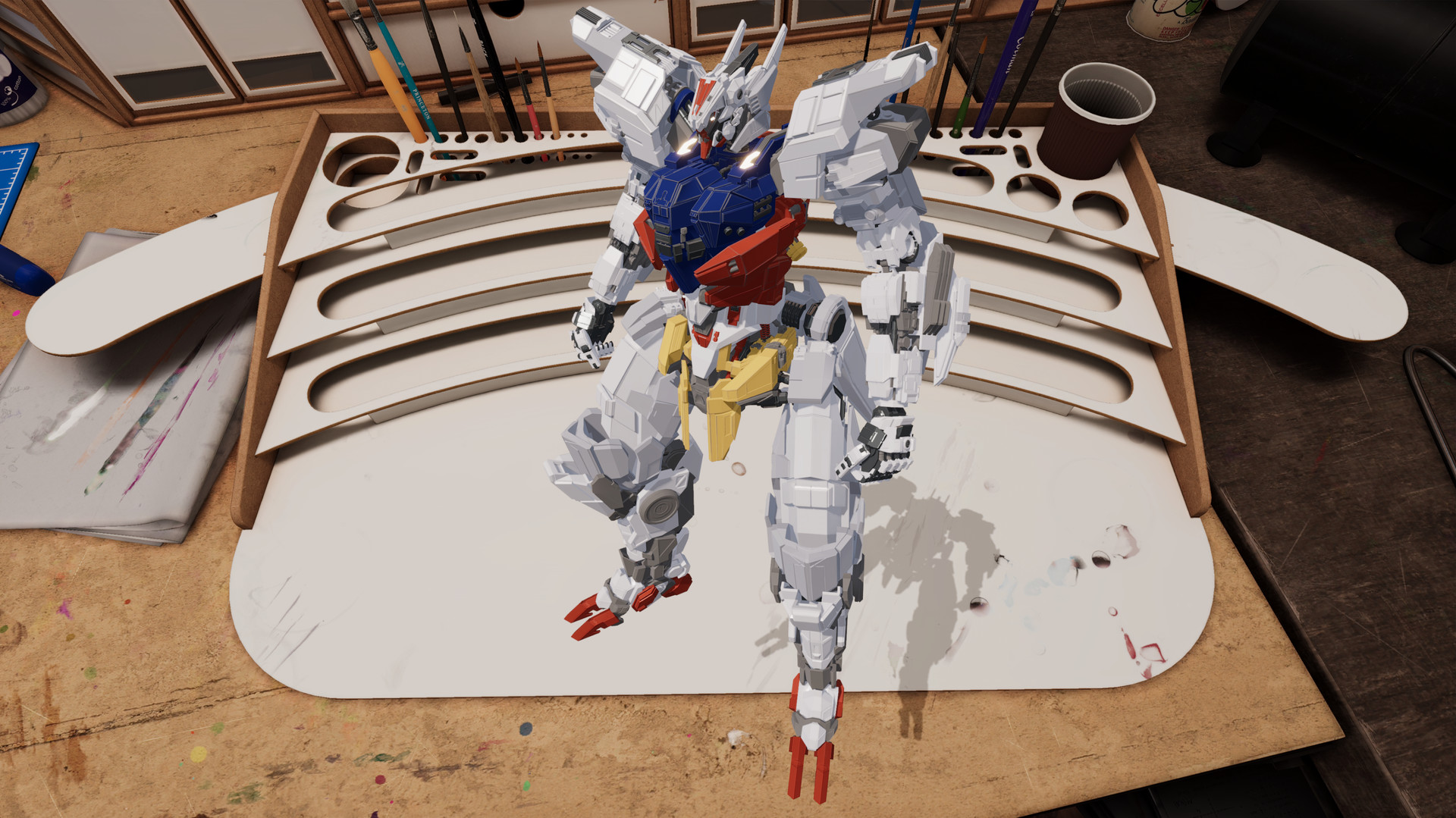
Model Builder: Complete Edition lets players step into the shoes of grandfather Stan, cutting, assembling, painting, and customizing a wide range of scale models. The single‑player simulation blends creative freedom with commissions and challenges, encouraging you to become a master modelling craftsman.
All DLCs are bundled, adding iconic military vehicles, cars, Frostpunk‑inspired pieces, fantasy figurines, and a futuristic e‑motorbike. With tools for precision work, an airbrush, decals, and a PhotoBooth mode for staging, the game offers dozens of hours of creative play and sharing on social media.
01 / THE GUIDE
Base Game Story
The core experience follows the legacy of grandfather Stan, guiding players through unlocking past secrets, taking commissions, and entering challenges. Progression is tied to becoming a master modelling craftsman within the immersive world of model building.
As you progress, you unlock secrets of the past and new tools that deepen the crafting experience.
- Observe how each commission introduces new model parts; this can hint at upcoming tool upgrades.
- Compare early challenges with later ones to see how the story expands your creative options.
02 / THE GUIDE
DLC Content
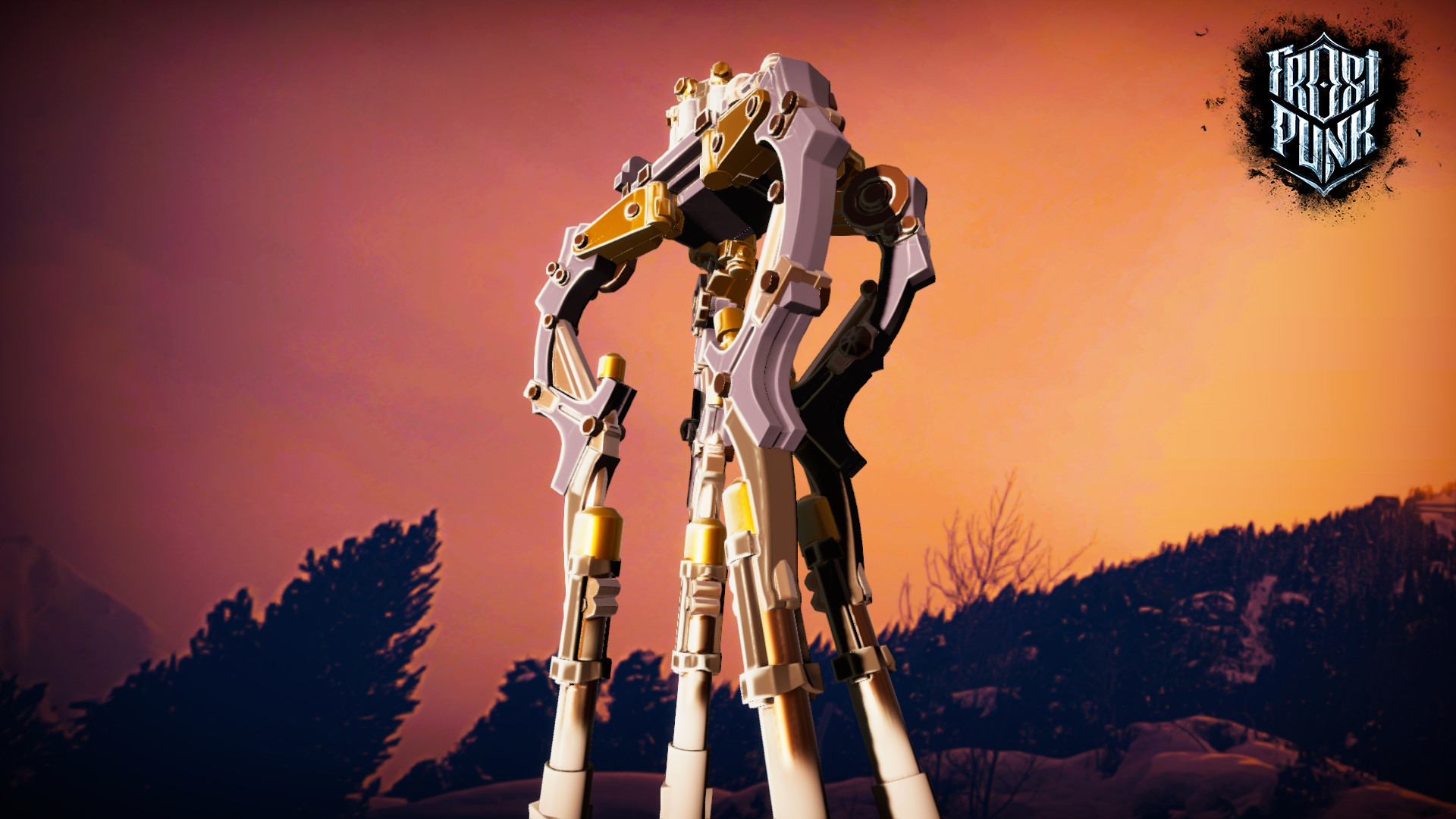
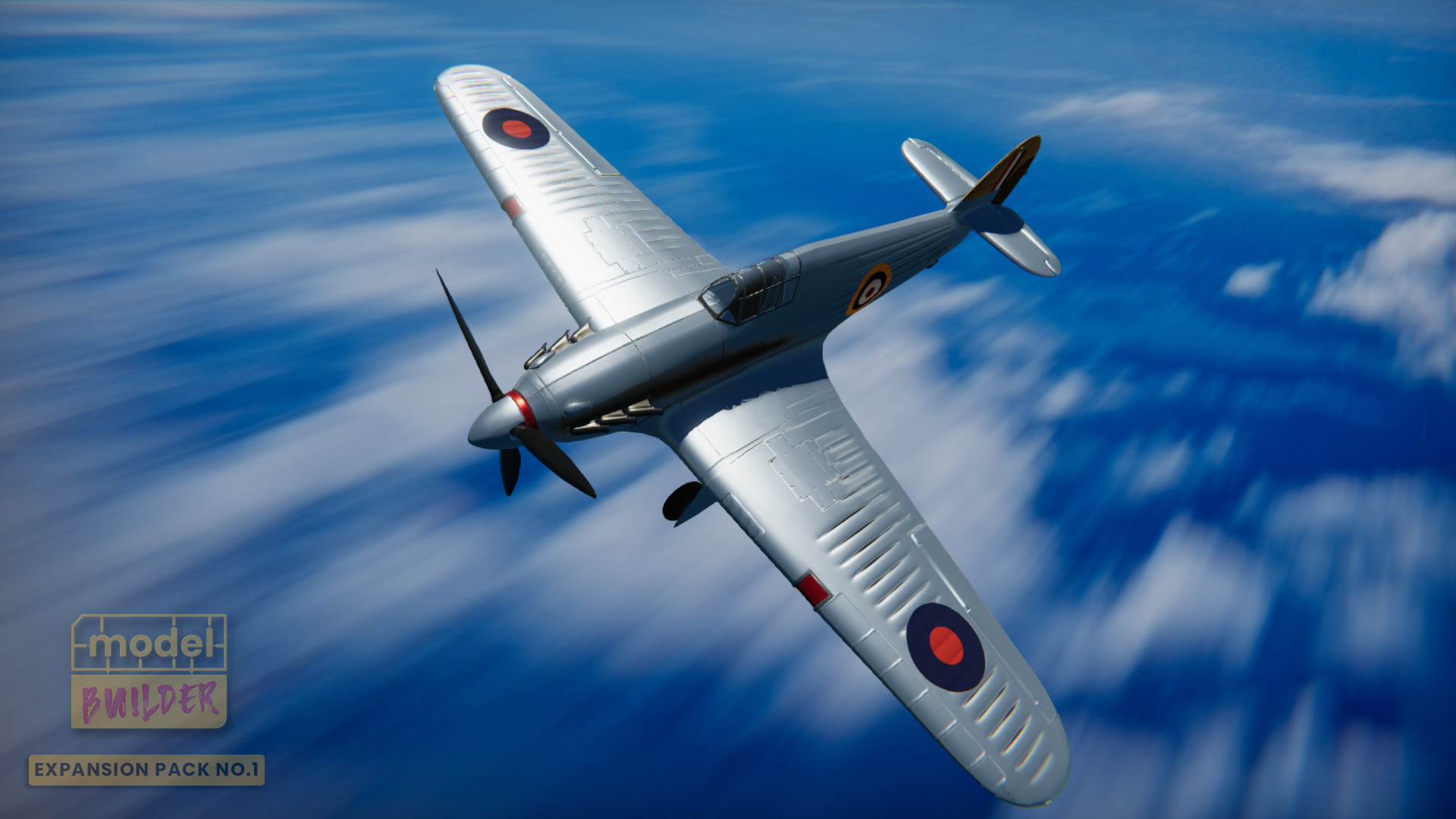
The Complete Edition includes multiple DLC packs: Military Pack adds F14, A10, and Sherman; Cars Pack adds Beach Buggy, Supercar, Classic Race Car; Frostpunk adds Dreadnought, Automaton, Generator; Expansion Pack No.1 adds M26 Pershing, PT‑109, Hurricane, Astrocat; Invincible Helmet adds a retro‑future helmet; Titan‑Forge adds fantasy miniatures; Aether adds an e‑motorbike.
Each DLC provides distinct model types, expanding the range of vehicles, figures, and thematic pieces you can build and customize.
- Mix models from different DLCs in a single PhotoBooth scene for visual contrast.
- Use the variety of packs to experiment with both realistic and fantasy styling.
03 / THE GUIDE
Modeling Process
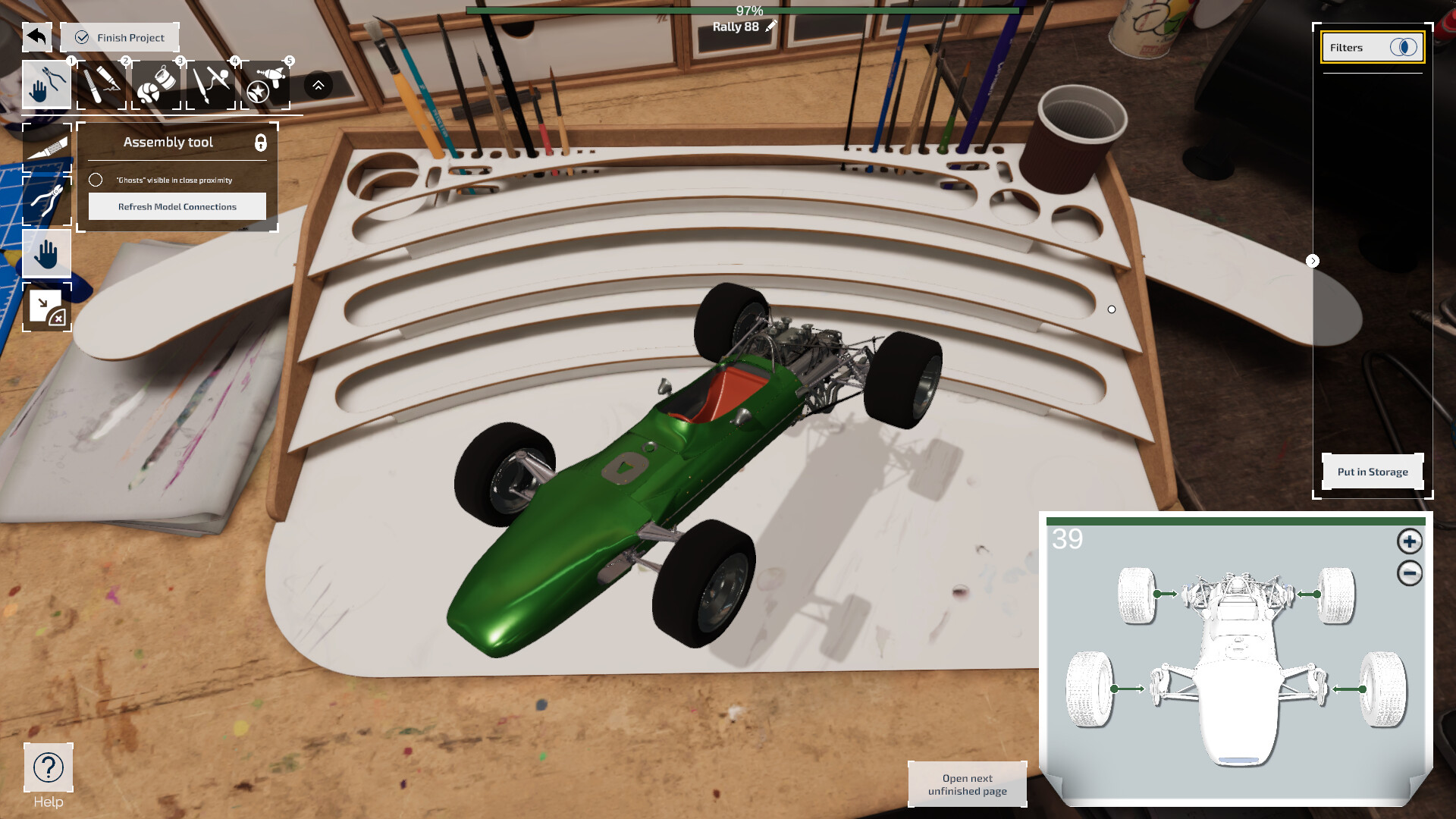
Players choose a model, then snip parts, assemble step by step, and apply finishing touches before painting. The process emphasizes precision and satisfaction from each construction stage.
After assembly, you can paint with a wide palette, use an airbrush tool, add fine details, and apply decals to personalize the finished piece.
- Take time with the snipping stage; clean cuts make later assembly smoother.
- Experiment with both airbrush and fine‑detail brushes to discover preferred painting styles.
04 / THE GUIDE
PhotoBooth Mode
When a model is complete, you can enter PhotoBooth mode to arrange it on various backgrounds, add effects, and create a showcase scene. This mode lets you stage multiple models together.
Completed scenes can be shared directly to social media, providing a way to display your creations beyond the game.
- Try different background lighting to highlight model details.
- Use effects sparingly to keep the focus on the craftsmanship of the model.
05 / THE GUIDE
Tools & Customization
A variety of tools are available for precision work, including snipping, assembling, painting, airbrushing, and decal application. New tools can be unlocked to aid finer finishes.
Customization is open‑ended: you may follow the brief or “pimp up” models with extra paint, decals, and personal touches, limited only by the available palette.
- New tools unlock as you progress, so keep an eye on progression cues.
- Compare the effects of different decals to see which best complement your color scheme.

COMMUNITY
Player discussion