 GameWiki

GET YOUR BEARINGS
About MLB 9 Innings Rivals 26
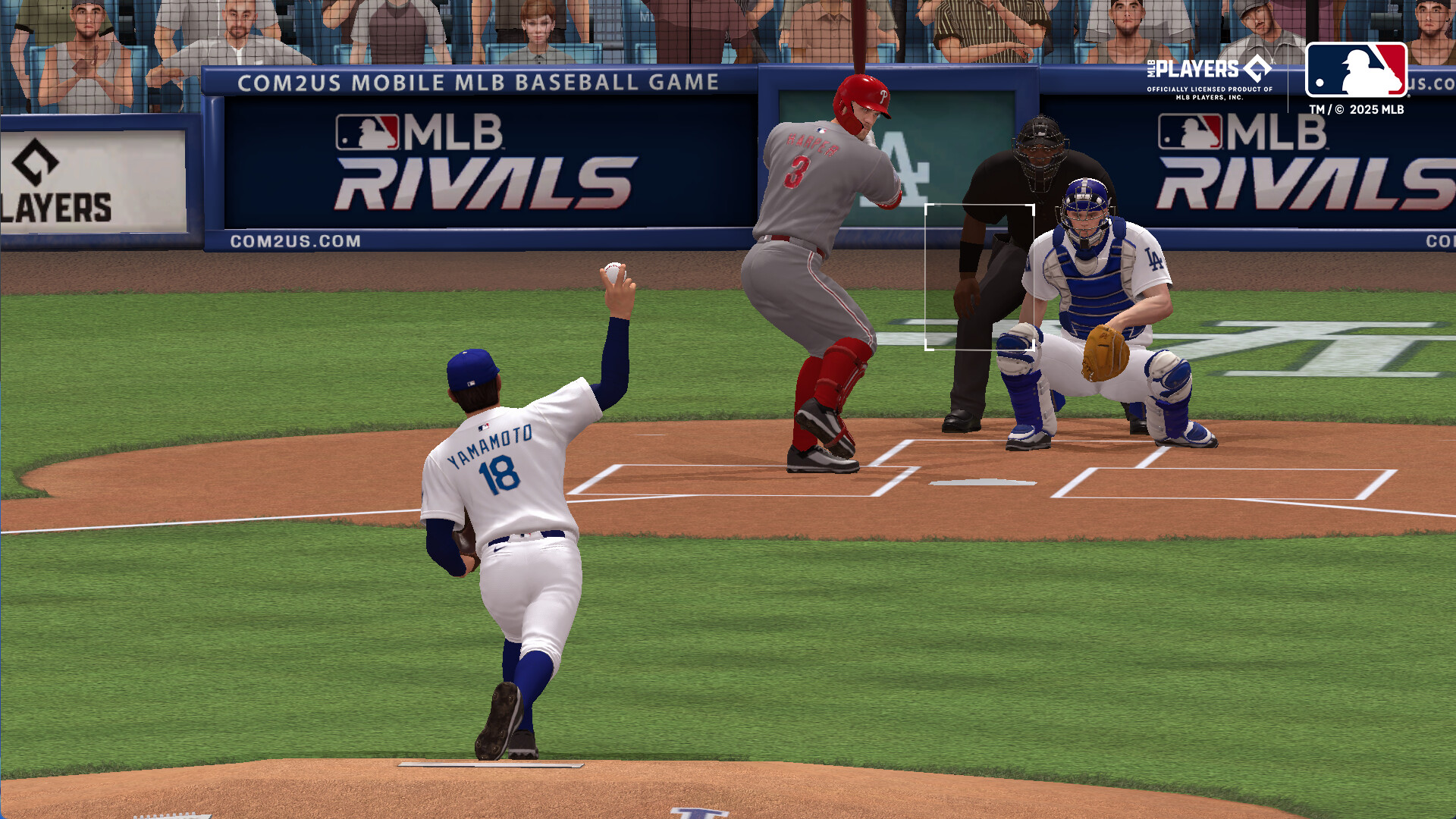
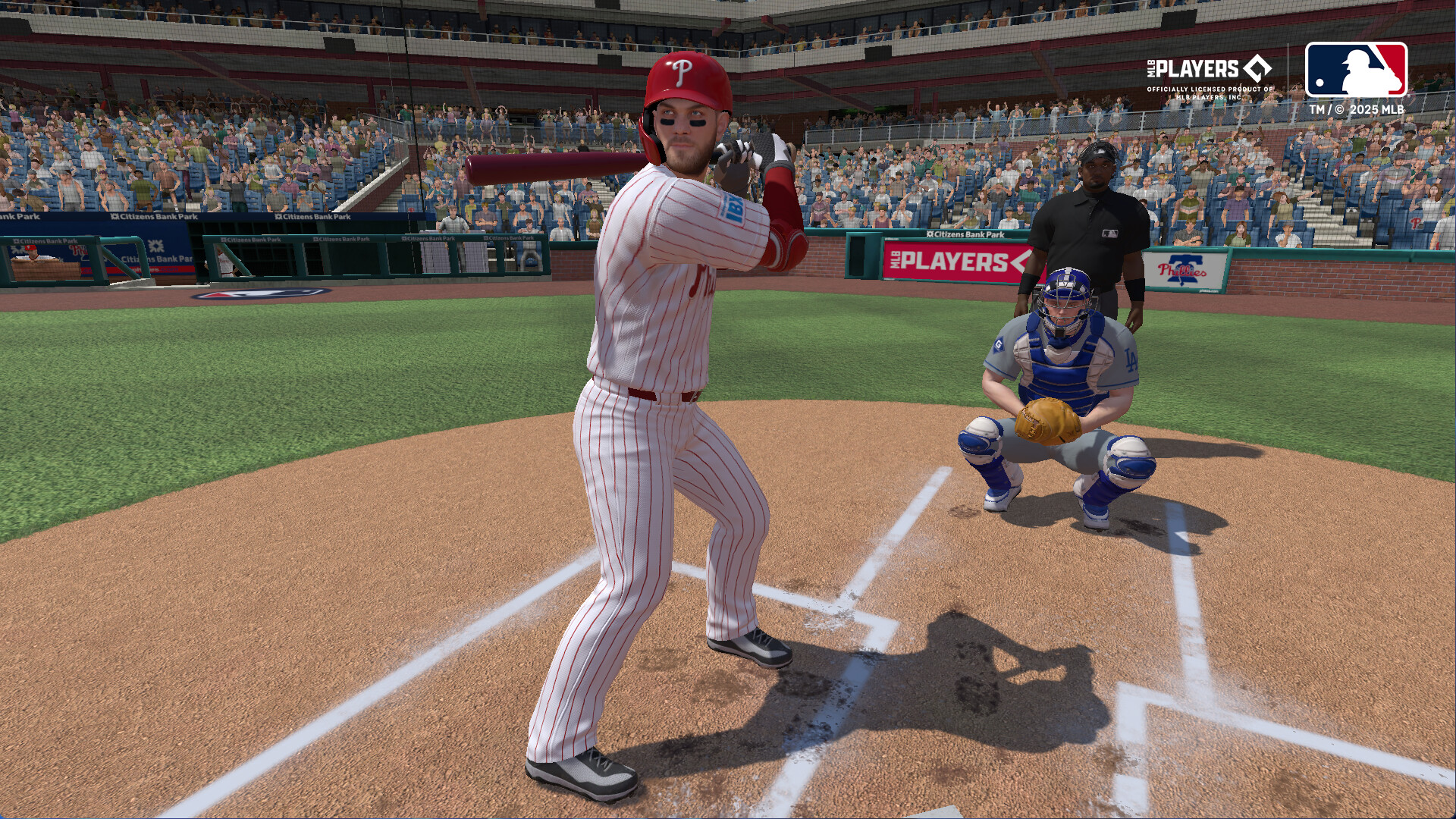
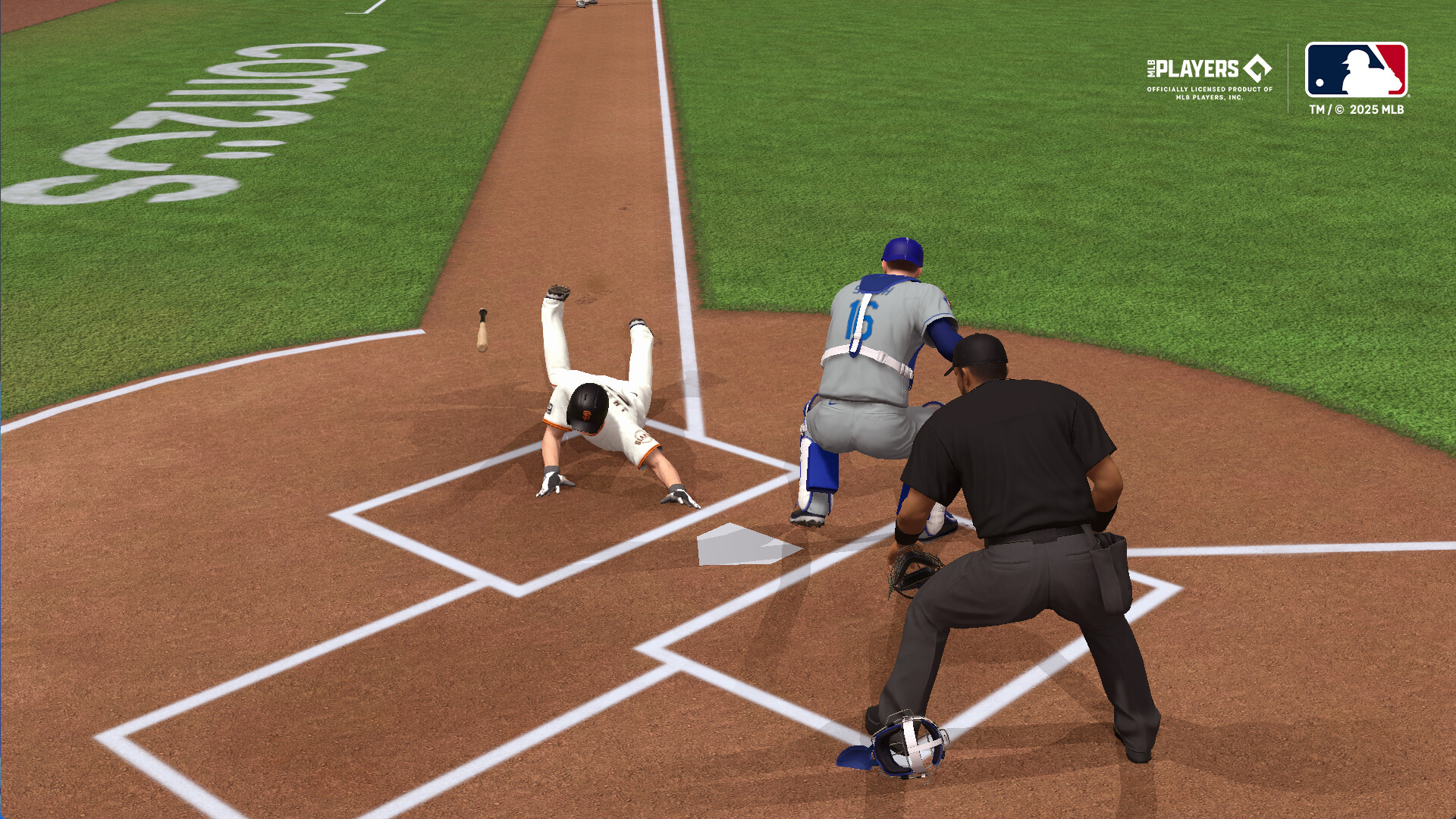
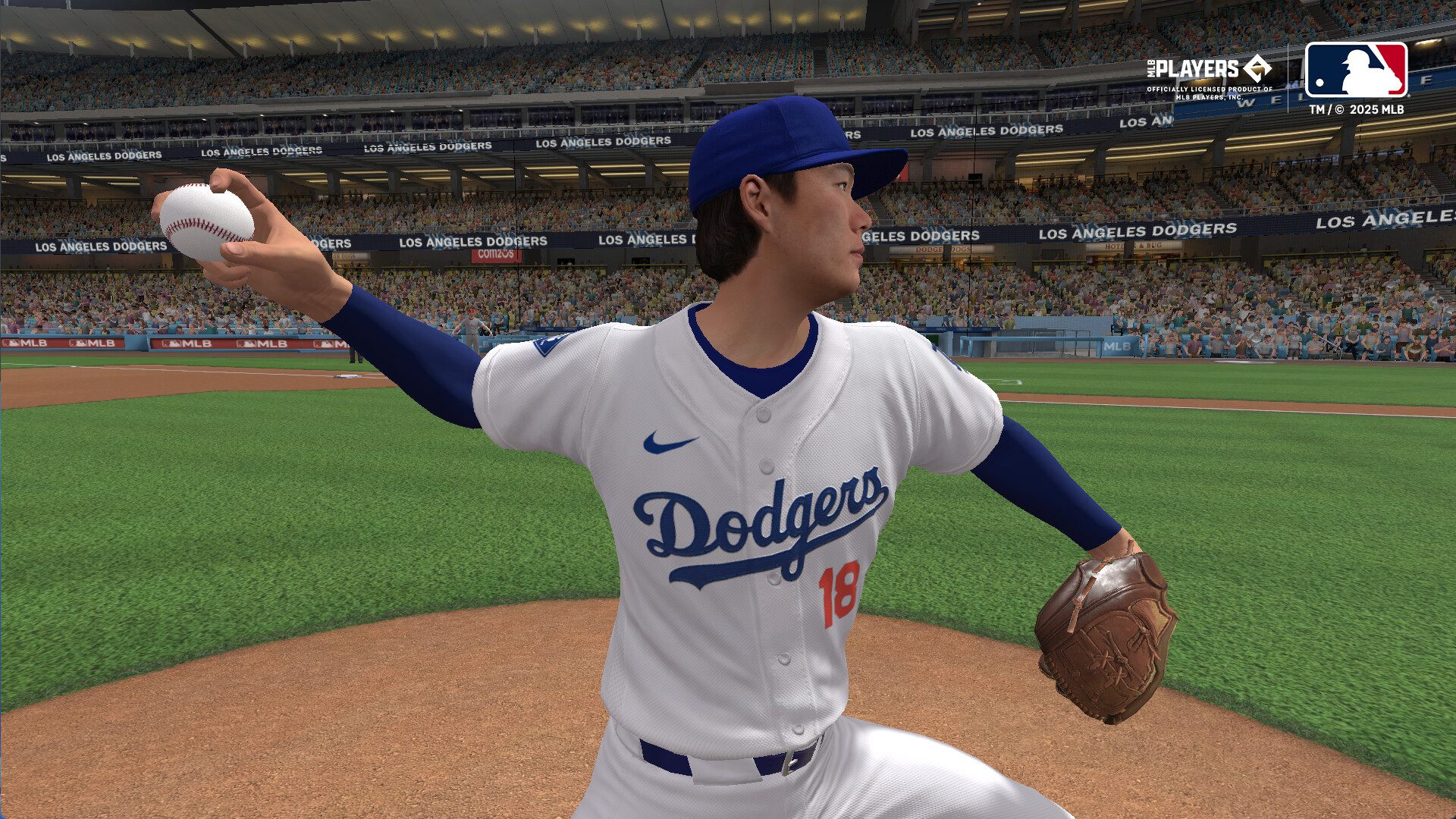
MLB 9 Innings Rivals 26 is an officially licensed baseball title that reproduces the 2026 MLB schedule, stadiums and uniforms. Hall of Fame legends appear as live cards that update with real‑time performance data.
The Windows version offers several play styles, from quick matches to full‑season simulations, and uses simple one‑touch controls with full controller support to keep the experience approachable.
01 / THE GUIDE
Game Modes
Players can select Quick Play, Spotlight Batting or Full Play, which determines match length and whether the focus is on hitting alone or a complete game. Live Match pairs you with opponents in real time, while Club Battle lets club members face other clubs together.
Ranked Slugger challenges users to hit the most home runs, and the ABS Challenge System adds pressure to every call, giving each mode a distinct competitive flavor.
- Start with Quick Play to become comfortable with the one‑touch system.
- Use Spotlight Batting to practice timing without managing full‑game variables.
02 / THE GUIDE
Ranked Tournament
The Ranked Tournament returns as a structured ladder where each win moves you higher. The description calls it “a fierce battle to determine the very best,” indicating that performance directly influences standing.
Progression in the tournament yields rewards, encouraging consistent play and thoughtful roster decisions to maintain competitiveness.
- Enter after assembling a balanced roster to handle varied opponents.
- Track win‑loss records to identify when roster tweaks are needed.

03 / THE GUIDE
Clubhouse Leader System
The Clubhouse Leader System has been updated, allowing you to select a Pitching Leader for your club. This choice highlights a specific pitcher within the club hierarchy.
While the source does not detail gameplay effects, the feature is presented alongside Club Battles, suggesting it influences club‑level competition.
- Review each pitcher’s stats before assigning the Pitching Leader role.
- Re‑evaluate the leader when adding new pitchers to your club.
04 / THE GUIDE
Player Growth – Transcendence
Player development now includes a Transcendence expansion and a Transcendence Potential update, offering deeper growth paths beyond standard upgrades. These systems let you enhance individual athlete skills over time.
Success rates are displayed, giving a visual cue of how close a player is to reaching the next potential level, which helps plan upgrade investments.
- Focus on players with higher displayed potential for faster overall improvement.
- Check success rates regularly to decide where to allocate upgrades.
05 / THE GUIDE
Controls & Accessibility
The game emphasizes simple one‑touch play, removing complex button combinations. Full controller support includes DualShock and DualSense compatibility, and the Windows version supports family sharing.
Improved tutorials aid new players, and Quick Play offers speed‑through settings so you can adjust match pacing to fit your available time.
- Enable a controller if you prefer tactile input over touch controls.
- Adjust play speed in Quick Play to match the length of time you have.
COMMUNITY
Player discussion