 GameWiki
GET YOUR BEARINGS
About Mixolumia
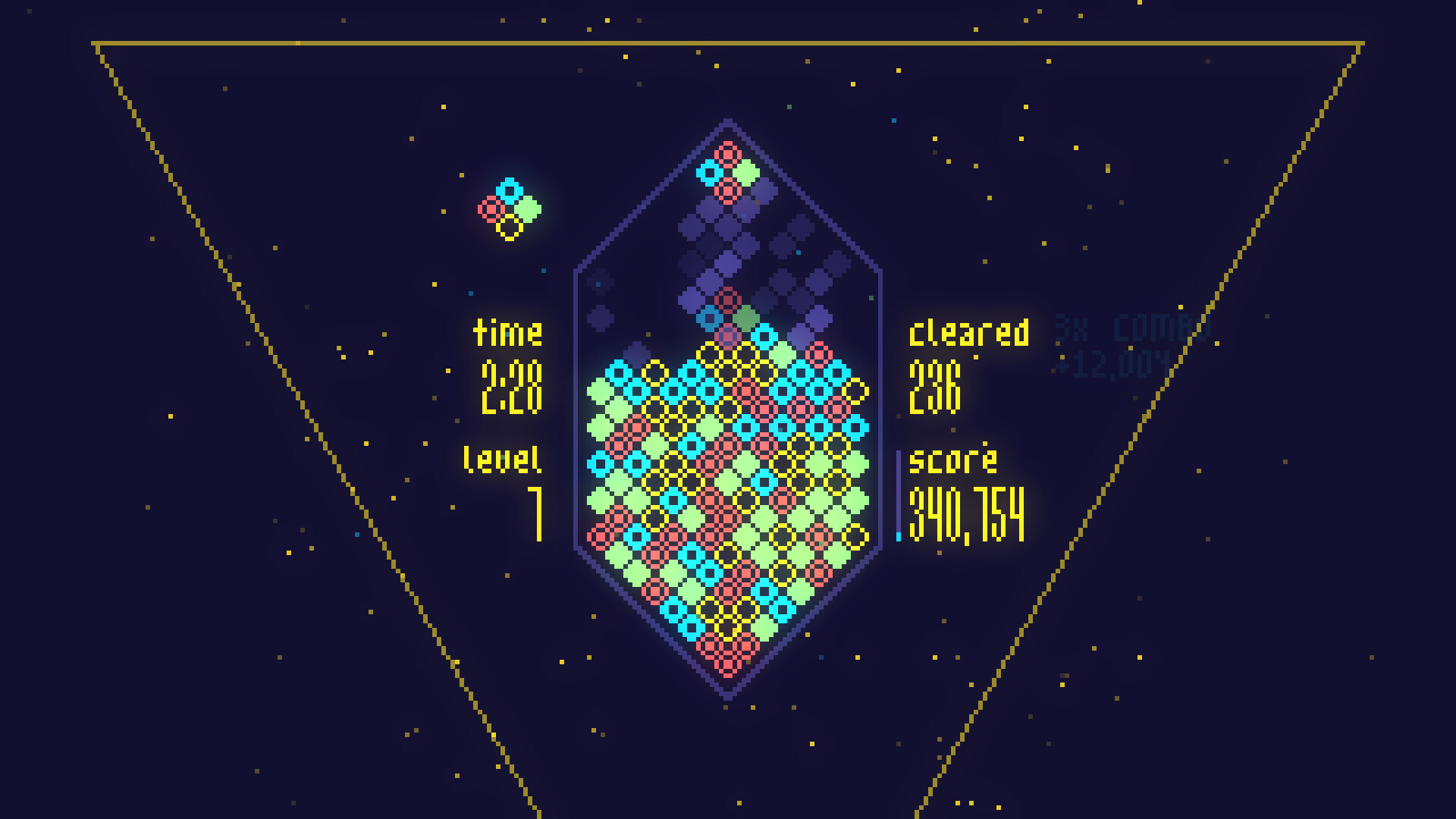
Mixolumia is a falling‑block arcade puzzler where diamond blocks glide across a gem‑shaped board and trigger glittering chain reactions. Its vivid visuals and reactive soundtrack create a soothing atmosphere for casual play while still offering depth for competitive puzzlers. The game provides multiple modes, color palettes, and soundtrack choices, letting players tailor the experience. Accessibility options let users fine‑tune or disable effects, ensuring the title remains approachable for a wide audience.
01 / THE GUIDE
Core Gameplay
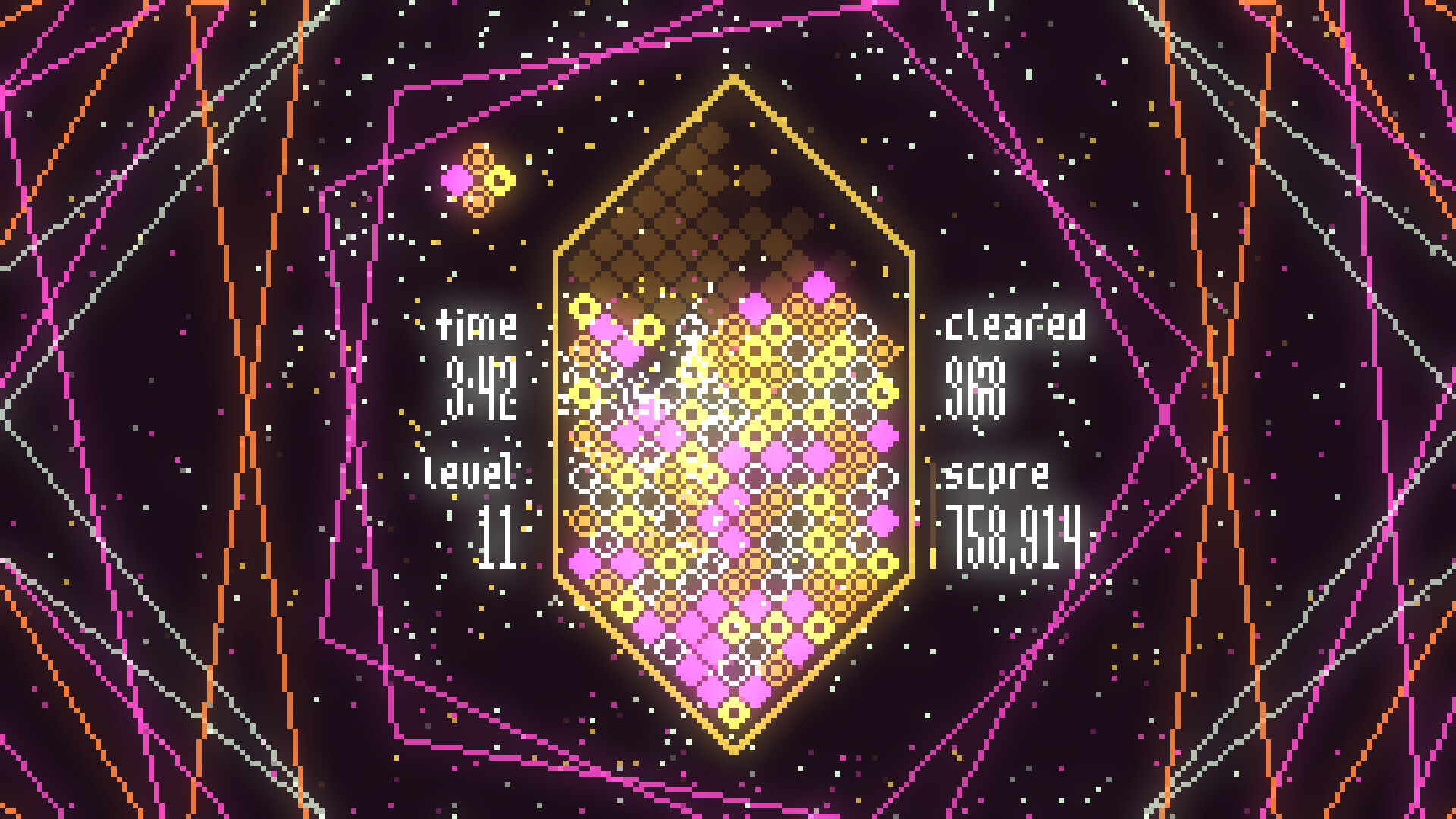
Blocks slide together on a gem‑shaped board, and when they connect they explode, forming chain reactions that score points. The mechanic is simple to grasp yet encourages strategic placement for higher combos.
Players can pursue a relaxed pace or push for intense, strategic play, as the game offers modes that match both chill and hardcore preferences.
- Observe how blocks settle before triggering a chain to maximize combos.
- Experiment with different board positions to discover natural cascade patterns.
02 / THE GUIDE
Soundtrack Customization
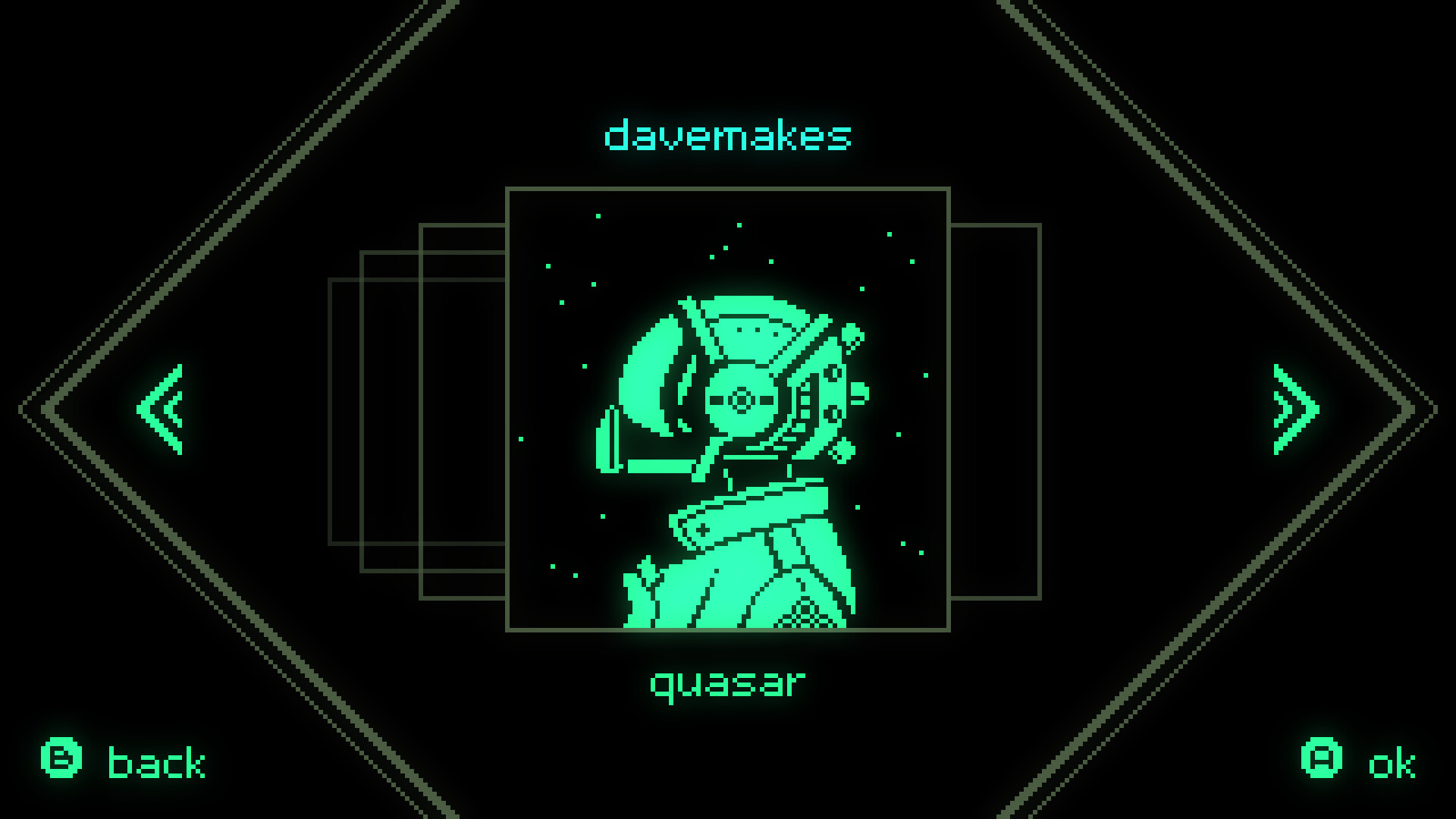
Each included song comes with unique sound effects that blend with gameplay actions, altering the overall feel of a session. Selecting a different track changes the auditory feedback you receive.
The music evolves as you play, providing a dynamic backdrop that can shift the mood from relaxed to energetic depending on your choice.
- Try a high‑tempo track for a more adrenaline‑filled session.
- Switch to a calmer song when focusing on precise placements.
03 / THE GUIDE
Visual Customization
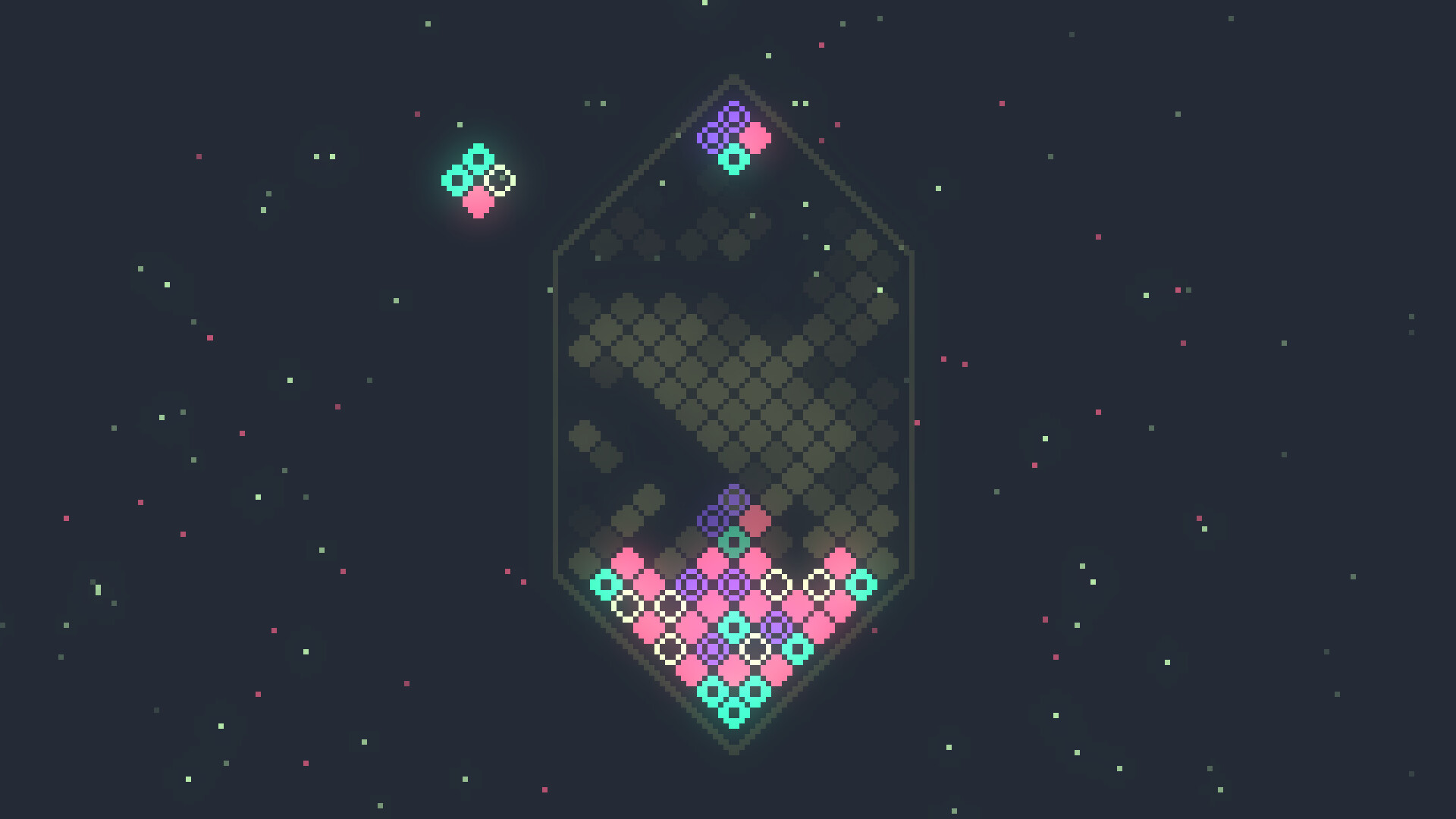
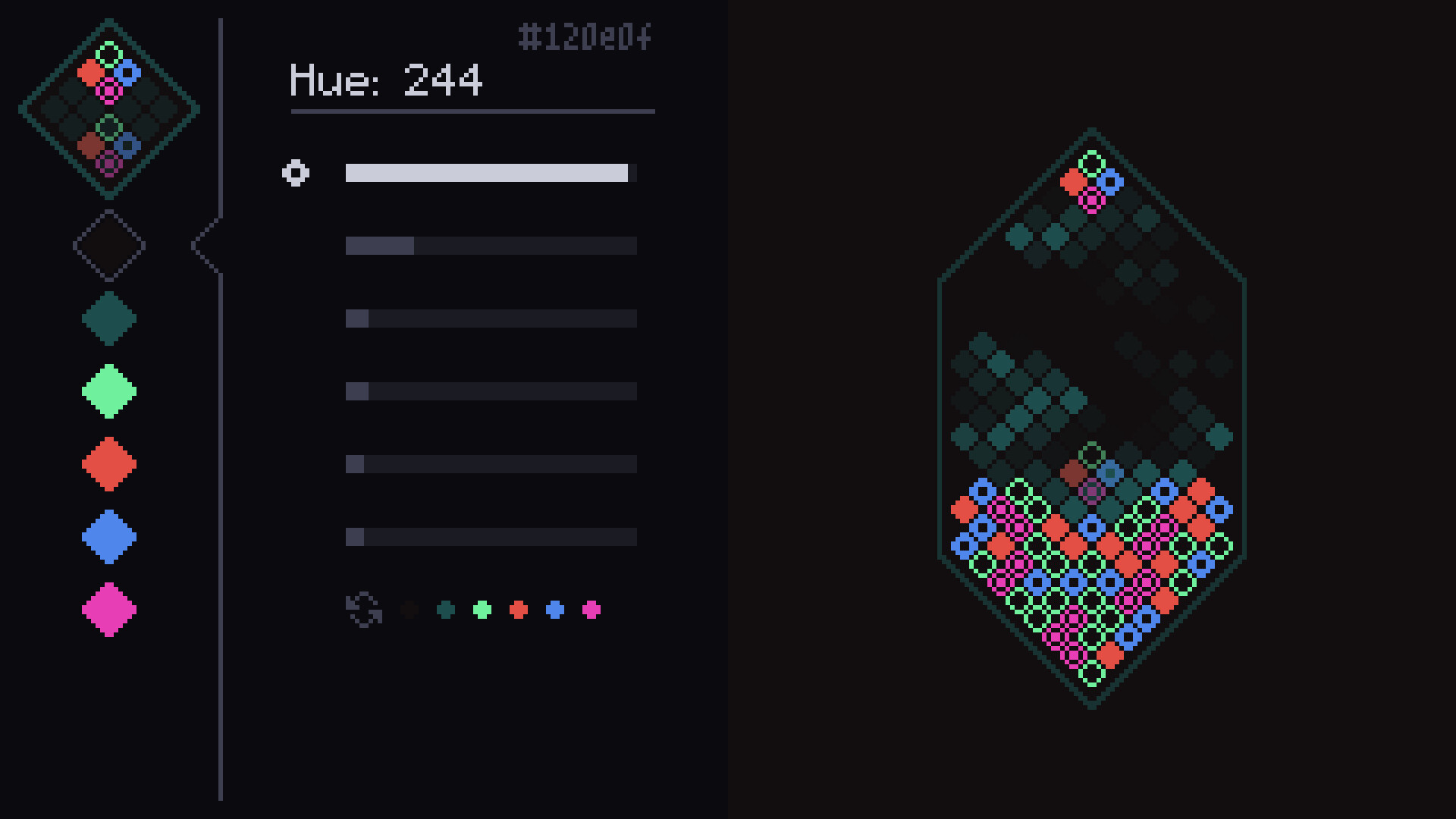
Players can select from many preset color palettes or craft their own using the built‑in color editor, instantly changing the board’s appearance.
These palettes let you switch up Mixolumia's visuals for a personalized aesthetic that matches personal taste or mood.
- Create a high‑contrast palette for clearer block visibility.
- Mix pastel tones for a more relaxed visual experience.
04 / THE GUIDE
Difficulty & Modes
Mixolumia offers multiple game modes that cater to both casual and competitive players, letting you choose a relaxed or intense strategic experience.
Adjustable difficulty settings let you fine‑tune the challenge level without altering the core mechanics.
- Start with the easiest mode to learn block interactions.
- Gradually raise difficulty to test your chain‑building skills.
05 / THE GUIDE
Accessibility Options
The game includes options to adjust or completely turn off visual and audio effects, making it adaptable for players with different sensitivities.
These settings are independent, allowing you to customize each effect separately for the most comfortable experience.
- Disable flashing effects if they cause discomfort.
- Lower music volume while keeping sound effects for clearer feedback.
COMMUNITY
Player discussion