 GameWiki
GET YOUR BEARINGS
About Mirage Feathers
Mirage Feathers is an anime‑styled pseudo‑3D rail shooter where you pilot Notari, a cybernetic fighter from the Federation’s FEATHER program. The narrative follows her quest to reunite with her best friend Miroita, aided by the AI companion Luciolla.
Combat is fast‑paced with infinite ammo, automatic target locking, and a variety of weapons that evolve as the story progresses. Players can also enter an Overdrive state for heightened firepower, and choose between a story‑driven campaign or an endless survival mode.
01 / THE GUIDE
Story
The plot centers on Notari’s determination to find Miroita after they are separated by the Institute, the military, or the Federation. Luciolla, an AI derived from Miroita’s mind, serves as Notari’s sole companion and voice of hope.
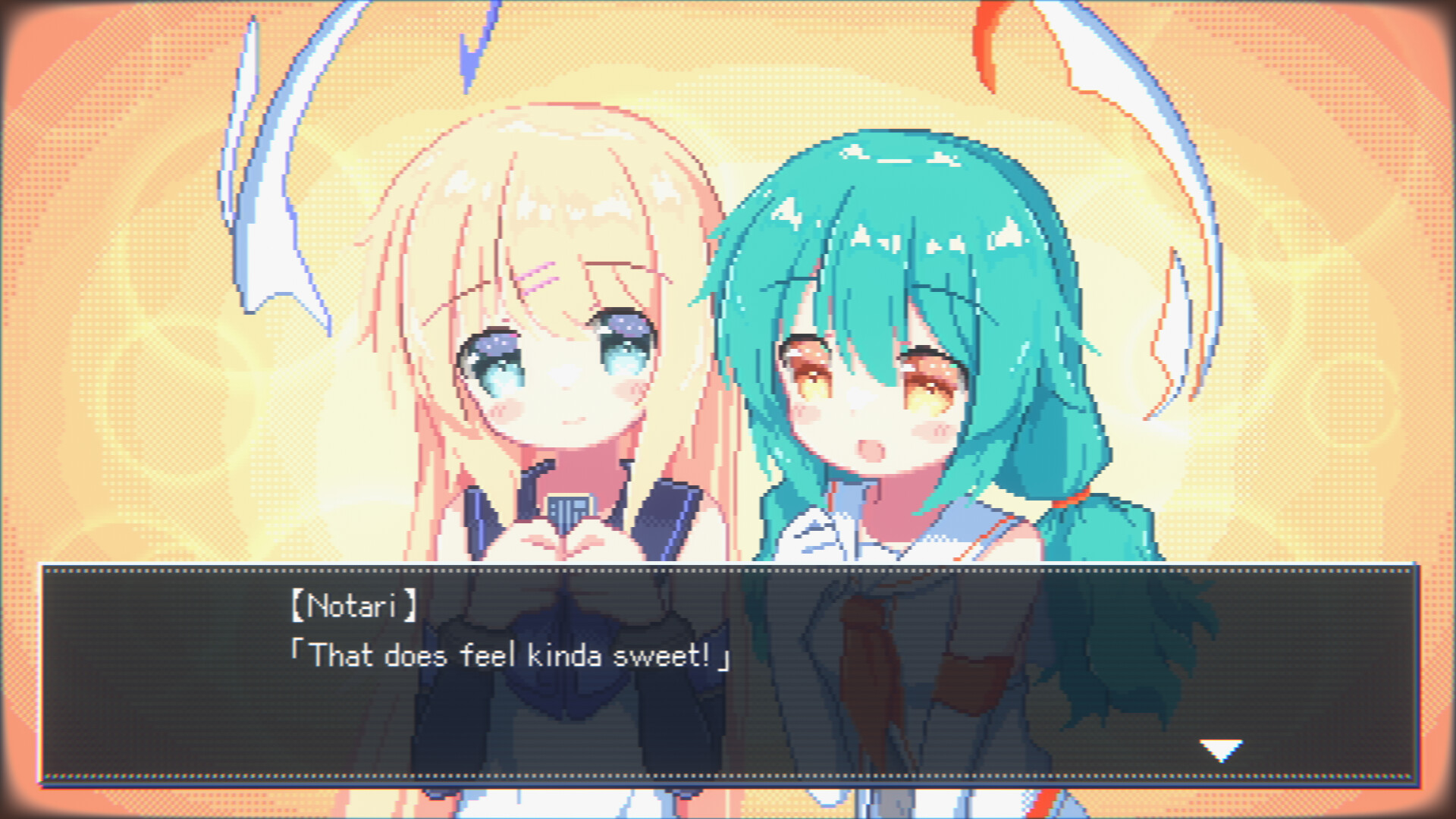
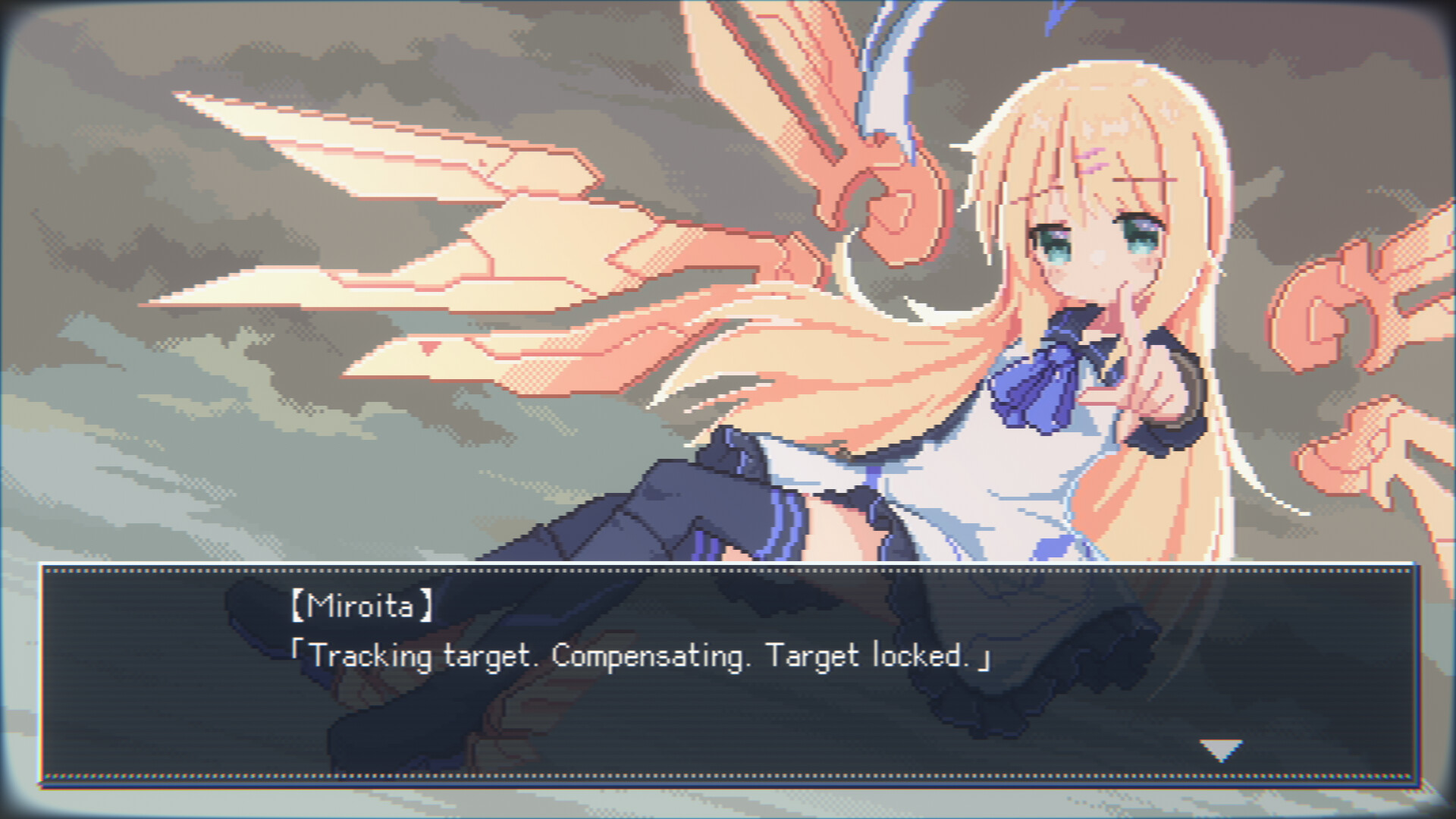
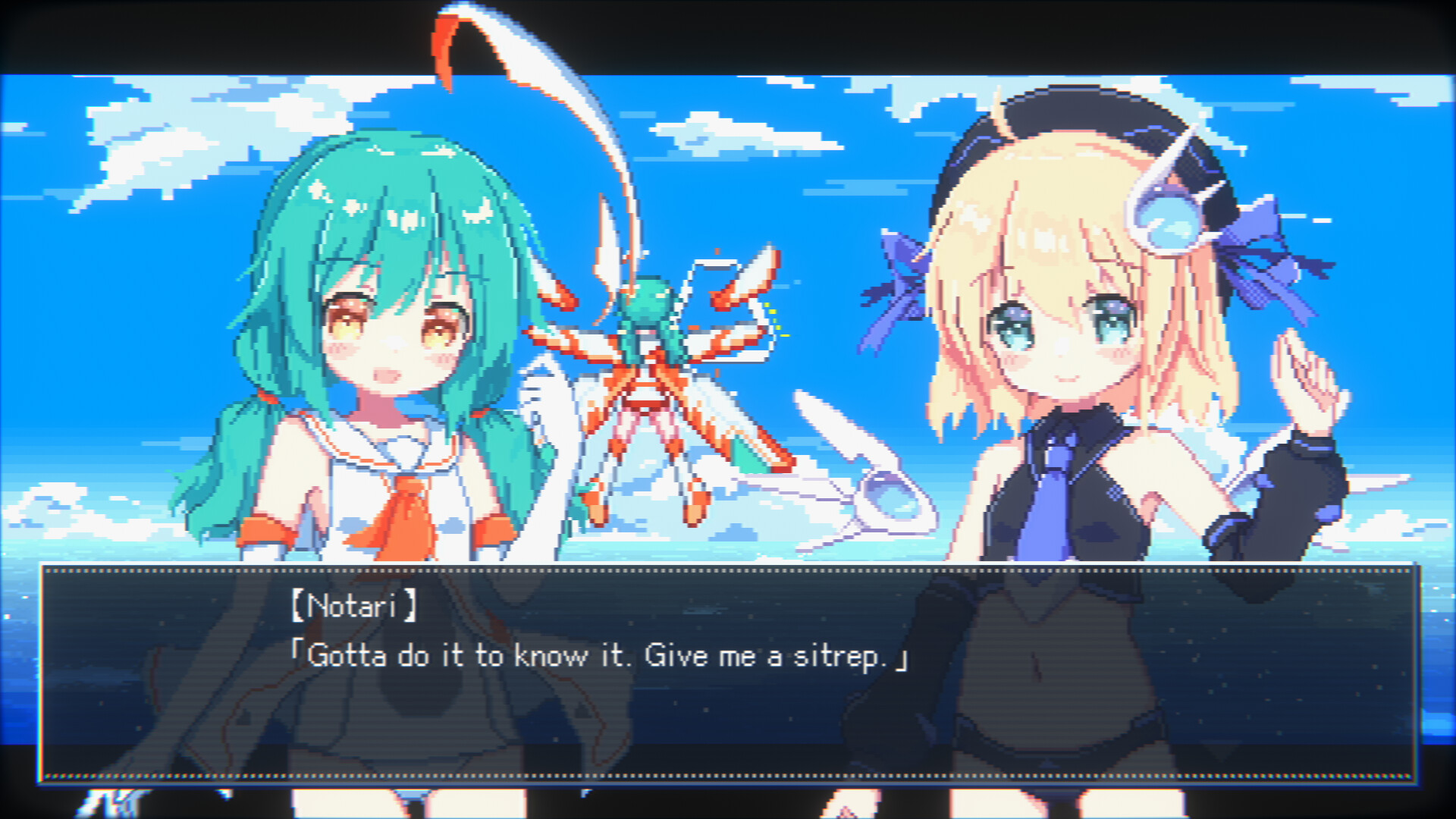
Dialogue and character art appear between combat sequences, revealing personalities: Notari is hot‑tempered and independent, while Miroita is calm and cautious. The Professor, creator of the FEATHERs, is also featured.
- Observe dialogue cues for narrative context before each combat wave.
- Compare Notari’s and Miroita’s traits to anticipate their in‑game motivations.
02 / THE GUIDE
Gameplay Basics
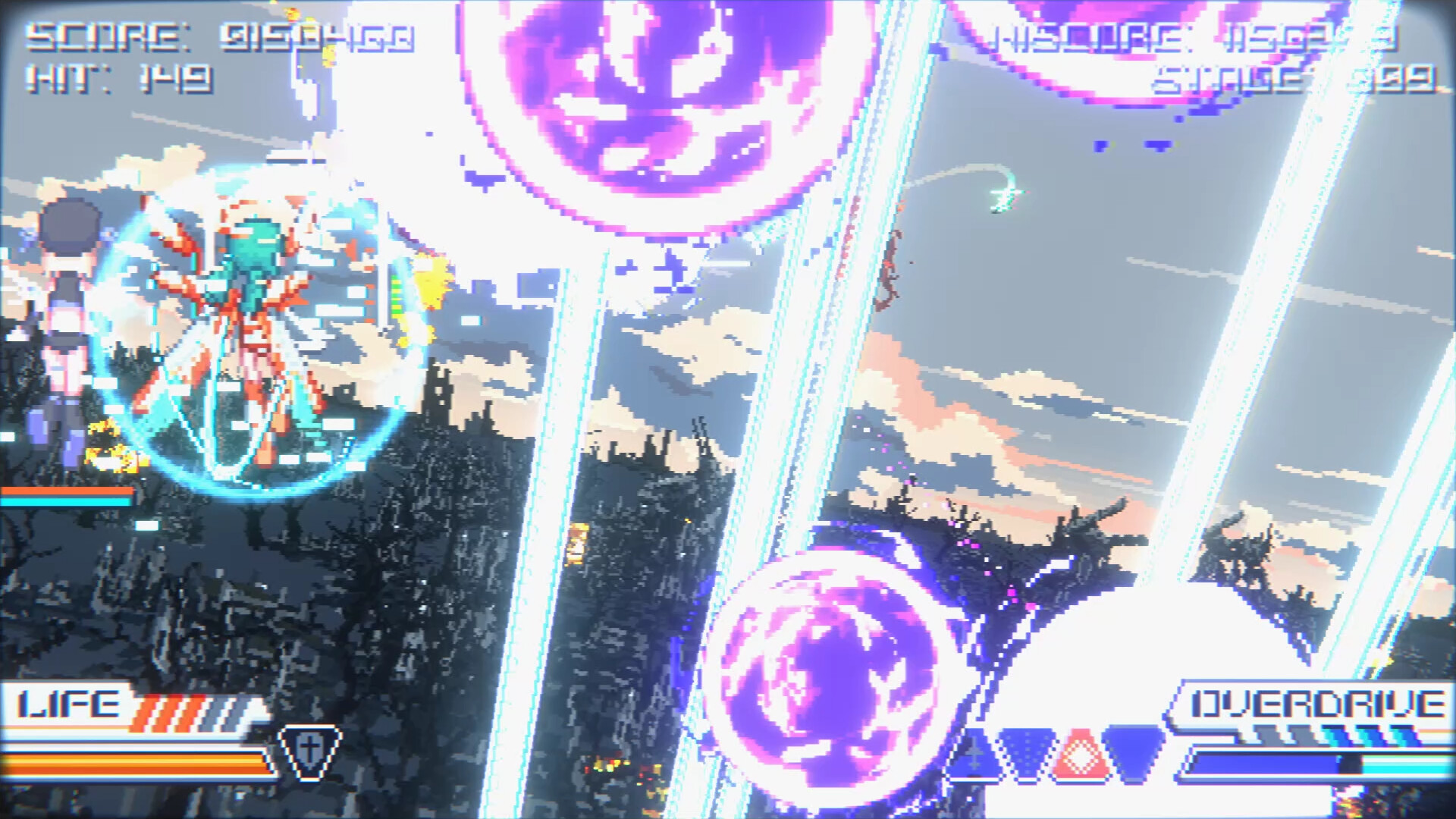
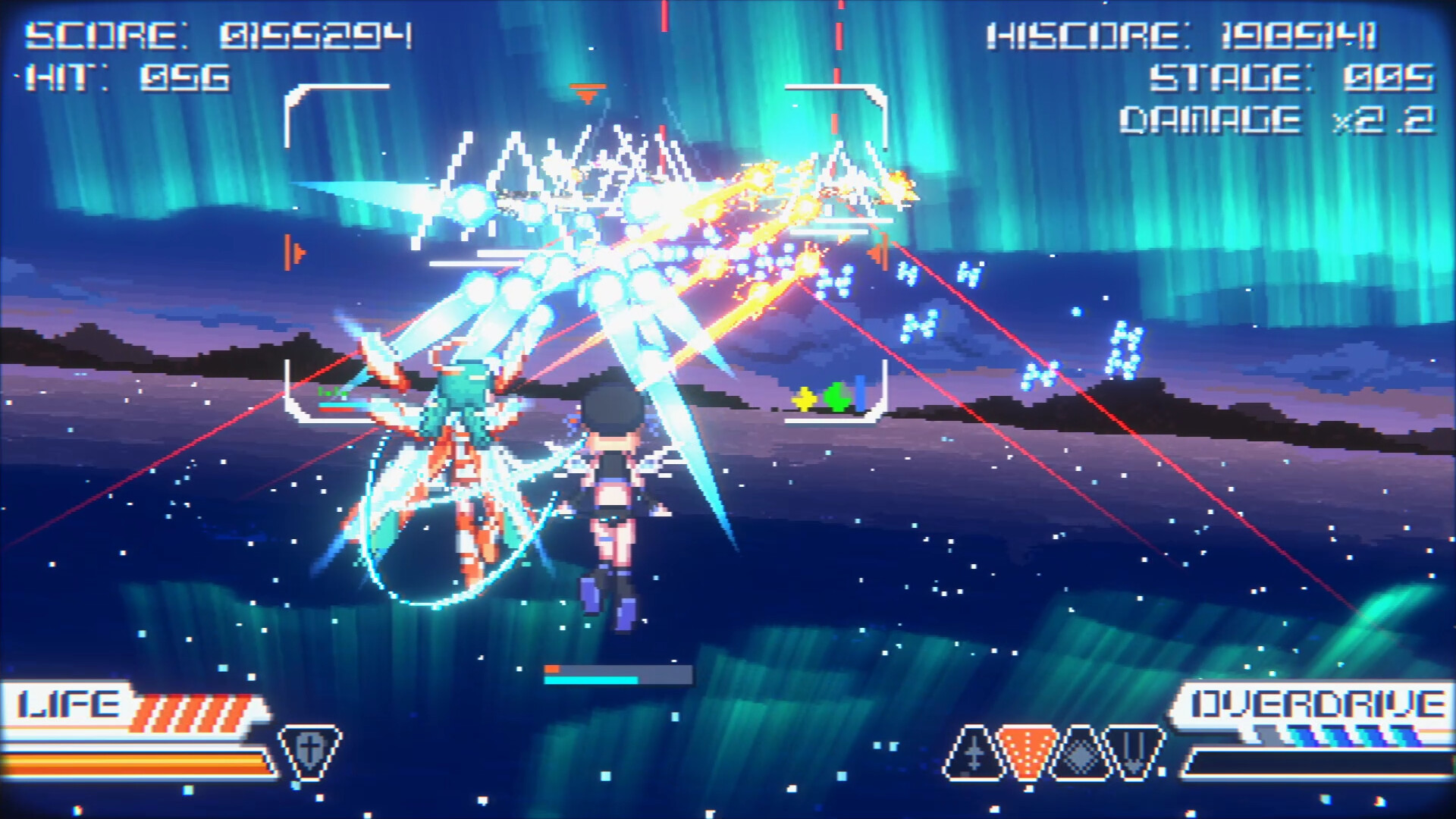
Players control Notari in a rail‑shooter format, destroying endless waves of enemy aircraft. Ammo is unlimited, and the fire control system automatically locks onto targets that cross the crosshair, sending homing attacks.
The game supports both controller and mouse + keyboard inputs, with options to enable mouse settings in the Options menu.
- Keep the crosshair centered to maximize automatic lock‑on efficiency.
- Test both controller and mouse setups to find the most comfortable aiming method.
03 / THE GUIDE
Variable Combat Styles
As the story advances, Luciolla gathers weapon specifications from defeated foes, unlocking new main‑weapon options for Notari. Each weapon offers distinct effects, allowing players to experiment with different playstyles.
Activating Overdrive unleashes a powerful state that buffs all attacks and can destroy everything in sight.
- Try each newly unlocked weapon to see which fits your preferred combat rhythm.
- Use Overdrive strategically when enemy density spikes.
04 / THE GUIDE
Game Modes
Story Mode presents scripted levels with text‑based dialogues and character art, guiding players through the narrative. Endless Mode grants access to the full arsenal and pits players against infinite, randomly spawning enemy waves that grow harder over time.
Both modes share the same core shooting mechanics, but Endless Mode focuses purely on combat endurance.
- Start with Story Mode to learn weapon functions before tackling Endless Mode.
- In Endless Mode, monitor enemy patterns to anticipate difficulty spikes.
05 / THE GUIDE
Support & Comfort Settings
If motion sickness occurs, players can adjust comfort settings in the Options menu. The game also offers custom volume controls, adjustable difficulty, and camera comfort options to tailor the experience.
Full controller support, as well as dedicated Keyboard Only and Mouse Only options, are available for input preference.
- Enable camera comfort settings if the pseudo‑3D view feels disorienting.
- Experiment with difficulty levels to match your skill progression.
COMMUNITY
Player discussion