 GameWiki
GET YOUR BEARINGS
About MIO: Memories in Orbit
MIO: Memories in Orbit is a single‑player metroidvania where you control MIO, a nimble robot awakening aboard the Vessel, a massive drifting ark now overrun by vegetation and rogue machines. The game blends exploration, combat and puzzle‑solving as you seek to revive the Vessel’s lost memories and uncover MIO’s own past.
The world is richly detailed, inspired by comics, paintings and anime, and features a dynamic soundtrack of lo‑fi beats and choral melodies. With full controller support, adjustable difficulty and Steam Cloud, the experience adapts to different play styles while preserving progress across sessions.
01 / THE GUIDE
World & Setting
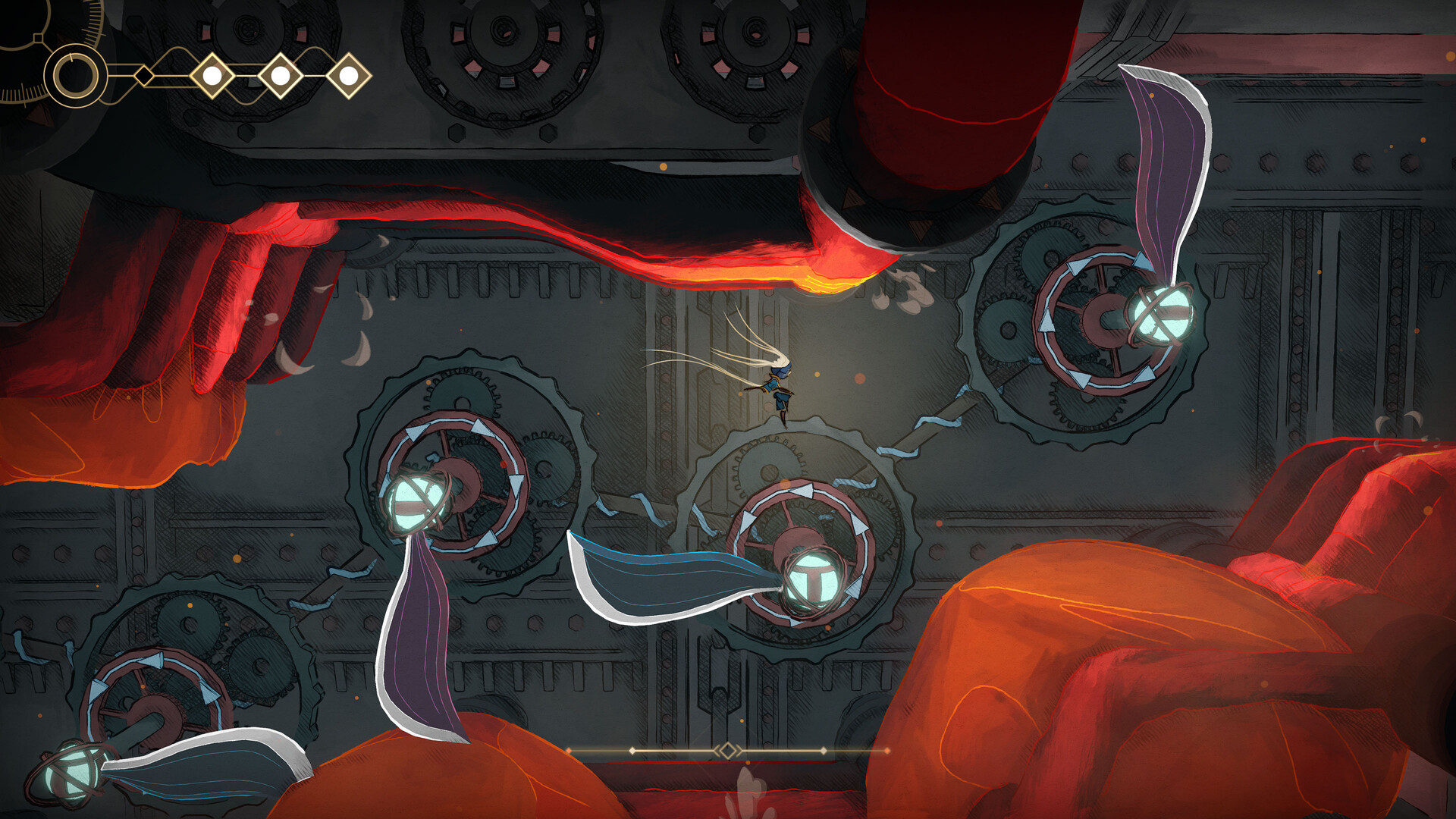
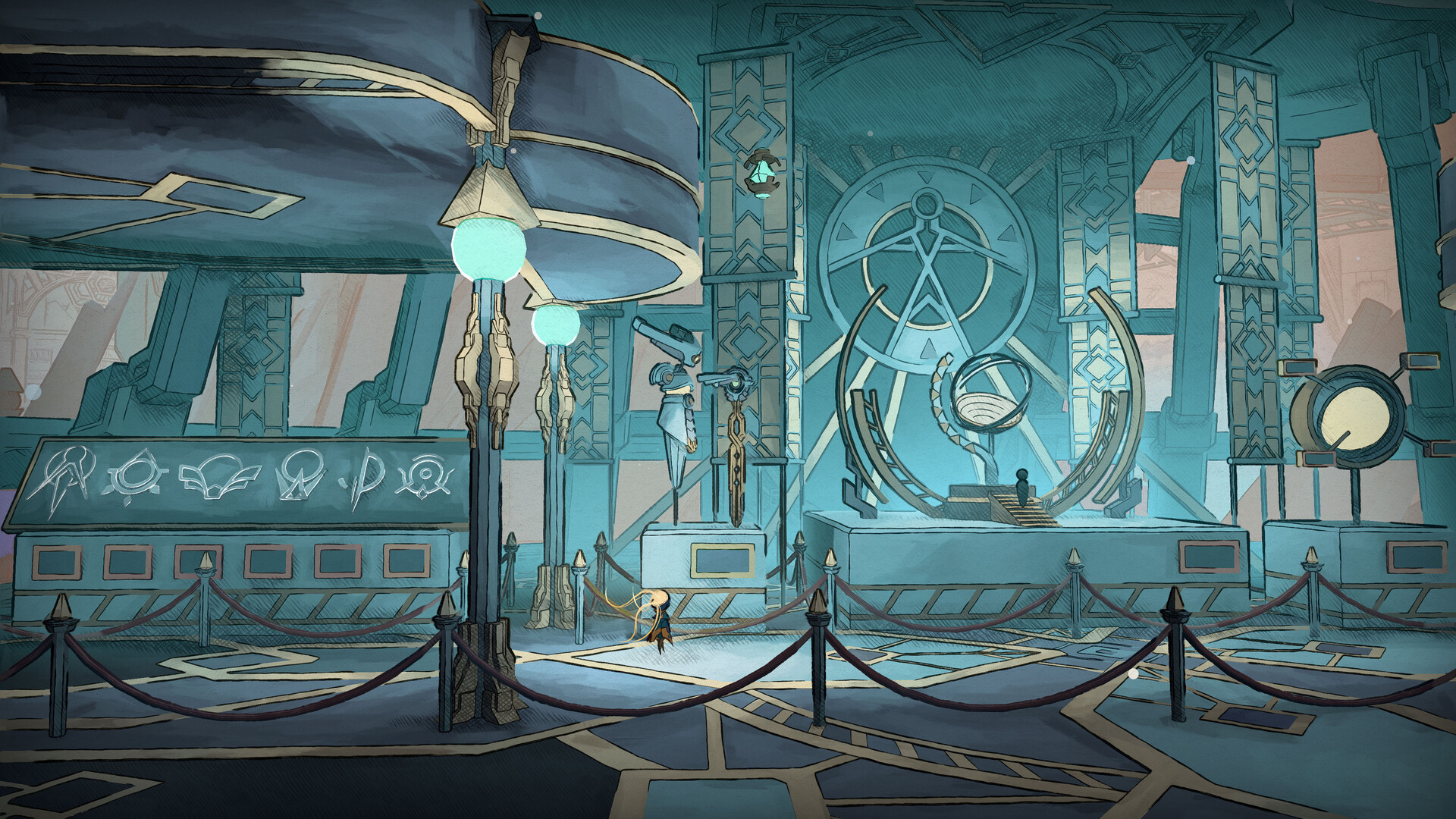
The Vessel is described as an enormous technological ark whose original purpose is unknown, now a field of ruins overgrown with lush vegetation and rogue machines. It functions as a living organism with its own ecosystems, bestiaries and architectures, offering a labyrinthine environment to explore.
Players navigate this interconnected space, interacting with the environment to learn about the Vessel’s past and uncover secret pathways. The setting’s artistic influences create a mesmerizing backdrop for the adventure.
- Observe environmental details; they often hint at hidden routes.
- Compare different architectural styles to gauge the Vessel’s history.
02 / THE GUIDE
Abilities & Upgrades
MIO can acquire game‑changing abilities such as a grappling hook, air gliding, and spider‑like wall clinging, which are essential for progression. These abilities can be customized; for example, the grappling hook may become a lasso or an evasion move, and the shield can be sacrificed for damage.
Scavenging enemy components allows further enhancement and customization of MIO’s powers, letting players tailor combat to their preferred style.
- Experiment with ability modifiers to find a setup that matches your playstyle.
- Balance defensive and offensive upgrades for tougher encounters.

03 / THE GUIDE
Enemies & Bosses
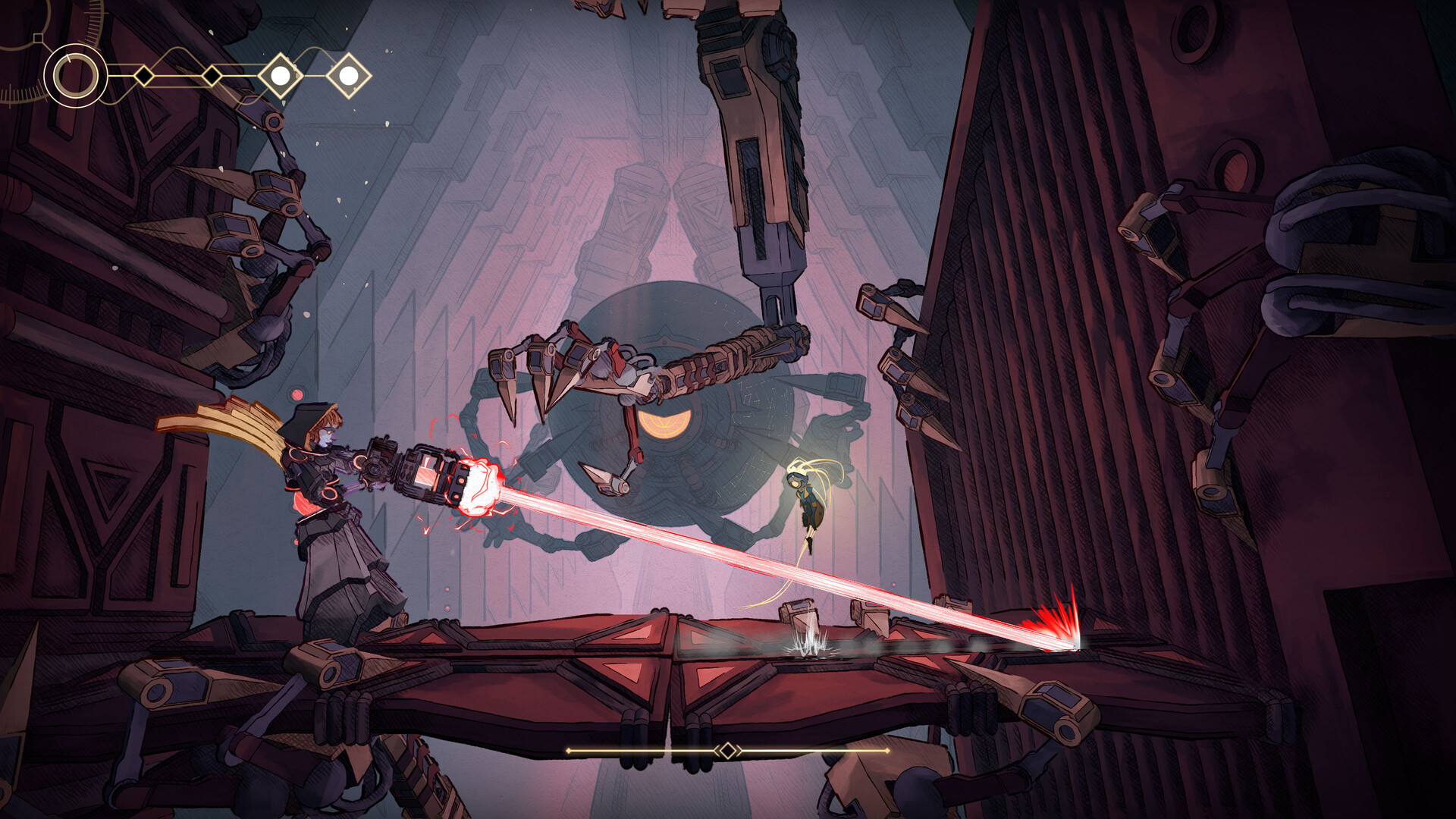
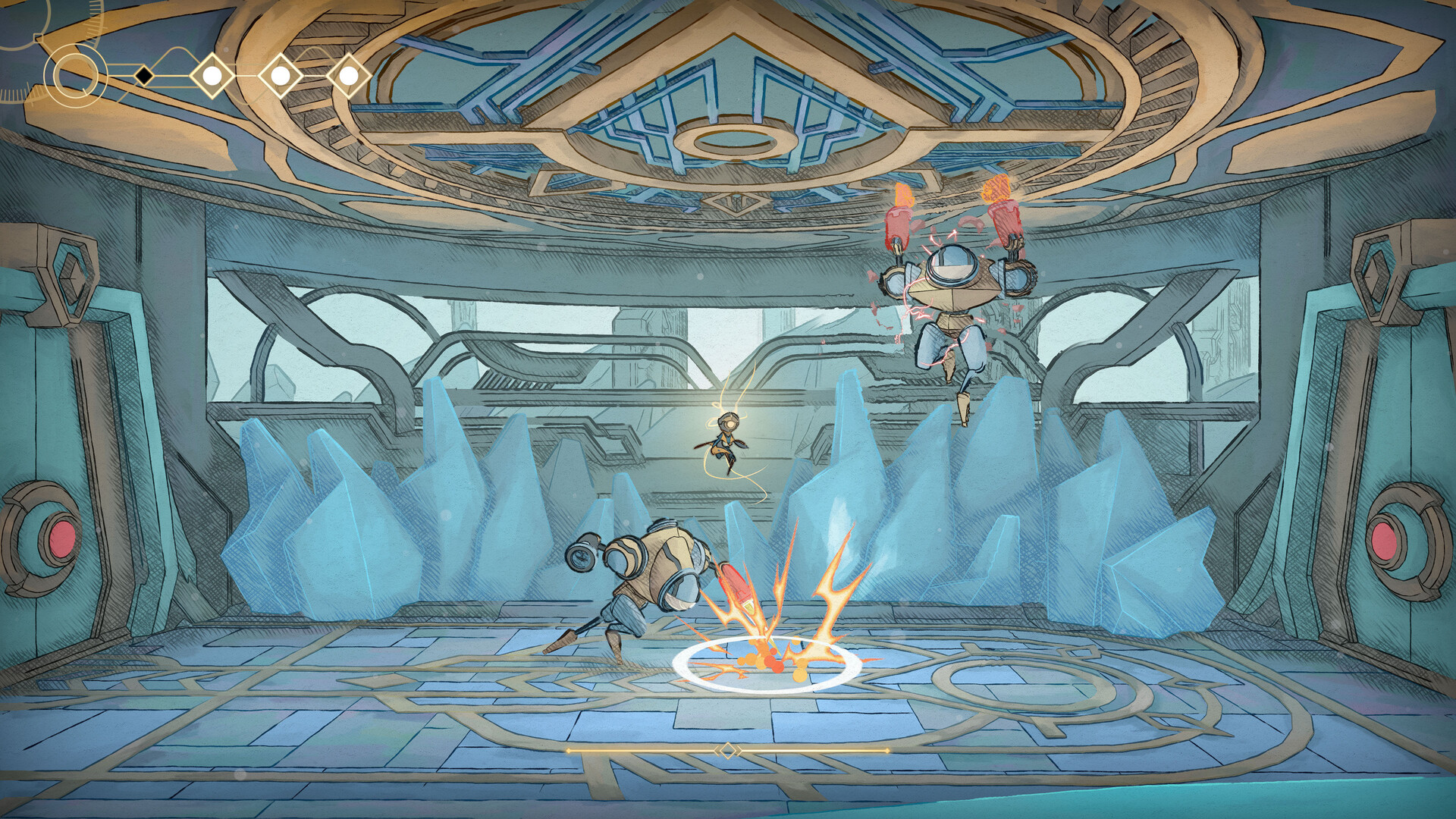
The Vessel hosts over 30 enemy units and 15 guardian bosses, each with distinct fighting styles and movement patterns. Examples include the relentless Mosquito and the menacing Scarecrow, providing varied combat challenges throughout the game.
Combat relies on precision, rhythm and timing, encouraging players to master evasion with the Hook, projectile orbs, and decoy clones to counter enemy attacks.
- Study each enemy’s pattern before engaging to plan effective counters.
- Use decoy clones to distract bosses and create openings.
04 / THE GUIDE
Exploration & Secrets
Repairing damaged robots grants bonuses and reveals more of the Vessel’s history, encouraging thorough exploration. Secret pathways are scattered throughout, rewarding curiosity with additional lore and gameplay advantages.
The game’s design emphasizes flow; mastering movement abilities helps uncover hidden areas that deepen the narrative and provide optional challenges.
- Take time to explore side corridors; they often hide robot repair stations.
- Use wall‑clinging and gliding to reach elevated secret zones.
05 / THE GUIDE
Audio & Atmosphere
A dynamic soundtrack blends lo‑fi beats with choral melodies, reinforcing the game’s captivating universe. The audio adapts to exploration and combat, enhancing immersion as players traverse the Vessel’s breathtaking scenery.
Stereo sound and customizable volume controls let players fine‑tune the auditory experience, ensuring the music complements both quiet discovery and intense battles.
- Adjust volume levels to highlight ambient cues during exploration.
- Listen for musical shifts that may signal hidden areas.
COMMUNITY
Player discussion