 GameWiki

GET YOUR BEARINGS
About Mini Motorways
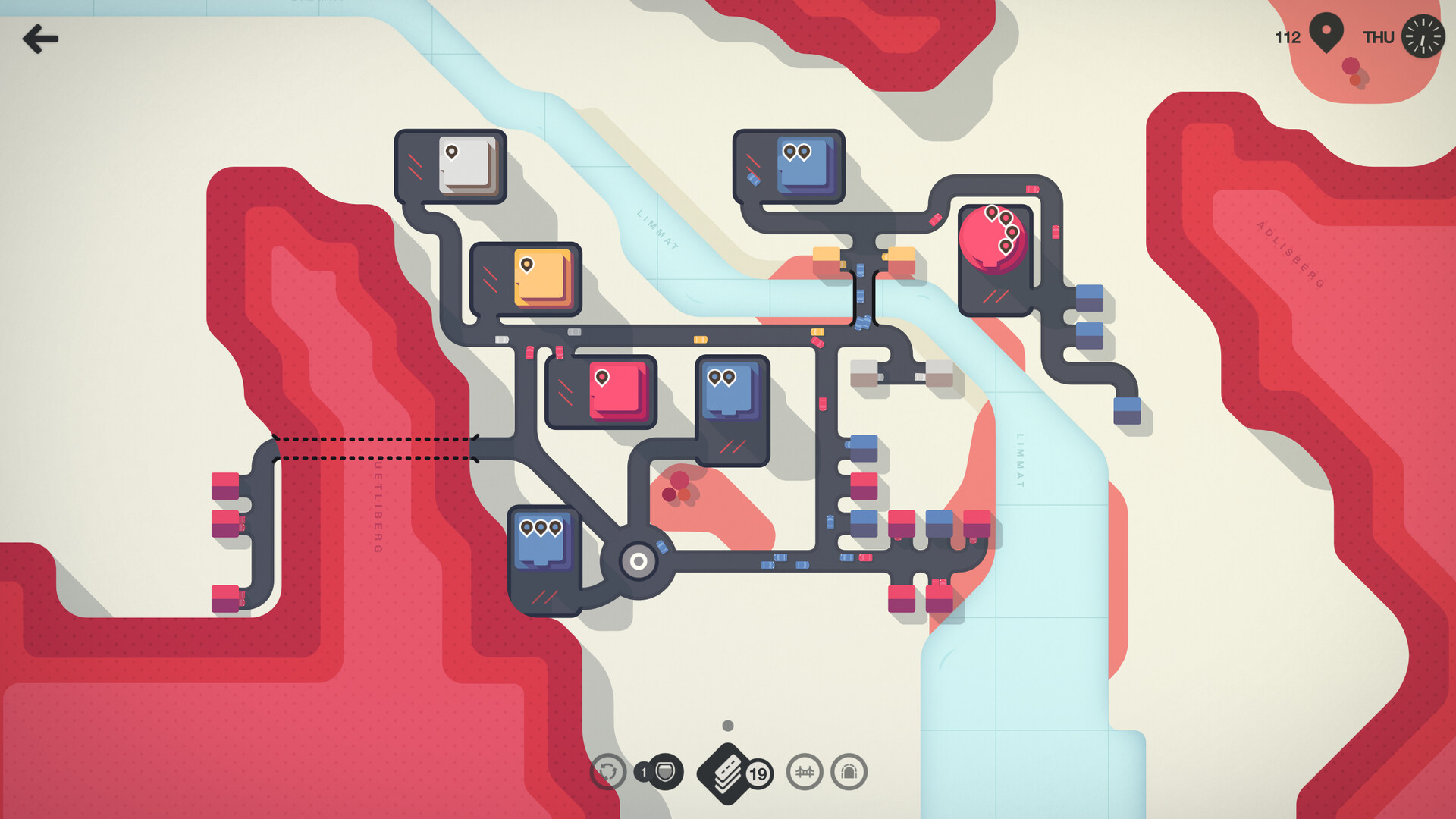
Mini Motorways puts you in charge of a growing city’s traffic by letting you draw roads one at a time. Each map expands dynamically, so you must keep adding routes and upgrades to prevent congestion as demand rises.
The game includes Creative, Endless and Expert modes, colour‑blind and night palettes, a responsive Disasterpeace soundtrack, and Steam integration for achievements, leaderboards, and GIF export. All of these elements combine into a casual‑strategy experience that scales with your ambition.
01 / THE GUIDE
Core Gameplay
You connect points of interest with individual road segments, watching traffic flow visualise on the map. When a segment becomes overloaded, vehicles queue, signalling that a new connection or upgrade is needed.
Upgrades such as highways and roundabouts become available as the city expands. Placing them at strategic choke points helps maintain smooth flow and prevents the city from stalling.
- Start with short, direct links to see early traffic patterns.
- Add an upgrade before a segment shows a long queue.
02 / THE GUIDE
Game Modes
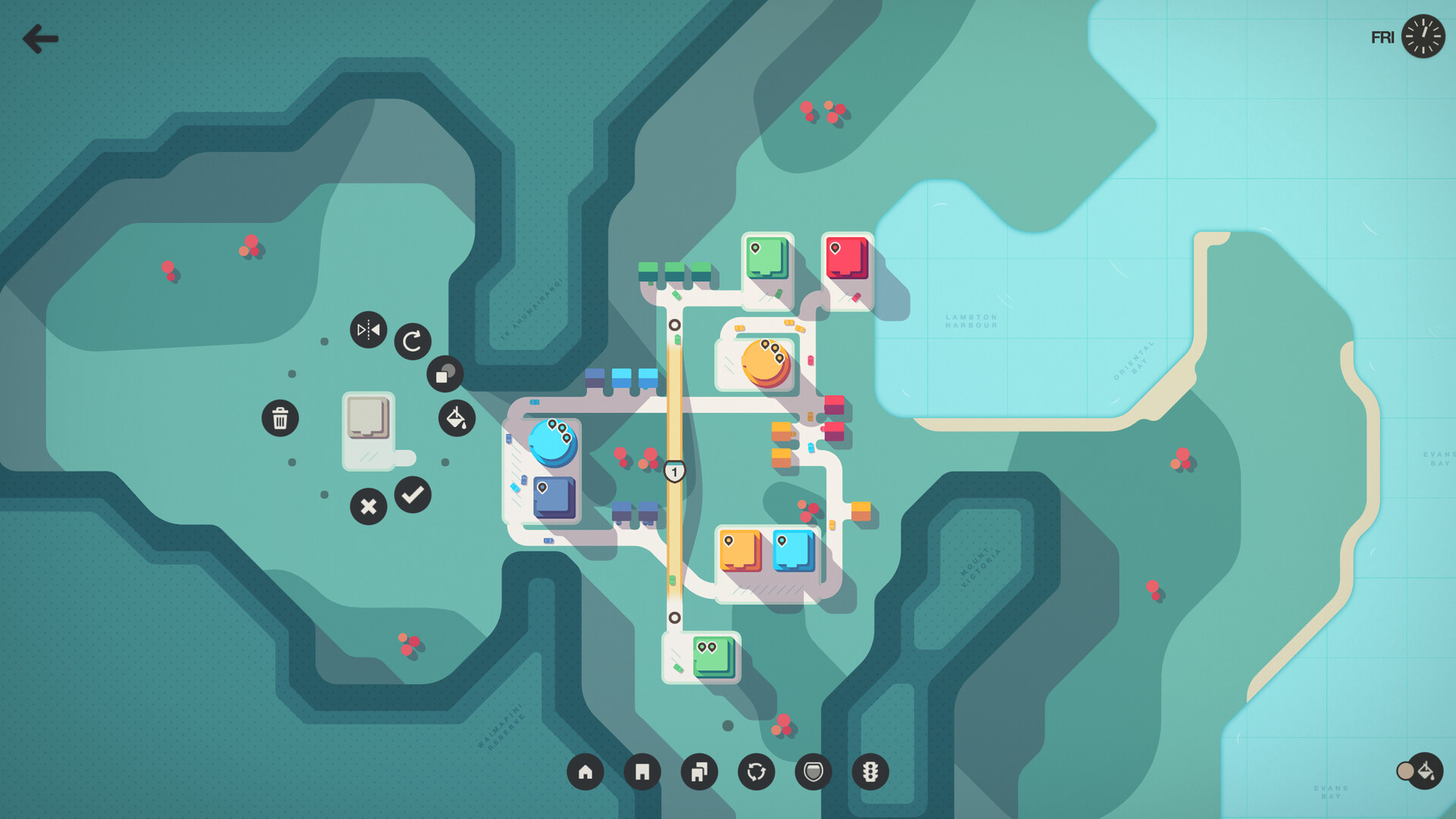
Creative Mode removes limits, giving you unlimited upgrades and editing tools so you can design any layout without restriction. It is ideal for experimenting with complex road systems.
Endless Mode continues after Game Over for a relaxed experience, while Expert Mode adds permanent roads and limited upgrades, creating a stricter challenge that tests resource management.
- Use Creative Mode to trial roundabout placements before committing.
- Conserve upgrades in Expert Mode for later traffic spikes.
03 / THE GUIDE
Maps and Visuals
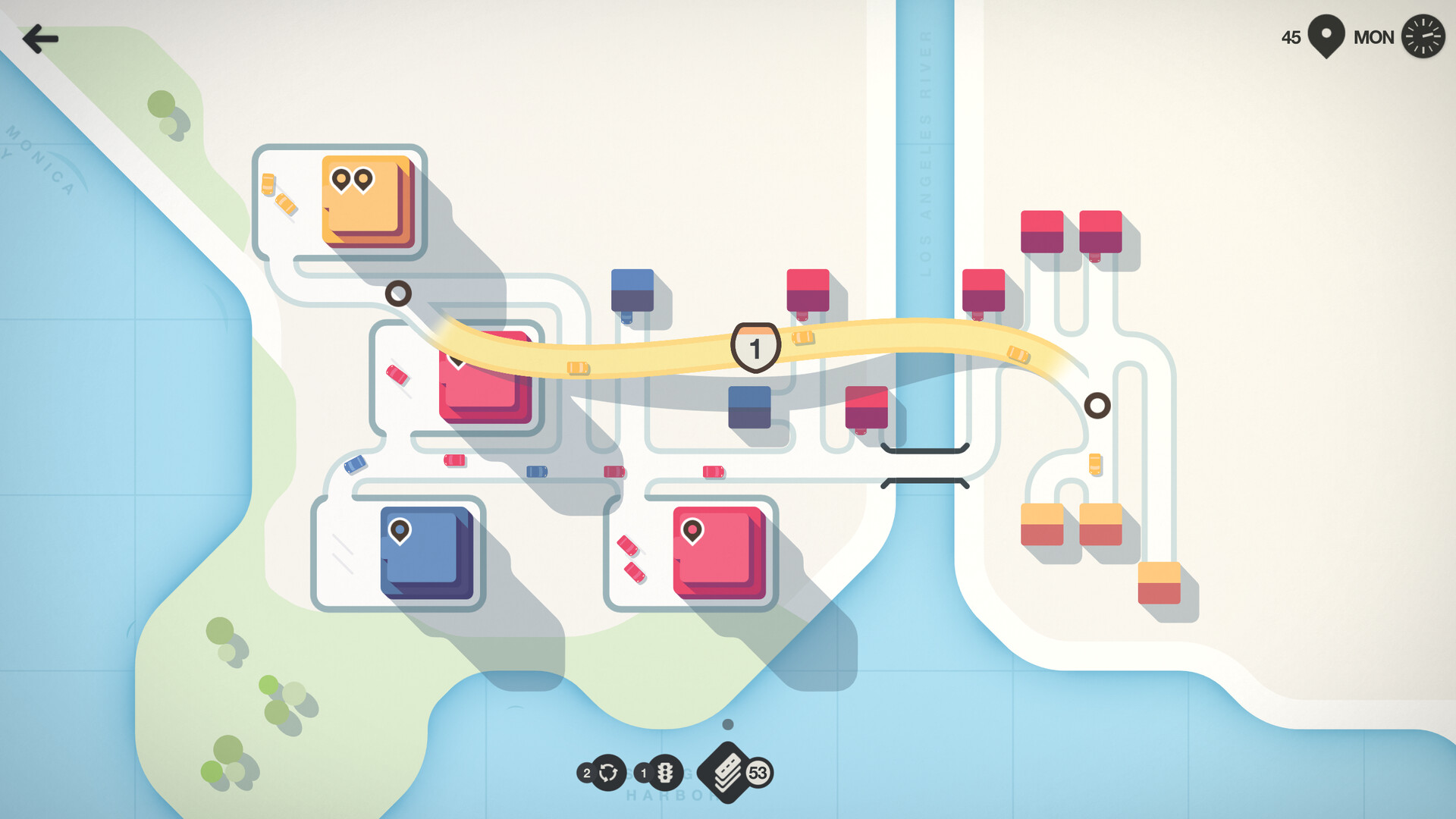
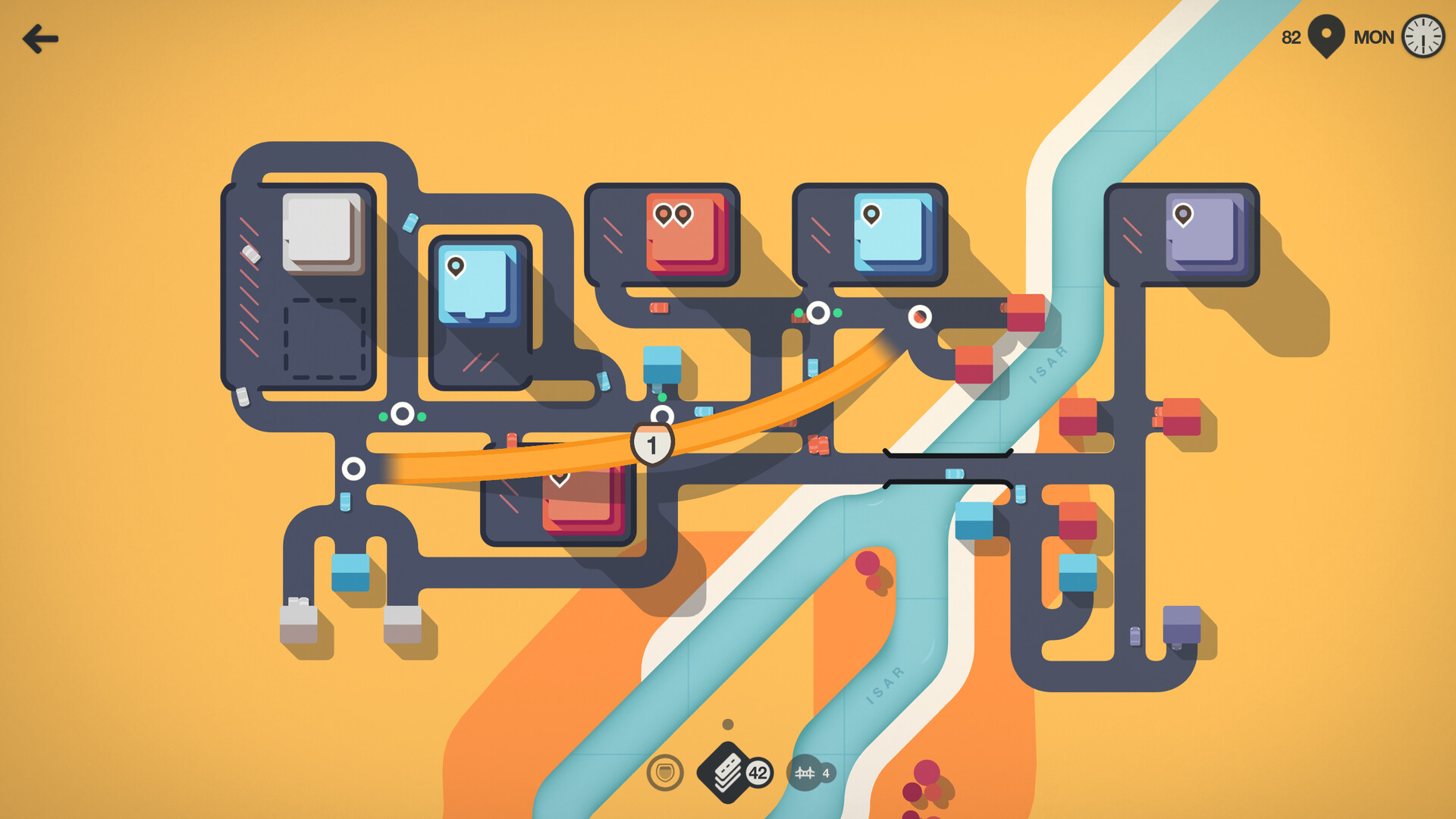
Each map is inspired by a real‑world city and comes with its own colour palette. The visual style stays consistent across all gameplay modes, providing clear traffic lines.
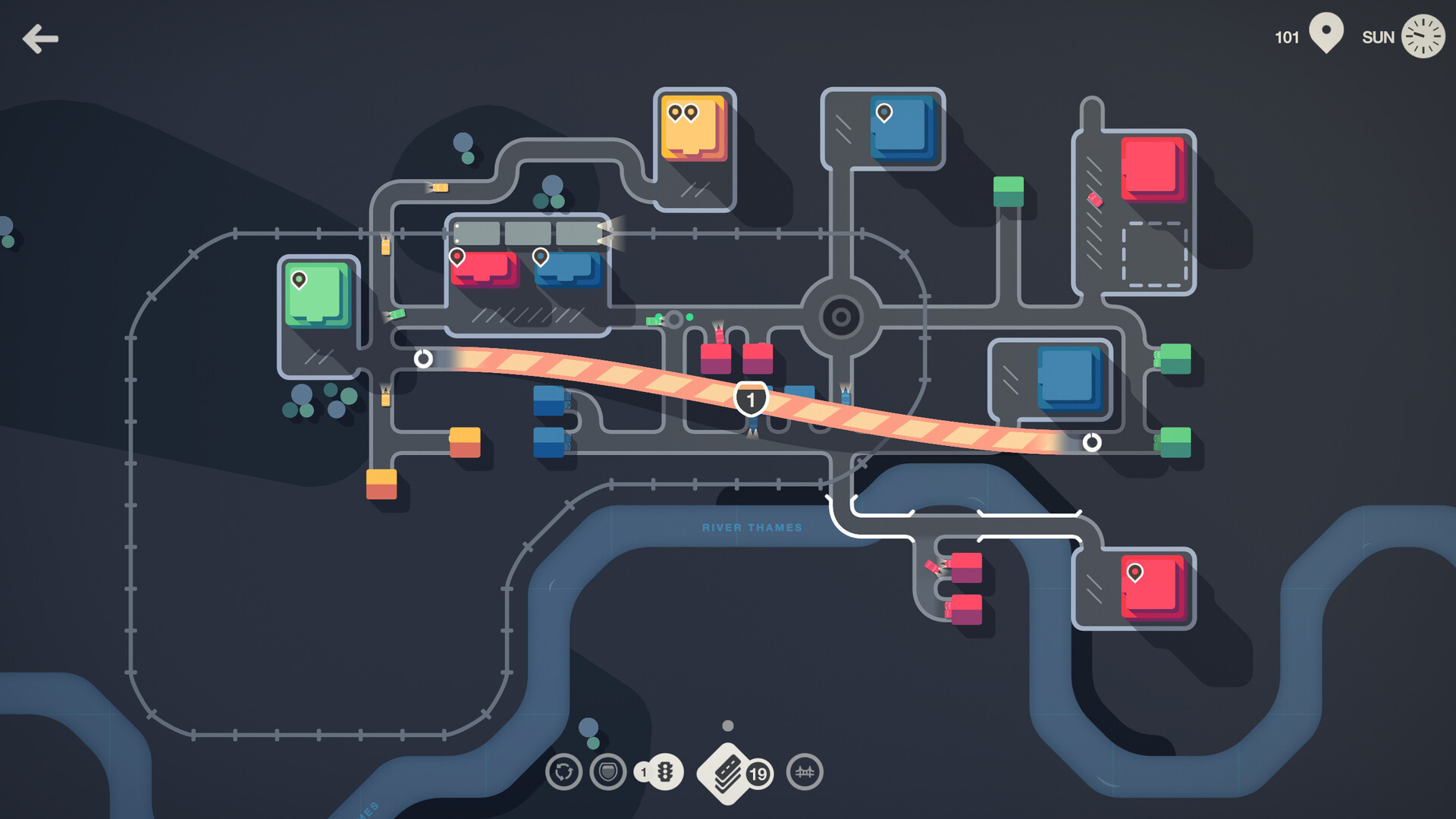
You can switch to Colourblind or Night palettes to improve contrast or reduce eye strain, ensuring the traffic flow remains readable under any lighting preference.
- Try Night Mode for long sessions to ease eye fatigue.
- Select a Colourblind palette if you need higher contrast.
04 / THE GUIDE
Upgrades System
Upgrades include highways, roundabouts and other tools that appear as the city grows. Each upgrade addresses a specific traffic problem, such as high‑volume corridors or intersecting flows.
In modes with limited upgrades, choosing the right tool at the right moment becomes a strategic decision, influencing how long your city can stay functional.
- Place highways on routes that consistently show heavy traffic.
- Introduce roundabouts before an intersection becomes a bottleneck.
05 / THE GUIDE
Community Features
Daily and Weekly Challenges let you compete against other players, while Steam Achievements and Leaderboards track your progress and rank. These features add a competitive layer to the otherwise solo experience.
The game also lets you export GIFs of your city layouts, making it easy to share designs with friends or the broader community.
- Enter Weekly Challenges to test new routing ideas.
- Export a GIF after a successful layout to showcase your work.
COMMUNITY
Player discussion