 GameWiki

GET YOUR BEARINGS
About Mini Metro
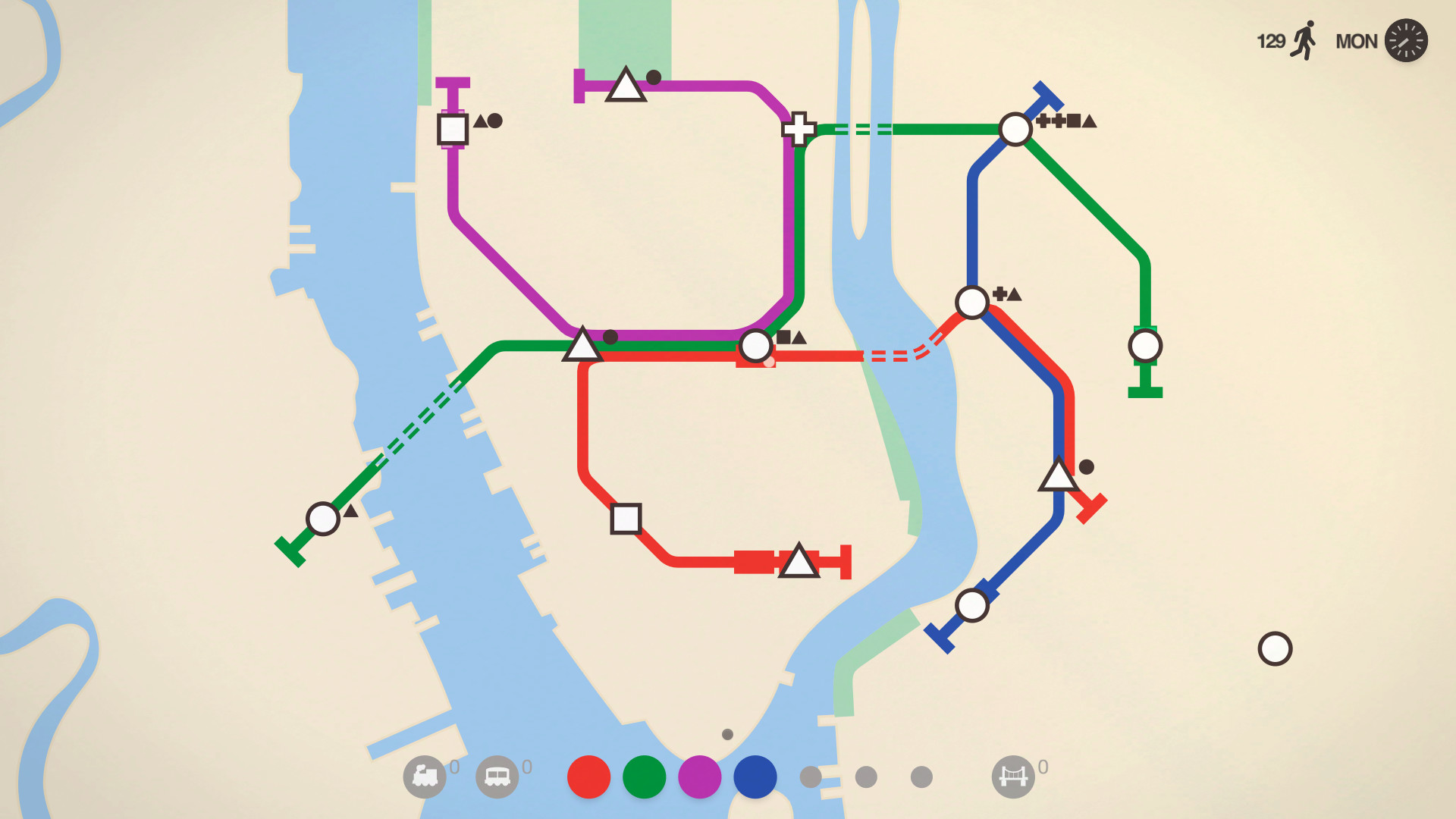
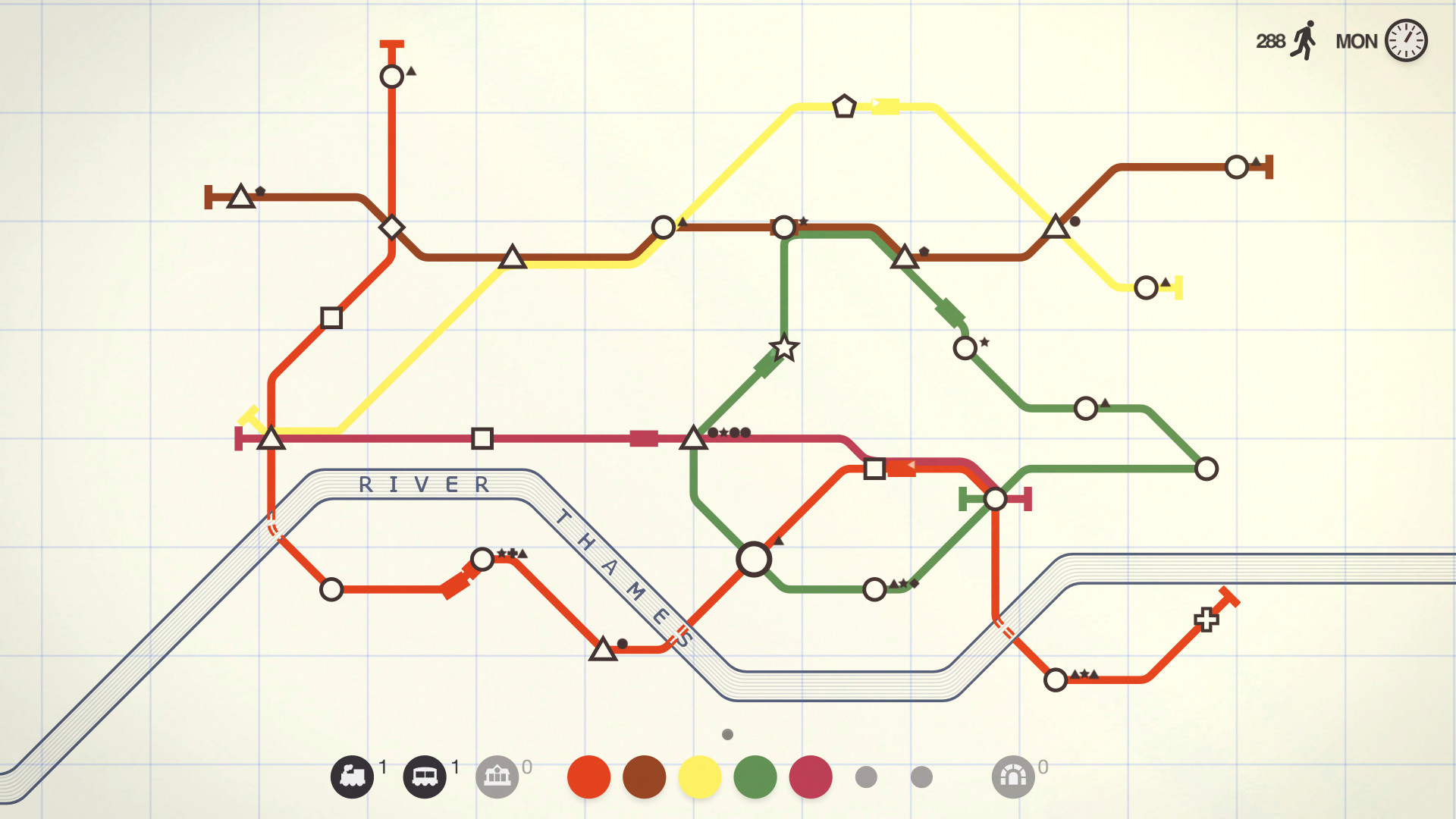
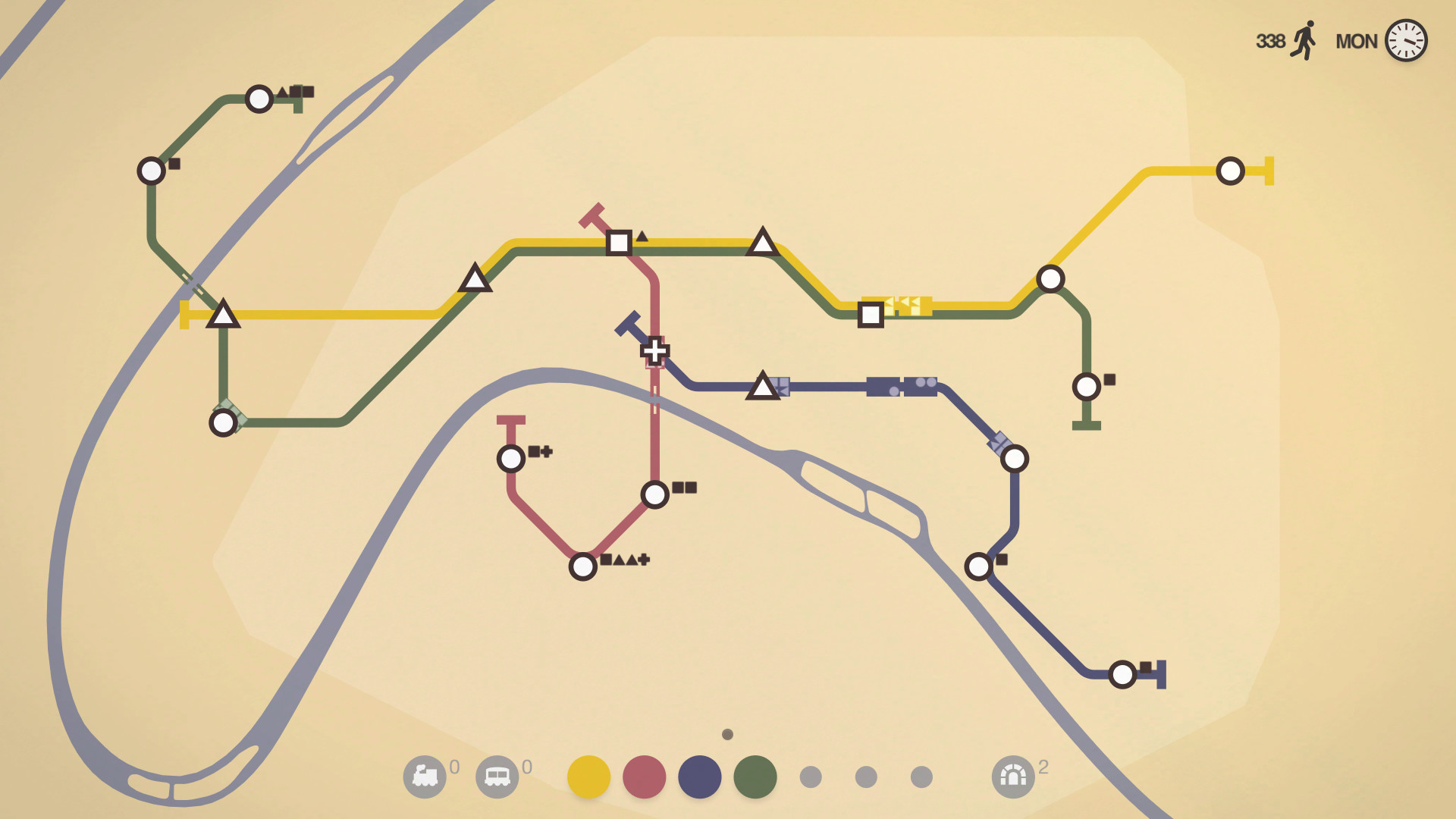
Mini Metro puts you in charge of a subway system for a city that begins with three stations. You draw lines to connect stations, moving commuters along routes that have limited platform space. As the game progresses, new stations appear and commuters arrive more quickly, so you must continually adjust your lines to keep traffic flowing. The title offers three core modes—Normal, Endless and Extreme—each changing how the city expands and how you are scored, plus a Creative mode that removes time limits and lets you design any layout you like. Over two dozen real‑world cities, such as London, Paris, New York City, Osaka, Saint Peterburg, São Paulo, Istanbul and Auckland, provide unique colour themes, obstacles and growth speeds, meaning a strategy that works in one map may need to change for the next. The visual style follows Harry Beck’s abstract subway maps, and a responsive soundtrack composed by Disasterpeace reacts to train activity. Accessibility options include colour‑blind and night modes. Steam integration adds achievements, trading cards, cloud saves, leaderboards, remote play on phones and tablets, Family Sharing, and a Workshop full of player‑created maps that can be saved, shared or used as desktop backgrounds. The combination of simple drawing mechanics, evolving city growth, and adaptive audio‑visual feedback creates a loop that can feel both relaxing and strategically demanding.
01 / THE GUIDE
Game Modes
Mini Metro includes three primary modes: Normal for quick scored runs, Endless for a sandbox experience that still tracks performance, and Extreme for a heightened challenge. Each mode changes how the city expands and how you are scored, giving distinct ways to test your design skills.
Creative mode lets you build any subway layout you desire without the usual time pressure, allowing unrestricted experimentation.
- Try Endless first to become familiar with station capacities before tackling Extreme.
- Use Creative mode to test line shapes without worrying about a countdown.
02 / THE GUIDE
City Variation
The game features many real‑world cities, each with its own colour theme, obstacles and growth pace. This variety means strategies must adapt to each map’s unique conditions.
City growth is random, so no two playthroughs are identical, keeping the design challenge fresh.
- Observe each city’s obstacle layout early to plan efficient routes.
- Adjust line lengths as the city’s growth speed changes.
03 / THE GUIDE
Creative Tools
Creative mode removes scoring pressure and time limits, allowing you to build any subway layout you desire. This sandbox is ideal for testing complex designs or simply enjoying the abstract aesthetic.
Your creations can be saved, shared, or used as desktop backgrounds, showcasing the artistic side of the game.
- Save interesting designs to revisit later or share with friends.
- Experiment with unconventional line shapes to discover efficient routes.
04 / THE GUIDE
Audio & Visual Design
Mini Metro’s interface is clean and abstract, inspired by Harry Beck’s subway maps. A dynamic soundtrack, composed by Disasterpeace, reacts to the flow of trains, enhancing immersion.
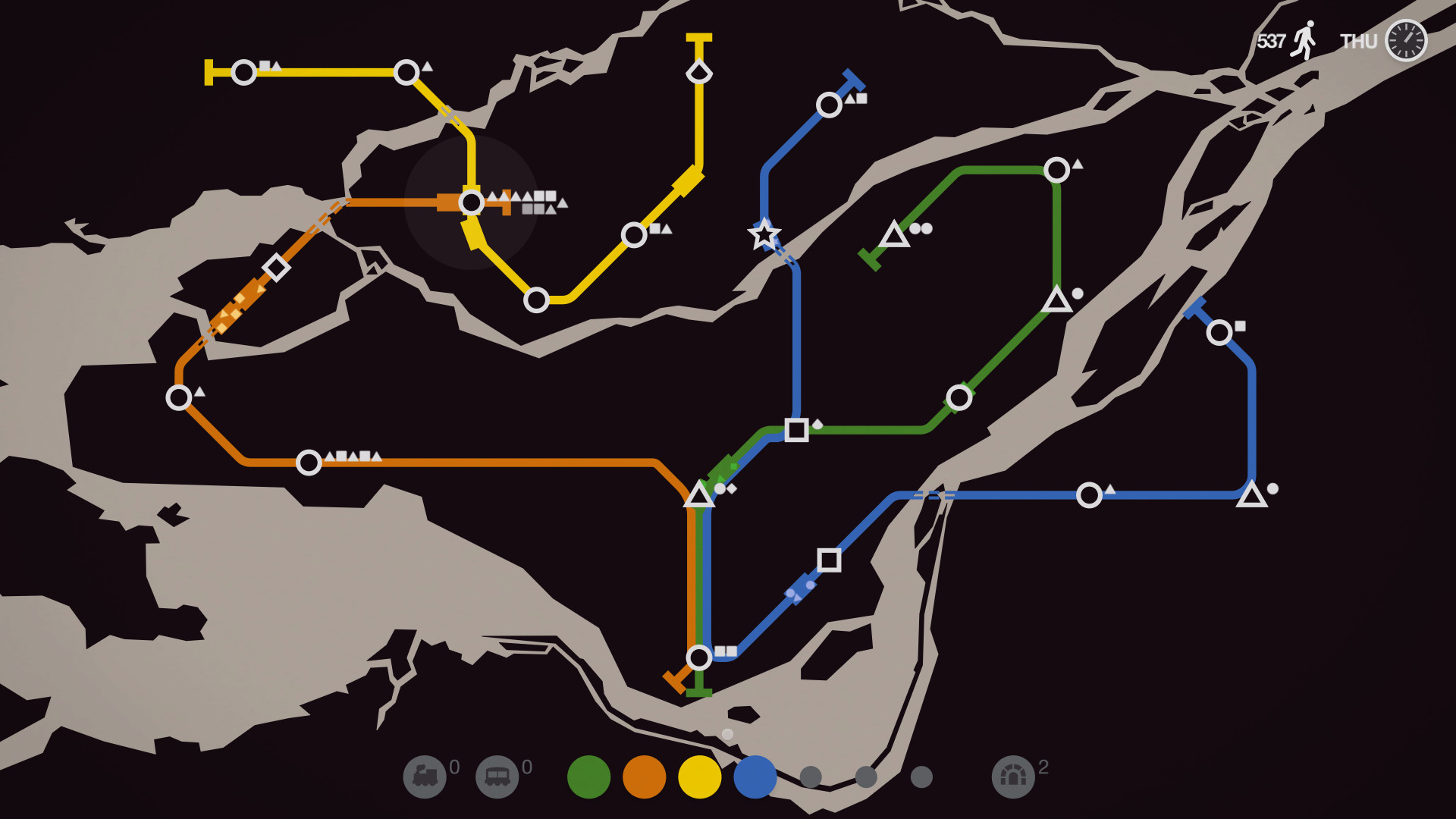
Color‑blind and night modes ensure accessibility and comfort during extended sessions.
- Enable night mode for reduced eye strain in low‑light environments.
- Use colour‑blind mode if you have difficulty distinguishing station colours.
05 / THE GUIDE
Steam Integration
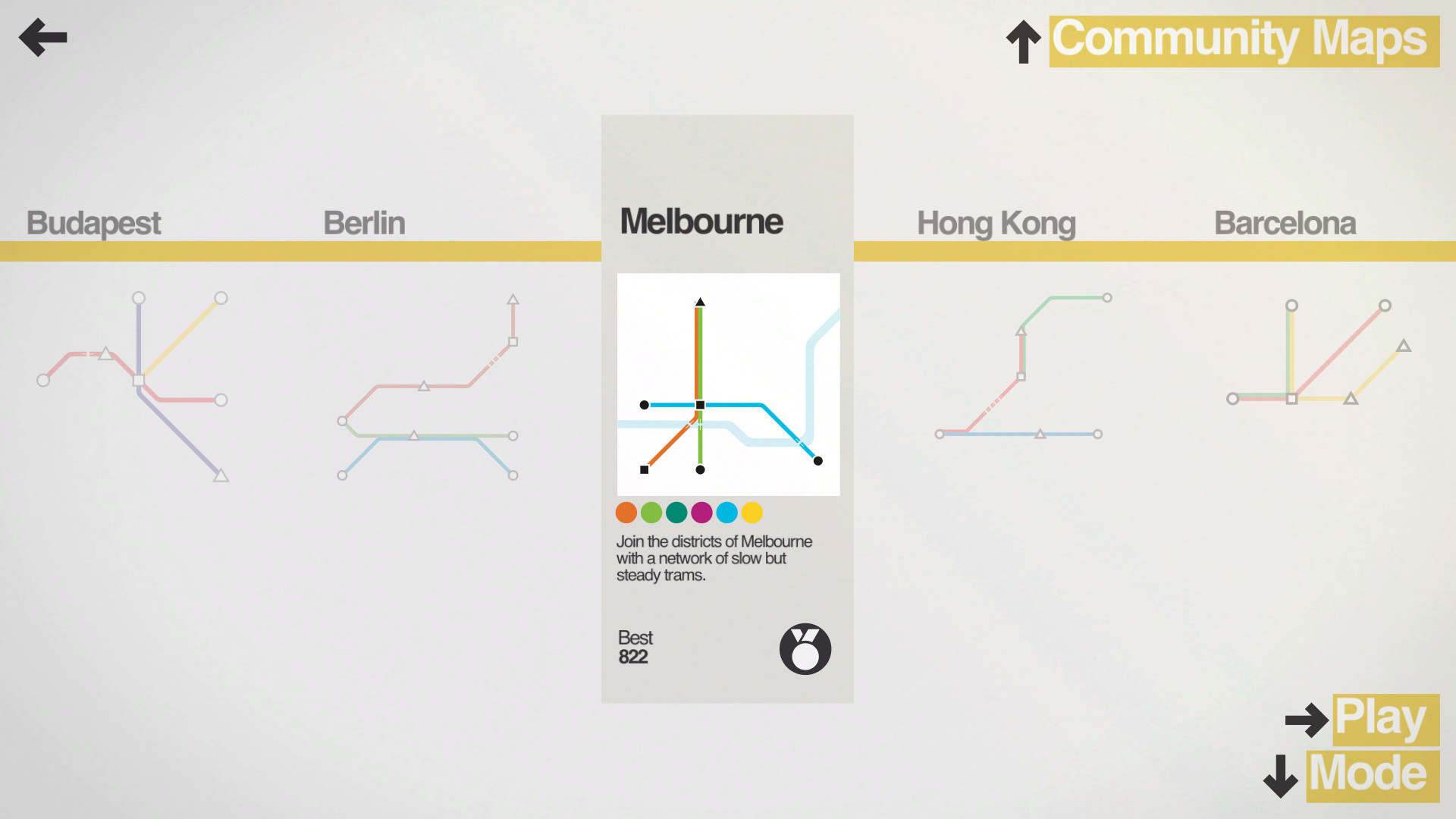
Mini Metro supports Steam achievements, trading cards, cloud saves, leaderboards, remote play on phones and tablets, and Family Sharing. The Steam Workshop offers a vast library of player‑created maps that can be explored and saved.
These features extend replayability and let players compare performance with others.
- Browse the Workshop for fresh map challenges.
- Compete on leaderboards to gauge your efficiency against others.
COMMUNITY
Player discussion